
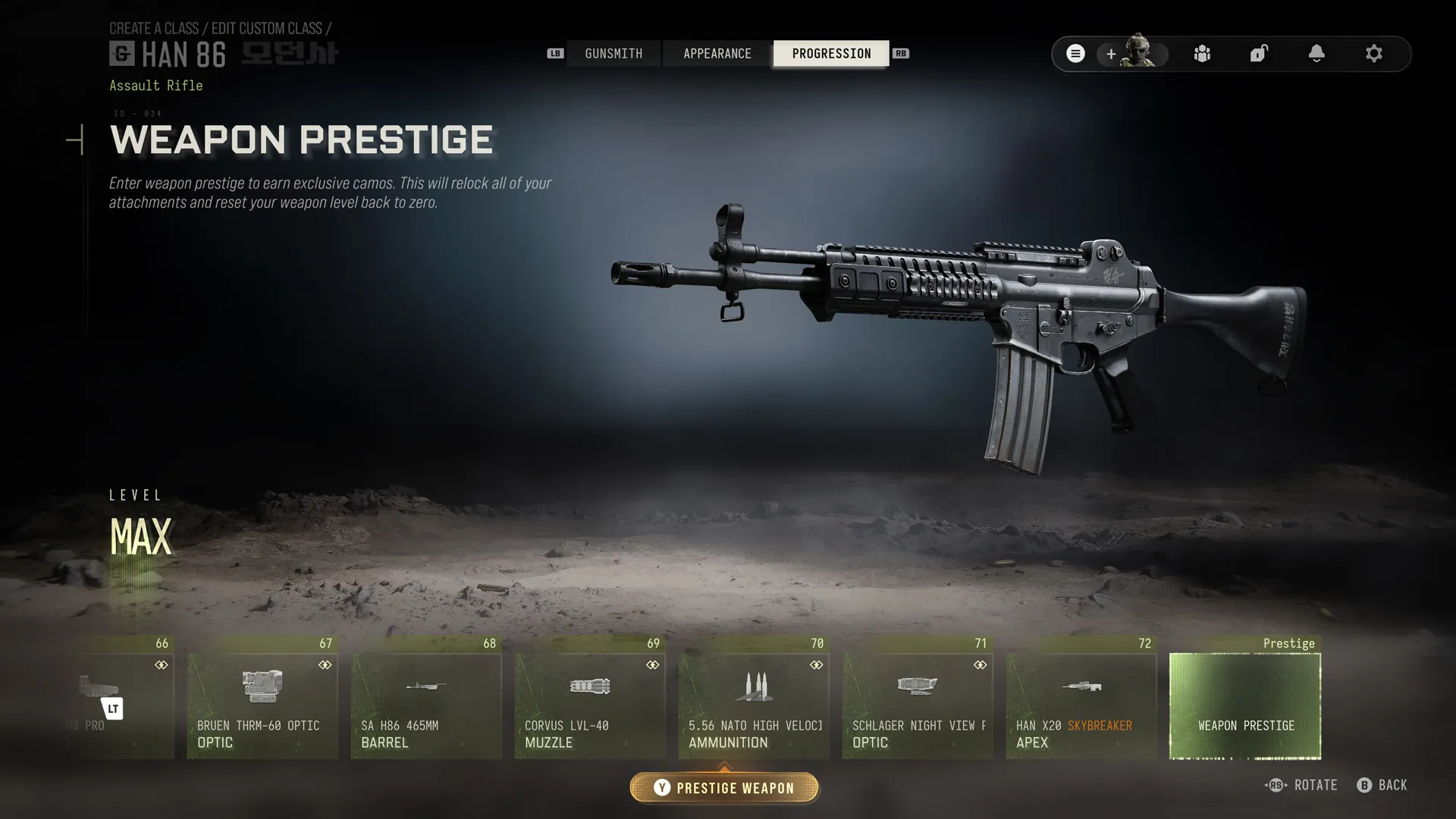
Weapon Prestige
An optional weapon level reset with retained cosmetics and separate mastery rewards.
How Weapon Prestige works
- At a weapon’s maximum level, optionally enter Weapon Prestige 1 and reset that weapon to level 1.
- Attachments relock, except Apex and Weapon Blueprint Attachments. Shared attachments remain available on other weapons.
- Keep Blueprints, Camos, Reticles, Accessories, Decals and Stickers.
- Reach maximum weapon level again to enter Weapon Prestige Master automatically, without a second reset.
- This is separate from DMZ Operator Prestige and player/account Prestige. No cash or resource payment is specified.
Weapon Prestige camo rewards
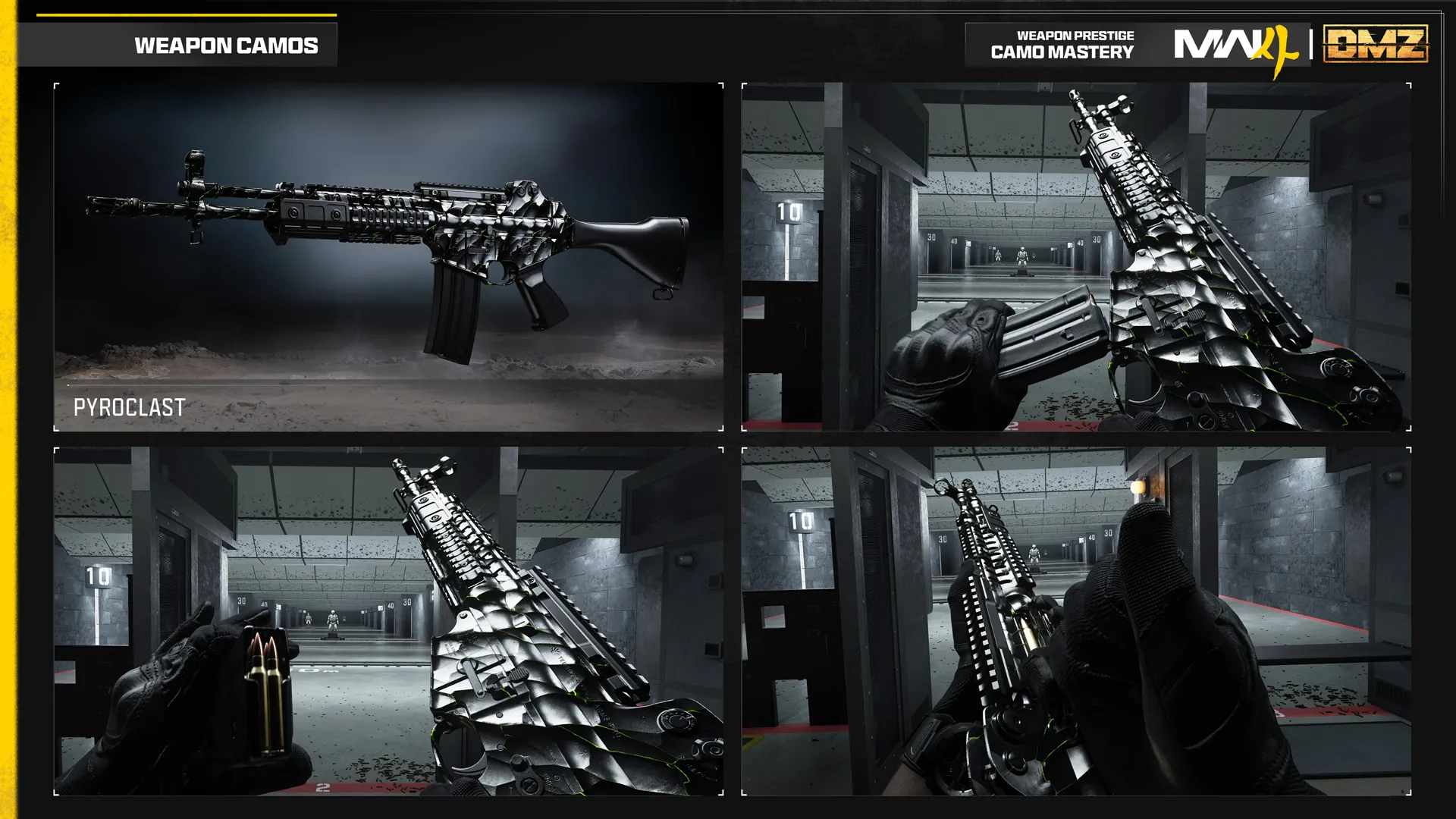
- Pyroclast
- Weapon Prestige1 Level1
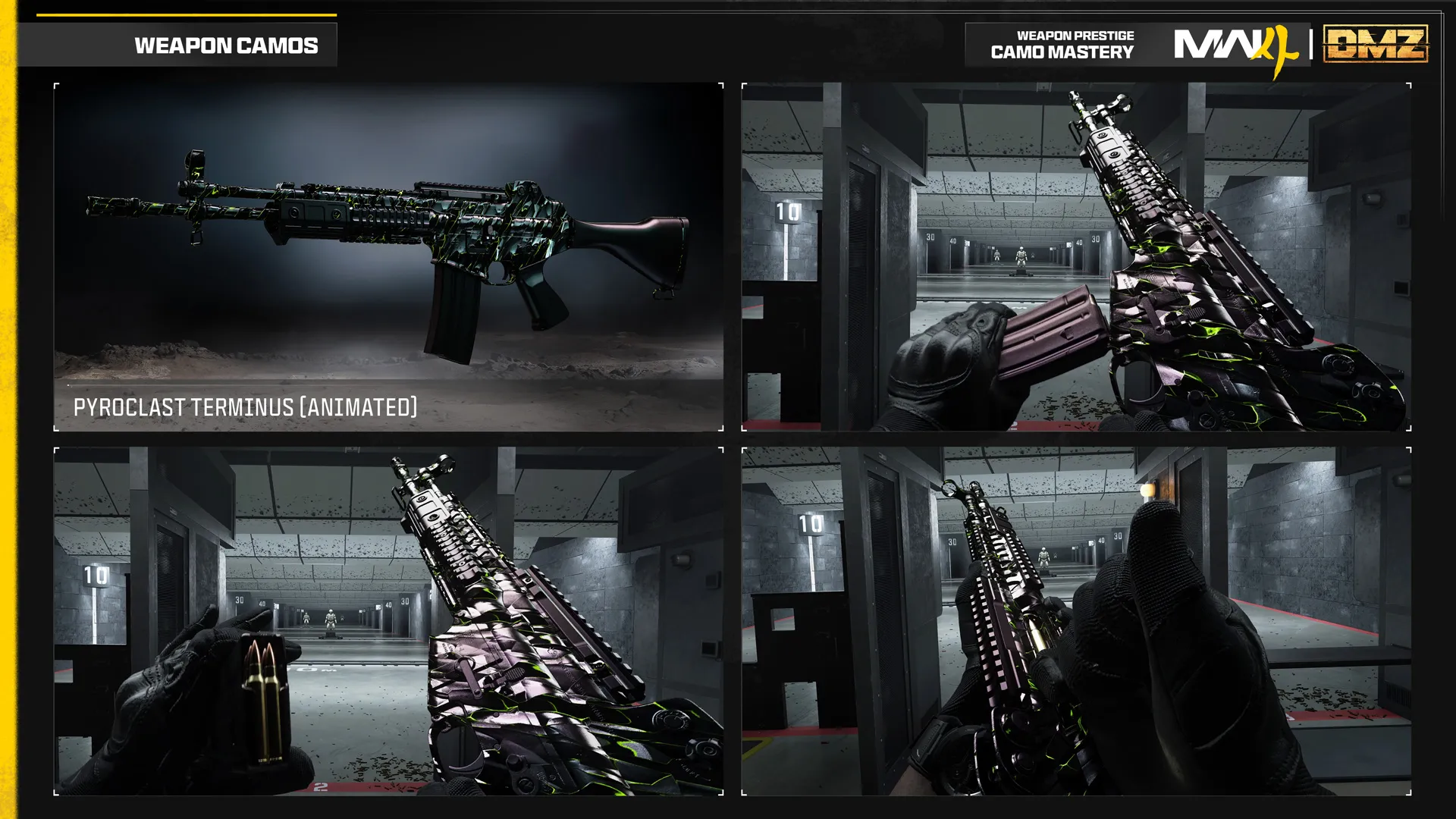
- Pyroclast Terminus
- Weapon Prestige1 Max Level
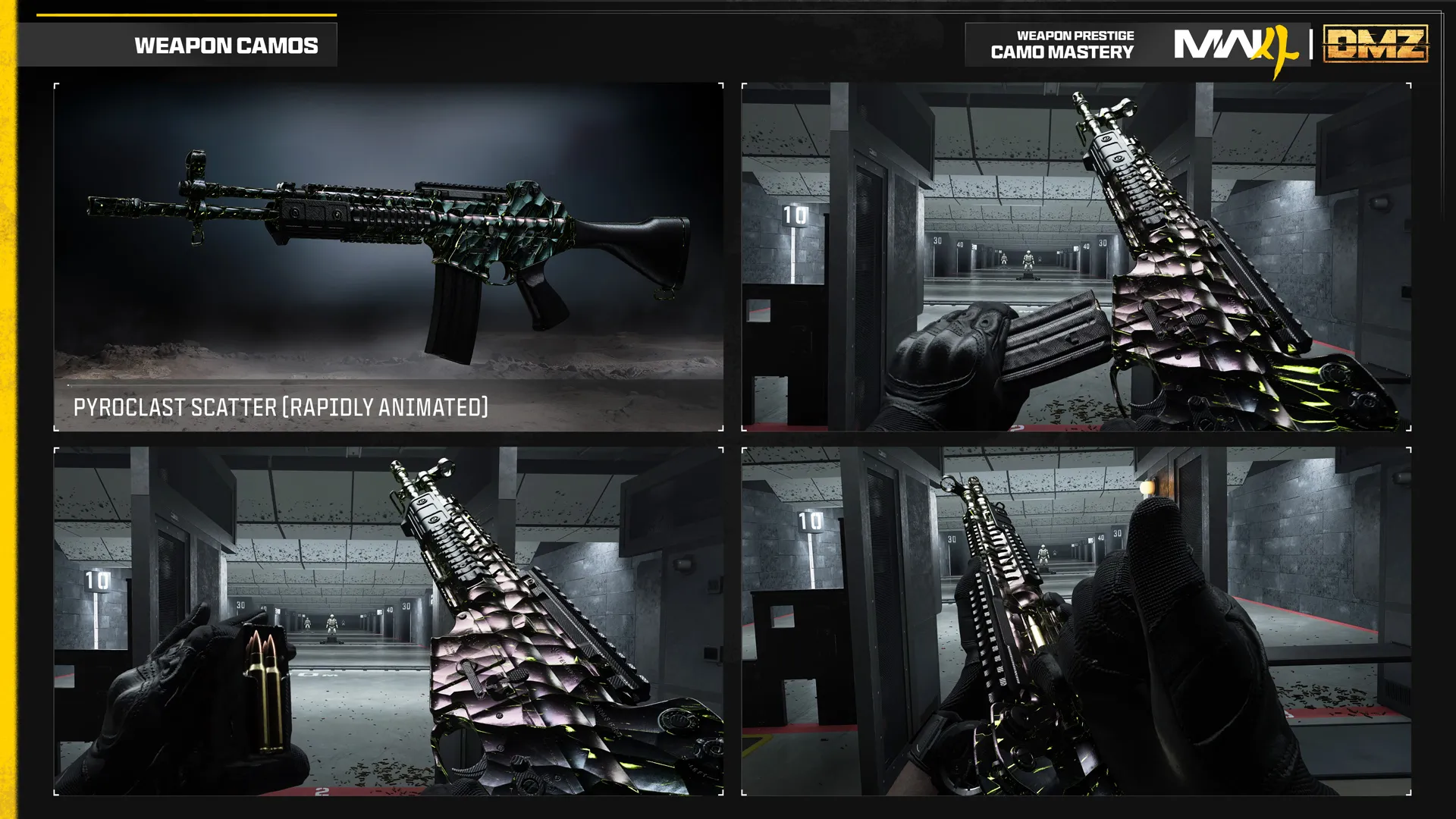
- Pyroclast Scatter
- Weapon Prestige Master Level150
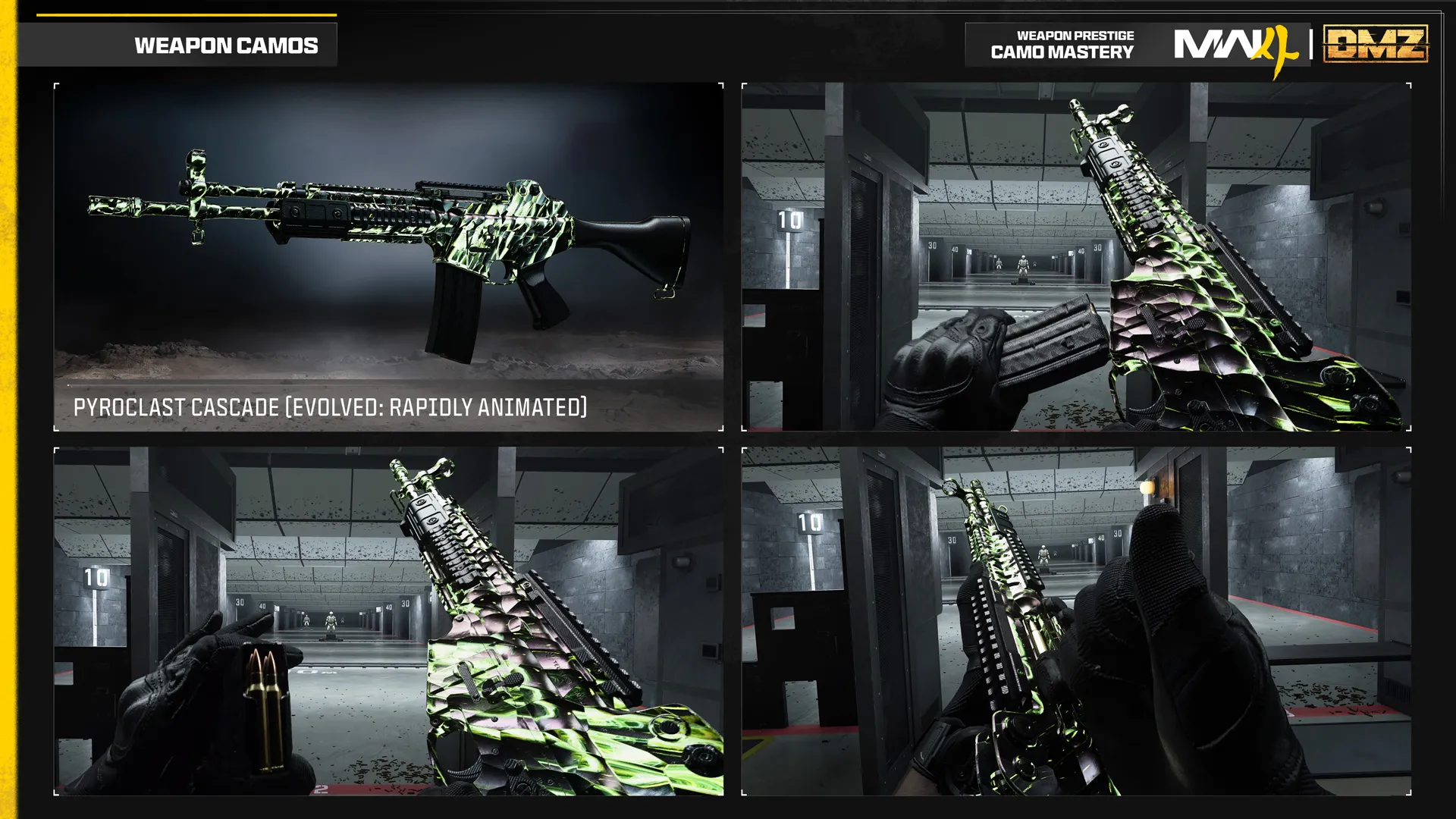
- Pyroclast Cascade
- Weapon Prestige Master Level250
Images
Guides that cover this
More progression
See all 15 → DMZ weapon camosProgression system
  MWII DMZ Beta cosmetic rewardsProgression system
  Operator Dog Tag progressionProgression system
  Operator Prestige 1Progression system Operator Prestige 2Progression system Operator Prestige 3 and laterProgression system
  Optic reticle challengesProgression system Permanent Prestige TraitsProgression system
 Also in Operator
Something wrong or missing? Send a correction.