
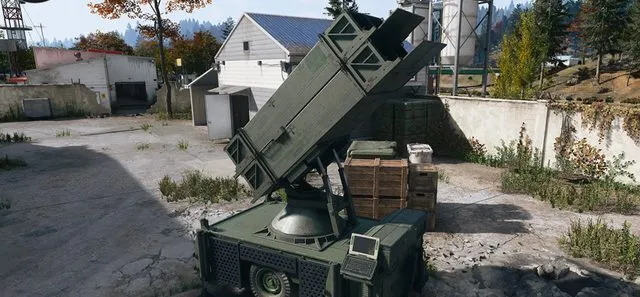
MW4 DMZ UAV Towers and SAM sites: activation and defence
A UAV Tower finds threats. A captured SAM site attacks aircraft. Choose the service that fits the problem.
Jump to a section
Activate a defended UAV Tower to reveal nearby Operators and enemies. For a SAM site, start the control-computer hack and defend it until capture completes. Its missiles then target enemy aircraft automatically, but enemies can retake it when you leave.
- UAV Towers reveal nearby positions
- SAM capture is a defended hack
- SAM sites fire automatically
- Map markers are reference positions
Use a UAV Tower when you need information about nearby threats. Capture a SAM site when hostile aircraft are the problem. Both are Side Ops, but they solve different jobs.
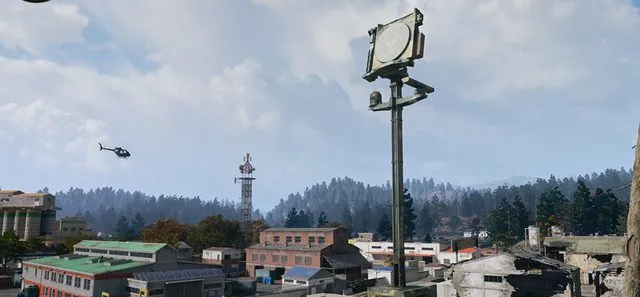
Activate a UAV Tower
Clear the defenders, reach the console and activate the tower. It reveals nearby Operators and hostiles and pays DMZ Cash. Its pulse is a local reconnaissance tool, not a promise that the whole map is safe.
Check the interactive map before travelling, then confirm the tower and threats in the current deployment. Plan cover for the interaction rather than running straight to the console while your squad is scattered.
Capture and hold a SAM site
- Reach the site’s control computer and start the hack.
- Expect the siren to draw a response.
- Defend until capture finishes.
- Let the battery engage enemy aircraft automatically.
A captured site is useful against the Deathstalker. Moving too far away lets enemy forces reacquire it. If your next objective takes you elsewhere, decide whether holding the battery is still worth the time and ammunition.
Do not confuse the three towers
| Service | Purpose |
|---|---|
| UAV Tower | Reveal nearby positions |
| SAM site | Attack enemy aircraft after capture |
| Lieutenant Hunt | Climb to its laptop for nearby Lieutenant intel |
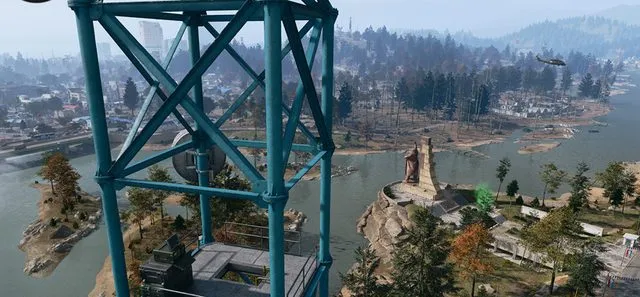
Before setting out, choose the effect you need. A Lieutenant Hunt is not a replacement for a UAV pulse, and an active UAV does not shoot down aircraft.
Exact capture times, detection radii and cash amounts are not established here. Use the current objective and tooltip for those values; map reference positions also do not guarantee the same active situation every match.
Mentioned in this guide
Spotted something wrong? Send a correction.
Keep reading
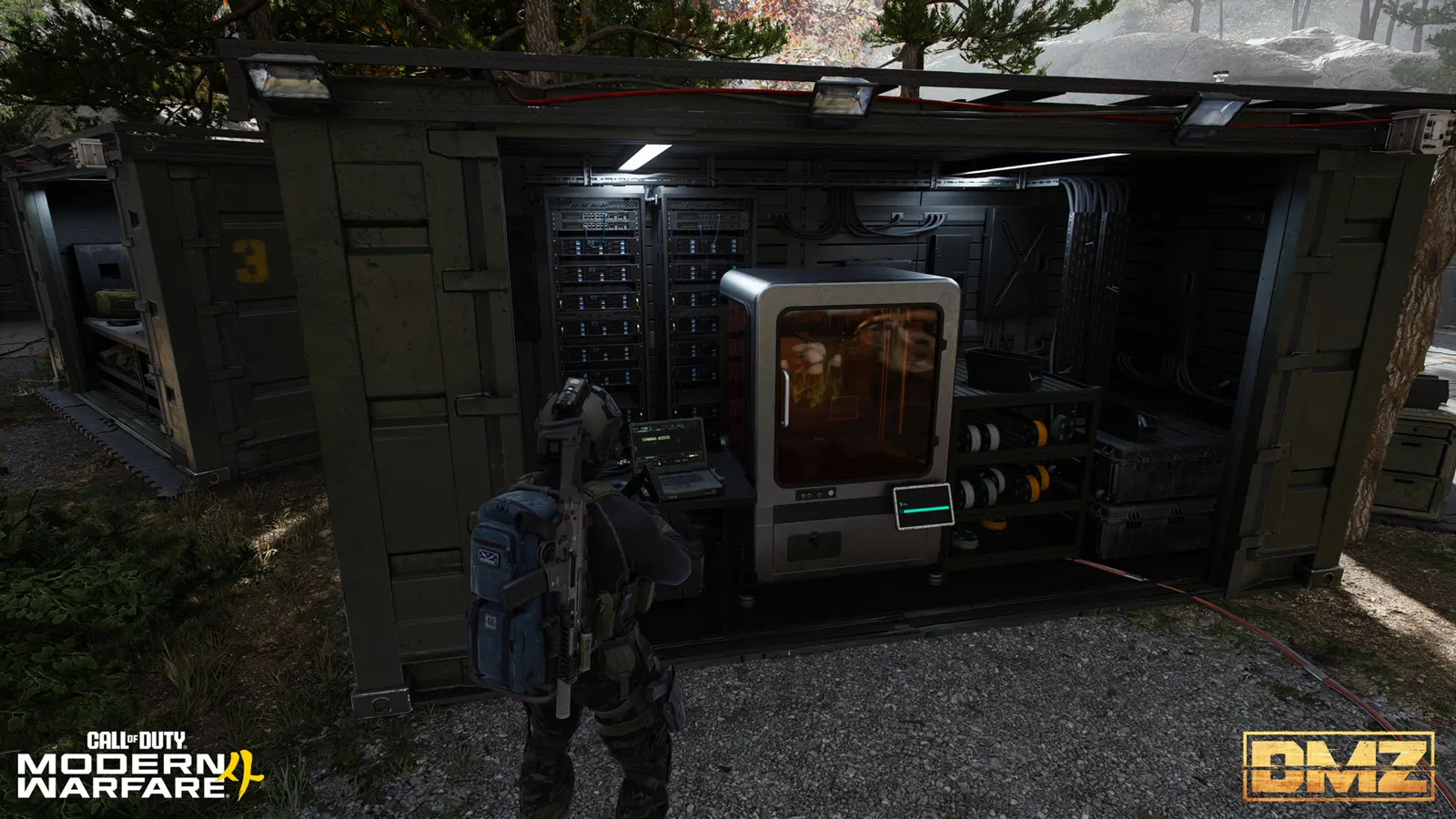 Guide · Gear & craftingMW4 DMZ 3D Printer guide: resources, ingredients and recipes
  Guide · Getting startedMW4 DMZ beginner guide: how your first deployments work
  Guide · Loot & craftingMW4 DMZ Biomaterials and Binding Catalyst: a Medkit supply run
  Guide · Gear & craftingMW4 DMZ armor and backpacks: every plate carrier and bag