DMZ spawn locations: plan Hajin's first minutes
Your first useful stop depends on how you deploy and the start you actually receive.
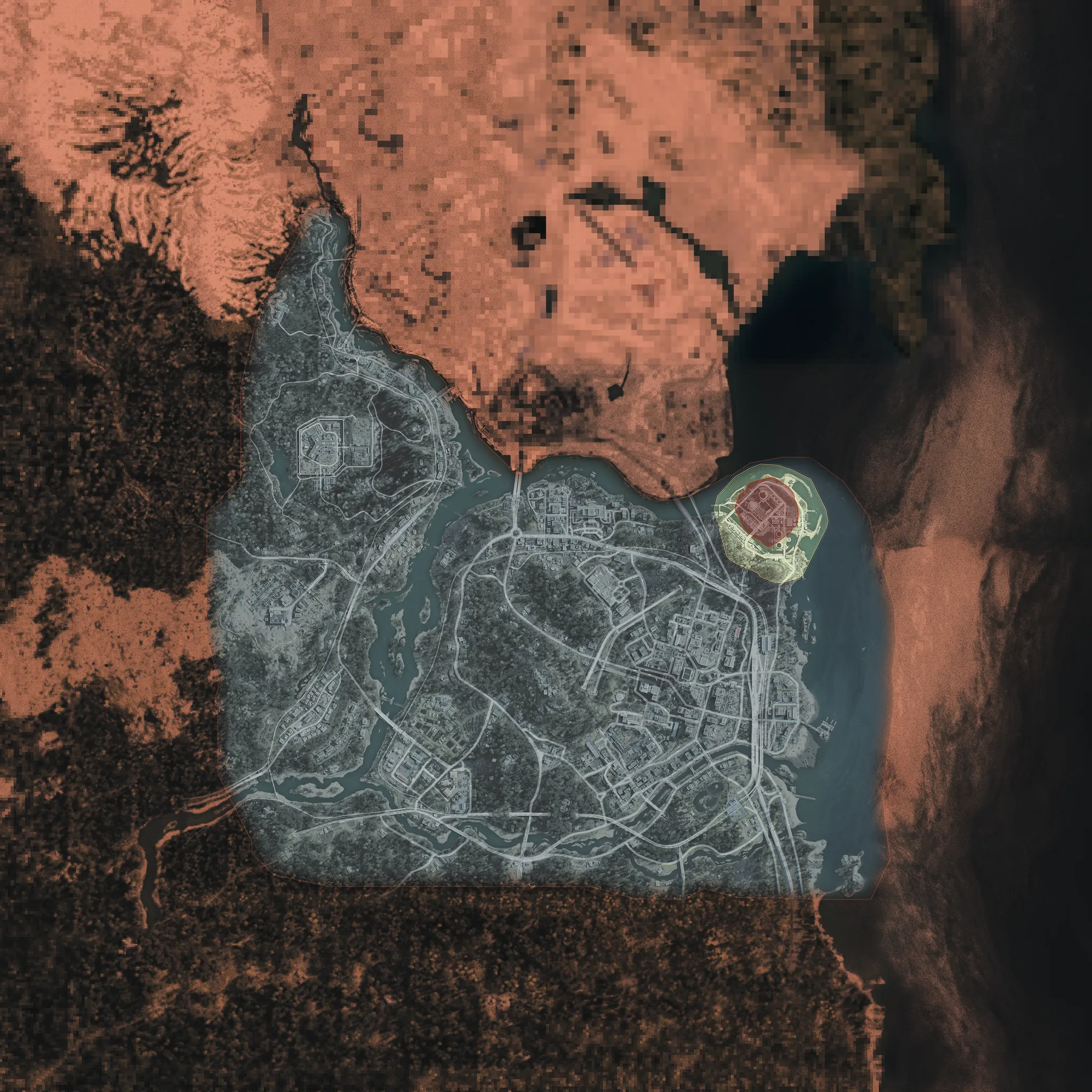
A reported Hajin survey documented 16 edge starts for Dynamic Ops and Free Roam, plus six Story Mission starts. Those 22 observed ground starts are not a proven maximum and exclude helicopter infils. Choose an available named Story Mission for a more predictable starting area, then check your actual position and active exfils.
- 16 observed edge starts and 6 mission starts
- 22 is an observed ground set, not a universal limit
- Named missions and Random are different deployment choices
- Grid squares are area references, not exact spawn coordinates
Use your actual start to choose the first useful stop. A saved route that begins across Hajin may be a poor fit for the deployment you received. Open the player-spawn layer, match the surrounding terrain to your own Tac Map, then decide whether to follow a mission, collect supplies or make one nearby loot stop.
Understand the observed ground starts
A survey updated 31 October 2026 recorded 22 ground starts: 16 edge starts and 6 mission starts. It checked positions within the first 10 seconds, with the countdown at 29:50 or higher, and excluded helicopter infils. These are the survey’s observation conditions, not a countdown challenge you must complete or proof that every possible deployment is covered.
Use the edge references for orientation
The reported edge starts are grouped below so you can find the relevant part of the map quickly.
| Part of Hajin | Reported grid areas | First map check |
|---|---|---|
| North and northwest | B1, C1, D2, D3 | Compare the nearby roads, terrain and available route toward your objective |
| River and northeast | E4, G4 | Identify the side of the river and the crossing or approach you actually need |
| East coast and southern islands | I5, I6, I7, I9, H9 | Match the coast or island to your current position before choosing a distant inland stop |
| Southern farmland and west | F9, E9, D9, A8, A7 | Check whether a nearby loot search is more practical than a long drive to a saved route’s start |
The grid labels describe reported areas, not surveyed point coordinates. Our map combines several reports, so its markers are not a one-for-one import of this 22-start sample. An older reference can use a different grid label from the guide. Resolve that by comparing the physical terrain and current objective, rather than assuming that a marker must be an exact spawn pad.
A nearby spawn reference also does not reveal another squad’s live position. Use it as a reason to watch an approach, not proof that a player occupied it or remained there after deployment.
Separate ground starts from vehicle infil
This ground survey does not describe helicopter approach paths or every paid vehicle arrival. The vehicles guide covers deployment options, unlocks and charges. Check the actual Ready Up screen before depending on a transport option; selecting a route on the website does not give your Operator a vehicle.
If you arrive somewhere outside the listed ground areas, orient from your current map and surroundings. Restarting a run merely to reproduce an observed point is not necessary to choose a useful nearby task.
Choose an available named Story Mission
At FOB → Deploy, choose Story Missions and an available named mission. Completed missions can be replayed. Random Story Mission is a separate option and cannot target one of the starts below. Consult the Story Mission progression guide when the mission you want is locked.

| Mission | Reported start area | Orientation | Plan to open before deployment |
|---|---|---|---|
| Silent Ledger | F5 | Casino approach | Read the casino mission route and separate its objectives from nearby keyed rooms |
| Critical Extraction | G5 | Hospital approach | Check the hospital mission sequence before choosing a separate loot detour |
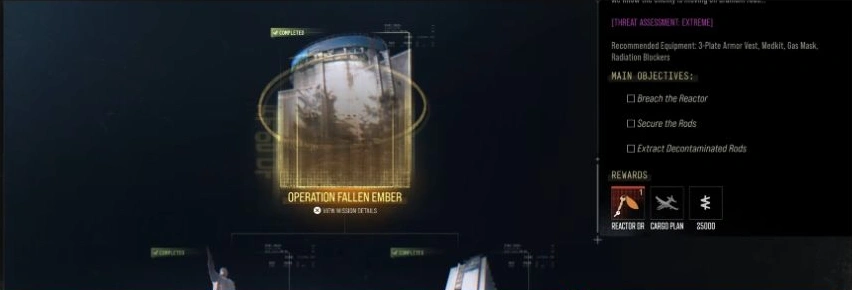
| Fallen Ember | H5 | South of Compound Delta | Use the mission walkthrough, or start the six-compound loot plan near Delta |
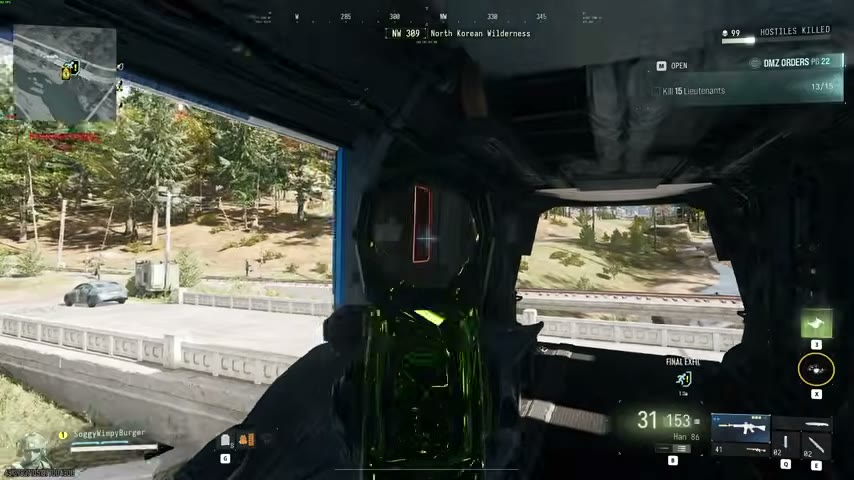
| Shopping Hacks | H6 | Inside the monorail | Orient from the mission’s start and tracker instead of treating it as an ordinary roadside spawn |
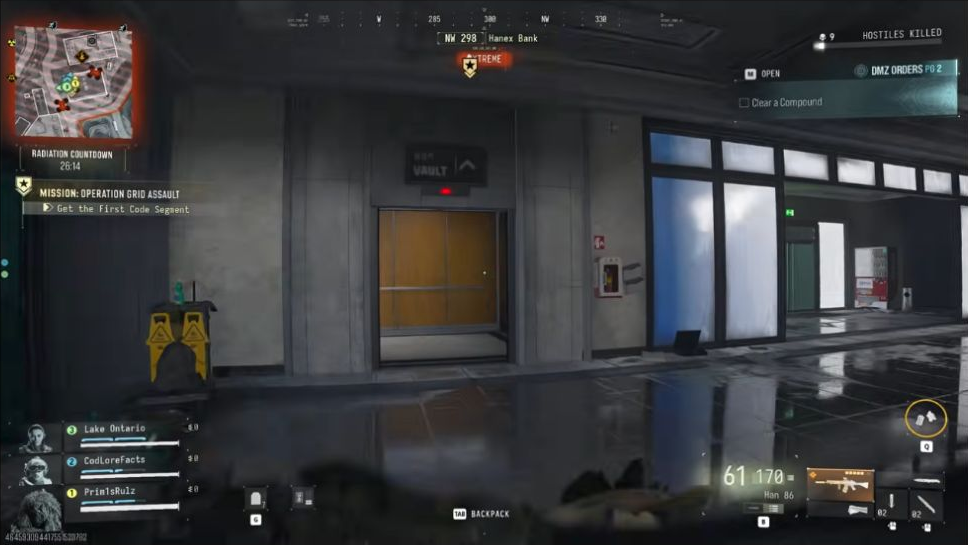
| Grid Assault | G6 | Underground start | Follow the underground mission route before planning a surface journey |
| Iron Citadel | B7 | Forest trail by the Air Base | Choose the full mission or the separate Air Base surface sweep |
These are reported starting areas and landmarks, not a promise of an exact coordinate. A named mission can make the intended approach more predictable, but selecting it does not complete the objectives, grant the reward or unlock nearby doors.
Check the choice that Ready Up actually shows
Before confirming, read the mission name, selected Operator, equipped gear and Squad Fill setting. This matters when you intended to replay a named mission but selected Random, or when your squad planned a loot run around one mission’s approach. Use the solo guide for the reported Random Story Mission Squad Fill exception and other solo deployment checks.
Tell your squad whether this deployment is for mission completion or a separate loot search. An Iron Citadel start does not require a farming party to complete the armory, and a party intending to finish the mission needs more preparation than its first surface building.
Pick the first useful stop
Choose the goal before adding a detour
| Your immediate goal | Useful planning step | Avoid assuming |
|---|---|---|
| Finish the selected mission | Open its walkthrough and follow the active objective | A nearby loot landmark advances the mission by itself |
| Search for valuables | Compare your start with the safe-route options | Every marked safe remains unopened or contains gold |
| Gather printer resources | Use the container guide to pick the container type, then a nearby search | A high resource total replaces a named ingredient |
| Open one locked room | Check the Key Finder and carry the matching access item | A convenient spawn supplies the key or grants entry |
| Recover after losing equipment | Follow the beginner loadout checks and pick a short objective | A Free Loadout removes the selected Operator’s MIA risk |
Iron Citadel’s reported start may suit an Air Base search; Fallen Ember’s may suit beginning at Delta. Neither makes the whole map route compulsory. If the nearest useful stop is later in a saved sequence, edit the plan to match your deployment rather than driving to its first marker simply to tick every box.
Make a small deployment plan
Before leaving the start area, choose one first stop, one reason to search it and one departure option. For example, a run near Delta can check an accessible safe, inspect the actual loot and decide whether Echo still serves the same goal. It does not need to become a six-Compound drive after the needed item is already secured.
Bring equipment for the destination, even when you intend to leave the mission objectives for another run. Check your weapon, plates, healing and ammunition against the approach you chose. A nearby start saves travel; it does not lower that location’s threat or guarantee a quiet visit.
Check nearby approaches and your exit
Treat the following as a suggested arrival routine, rather than a rule that every match must follow:
- Locate your squad and current objective. Confirm that the group is planning the same first stop before splitting around terrain or buildings.
- Read the approaches. Identify cover and watch the roads, paths or entrances that lead toward your position before opening a container. A possible nearby start is an awareness cue, not a live enemy marker.
- Confirm access. For a locked-room goal, check the item and the named lock. For a mission, read the active tracker rather than a step copied from another player’s variant.
- Choose an active exit and a fallback. Compare their approaches with the remaining time, supplies and transport you actually have.
- Reassess after the first useful pickup. A long route can become unnecessary once the objective is met or the backpack contains something you need to bring home.
A spawn reference or saved route cannot establish which exfil is active now. Use the exfil checklist for the live Tac-Map check, call and boarding sequence. Finishing the first loot stop is only the middle of a successful run; leave enough time and equipment for the departure.
Quick questions
Are there exactly 22 possible DMZ spawns?
That is the documented ground-start sample, not an established maximum. Helicopter infils were excluded, and the interactive map combines references from different reports.
Can I choose where I spawn?
You can select an available named Story Mission with a reported repeatable starting area. Completed missions can be replayed. The Random Story Mission option does not select a particular mission start.
Does a nearby spawn marker mean an enemy squad is there?
No. It marks a possible reported approach. It does not show current occupancy or another squad’s live position.
Mentioned in this guide
Spotted something wrong? Send a correction.