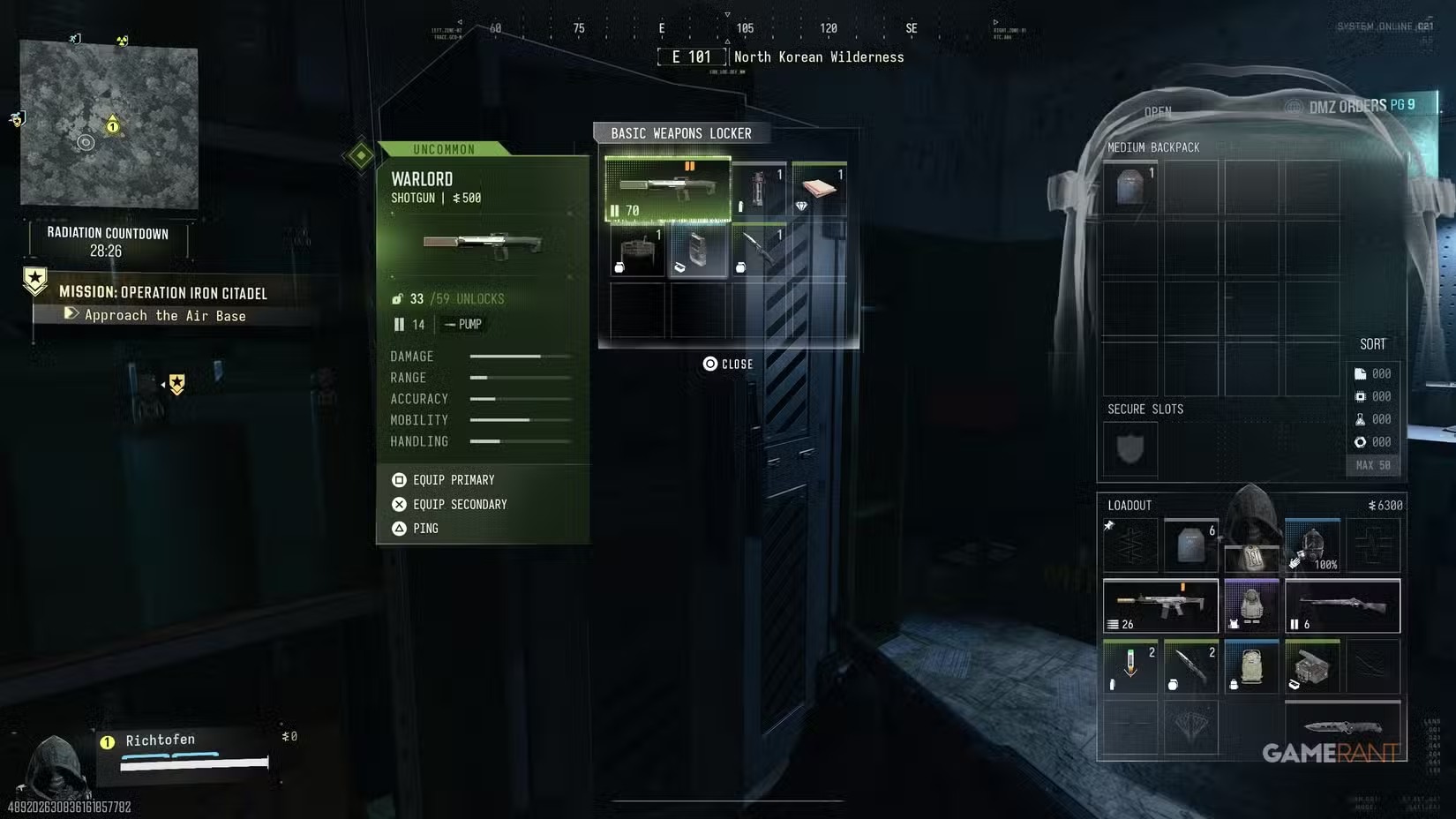
DMZ loot containers: choose a search for what you need
A container choice is useful when it addresses a specific shortage and still leaves a viable way home.
For basic resources, a reported October study points to Luggage for Synthetics, Computers for Electronics, Chemical Storage for Chemicals and Tool Chests for Metals. Those are observed average yields, not guaranteed contents. Named ingredients, Recipes and Weapon Manuals need their own search and access checks.
- Four basic resources are separate from named ingredients
- Observed averages describe units per opened container
- Sample size and access cost matter
- Higher threat does not guarantee a useful reward
Open the recipe you want to finish before choosing a loot route. If you need Electronics, a Computer search can help. If the bill says Electronic Sensors, collecting more Electronics does not supply those named parts. A full backpack can still leave the same craft blocked.
Use this guide to choose a container, a nearby search and a stopping point. The world-container reference holds the full comparison of 33 listed container types. Those names describe searchable objects in Hajin; they do not create 33 new carryable items.
Decide what must come home
| Your shortage | What to look for | What does not replace it |
|---|---|---|
| Basic crafting resources | Synthetics, Electronics, Chemicals or Metals | An unrelated resource total |
| A named ingredient | The exact part on the recipe, such as Binding Catalyst or High-Tenacity Fibers | A basic resource with a similar name |
| A purchase or crafting unlock | The relevant Weapon Manual or Recipe, followed by a successful extraction | A finished weapon or piece of equipment |
| Upgrade valuables | The required Gold Bar, Gold Skull or other named item | The same amount shown as carried sale value |
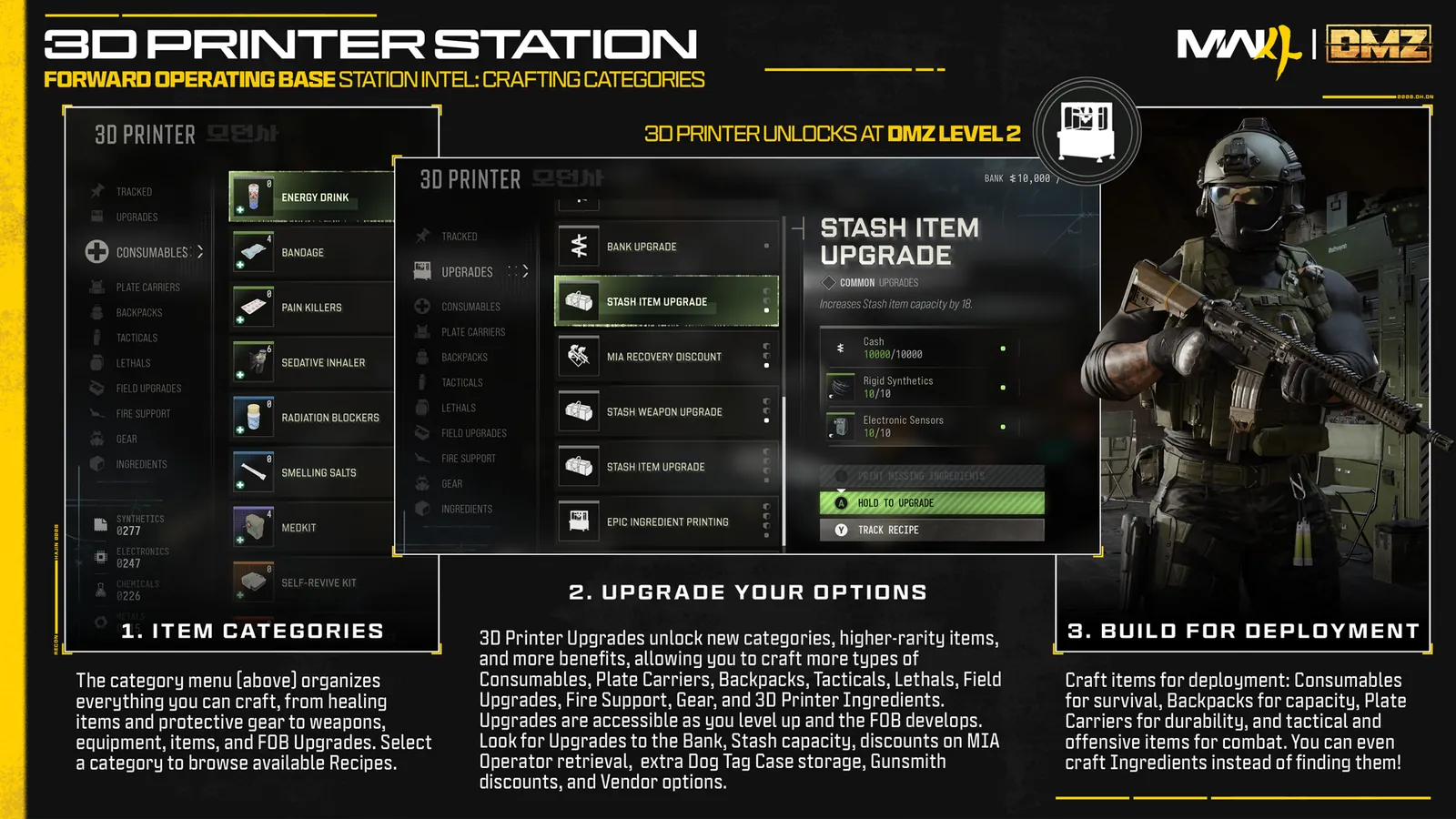
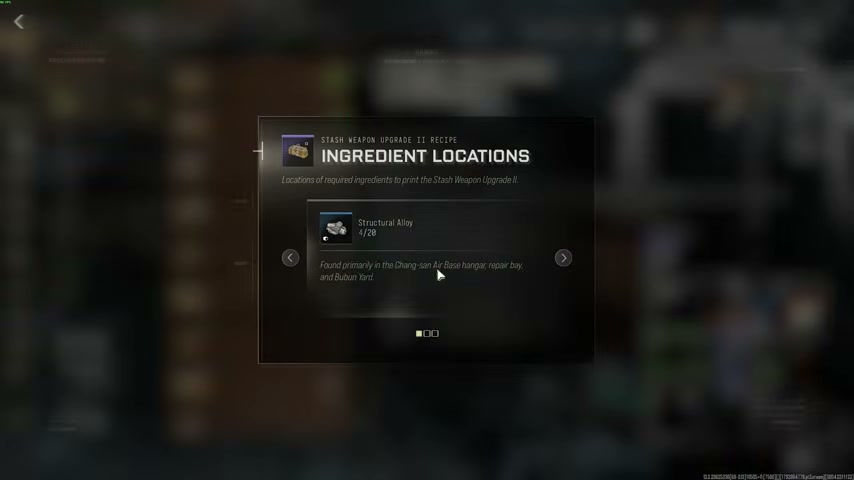
At the 3D Printer, check the ingredient name and quantity, subtract what you already have available, and use Ingredient Locations for its search hint. Track Recipe highlights the required ingredients while looting. Keep the materials reserved for a different goal out of your available total.
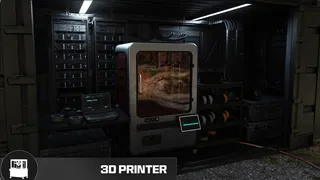
Also check the alternative before deploying: a material may have a printing recipe you can already use, or be a one-time reward on your DMZ level track. Receiving physical ingredients does not itself unlock their printing recipe. The material-location guide separates those options.
Match basic resources to the container
These examples are reported average resource units per opened container. They are neither an item count nor the chance of finding a named ingredient.
| Basic resource | Container to consider | Approximate observed mean |
|---|---|---|
| Synthetics | Luggage | 8.2 |
| Electronics | Computer | 4.1 |
| Chemicals | Chemical Storage | 20.1 |
| Metals | Tool Chest | 14.1 |
For a Chemicals shortage, this is a reason to prioritize nearby Chemical Storage over unrelated boxes. It is not a promise that the next cabinet provides 20.1 units. For a Reactive Metals shortage, switch to that ingredient’s search hint; the Metals row does not answer the question.
A nearby suitable container can be a better first stop than a long trip for a larger average. Include the journey, access requirements and return route in the choice. Basic Weapons Lockers and Weapons Lockers are separate types in the reference, so keep their rows separate when comparing observations.
Target the named ingredient
The following counts mean containers holding the ingredient / containers opened. They are different from the resource means above.
| Missing ingredient | Container in the reported sample | Observed containers with the part |
|---|---|---|
| CPU | Computer | 80/252 |
| Binding Catalyst | First Aid Kit | 22/222 |
| High-Tenacity Fibers | Weapons Locker | 11/82 |
For Binding Catalyst, search First Aid Kits. Mirae General Hospital and medical tents are reported search locations; a drop is not guaranteed. The medical-ingredient checklist helps turn a Medkit shortage into a specific collection list. For CPUs, use the server-room and computer leads in the material guide rather than opening every kind of container along the way.
Use the Electronic Sensors and High-Tenacity Fibers guide when those parts are the goal. An ordinary Weapons Locker observation does not grant access to a named key room. Check the Key Finder before depending on a locked destination.
Choose a search you can reach and leave
| Search option | Useful checks | Access and route decision |
|---|---|---|
| Cheonwang Peak Array plan | Computers, server blades and three reported safe rooms | Follow the building walkthrough to identify the rooms; the reported electronics finds are examples |
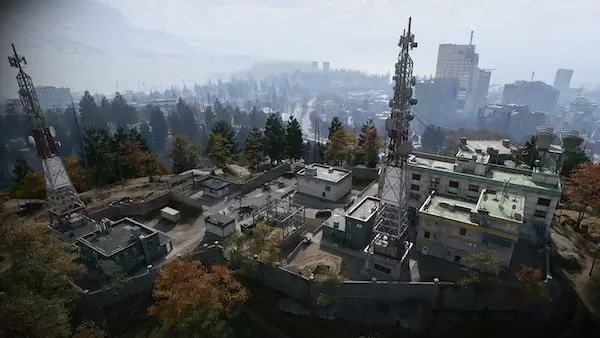
| Air Base surface sweep | Barracks, the fridge building and the northern safe building; optional western clinic | This surface loop is separate from Iron Citadel’s inner armory and its access sequence |
| Reactor 02 ingredient search | Chemical Storage and reported ingredient search leads | Read the Reactor walkthrough and bring radiation protection before using this option |
Choose the option near your actual deployment that suits the shortage and equipment you have. Open the plan to inspect its stops, then edit a copy if only part of it is useful. A plan’s connecting line is a visit order, not a measured indoor path or a promise that its containers remain unopened.
For a resource-focused Air Base run, do not add the inner armory simply because it is nearby. For a medical shortage, the optional clinic may matter more than continuing the full surface sweep. The farming comparison separates those choices from the safe and western-bunker routes.
Search for Recipes and Manuals deliberately
Use a different checklist when the missing piece is an unlock. The same dated study reports these container-with-find counts:
| Goal | Reported container comparisons |
|---|---|
| Recipe | Filing Cabinet 6/89; Chemical Storage 6/96; Weapons Locker 5/82 |
| Weapon Manual | Weapons Locker 4/82; Safe 5/242; Military Locker 2/121 |
Read the pickup’s name. A found gun is a physical weapon; its Manual is the corresponding purchase unlock after extraction. A finished item does not establish that its Recipe is unlocked. The Manual guide and crafting guide cover those separate outcomes.
An Irradiated Container is another decision: finding it and processing it at the reactor are separate jobs. Do not add that processing trip to a nearly completed ingredient run without checking your protection, supplies and exit. For safe valuables, use the gold guide to decide what to reserve rather than automatically selling it.
Balance threat with the journey
For the same container types, the study reports about 33% more Epic-or-better outcomes in Extreme areas. That is a relative frequency difference, not 33 extra percentage points, more items in every box or guaranteed high-rarity loot.
Choose the area you can enter and leave with your current kit. An Epic outcome is not necessarily your missing ingredient, and a larger average does not pay for a failed return. Skip a contested stop or use a nearby alternative when continuing would put the collected part at unnecessary risk.
Read the sample correctly
The reported study covers 4,719 fully revealed containers, from 25 streams and 20 players, recorded 20–31 October 2026. Repeat views of the same opening counted once. Its displayed container types require 30 observations, area comparisons 40, and finds below 20 are flagged as sparse.
Those thresholds do not remove selection bias or turn the sample into an official drop table. Keep three measures separate: the mean quantity of a resource, the count of containers holding a named item, and an area-level comparison. Use the denominator when comparing findings; a small successful sample does not establish a guaranteed farm.
Stop when the run has done its job
- Read the collected item’s full name and check it against your missing quantity.
- Keep enough ammunition, healing and backpack room for the return instead of replacing every supply with unrelated loot.
- Check an active extraction site in your current match before starting another distant search.
- After extraction, move the useful materials to the Stash and check the recipe or unlock you intended to complete.
Use the keep, sell and craft routine on the items you actually bring home. If you still lack a part, the next deployment can target that shortage instead of repeating the entire route.
Quick questions
Are these official DMZ drop rates?
No. They are reported gameplay observations from a dated sample. They do not establish a fixed loot table or guarantee the next container.
Does an average of 20.1 Chemicals mean every cabinet gives that amount?
No. It is an approximate observed mean across opened Chemical Storage containers. Individual openings can differ, and the item you need may be a named ingredient instead of the basic resource.
Should I go to an Extreme area for better loot?
Choose according to your objective, protection and exit. A relative increase in observed Epic-or-better outcomes does not guarantee a reward that justifies the extra risk.
Mentioned in this guide
Spotted something wrong? Send a correction.