

MW4 DMZ October 29 update: Cash rewards and objective fixes
The October 29 DMZ update increases operation Cash rewards and fixes several objective and extraction problems. It does not publish new payout amounts, and the retroactive Level 37 vest grant remained unresolved in those notes.
The October 29 DMZ update increases operation Cash rewards and fixes several objective and extraction problems. It does not publish new payout amounts, and the retroactive Level 37 vest grant remained unresolved in those notes.
- More Cash for operations and Story Mission replays
- Voice Logs and Lieutenant Tower prompts fixed
- Older Level 37 vest grants still pending
The October 29 DMZ update increases operation Cash rewards and fixes several objective and extraction problems. It does not publish new payout amounts, and the retroactive Level 37 vest grant remained unresolved in those notes.
What changes for your next deployment
Dynamic Ops, Side Ops and Story Mission replays now pay more Cash. No fixed replacement values or multiplier are given, so old payout screenshots should not be used as guaranteed current earnings.
The patch fixes inconsistent Encrypted Voice Log spawns in Ears Everywhere, absent Lieutenant Tower prompts, Scavenger detecting players immediately at infil, hostage pickup after assimilation and some squadmate actions not counting for Mastery Camos. It also fixes a full-Stash Free Loadout selection issue and enemy helicopters crashing into the Exfil helicopter. These are specific fixes, not a promise that every related symptom is gone.
The Level 37 reward needs a separate check
The 3-Plate Armor Vest reward was fixed for players who had not yet reached DMZ Level 37. Players already past that level were still awaiting a retroactive grant. Do not discard useful equipment or repeat missions on the assumption that either action claims that reward.
Use the guide for your actual task
Open the matching walkthrough before spending another deployment on an old workaround.
- MW4 DMZ Cash guide: how to earn money fast and what to spend it on
- DMZ Ears Everywhere: DBN TV hack and Voice Logs
- MW4 DMZ Free Loadout guide: rebuild after losing your gear
- MW4 DMZ Hunter: find and climb a Lieutenant Hunt tower
- DMZ Scavenger boss guide: locating, fighting and exfil
- MW4 DMZ level rewards: your roadmap from Level 1 to 70
- MW4 DMZ camo guide: from your first unlock to Helio
- MW4 DMZ Bugs: Reported Issues, Fixes and Workarounds
- MW4 DMZ Dynamic Ops and Side Ops: objectives and walkthroughs
- MW4 DMZ Story Missions: walkthroughs, objectives and rewards
Spotted something wrong? Send a correction.
Keep reading
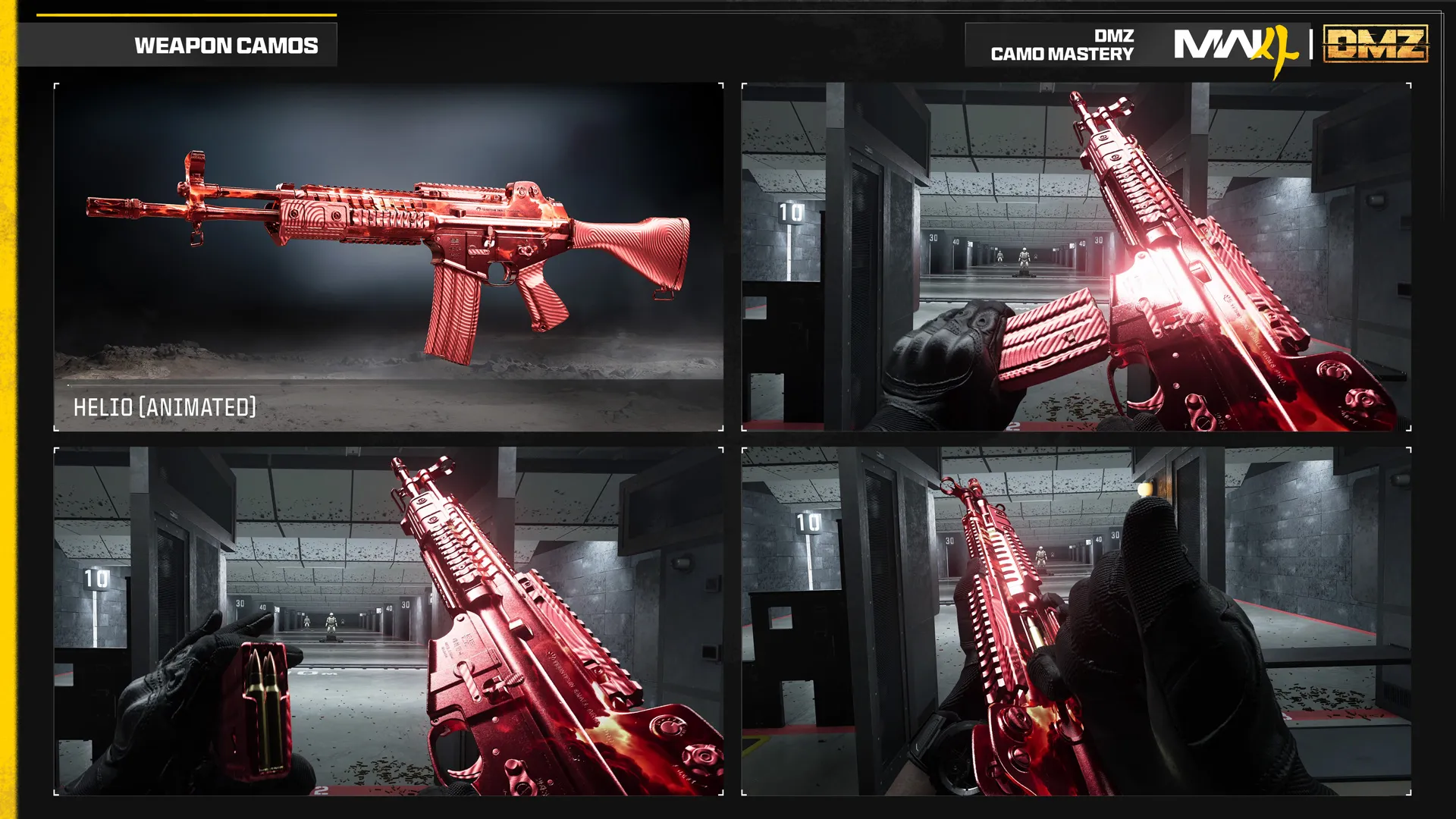 Guide · ProgressionMW4 DMZ camo guide: from your first unlock to Helio
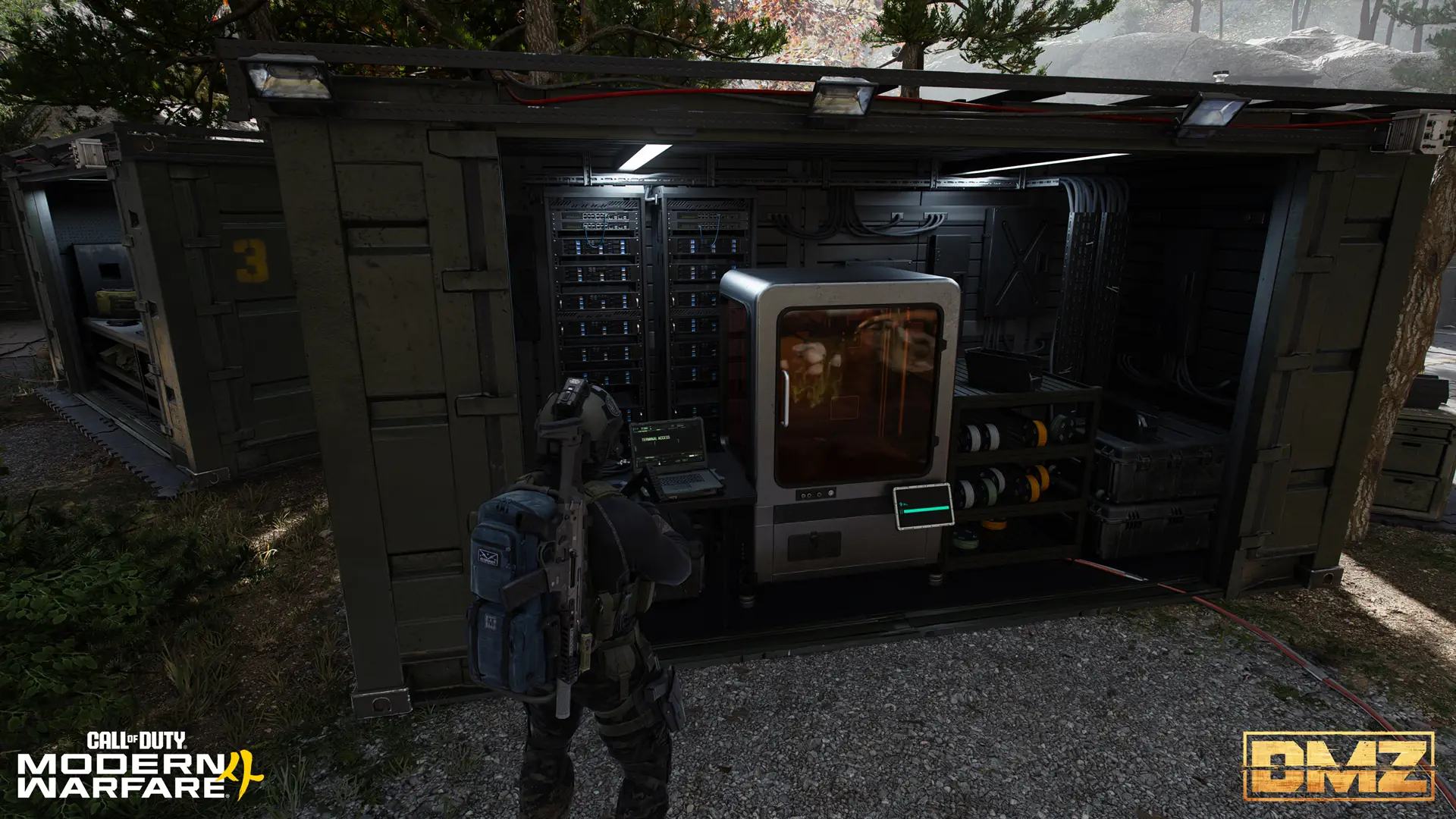 Guide · ProgressionMW4 DMZ Cash guide: how to earn money fast and what to spend it on
 Guide · MissionsMW4 DMZ Dynamic Ops and Side Ops: objectives and walkthroughs Guide · MissionsMW4 DMZ Story Missions: walkthroughs, objectives and rewards