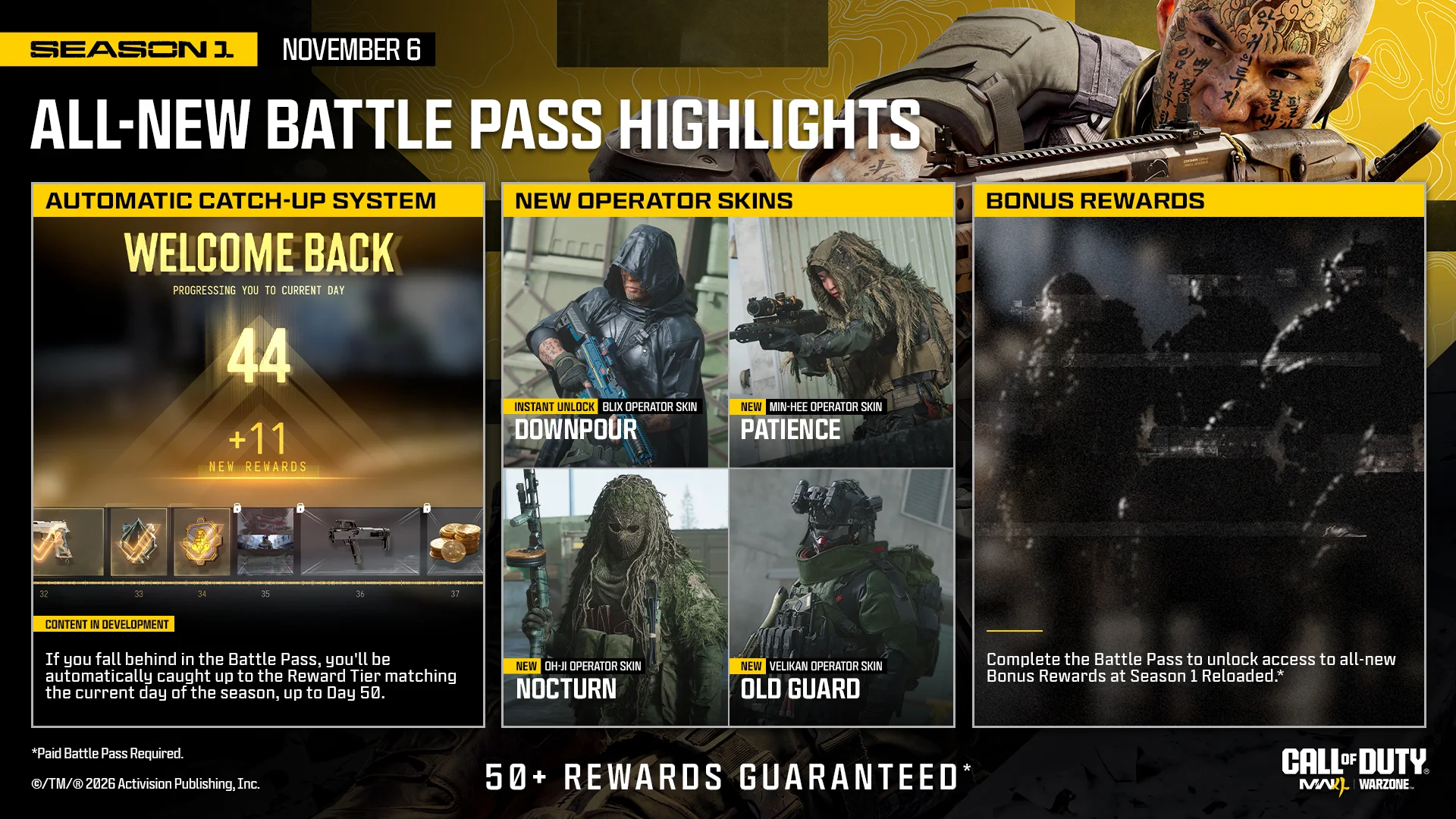
Season 1 Battle Pass progression for DMZ players
Understand Season 1 XP, paid catch-up, tier-skip reward windows, free weapons and the difference between rewards and Manuals.
Earn Season 1 Battle Pass progress through match XP, then check and claim the unlocked rewards. Paid catch-up and tokens that claim rewards ahead are different systems: selecting a future reward with a token does not move the normal tier position.
Earn Season 1 Battle Pass progress through match XP, then check and claim the unlocked rewards. Paid catch-up and tokens that claim rewards ahead are different systems: selecting a future reward with a token does not move the normal tier position.
Separate three progression systems
- Normal XP: playing DMZ, Multiplayer or Warzone advances the 100-tier pass. Choose useful objectives and survival rather than assuming a universal best XP-per-hour route.
- Paid catch-up: the announced system catches lagging owners up to the reward matching the season day, through day 50. It does not automatically finish all 100 tiers. Check the current pass after logging in.
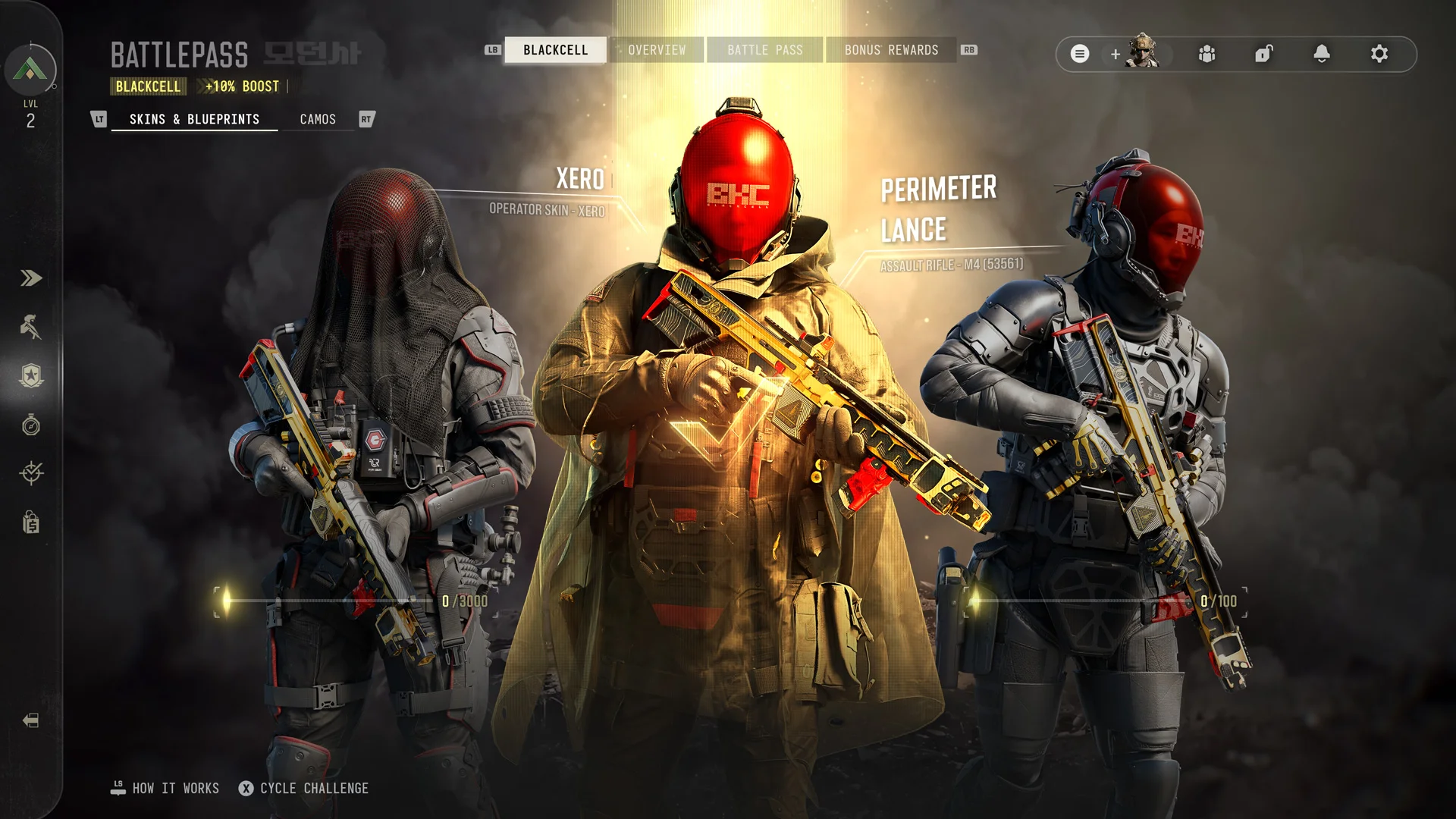
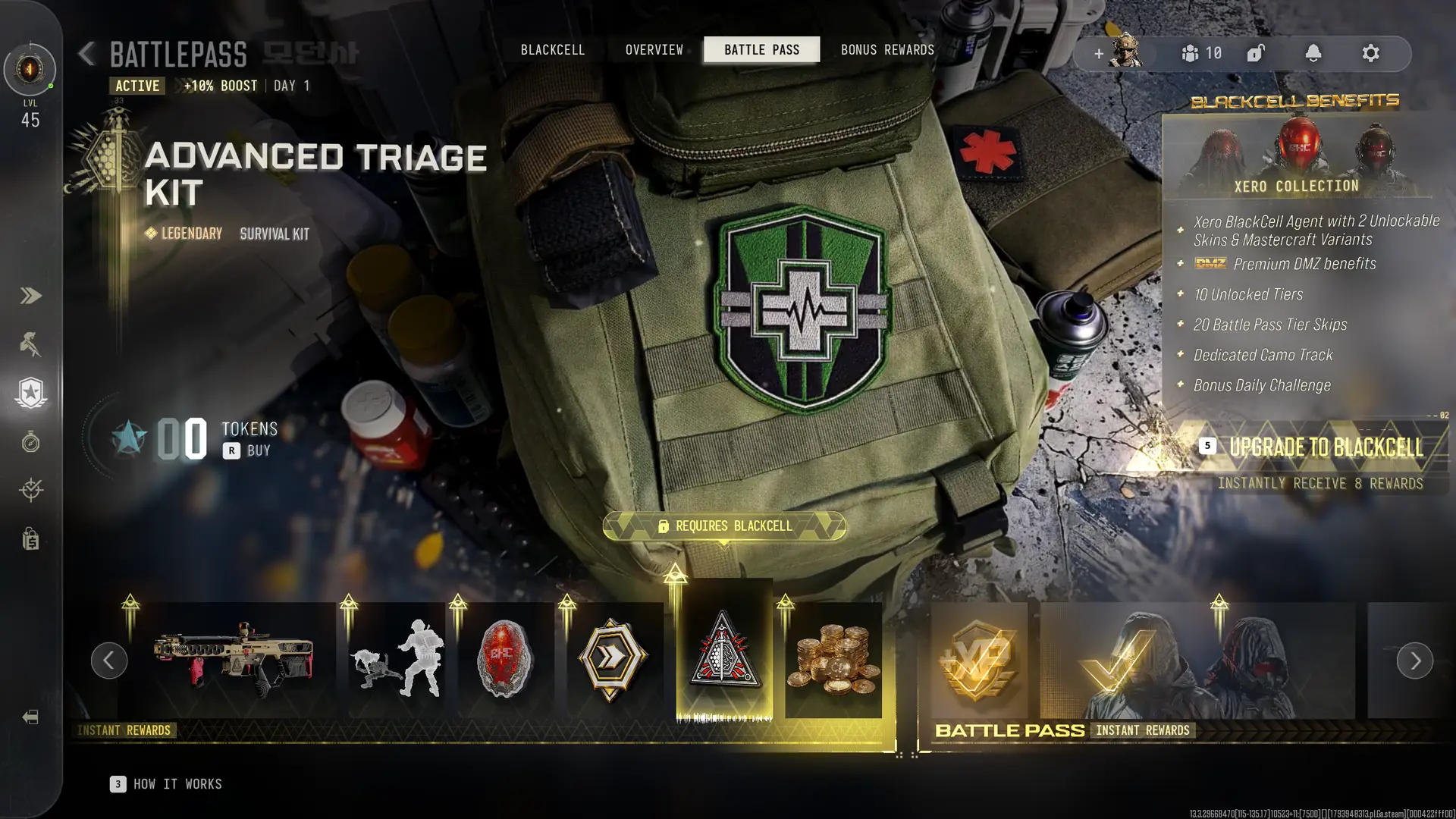
- Reward-ahead tokens: the Bundle allows choices within ten unlocked tiers ahead; BlackCell within twenty. Using one claims the selected reward without changing the normal progress position. Read the selection window before spending.
Pick the rewards useful in DMZ
The free base weapons are Cronen Osprey at tier 16 and CSG-35 at tier 36. Unlocking these seasonal base weapons also grants their DMZ Weapon Manuals. A Manual unlocks base-weapon crafting; a Blueprint is a particular build and follows its own loss/rebuy behavior. See the Manual guide.
Use the complete Survival Kit table for tiers and contents. Tier 34’s Trap Equipment Kit is free; do not assume every kit tile is available without the paid pass. Claim an earned kit, inspect it and equip the supplies for your next deployment.
Finish a session with the right checks
- Read the pass’s current tier, XP progress and reward eligibility.
- Earn match XP, then compare the pass afterward.
- Claim available rewards and inspect their actual destination: kit menu, weapon unlock or cosmetic.
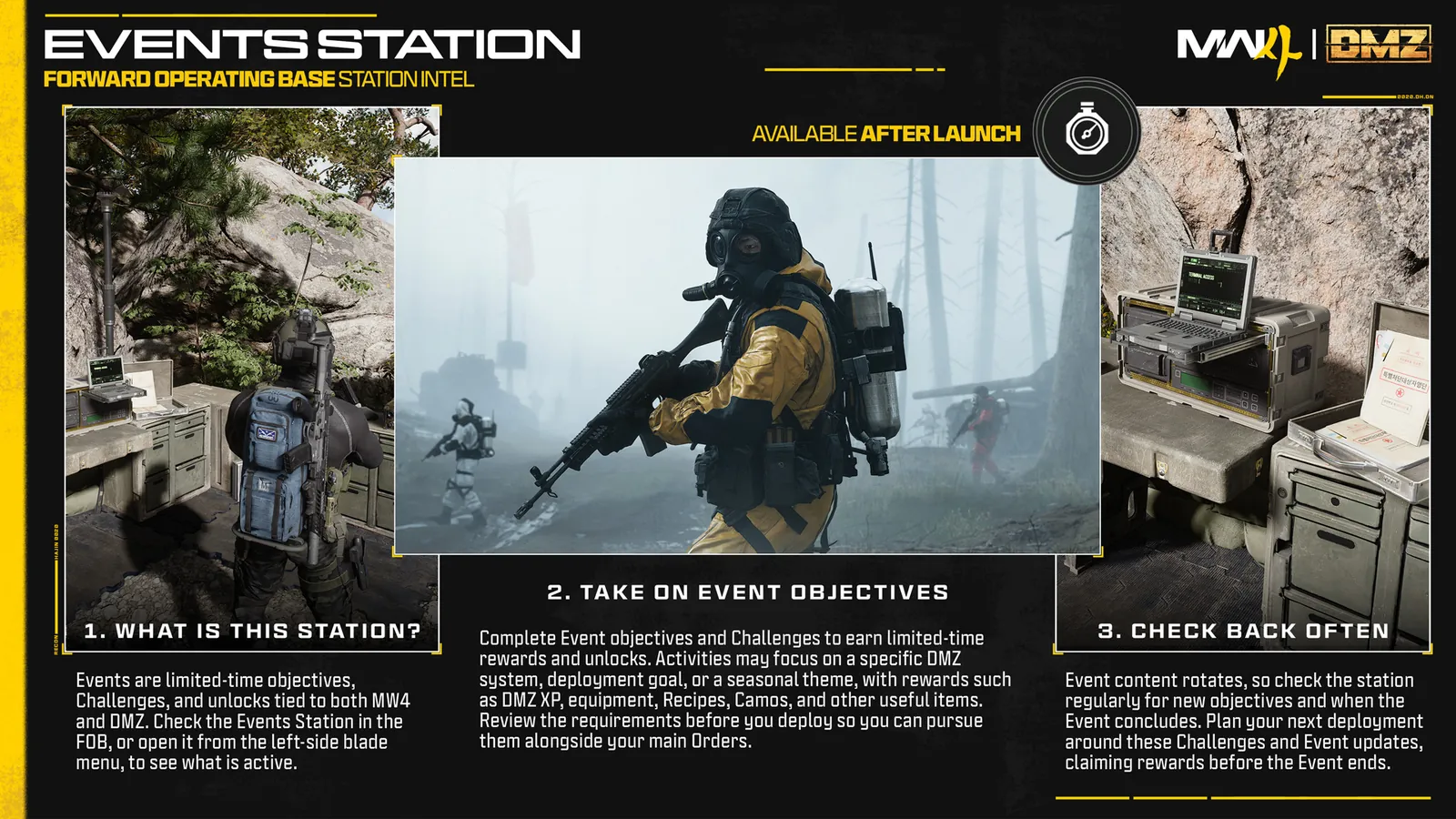
- Check XERO challenges separately; their points do not replace the pass tier counter.
An XP Token’s announced active time pauses outside matches. Read its type before activation: weapon XP and Battle Pass XP are not interchangeable. Bonus rewards arriving later in the season have their own eligibility; finishing one challenge is not proof every seasonal reward is claimed.
Spotted something wrong? Send a correction.