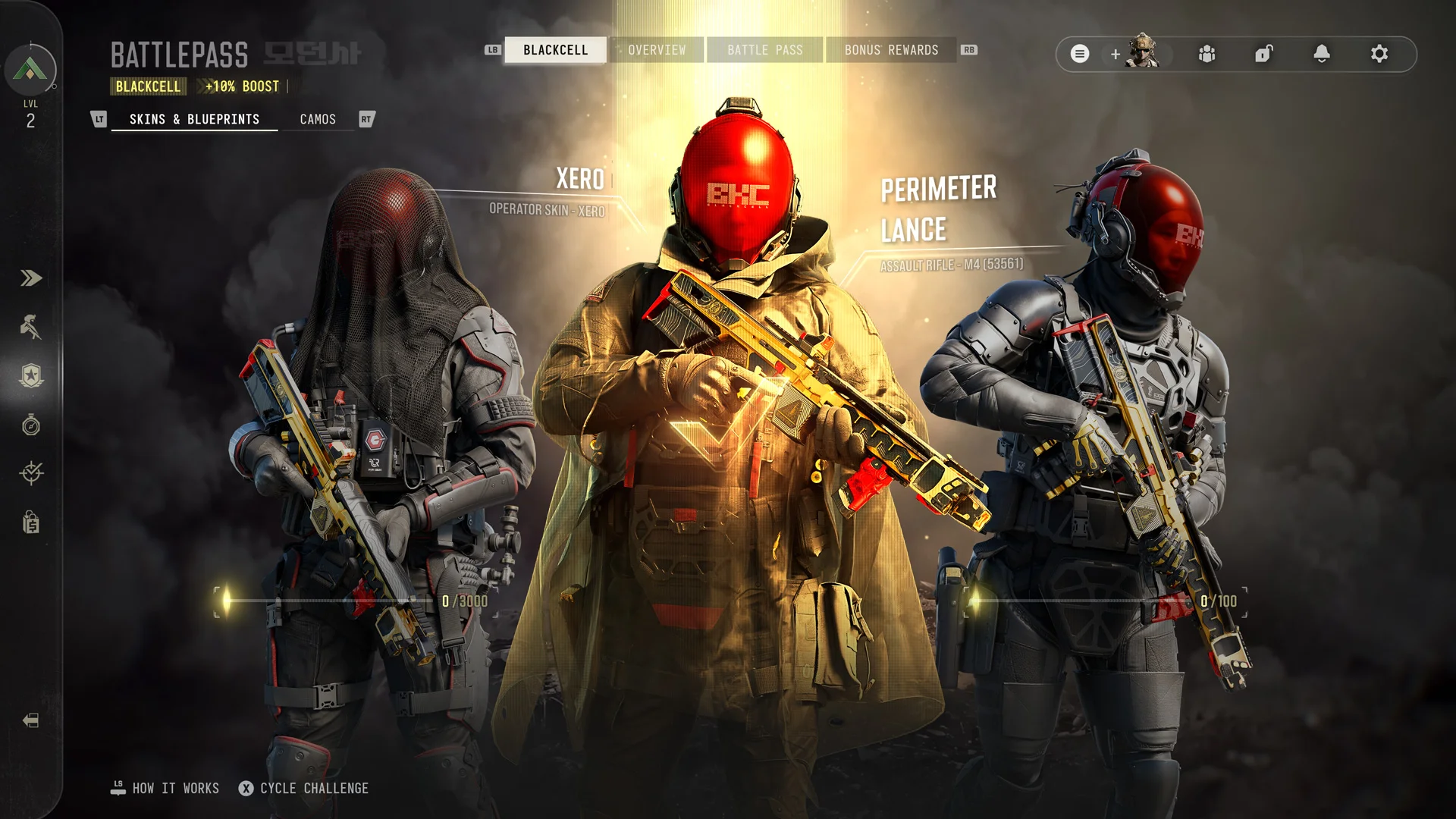
XERO BlackCell challenges: Cowled, Adder and M4 blueprints
Track XERO's two challenge counters, calculate DMZ kills and exfils, and claim the matching Operator skins and M4 blueprints.
Open the Season 1 BlackCell challenge panel and track the kill and victory counters separately. Cowled and Occultus use the kill track; Adder and Exitium use the victory track. BlackCell access and a completed reward are separate checks.
Open the Season 1 BlackCell challenge panel and track the kill and victory counters separately. Cowled and Occultus use the kill track; Adder and Exitium use the victory track. BlackCell access and a completed reward are separate checks.
Check your current counter
Confirm that the challenge and its BlackCell requirement are available on your account. Note the points already earned before choosing a run. These are season challenges, separate from the daily Bunker reward and the weapon-camo track.
| Rewards | Target points | DMZ contribution | From zero using DMZ only |
|---|---|---|---|
| Cowled + Occultus | 3,000 | 2 points per Enemy or Operator kill | 1,500 qualifying kills |
| Adder + Exitium | 100 | 20 points per successful exfil | 5 successful exfils |
The totals above are arithmetic for an eligible account starting at zero and earning all points in DMZ. Existing progress or points earned in another supported mode change the remaining requirement. MP and Warzone use different scoring; do not apply their rates to DMZ.
Make a practical DMZ plan
- For the kill counter, confirm the panel’s current criteria. The announced DMZ rule includes both Enemy and Operator kills, so PvP is not required by that wording.
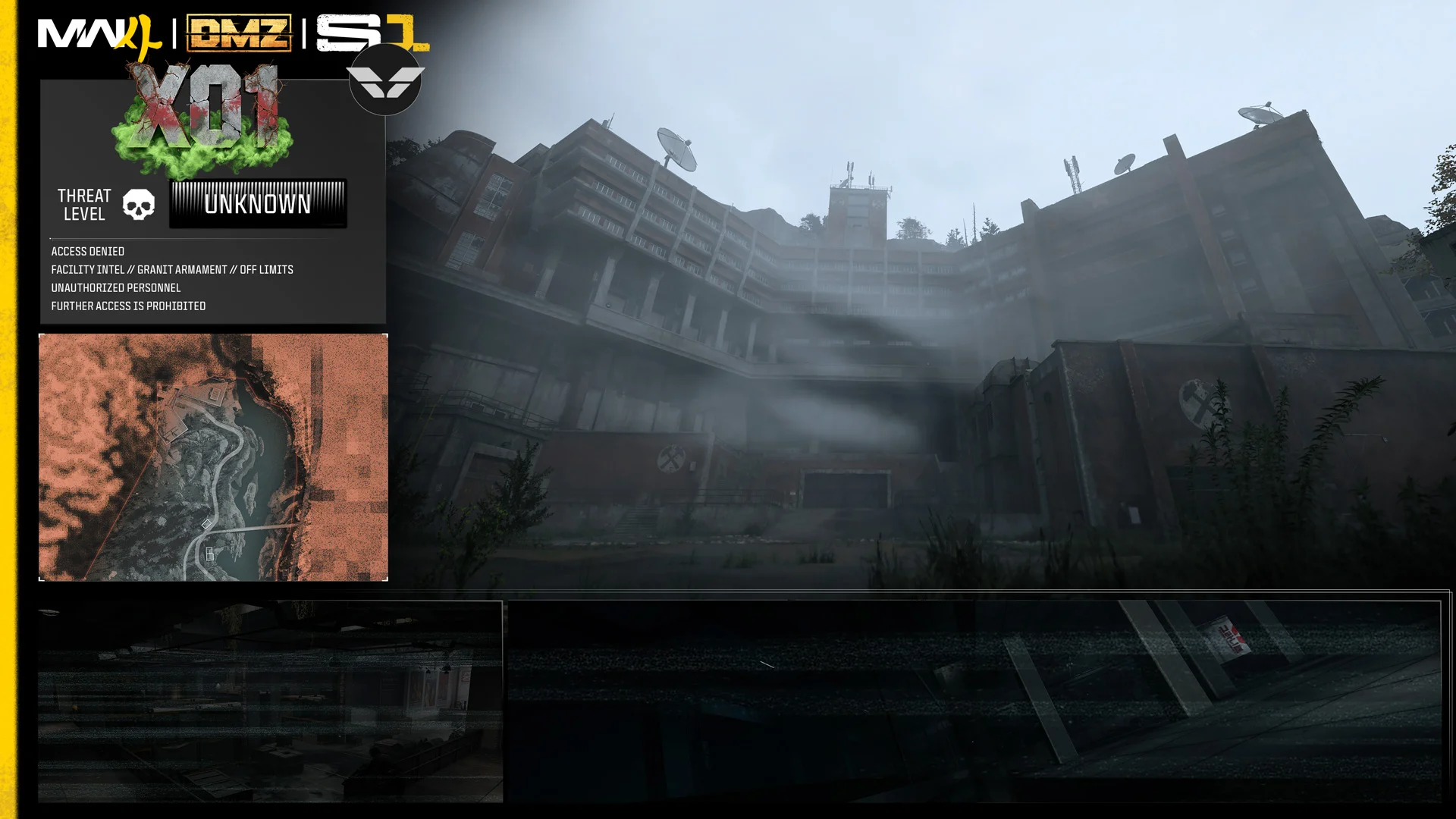
- Combine ordinary objectives and manageable AI encounters rather than abandoning extraction for an unsafe fight. Use a no-key X01 supply run if you need equipment first.
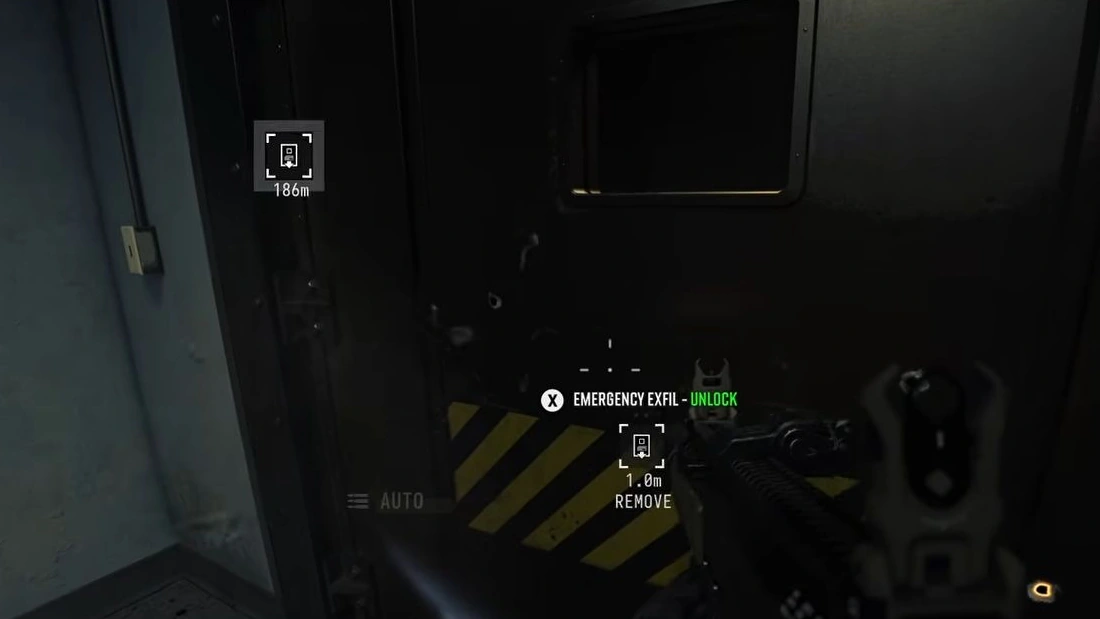
- For the victory counter, choose a reachable exit and complete departure. Calling a lift or reaching its room is not a successful exfil. Follow the X01 exit steps.
- After the match, compare both counters and use the reward claim option when offered. Check the unlocked skin/blueprint before assuming it was equipped automatically.
If progress looks wrong
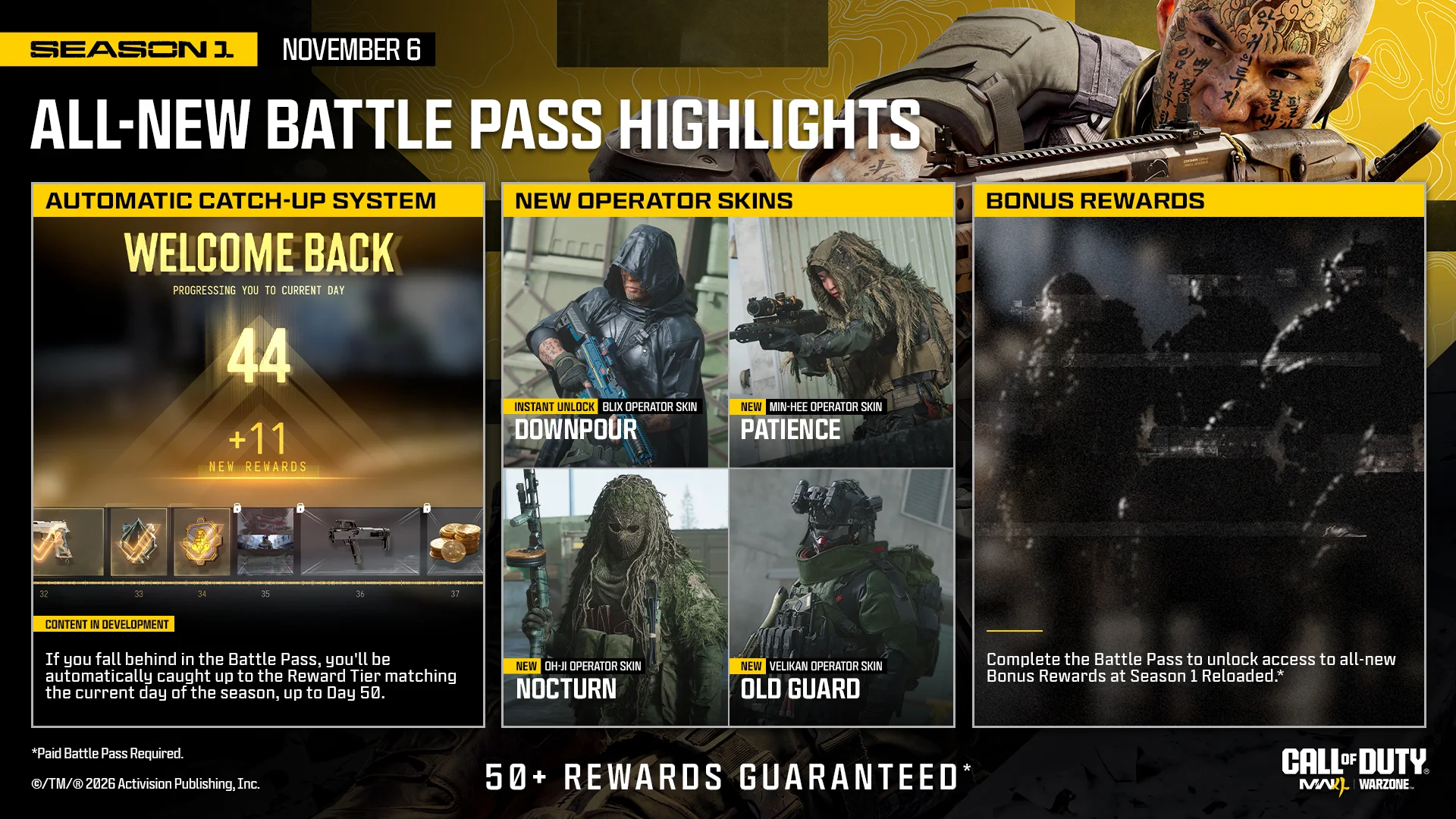
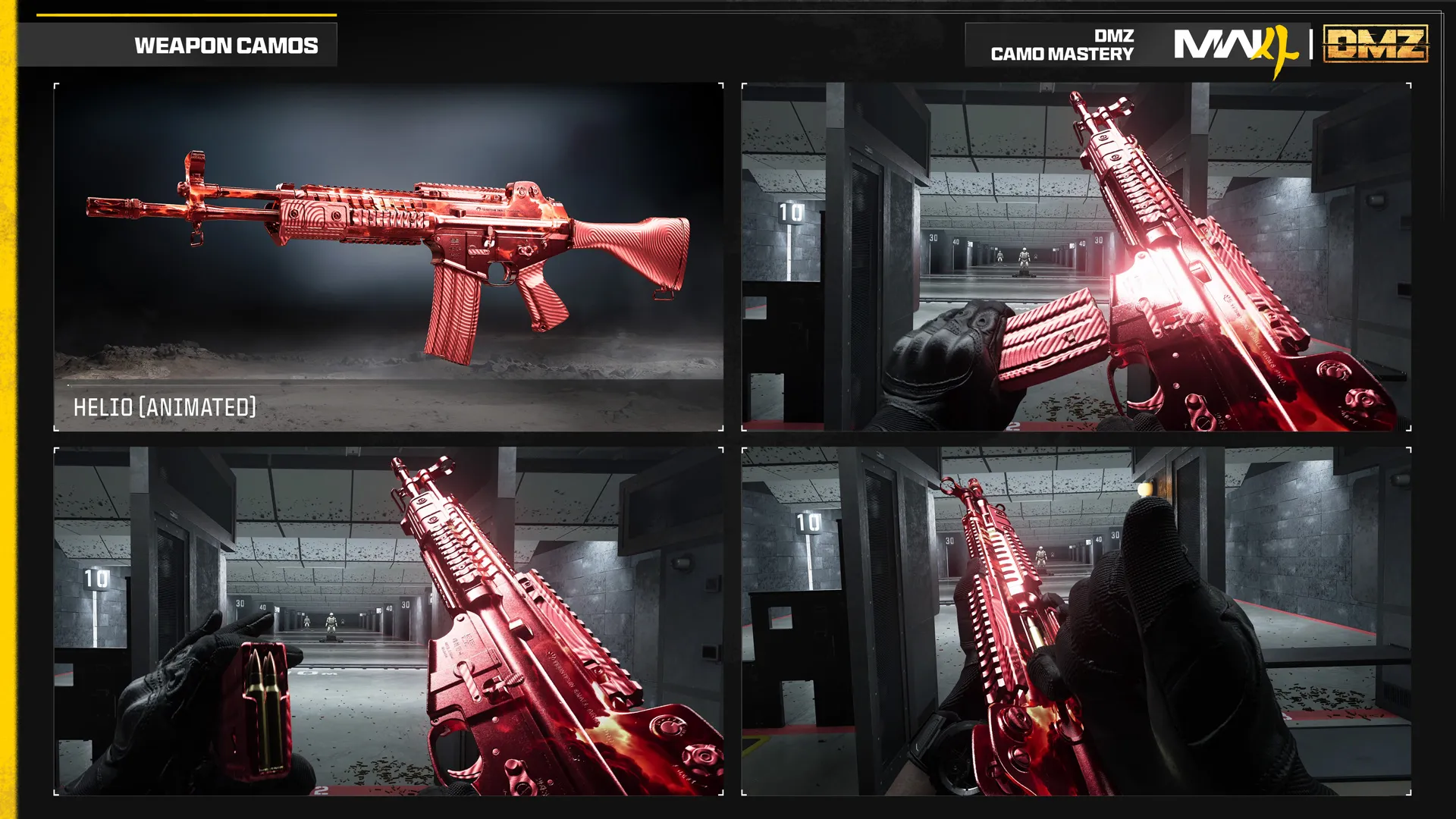
Check the account’s eligibility, active season, exact track and after-action result first. Record the before/after counters and consult current issue coverage if they still disagree. Broader squad-kill sharing is not established here. The Battle Pass guide explains the separate tier system; camo challenges use their own conditions.
Spotted something wrong? Send a correction.