DMZ Season 1 events: Threat Briefing and Resupply Run
Plan Battle Tank and Captain part extractions, understand squad credit and follow the current Resupply Run requests.
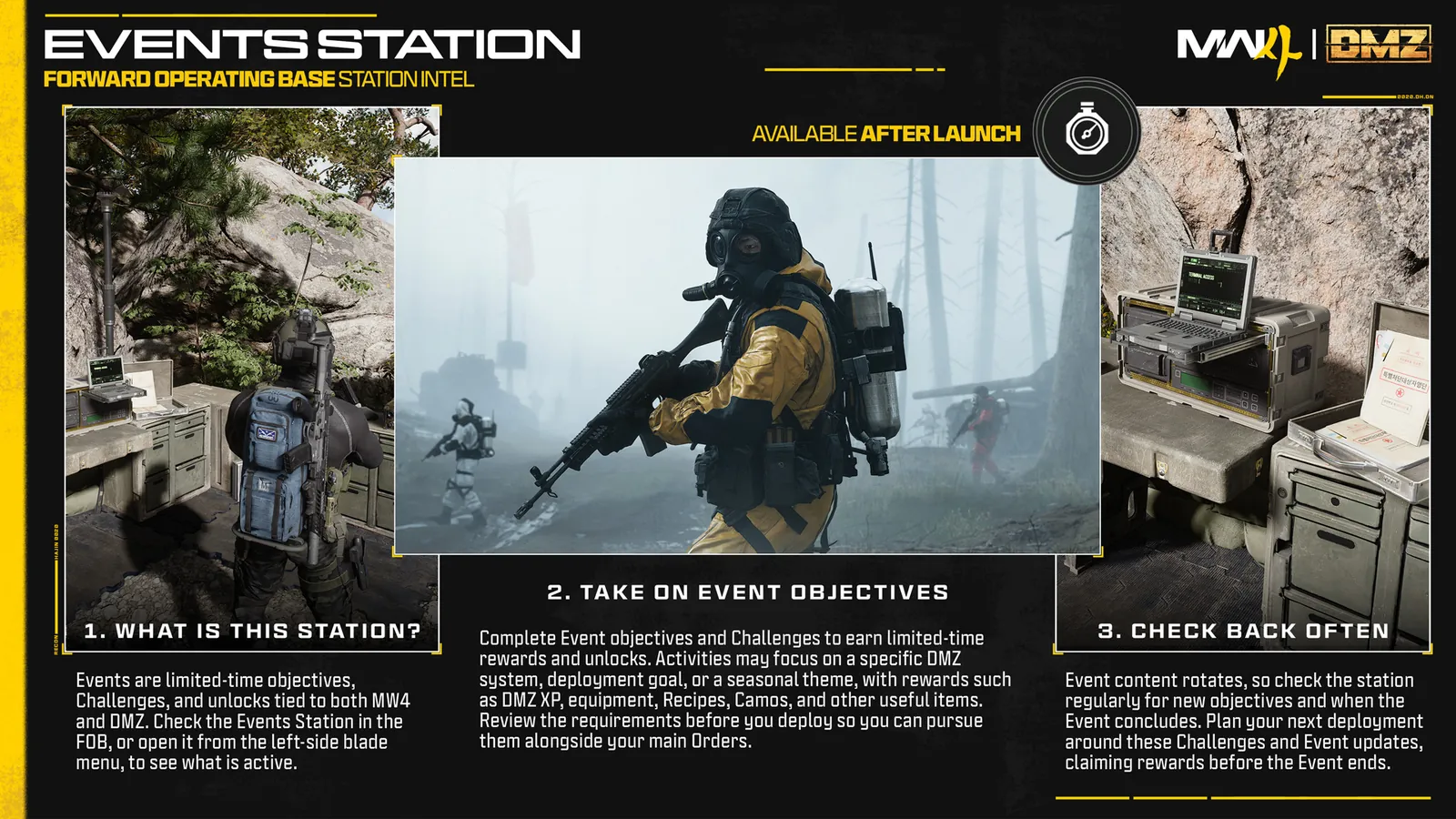
For Threat Briefing, recover the named Commander part and finish extraction. For Resupply Run, follow the active item request and exchange instruction. Check the Events panel before deploying: an announced event is not proof it is currently available.
For Threat Briefing, recover the named Commander part and finish extraction. For Resupply Run, follow the active item request and exchange instruction. Check the Events panel before deploying: an announced event is not proof it is currently available.
Choose the active event first
The Season 1 launch notes list Battle Tank. Captain and Resupply Run are announced seasonal activities; use your current panel for their availability, dates, required quantities and reward milestones. Record your starting counter so you can check the result afterward.
| Activity | Destination | Required action |
|---|---|---|
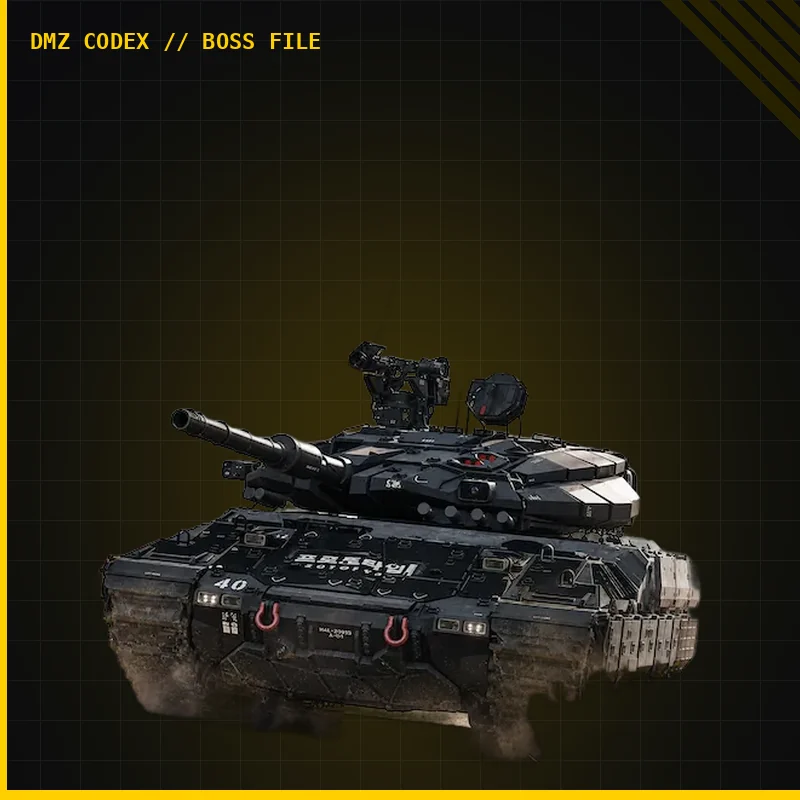
| Threat Briefing: Battle Tank | Hajin | Destroy the tank, collect the requested armor fragment and extract |
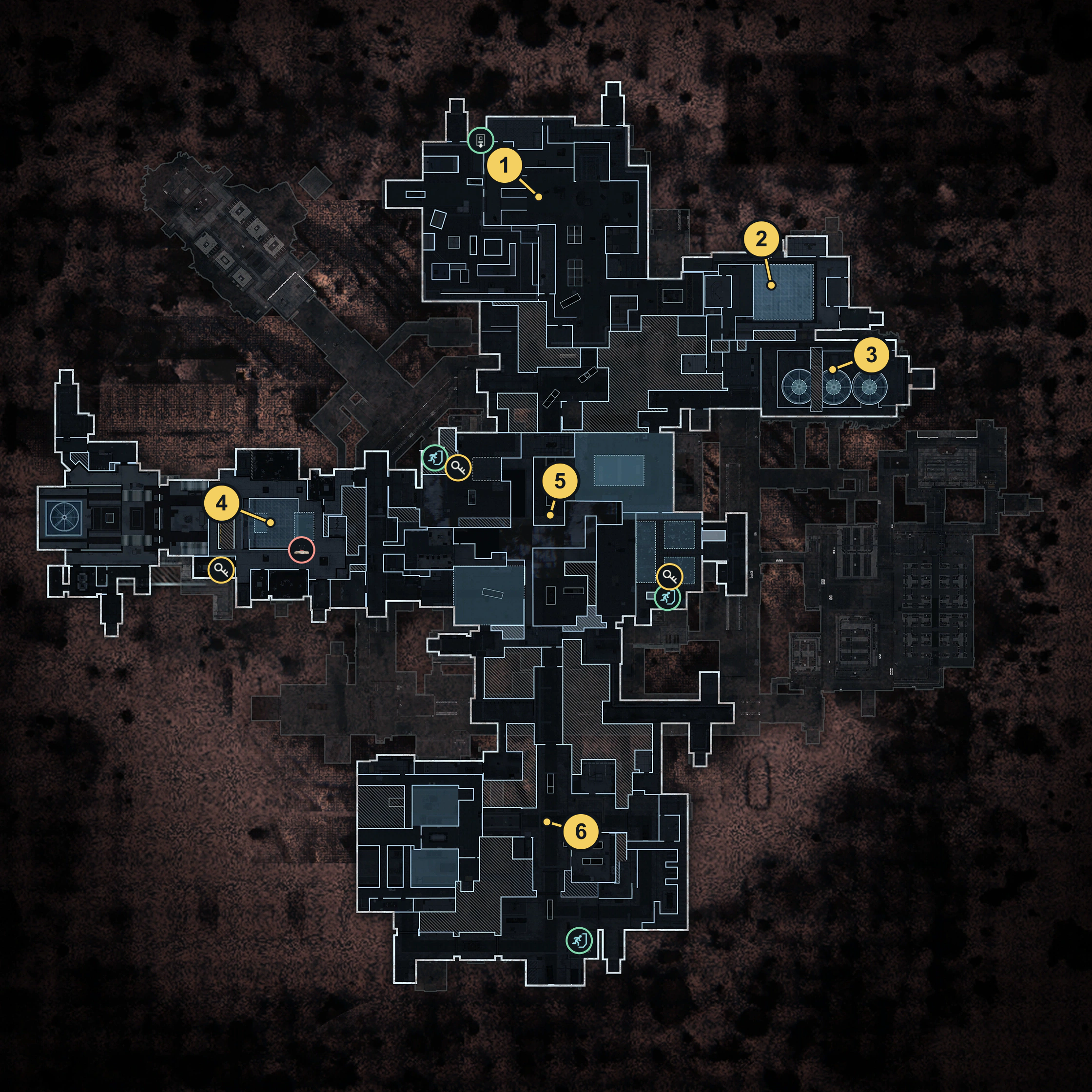
| Threat Briefing: The Captain | X01 | Fight The Captain, collect the requested helmet section and extract |
| Resupply Run | The POIs named by the current request | Collect the specified items and complete the displayed exchange |
Battle Tank: collect, then leave
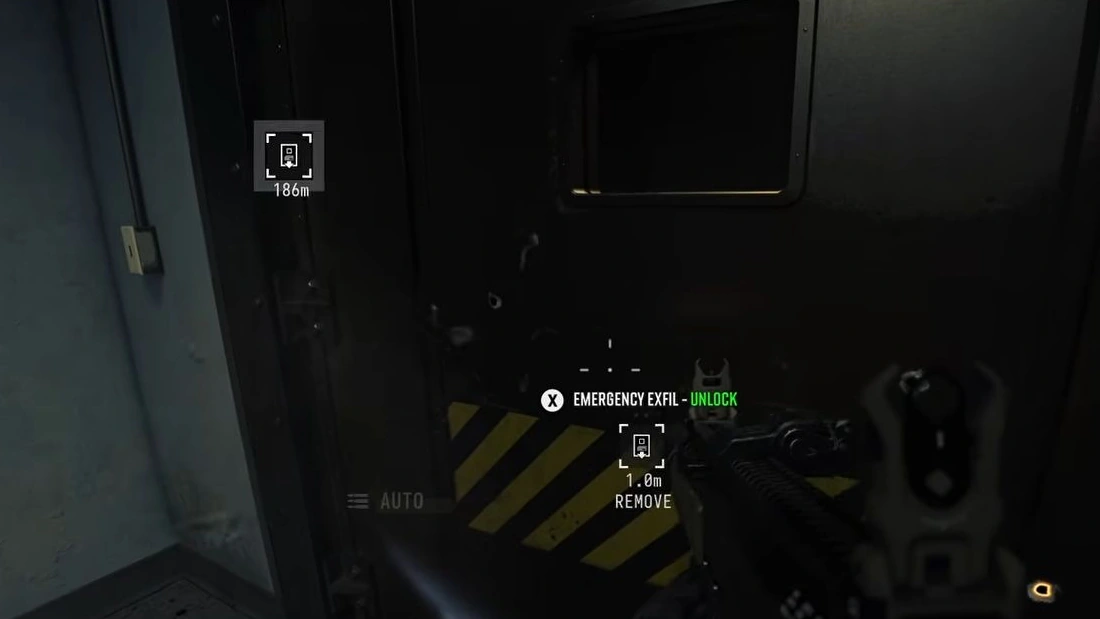
- Read the active objective and prepare your tank encounter. Choose an exit before engaging.
- Destroy the tank, clear nearby threats and inspect the wreck for the event part. A kill without the part is not a completed extraction objective.
- Carry the part through a successful extraction. The announced tank rule is one part per deployment; plan further runs for further progress.
- Reopen Events, compare the counter and claim any reward the panel offers.
Captain: protect the part carrier
Prepare with the X01 boss guide and select an active exit. Defeat The Captain and inspect the loot for the helmet section requested by the active event. Keep it separate from Deep Vault 301 or ordinary crafting loot.
One squad member extracting with a qualifying Commander part gives the squad event credit under the announced rule. Protect that carrier and finish departure. Do not apply the tank’s one-part limit to Captain sections without a matching rule in the panel.
Resupply Run: match the request exactly
Read the item name, quantity and exchange instructions before gathering loot. Use the named POI, keep the requested items available and complete the specified trade rather than selling them casually. Check progress before starting another collection loop. Announced reward examples include Self Revives and 3-Plate Carriers; the active request determines your actual reward.
Exact live thresholds, exchange locations and event dates are not established here. Follow the current panel instead of assuming a fixed shopping list. Use combined deployment routes only when the event’s requirements fit your active objectives.
Spotted something wrong? Send a correction.