
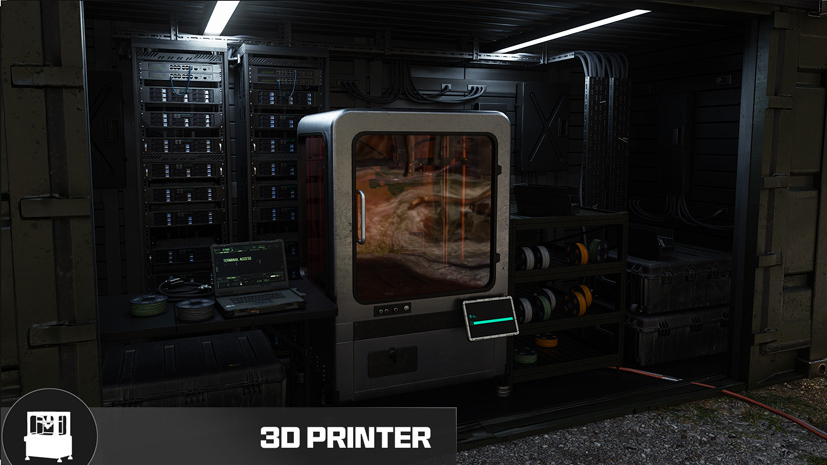
DMZ Ingredient Printing: unlock bills and a collection plan
Uncommon: 50,000 Cash plus three ingredients · Epic: 100,000 Cash plus three ingredients · Unlocking a recipe does not pay its crafting cost
The listed Uncommon printing bill is 50,000 Cash, 20 Biomaterials, 10 High-Tenacity Fibers and 5 Comms Modules. Epic is 100,000 Cash, 10 Binding Catalyst, 10 Printed Circuit Board and 5 Military Composites. Check the current lock and reserve recipe inputs separately: the upgrade purchase does not pay later printing costs.
- Uncommon: 50,000 Cash plus three ingredients
- Epic: 100,000 Cash plus three ingredients
- Unlocking a recipe does not pay its crafting cost
Reserve five Comms Modules before spending them on another goal if Uncommon Ingredient Printing is your next purchase. Its unlock bill includes those modules, and the earlier printing purchase does not let you manufacture them. A complete plan separates the upgrade price, the ingredients needed afterward and the gear you still need to survive the collection run.
Check the actual lock before collecting
Open the 3D Printer and inspect Upgrades. Write down the name, lock reason and bill shown on your current panel. The community-listed bills below are useful planning references; compare them with the menu before paying. An overall Printer unlock, a DMZ level reward and an Ingredient Printing purchase are different events.
No universal level gate or mandatory Uncommon-to-Epic purchase chain is established here. If your panel names a prerequisite, complete that requirement rather than treating the combined total below as an unlock shortcut.
| Purchase | Cash | Complete ingredient bill |
|---|---|---|
| Uncommon printing | 50,000 | 20 Biomaterials + 10 High-Tenacity Fibers + 5 Comms Module |
| Epic printing | 100,000 | 10 Binding Catalyst + 10 Printed Circuit Board + 5 Military Composites |

Buying both listed upgrades costs 150,000 Cash before printing any ingredients. You do not have to buy both to solve every shortage. If a found ingredient completes your next equipment craft, using it may help sooner than funding a permanent upgrade.
Build a list from what is missing
For each ingredient, subtract what you are keeping in the Stash. Count only the stock you are willing to spend. A catalyst reserved for your next Medkit is not spare progress toward the Epic bill. Keep the cash needed for a replacement kit and your selected Operator’s recovery separate as well.
| Resource or ingredient | Both upgrade bills | Plus two Medkits |
|---|---|---|
| Cash | 150,000 | 150,000 |
| Biomaterials | 20 | 30 |
| High-Tenacity Fibers | 10 | 10 |
| Comms Module | 5 | 5 |
| Binding Catalyst | 10 | 12 |
| Printed Circuit Board | 10 | 10 |
| Military Composites | 5 | 5 |
| Chemicals | 0 | 60 |
The second column is the two upgrade bills added together. The final column adds two Medkits: ten extra Biomaterials, two extra Binding Catalysts and 60 Chemicals. It is one example reserve, not another upgrade requirement.
Uncommon collection: medical, fibers and technology
Biomaterials: use the medical supply checklist and inspect hospital storage or chemical lockers. If Uncommon printing is still locked, its Biomaterials recipe cannot solve the initial purchase shortage.
High-Tenacity Fibers: the Fibers guide distinguishes a reported barber-shop Duffel from broader armory and barracks hints. There is no verified exact barber-shop pin or guaranteed yield. The Level 53 reward is two Fibers once, not ten on every visit.
Comms Modules: follow the Array tech search if the approach fits your deployment. Inspect individual server blades and computers; the safe search is a separate opportunity. Crashed large-drone and eastern Deadtown reports are alternatives in the module guide, not guaranteed sources or reasons to traverse the whole map.
Stop when the remaining shortage is no longer worth the current risk. You can store partial progress across successful extractions; a bill of five modules is not a requirement to find all five in one match.
Epic collection: reserve the expensive ingredients
For Binding Catalyst, use Mirae General Hospital and medical-tent search leads. For Printed Circuit Boards, inspect the current Ingredient Locations hint; reactor/substation and Air Base Bunker reports are search leads, not an every-container result. The material guide separates these hints from observed finds.
Military Composites have a Colossus search lead. If that encounter is necessary for your plan, read the Colossus fight guide and budget the equipment separately. Five required Composites do not mean five guaranteed kills or a five-item guaranteed drop. Check stored and earned ingredients before turning a collection run into a boss fight.
Purchase once, then fund the recipe you want
After extraction, confirm Stash totals and the current bill. Buy the selected upgrade, then open the ingredient you intended to print and check that its recipe is available. The upgrade is permanent; each printed ingredient still consumes its own inputs.
Two examples explain the difference:
- After Uncommon printing, ten Biomaterials at 20 Synthetics + 20 Chemicals each cost 200 Synthetics + 200 Chemicals. Two Medkits made from those Biomaterials need another 60 Chemicals and two Binding Catalysts: 260 Chemicals in total.
- After Epic printing, five Comms Modules at 100 Electronics + three CPU each cost 500 Electronics + 15 CPU. Purchasing Uncommon printing alone does not enable that recipe.
These are arithmetic examples using the listed recipes; compare current menus before committing materials. Use the crafting planner for equipment totals and the FOB tracker for upgrade goals. Neither reads your in-game Stash automatically.
When the plan stalls
An empty container is a reason to change a nearby search, not proof that a fixed spawn must reset. An unavailable recipe means checking its unlock, not gathering more base resources for a button you cannot use. A full Stash calls for reviewing your next goal with the keep/sell reference. Protect the kit that gets the next collection run home.
Quick questions
Can Uncommon printing make its own required Comms Modules?
No. The listed Comms Module recipe belongs to Epic Ingredient Printing. Buying Uncommon printing does not unlock it; use available loot, rewards or an already unlocked recipe.
Must I purchase Uncommon before Epic?
The two bills do not establish a universal prerequisite chain. Read the lock reason in your current Upgrades panel and meet any displayed prerequisite before gathering for a purchase you cannot make.
Mentioned in this guide
Spotted something wrong? Send a correction.
Keep reading
 Guide · Gear & craftingMW4 DMZ loot guide: what to keep, sell and use for crafting
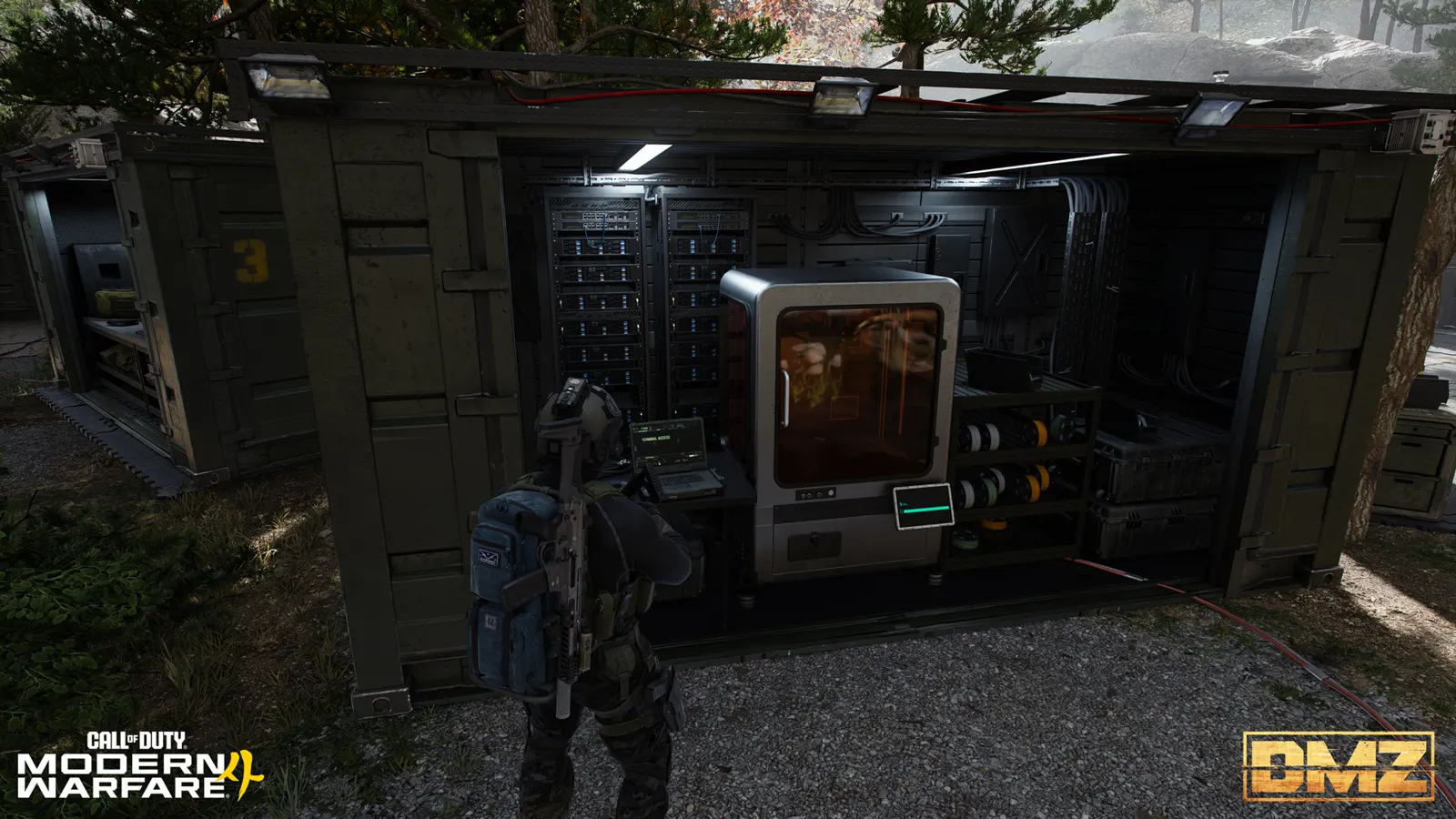 Guide · Gear & craftingWhere to find crafting materials in MW4 DMZ
 Guide · Gear & craftingCheonwang Peak Array loot route: three safes and electronics Guide · Gear & craftingMW4 DMZ Comms Module locations and Ingredient Printing unlock