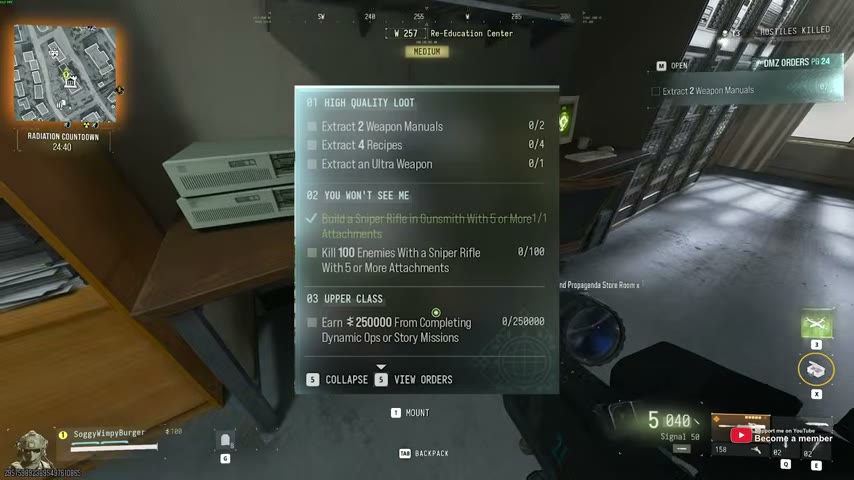
High Quality Loot, sniper kills and Upper Class Orders
Sniper build AND 100 kills require five or more attachments · Upper Class: $250,000 from Dynamic Ops or Story Missions · Extract two Manuals, four Recipes and one Ultra weapon
Build a sniper with at least five attachments, use it during Dynamic Ops, and protect the actual unlock items you find on the way out. These three Orders can share deployments, but they do not share a single completion check. Keep the sniper qualification, activity earnings and extracted-item totals visible.
- Sniper build AND 100 kills require five or more attachments
- Upper Class: $250,000 from Dynamic Ops or Story Missions
- Extract two Manuals, four Recipes and one Ultra weapon
Build a sniper with at least five attachments, use it during Dynamic Ops, and protect the actual unlock items you find on the way out. These three Orders can share deployments, but they do not share a single completion check. Keep the sniper qualification, activity earnings and extracted-item totals visible.
Check every requirement before spending Cash
| Order | Requirement |
|---|---|
| High Quality Loot | Extract two Weapon Manuals, four Recipes and one Ultra weapon |
| You Won’t See Me | Build a sniper in Gunsmith with five or more attachments; kill 100 enemies with a sniper with five or more attachments |
| Upper Class | Earn $250,000 from completing Dynamic Ops or Story Missions |
Keep the 100 qualifying sniper kills separate from the earnings counter. A bank balance of $250,000 is not what the earnings wording asks for. Check your active counters before choosing your next run.
Reuse a suitable sniper before buying a whole build
Open the DMZ Gunsmith and inspect a weapon classified as a sniper rifle. Count its equipped attachments; keep at least five on the final build. Do not assume a marksman rifle qualifies simply because it has a scope.
If you already own a sniper with enough attachments, try changing a part in Gunsmith instead of buying a complete new build. Check the preview price, finalize the change and confirm build credit before deploying. Available parts, unlocks and costs depend on your inventory; no universal cheapest build is established.
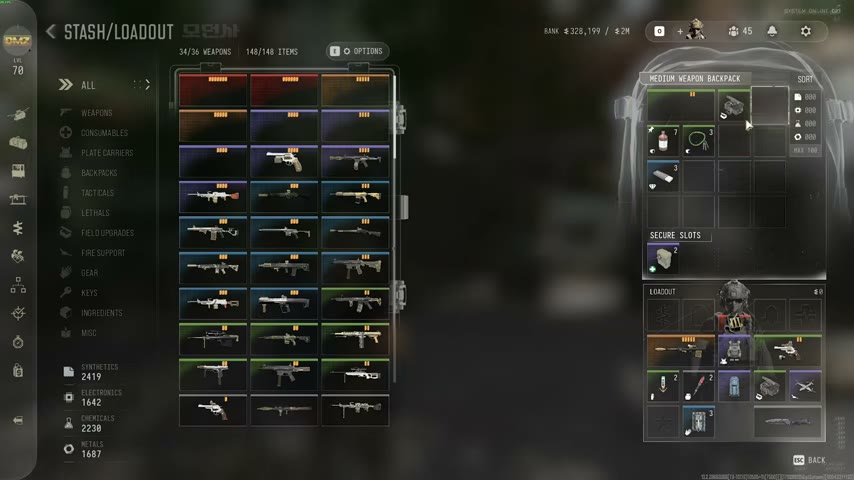
Use the build-budget guide if Cash is tight. Choose an affordable scope and handling arrangement you can use reliably; a best sniper and current DMZ damage comparison remain unverified.
Keep the qualifying sniper equipped for the kills
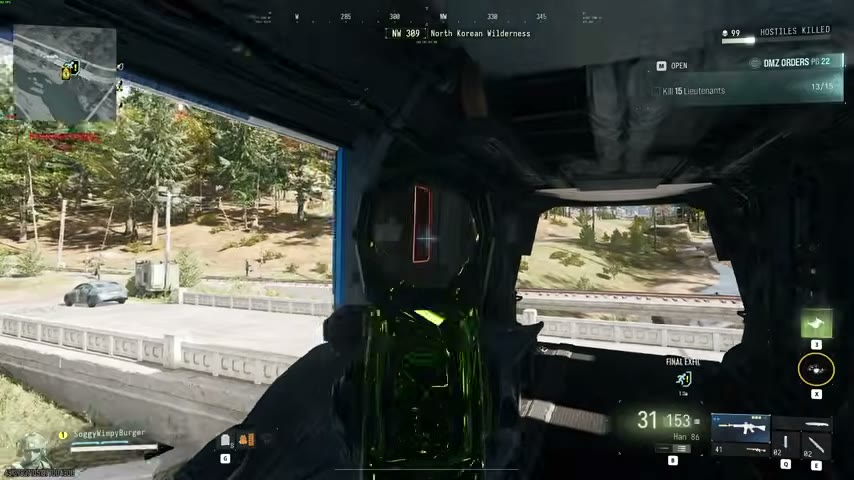
Take that five-plus-attachment sniper into deployments and use it against enemies while completing activities. Bring enough ammunition and a second weapon for close threats. Inspect the kill counter after a small group before committing a full run to the setup.
If progress stalls, check the weapon class, attachment count and which weapon delivered the kills. Reducing the build below five attachments changes the stated qualification. The task does not say 100 player kills or one deployment, so there is no need to hunt operators or force every kill into a single trip.
Earn Upper Class Cash from completed activities
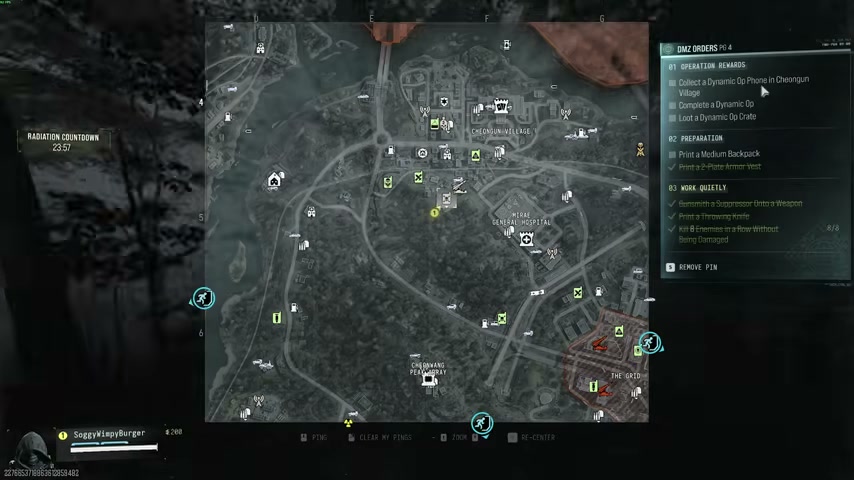
Choose a reachable Dynamic Op or a Story Mission you can finish with your current kit. Complete its final objective and check the Upper Class earnings counter. Use the change in that counter to judge progress, rather than mixing loose Cash, sales and unrelated rewards into your estimate.
Activity payouts can vary, so there is no fixed mission count or reliable completion-time promise. Choose the next activity only when ammunition, armor, transport and extraction time allow it. Protect a rare Manual already in your bag instead of taking an unnecessary cross-map detour.
Search for the actual Manuals and Recipes
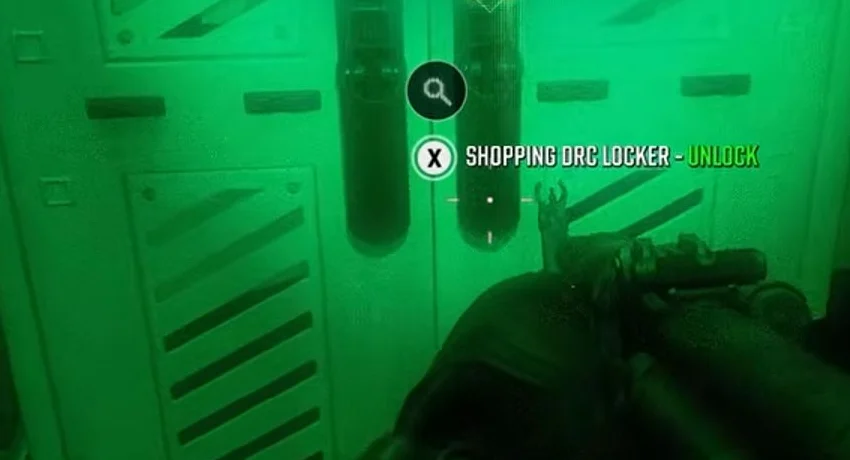
Inspect accessible safes, weapons lockers and containers along your activity route. Recipes and Manuals are not guaranteed finds. Use the route comparison to choose between Cheonwang safes and keyed rooms you can already enter.
Read the card: a Weapon Manual, a Printer Recipe, a Blueprint and a finished gun are different pickups. Keep two Manuals and four Recipes as extraction goals; do not assume finding their finished products satisfies those counters. Make backpack space before filling it with replaceable equipment. Use an eligible Secure Slot if available, then still verify the successful-extraction requirement.
Get an Ultra weapon without assuming a guaranteed drop
Inspect the rarity and item type of any weapon you find. A Lieutenant hunt or an accessible DRC locker is a search option; neither guarantees the required weapon. A red Ultra vest does not satisfy a weapon objective.
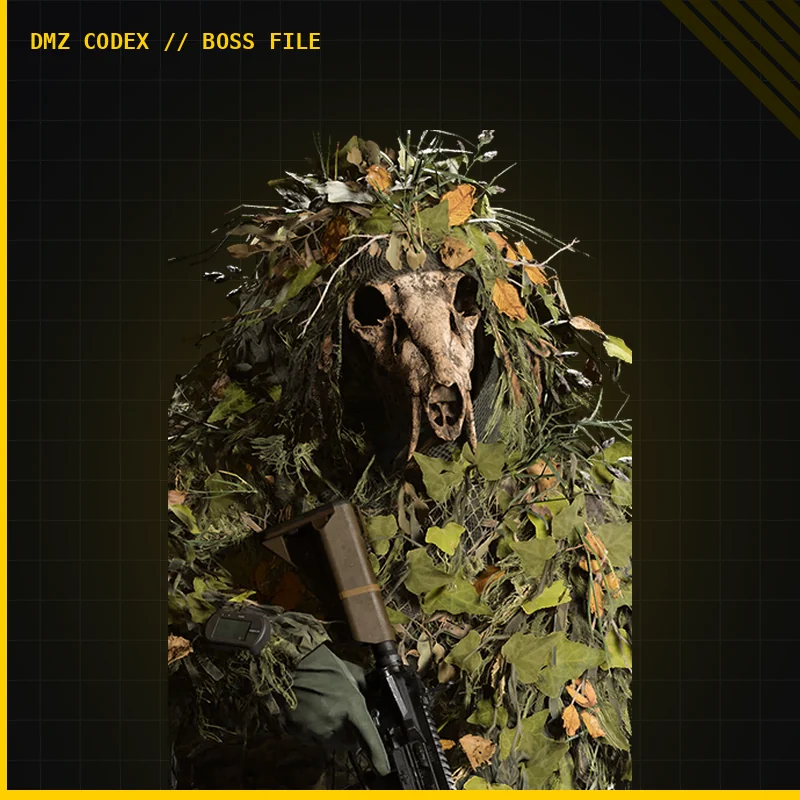
Use the Gorani guide as a hunt option, not a promised Ultra-weapon drop. Check the actual weapon’s type and rarity. Do not spend your only high-value key on an assumed fixed loot table.
Once you obtain the required gun, keep it through exfil and check High Quality Loot at the FOB. Record what remains: Manuals /2, Recipes /4, Ultra weapon /1, sniper kills /100 and activity Cash /250000. The next deployment should target the missing counter rather than repeat every part of the route.
Quick questions
Do the sniper kills need five attachments too?
Yes. Use five or more attachments both for the Gunsmith sniper build and on the sniper used for all 100 enemy kills.
Does any Cash count for Upper Class?
The objective specifies $250,000 earned from completing Dynamic Ops or Story Missions. Do not substitute your bank balance or assume selling loot satisfies that source requirement.
Does an Ultra vest finish High Quality Loot?
The objective requires an Ultra weapon. Read the item type and rarity, keep the actual weapon and successfully extract; an Ultra vest or a Weapon Manual is a different item.
Spotted something wrong? Send a correction.