Field Crafting: make supplies from your Backpack
Current Operator needs the Scout trait · Open Common resources in the deployed Backpack · FOB recipes and field crafts are separate
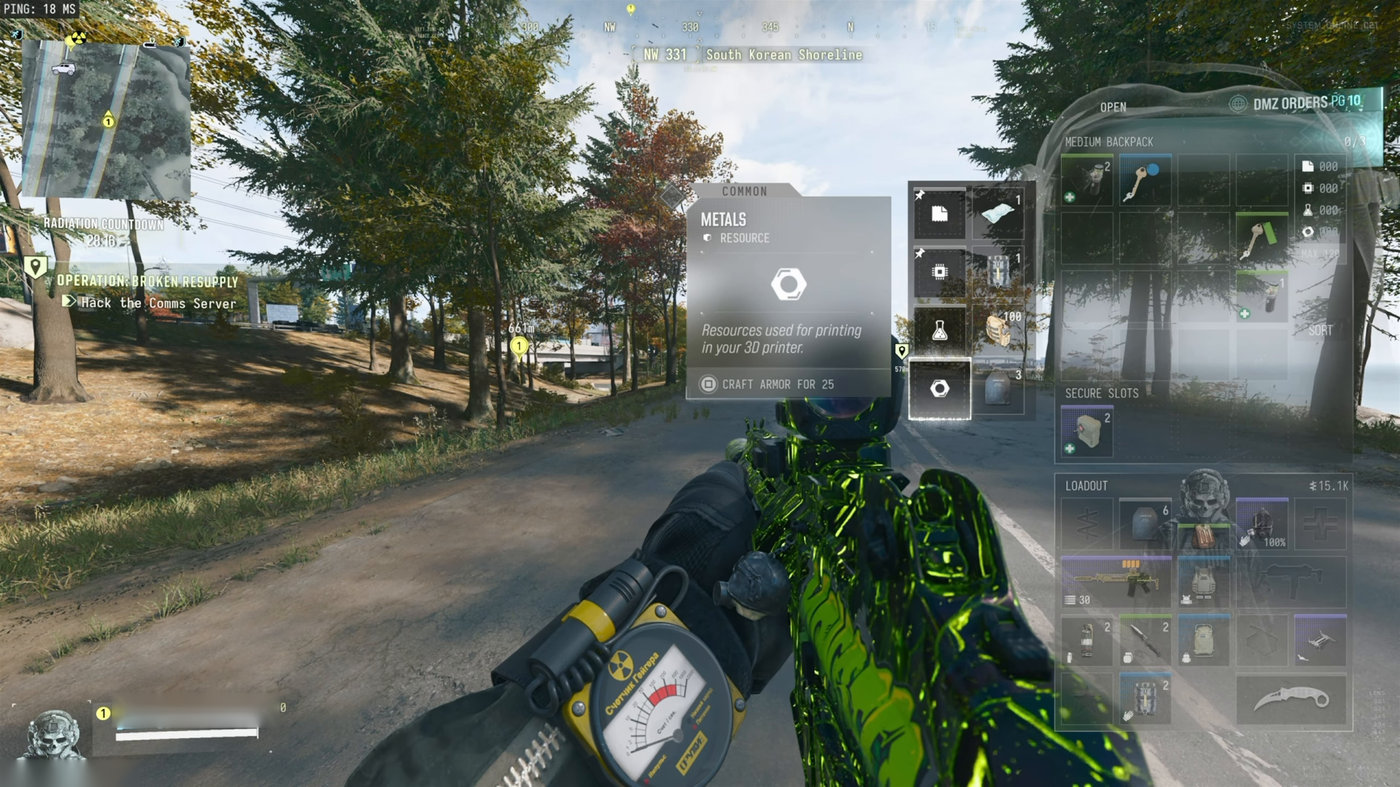
Field Crafting turns Common resources into emergency supplies through your Backpack while deployed. Highlight the resource and use its displayed Craft prompt. For Metals, select Craft Armor for 25. Check the current cost before confirming; you do not need to return to the FOB for this craft.
- Current Operator needs the Scout trait
- Open Common resources in the deployed Backpack
- FOB recipes and field crafts are separate
Field Crafting turns Common resources into emergency supplies through your Backpack while deployed. Highlight the resource and use its displayed Craft prompt. For Metals, select Craft Armor for 25. Check the current cost before confirming; you do not need to return to the FOB for this craft.

Equip the trait on the Operator you are taking
Field Crafting belongs to the Scout tree. Check it on your current Operator before deploying; an unlocked or selected trait on another Operator is not enough. Use the trait planner to follow the connected path to it. The skill-tree guide explains the wider progression.
Open the crafting menu during a raid
- Stop behind cover and open your Backpack.
- Highlight a Common resource in the right-hand inventory panel. These are basic material totals, not physical rare ingredients in item slots.
- Read the output and cost beside the selected resource. For Metals, choose Craft Armor for 25 only after checking that you can afford the displayed cost.
- Use the displayed Craft binding. On PlayStation, look for Square; follow the prompt for your platform and control settings.
- Check your inventory and equipment after crafting. Highlighting a resource alone does not create the item.
Which resource to select
The reported field options are below. Treat the live menu as the authority for cost and output quantity after patches or trait upgrades.
| Resource | Field option | When it helps |
|---|---|---|
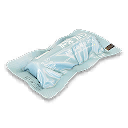
| Synthetics | Bandage | Temporarily restore maximum health while wounded. |
| Electronics | Disposable Parachute | Prepare an escape before leaving a high building. |
| Chemicals | Ammunition | Refill before another encounter. |
| Metals | Armor Plates | Restore your supply after a fight. |
A 25 Metals armor craft has been documented. Do not apply that cost to every option or assume it is unchanged by Field Crafting Pro. Read your own prompt before spending materials.
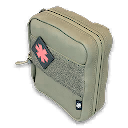
Bandage or Medkit? A Bandage temporarily restores maximum health while wounded. It does not repair the wound or make the Tourniquet available again; use a Medkit for that. The healing comparison explains which supply addresses your current problem.
Missing menu or missing item?
- No crafting option: check the current Operator’s trait, then select Common resources rather than a weapon or ingredient.
- Cannot confirm: check the displayed resource requirement and the selected output. Electronics and Electronic Sensors are different inputs.
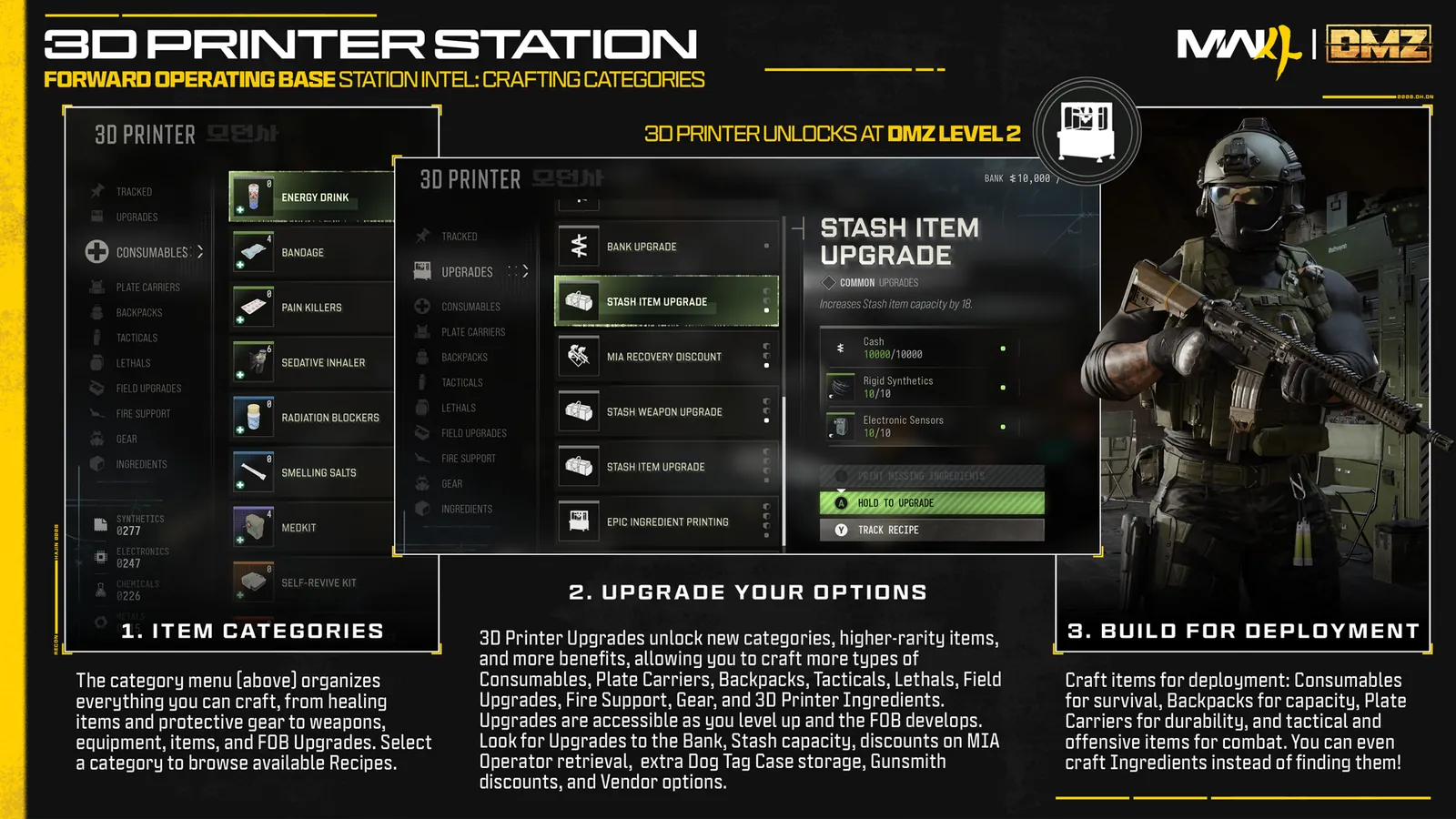
- Wrong recipe cost: the FOB 3D Printer uses its own recipes. A base Bandage or vest bill is not the field menu’s bill.
- Still unprepared to jump: inspect your parachute equipment after crafting. Make sure the item is ready before stepping off the roof.
Backpack crafting or the X01 Printer?
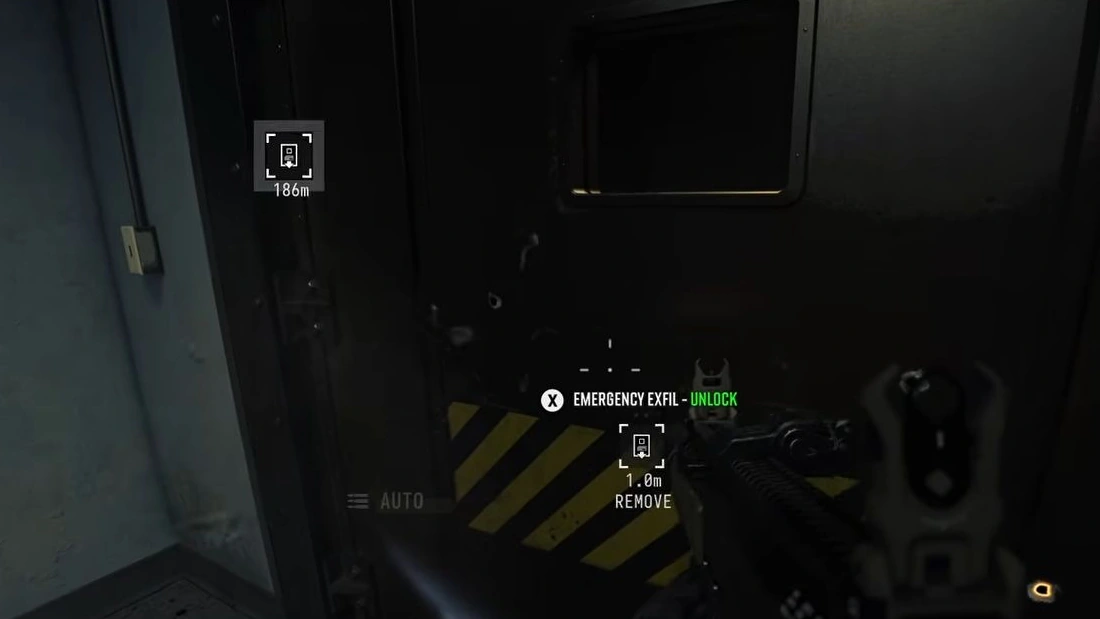
Field Crafting uses the Backpack resource menu. The in-world X01 Printer has separate recipes with named ingredients, including Blank and Staff emergency keycards. Those station menus do not establish that the cards or Argonaut can be crafted through the Backpack trait. Check the X01 recipe bills for the station craft, and the exfil guide before reserving a Staff card for an emergency exit.
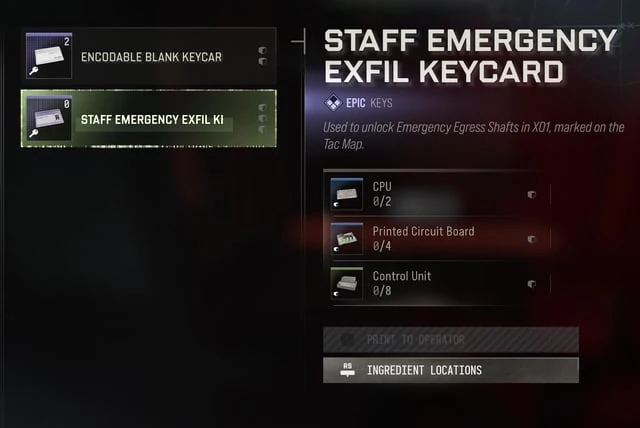
Common Electronics do not substitute for Printed Circuit Boards or Control Units. Spend for immediate supplies in the field menu, then keep the named components needed for your chosen station recipe.
Spend for the next problem
As a practical priority, replace the supply that prevents your immediate exit: armor after taking fire, ammunition before a forced fight, or a parachute before a descent. Recheck your inventory, then move. Crafting in the open to save a small amount of material creates an avoidable exposure.
Quick questions
Can I craft without the trait while deployed?
Field Crafting requires the trait on the current Operator. The FOB printer is a separate system.
Does selecting Metals craft automatically?
No. Highlight Metals, read the Craft Armor cost and use the displayed Craft button.
Does a Bandage replace a Medkit?
No. A Bandage temporarily restores maximum health while wounded. A Medkit repairs the wound and makes the Tourniquet available again.
Mentioned in this guide
Spotted something wrong? Send a correction.