Reported X01 Orders: 28 task parts, rooms and two keycards
One pre-release report describes container searches, surveillance tasks, power changes and a Vault chain. These are leads to verify, with possible story spoilers.
This article preserves a November 3 pre-release report of six groups containing 28 X01 task parts, including two named keycards and an Encoder Station. It is not a list of 28 confirmed live Orders. The current X01 guide now covers the elevator entrance and the observed first Orders page; later preview tasks, rewards and dependencies still need separate confirmation.
- Unverified pre-release report from one original author
- Six reported groups contain 28 task parts, not 28 confirmed Orders
- Reported container counters are five each in Main Warehouse, Control Room and Tech Lab
- Two item leads are X01 Vault Access Keycard and Super User Data Access Keycard
- A Keycard Encoder Station visit is reported; its function and cost are unverified
- Only the final reported code-download task explicitly requires extraction in the same match
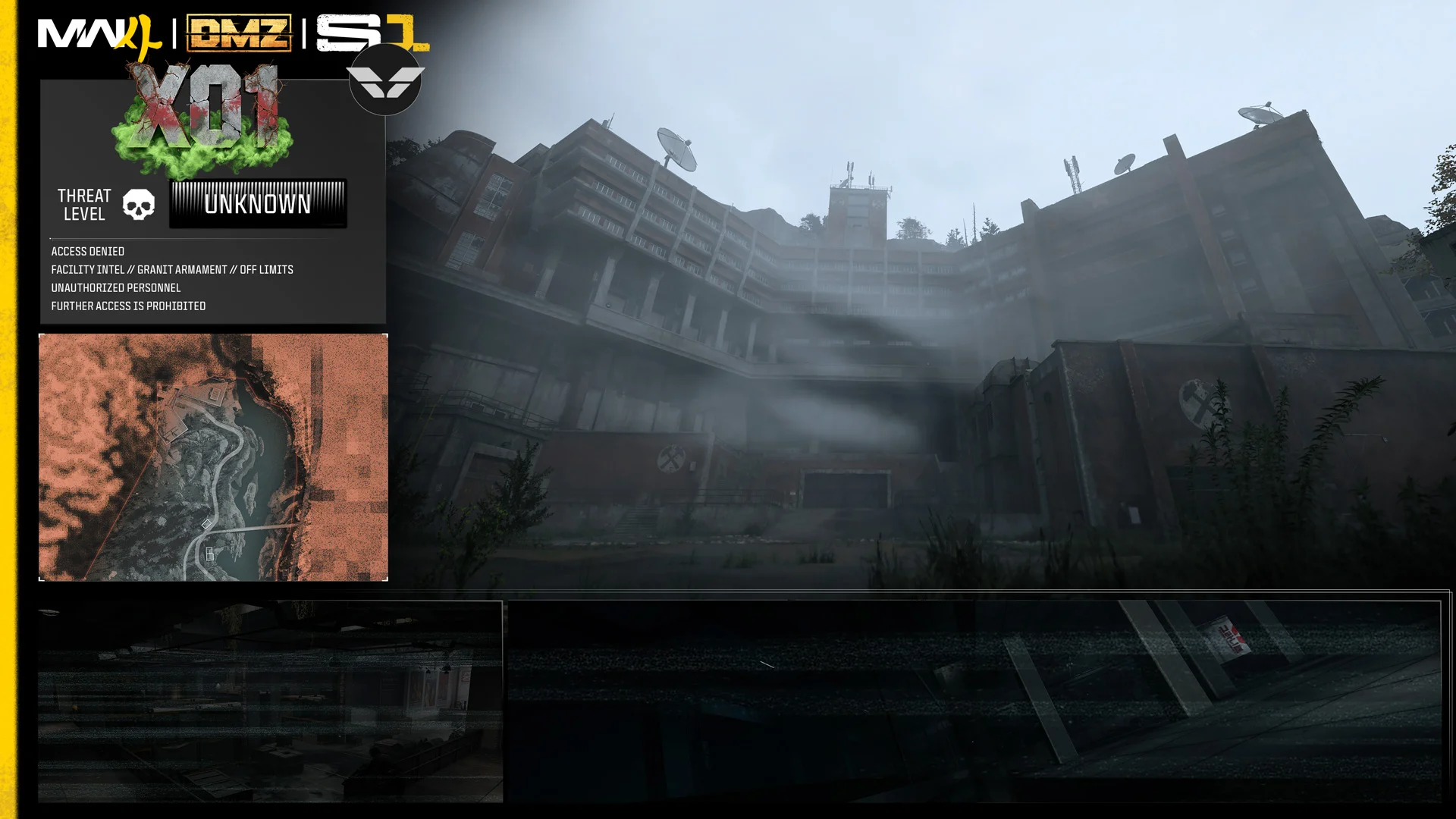
Playing X01 now? Use the current X01 guide for elevator entry, the first live Orders and the interactive floor map. This article keeps the November 3 preview separate from those launch instructions.
Two named keycards, a Keycard Encoder Station and room-specific search counters are the most useful leads in a reported X01 objective thread posted on November 3. Across six groups, it describes 28 task parts ranging from opening containers to a possible Deep Vault chain.
Preview status: unverified pre-release report, recorded November 4. Possible story spoilers follow. All six groups come from one original author. The live first page now confirms part of the introductory structure; it does not establish that every task below shipped with the same name, grouping, counter or reward.
The tables below paraphrase the report. Group letters are a way to organize its six posts; they are not official Order names or page numbers. Read this alongside the X01 guide and the official November 4 trailer breakdown, which keep announced information and observed footage separate from these claims.
Group A: arrival, unopened containers and an exit
The introductory report contains four parts and two separate five-container counters.
| Reported part | Area or condition |
|---|---|
| Reach the deployment area. | X01. |
| Search five previously unopened containers. | Main Warehouse. |
| Search five previously unopened containers. | Control Room. |
| Complete a successful exit. | X01. |
The Main Warehouse and Control Room counts are distinct. The report does not establish whether progress survives a failed deployment, whether previously opened containers become eligible again or how the live interface groups these parts.
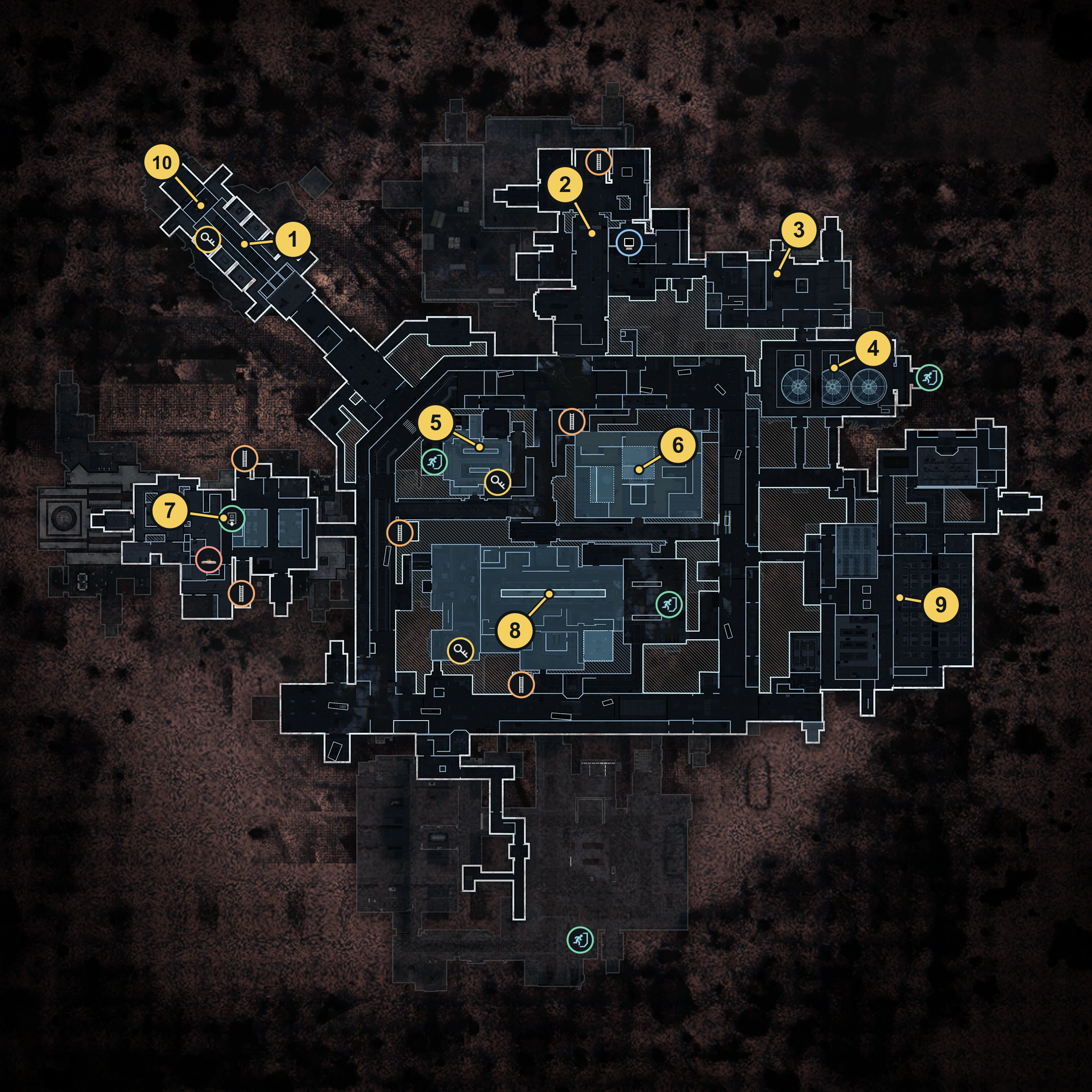
These reported names alone do not locate either room on a floor map or establish a route between them. Use the current guide and map for launch-day orientation.
Group B: Production Assembly, two stations and surveillance
The next five parts introduce a hidden cache, another container counter and two station visits.
| Reported part | Area or station |
|---|---|
| Locate a concealed cache. | Production Assembly. |
| Search five previously unopened containers. | Tech Lab. |
| Visit the printer. | 3D Printer. |
| Visit the encoder. | Keycard Encoder Station. |
| Look for Ri-related footage. | Surveillance room within Admin Offices. |
The Keycard Encoder Station is a significant new lead, but a visit objective does not explain an encoding process. There is no verified cost, input material, output card or rule allowing every keycard to be manufactured there. The reported 3D Printer visit likewise supplies no new recipe.
The surveillance reference associates Ri with footage. It does not authenticate a particular inventory name or establish Ri’s role in X01’s story.
Group C: feeds, ten enemy defeats, healing items and Robot Dogs
This six-part group combines feed interactions with combat and loot counters, then introduces a recording to carry out.
| Reported part | Area or counter |
|---|---|
| Access a Ri-related video feed. | Control Room. |
| Defeat ten enemies. | Control Room; paired in the report with that feed task. |
| Access another Ri-related video feed. | Medical Wing. |
| Gather ten healing items. | Medical Wing; paired with that feed task. |
| Extract a Ri-associated recording. | Recording originates in Data Center. |
| Defeat three Robot Dogs. | Paired with the recording task; a specific location is not established. |
The healing counter concerns items looted, rather than ten healing uses. The Robot Dog counter is three, separate from the ten Control Room enemy defeats.
This preview does not confirm whether both tasks must be completed in a single visit or in a fixed order. Exact prompts, eligible healing items, enemy-count rules and persistence remain unknown in this preview. The exact inventory names for the Ri-related footage and recording were not verified.
Group D: The Captain, a Vault card and containment tasks
This group contains the strongest potential story spoilers. Its six reported parts connect a named card with The Captain and describe Bio Lab and Deep Vault objectives.
| Reported part | Claimed location or relationship |
|---|---|
| Defeat The Captain. | X01 encounter; no coordinates established. |
| Recover X01 Vault Access Keycard. | Near The Captain’s remains after his defeat. |
| Interrupt a bioweapon-release procedure. | Canister chamber within Bio Lab. |
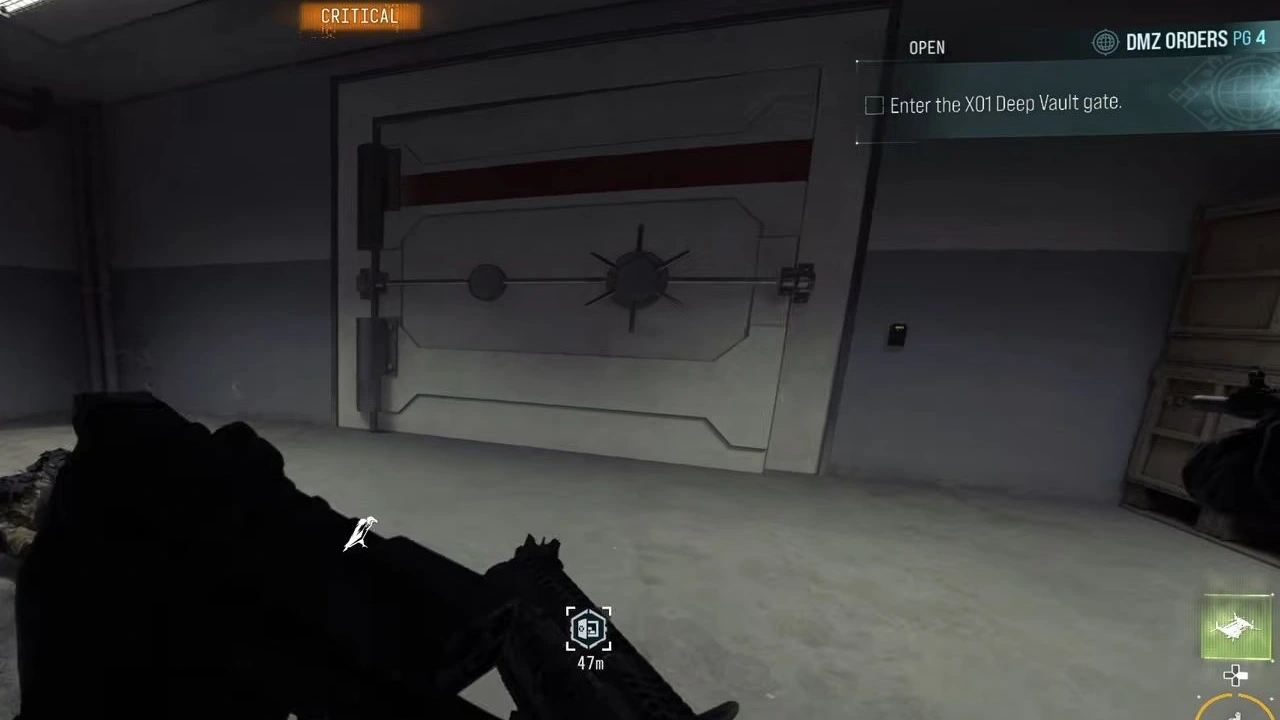
| Pass through a gate. | Deep Vault. |
| Neutralize a bioweapon. | Core room within Deep Vault. |
| Defeat Blix. | Deep Vault. |
The report explicitly places card recovery after The Captain’s defeat. It does not demonstrate a guaranteed drop, show which gate accepts the card or establish that the Bio Lab override unlocks the next listed area. Those missing connections are why this is not a Vault solution.
The Captain’s announced presence in X01 is separate from this alleged card relationship. The reported Blix task is also not enough to establish a canonical boss identity, fixed encounter or confirmed story outcome. A visible armored figure in the trailer does not authenticate either claim.
Group E: Wheelson, power and a second keycard
Five reported parts connect a vehicle threat, a power shutdown, flooded barracks and a named card to extract.
| Reported part | Claimed location or condition |
|---|---|
| Destroy a Wheelson. | Logistics Tunnel. |
| Interrupt power. | Power Generators. |
| Visit flooded barracks. | Beneath Supply Depot, after the power is off. |
| Collect Super User Data Access Keycard. | A retrieval objective; exact pickup point unverified. |
| Leave with that card. | Retain Super User Data Access Keycard during extraction. |
The power-off condition is part of the reported barracks objective. It does not explain the interaction, prove that the water drains or establish a safe crossing. Similarly, placing the Wheelson and generator tasks next to each other does not prove that destroying the Wheelson unlocks the generators.
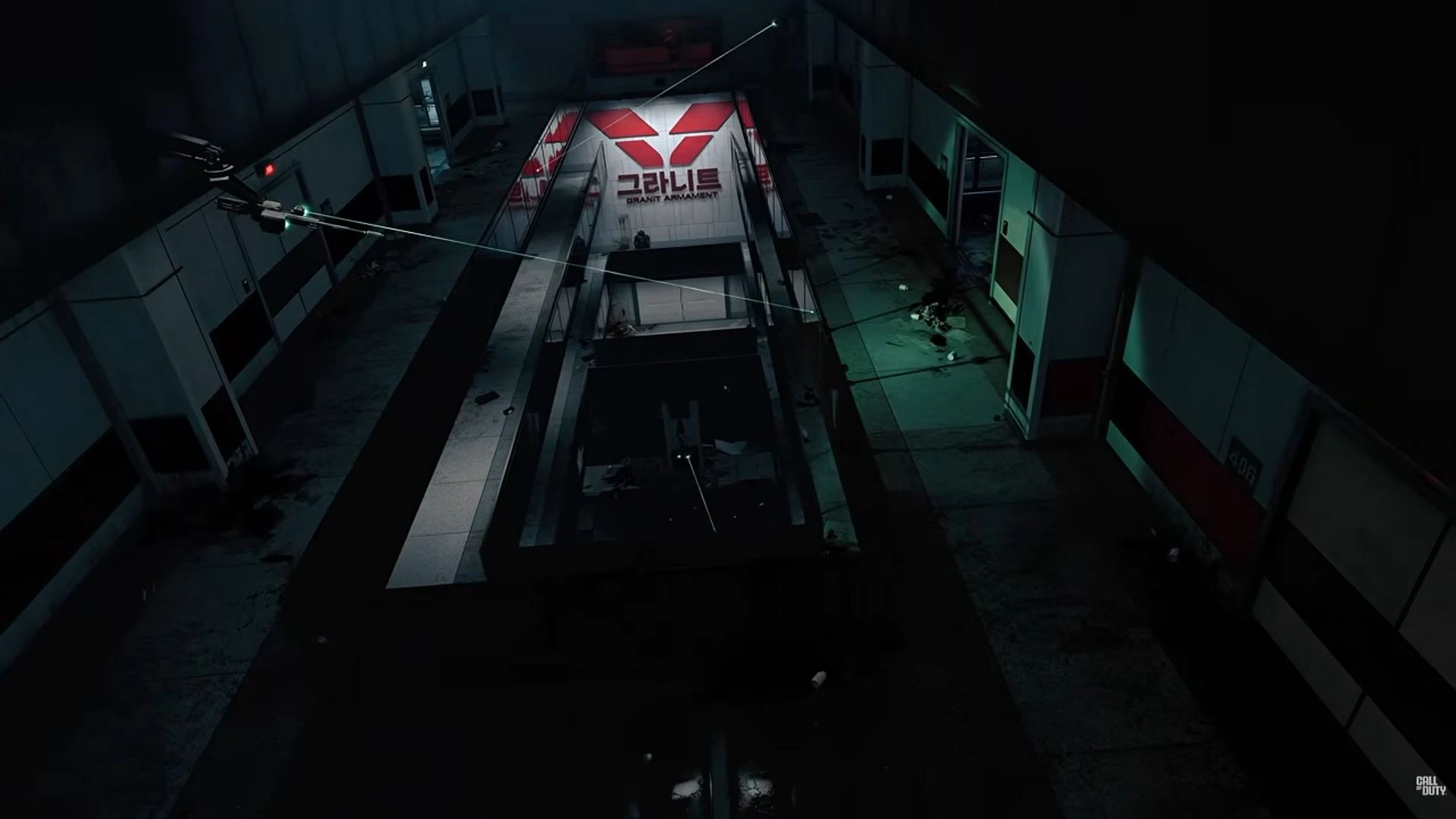
The flooded passage in the official trailer is a visual reference, not confirmation that it is these alleged barracks. No continuous route joins that image, Logistics Tunnel, Power Generators and Supply Depot.
Group F: Data Center code and a same-match extraction
The final two parts contain the clearest reported shared-run condition.
| Reported part | Area or condition |
|---|---|
| Copy code associated with a hostile AI. | A dark room within Data Center. |
| Complete an extraction. | In the same match as the download. |
That same-match wording belongs to this pair. Applying it to all 28 parts would add a requirement the report does not establish.
The code description is not a verified inventory display name. There is no established download duration, puzzle sequence, extraction point or reward for completing this alleged objective.
The two keycards and station leads at a glance
| Reported name | What the report supports | What still needs checking |
|---|---|---|
| X01 Vault Access Keycard | A claimed recovery near The Captain after his defeat. | Actual item card, pickup conditions and which interaction uses it. |
| Super User Data Access Keycard | A claimed collection and extraction objective. | Exact location, persistence and subsequent use. |
| Keycard Encoder Station | A claimed visit objective. | Location, inputs, outputs, cost and any link to the named cards. |
| 3D Printer | A claimed visit objective. | Any X01-specific recipes or station behavior. |
None of these leads currently supplies a tested shopping list, guaranteed farming route or completed crafting recipe. In particular, the word Encoder cannot establish its function beyond the reported station name.
Posted media and reactions do not add independent confirmation
The same author also posted short media described as voice material. Two visible cards refer to containment and escape, then to degraded communications, code retrieval and departure. Their presence in a posted video does not authenticate an original game file, identify a speaker or prove that the material ships in the release build.
That media and the objective thread still form one author’s reporting chain. Reactions and summaries repeating it do not become separate playtests. Even genuine pre-release assets can describe test, cut or later content, so the live Orders interface remains essential for confirming titles, grouping and rewards.
The elevator entrance and squad travel warning have since been observed in the live game; the current X01 guide explains that route. The earlier objective thread did not establish it by itself. A separate suggestion about direct menu access after an initial visit remains unconfirmed.
Use the live guide alongside this preview
Keep the room names and counters as a reference to compare with the live interface. Before using any of them as a completion route, check the actual Order title and page, every counter, whether progress resets, any same-deployment condition and the displayed reward.
Do not assume either reported keycard is reusable, craftable or consumed by a specific door. Check the station’s actual interaction menu before choosing a route. For the Vault chain, follow the current Vault guide; this pre-release preview is not a complete solution.
Use the X01 guide for the live entrance and first Orders, and the interactive map for floor layouts. The Orders directory, Orders walkthrough and deployment checklist cover existing progression and preparation. The Season 1 overview explains the wider update. This preview alone does not establish later-page routes, rewards or room coordinates.
Quick questions
Are these official X01 Orders?
This is an unverified pre-release preview, not an official Orders list. The first live X01 page has since been observed and is covered in the current X01 guide. That does not confirm all 28 preview task parts, later rewards or dependencies.
Does the report reveal 28 new Orders?
It describes 28 task parts across six reported groups. Exact Order titles, pages and menu grouping are not established, so those numbers cannot be treated as an official Order count.
Where do you get the X01 Vault Access Keycard?
The report associates it with recovery near The Captain after his defeat. That is an unverified claim, not a confirmed spawn, guaranteed drop or tested Vault-opening procedure.
What does the Keycard Encoder Station do?
Only a station visit is described. Its usable location, inputs, output, cost and relationship to either named keycard have not been verified.
Must all these tasks be completed in one deployment?
The final reported code-download and extraction pair explicitly shares one match. The report does not establish that restriction for every other group or explain counter persistence.
Spotted something wrong? Send a correction.