Skip to content
DMZ CODEX · HAJIN EXCLUSION ZONE UPDATED 10 NOV 2026

Language

Sign in
Codex / Items / Staff Emergency Exfil Keycard Updated 8 Nov 2026
Key

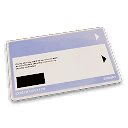
Staff Emergency Exfil Keycard

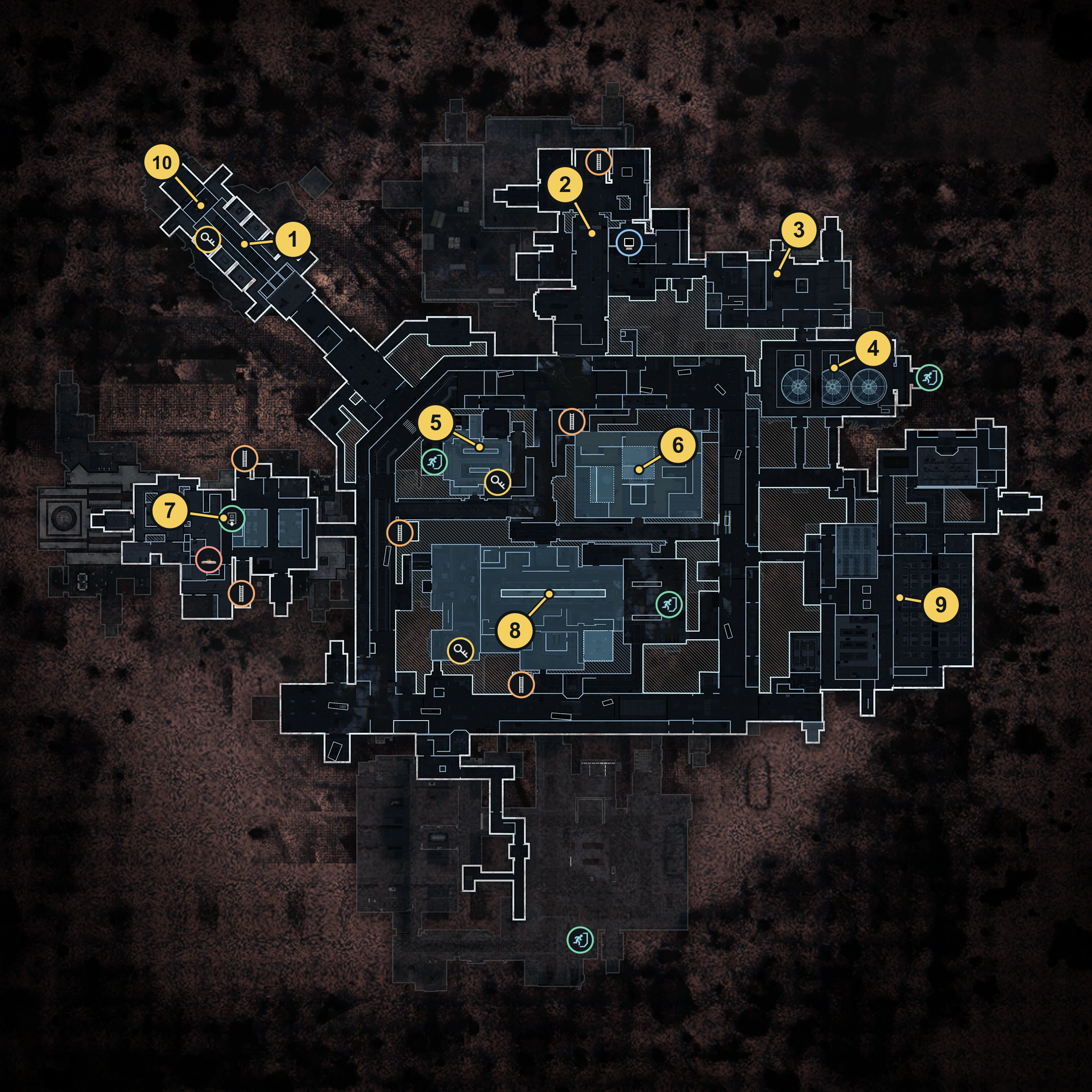
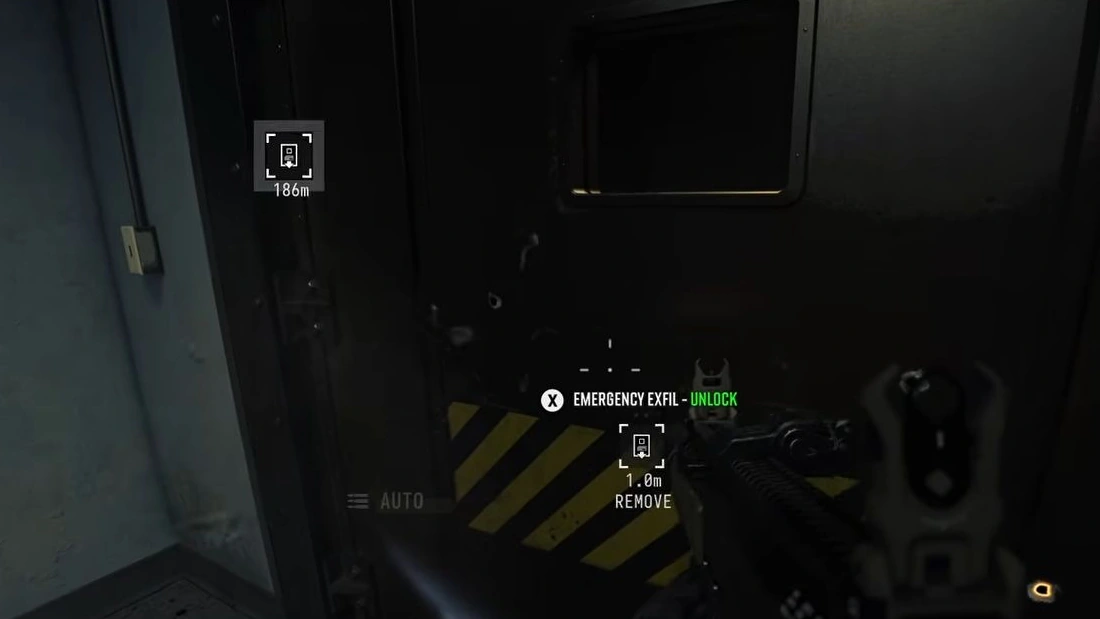
Opens Emergency Egress Shafts marked on the X01 Tac Map.
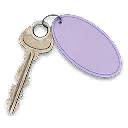
Staff Emergency Exfil Keycard
Rarity
Epic

Use this key

Key Finder →

What it opens

Unlocks the Emergency Egress Shafts marked on the X01 Tac Map.

The exact entrance is not marked.

How to get it

Staff Emergency Exfil Keycard

A Staff Emergency Exfil Keycard was collected on a submerged Bio Lab loot run. This is one pickup, not a guaranteed spawn.

No fixed pickup location is verified.

Item essentials

Browse all items →
Listed value
100

Listed for the in-world X01 Printer. FOB costs, account unlock requirements and successful printing on a fresh account remain unconfirmed.
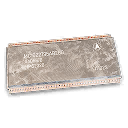
X01 3D Printer

Craft Staff Emergency Exfil Keycard

Browse recipes →
Output
Staff Emergency Exfil Keycard

Staff Emergency Exfil Keycard

Recipe unlock level not specified
Open dedicated recipe page →

Key use

  • Plan for the card to be consumed when unlocking an emergency shaft.
  • Late boarding, shaft reuse and separate squad-departure behavior remain unverified.

Related

X01 Black Site
X01 recipe

Guides that cover this

GuideX01 map guide: entrance, floor routes and your first run GuideX01 Deep Vault: keys, Encoder choices and the core GuideSeason 1 DMZ keys and keyrooms: X01 cards, Encoders and doors GuideX01 extraction: lifts, Staff cards and the power gate GuideX01 Underwater Route: Fans, Valve and Bio Lab Loot NewsX01 is live: Deep Vault keys, loot rooms and the race to extract

Something wrong or missing? Send a correction.

Report a problem on this page

Prepare the next run

My deployment

Check off goals during your run. Saved on this device.

DMZ CODEX · IPHONE & IPAD

Add to your Home Screen

Installation won’t start automatically. Follow these steps in Safari.

  1. 1. Open this site in Safari

    Already in Safari? Continue below. In another app, choose Open in browser, then open Safari.

    dmzcodex.com/install/
  2. 2. Tap Share

    Look for the square with an arrow pointing up. It may be inside Safari’s More (…) menu.

  3. 3. Add to Home Screen → Add

    Scroll through the Share menu; tap View More if needed. Keep Open as Web App on if shown, then tap Add.

Look for the yellow DMZ Codex icon on your Home Screen.