Skip to content
DMZ CODEX · HAJIN EXCLUSION ZONE UPDATED 2 NOV 2026

Language

Sign in
Codex / Items / Air Base Armory Card - Single Use Updated 2 Nov 2026
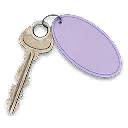
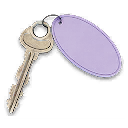
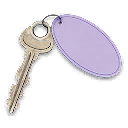
Key

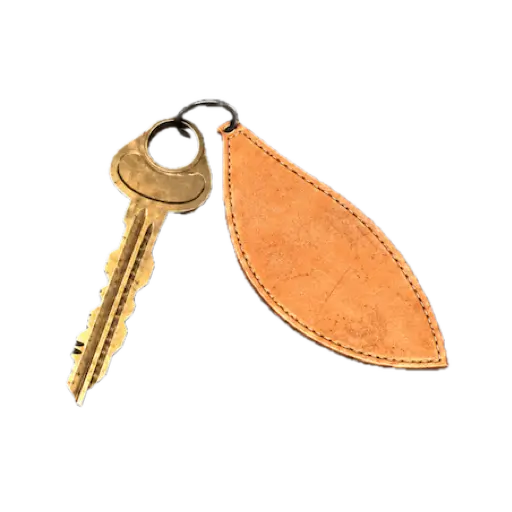
Air Base Armory Card - Single Use

A single-use card for the Chang-san Air Base armory; the Iron Citadel route upgrades the Multi Use access card at the Server Room terminal.
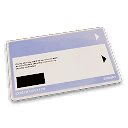
Air Base Armory Card - Single Use
Rarity
Legendary
Grid
B5
1

Find this place

Air Base Armory Card - Single Use

  • 1 · B5This is an approximate area. Confirm the named entrance or lock when you arrive.
Open this location on the map

Use this key

Key Finder →

How to get it

Operation Iron Citadel access-card upgrade →

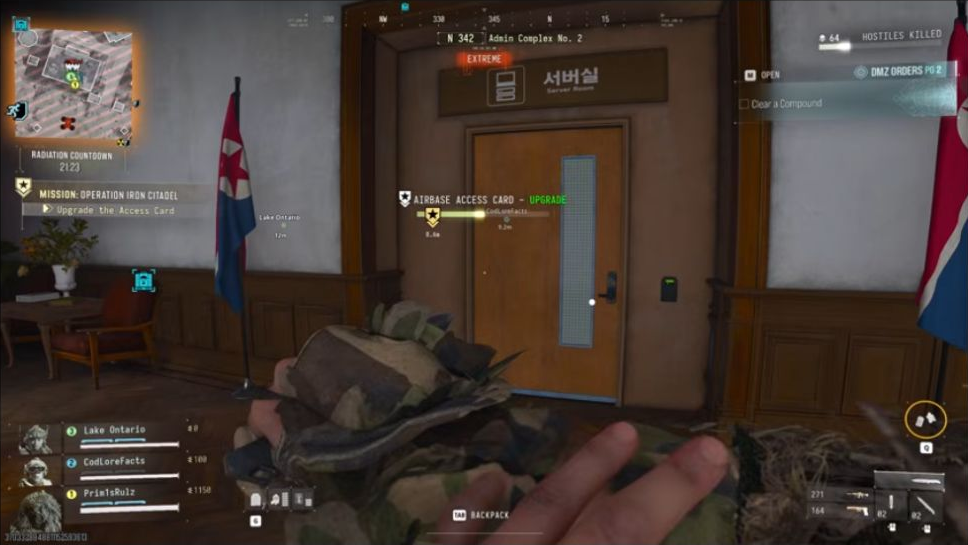
During Operation Iron Citadel, take the Multi Use access card to the marked server and upgrade it to the Single Use armory card. Follow the remaining mission access-code objectives. A fixed pickup outside this mission is not established.

No fixed pickup location is verified.

Item essentials

Browse all items →
Listed value
100

Used in missions & Orders

Upgrade and use the card

  1. 01Follow Iron Citadel to the Server Room in Admin Complex No. 2. Use the Multi Use access card, start the upgrade and collect the finished single-use Armory Card.
  2. 02Continue with the current armory objective and its keycode parts. Use the code displayed in your current mission tracker; no universal armory code is established.
  3. 03The Supreme Leader Access Card and Air Base DRC Weapons Locker key open different locks. The Armory Card does not replace either one.

Related

Unlock location
Related keys
Card upgrade location

Guides that cover this

GuideAir Base bunker guide: mission card, Supreme Leader room and DRC GuideAir Base DRC Weapons Locker: armory route and key GuideMW4 DMZ Iron Citadel walkthrough: access card, armory and LTV GuideMW4 DMZ keys and loot rooms: how to find and use them

Something wrong or missing? Send a correction.

Report a problem on this page

Prepare the next run

My deployment

Check off goals during your run. Saved on this device.

DMZ CODEX · IPHONE & IPAD

Add to your Home Screen

Installation won’t start automatically. Follow these steps in Safari.

  1. 1. Open this site in Safari

    Already in Safari? Continue below. In another app, choose Open in browser, then open Safari.

    dmzcodex.com/install/
  2. 2. Tap Share

    Look for the square with an arrow pointing up. It may be inside Safari’s More (…) menu.

  3. 3. Add to Home Screen → Add

    Scroll through the Share menu; tap View More if needed. Keep Open as Web App on if shown, then tap Add.

Look for the yellow DMZ Codex icon on your Home Screen.