X01 Source Code: three terminals and same-match extraction
Find Data Center's server-room approach, finish all three Download Source Code interactions and extract in the same match.
Source Code requires three Data Center downloads and successful extraction in the same match. Follow the server-room approach, finish each monitor interaction and confirm 3/3 before heading to an active exit.
Source Code requires three Data Center downloads and successful extraction in the same match. Follow the server-room approach, finish each monitor interaction and confirm 3/3 before heading to an active exit.
Prepare the current task
Check X01 page 5 and the Source Code objective. Identify a usable exit before entering the server aisles and leave enough time for travel, lift arrival and departure. These are source-code terminals, not the Admin Offices surveillance desk used for Ri footage.
Find the server aisles
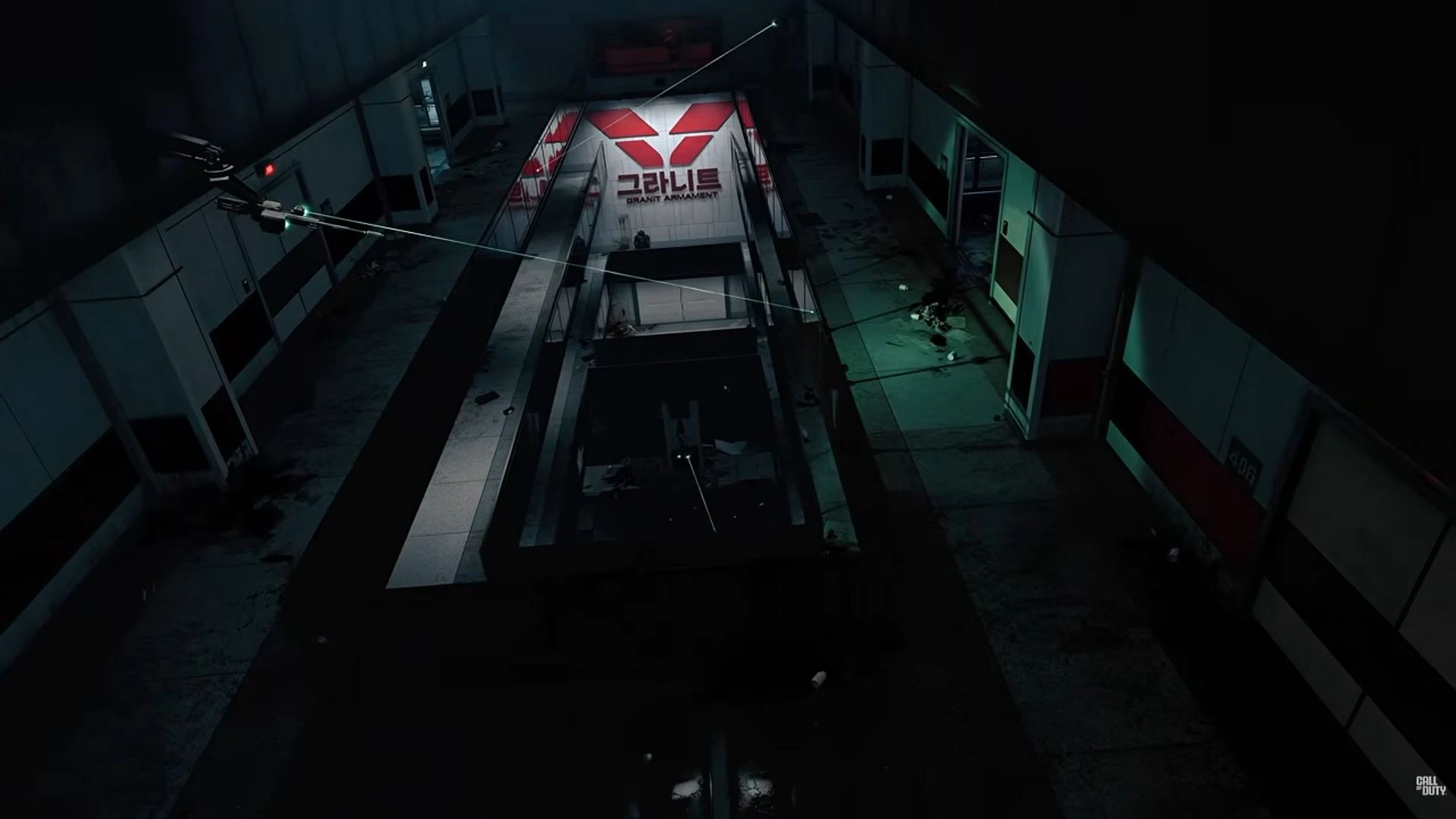
- Reach the Data Center lobby approach. Follow the raised metal walkway and locate the long dark glass wall beside the lobby.
- Find the side doorway beside that glass wall, marked by a green access pad. Enter the dark server aisles with blue floor strips.
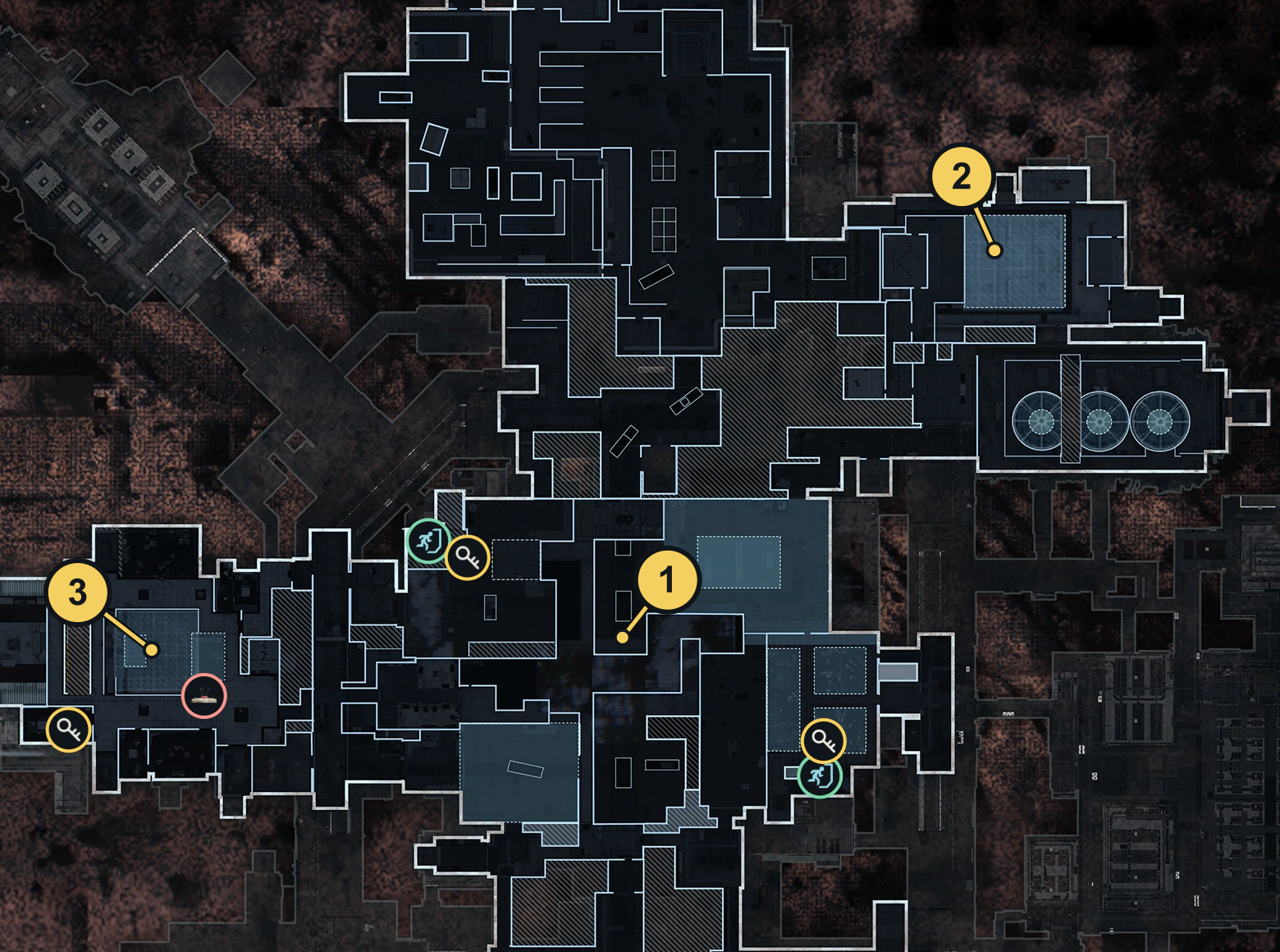
- Follow the three download objective markers to the wall-mounted monitors beside the racks. Read Download Source Code before interacting. A nearby server or unrelated terminal is not enough.
Complete all three downloads
Hold the interaction until a download finishes, then check the counter. Repeat at the remaining marked monitors until the tracker reads 3/3. Starting a progress bar or visiting a monitor does not establish completion. If a counter stays unchanged, verify the task and prompt before repeating the same interaction.
Finish extraction in this match
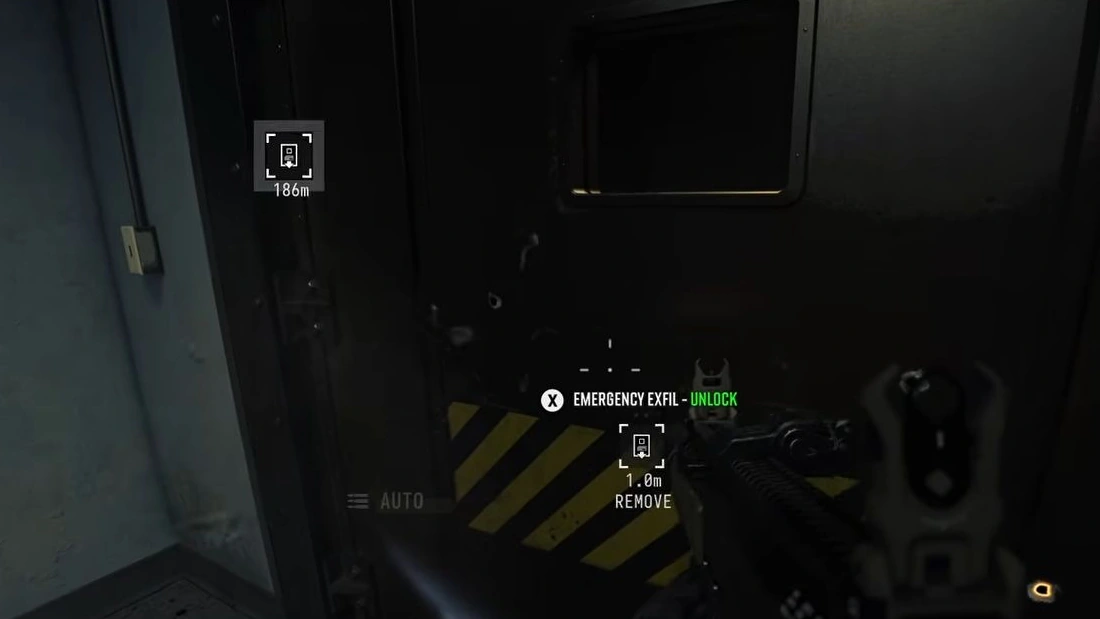
An active ordinary lift can complete the extraction requirement; a special Source Code-only exit is not established. Follow the lift sequence, board and stay through departure until successful extraction is confirmed. Do not split the downloads across deployments or assume another Order’s retention rules apply here.
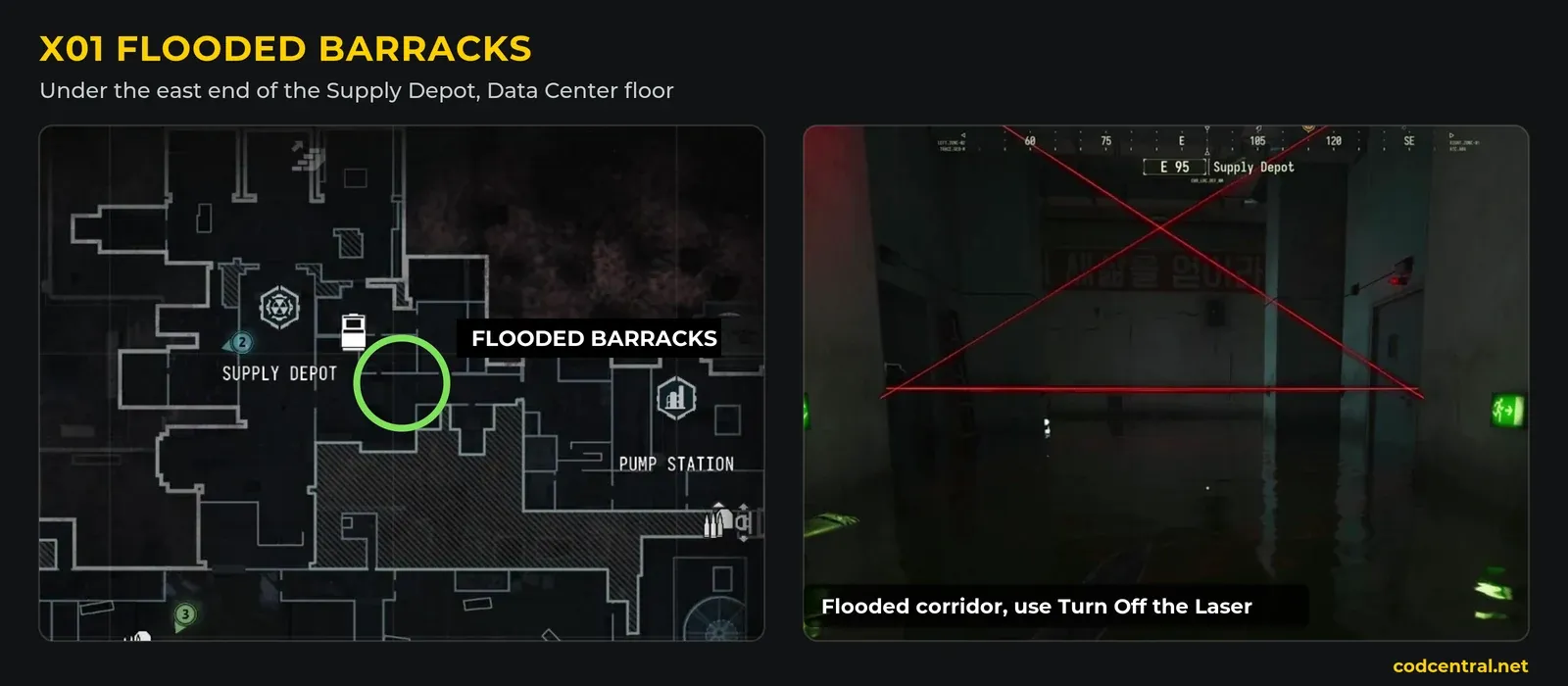
Check Source Code on return. Shared downloads, death/disconnect retention and a universal reset rule are not verified here. The Flooded Barracks card route is a separate objective; collecting that card does not replace the three downloads. For the complete page sequence, use the X01 Orders guide.
Spotted something wrong? Send a correction.