X01 Flooded Barracks: lasers, Super User card and exfil
Follow Water Wading beneath Supply Depot, shut down the lasers, identify the Super User Data Access Keycard and extract.
For Water Wading, finish the power shutdown, enter the flooded barracks beneath Supply Depot, switch off the lasers and extract with the Super User Data Access Keycard. The Bio Lab fan-and-valve dive is a separate route.
For Water Wading, finish the power shutdown, enter the flooded barracks beneath Supply Depot, switch off the lasers and extract with the Super User Data Access Keycard. The Bio Lab fan-and-valve dive is a separate route.
Finish the access prerequisite
Check the active X01 page 5 Orders. Door Opener requires the Logistics Tunnel Wheelson and the Power Generators shutdown. Collect its Remote Module, use the lower local console and upper power-supply terminal, and verify the power objective. The complete control sequence distinguishes those two controls.
Reach the laser panel
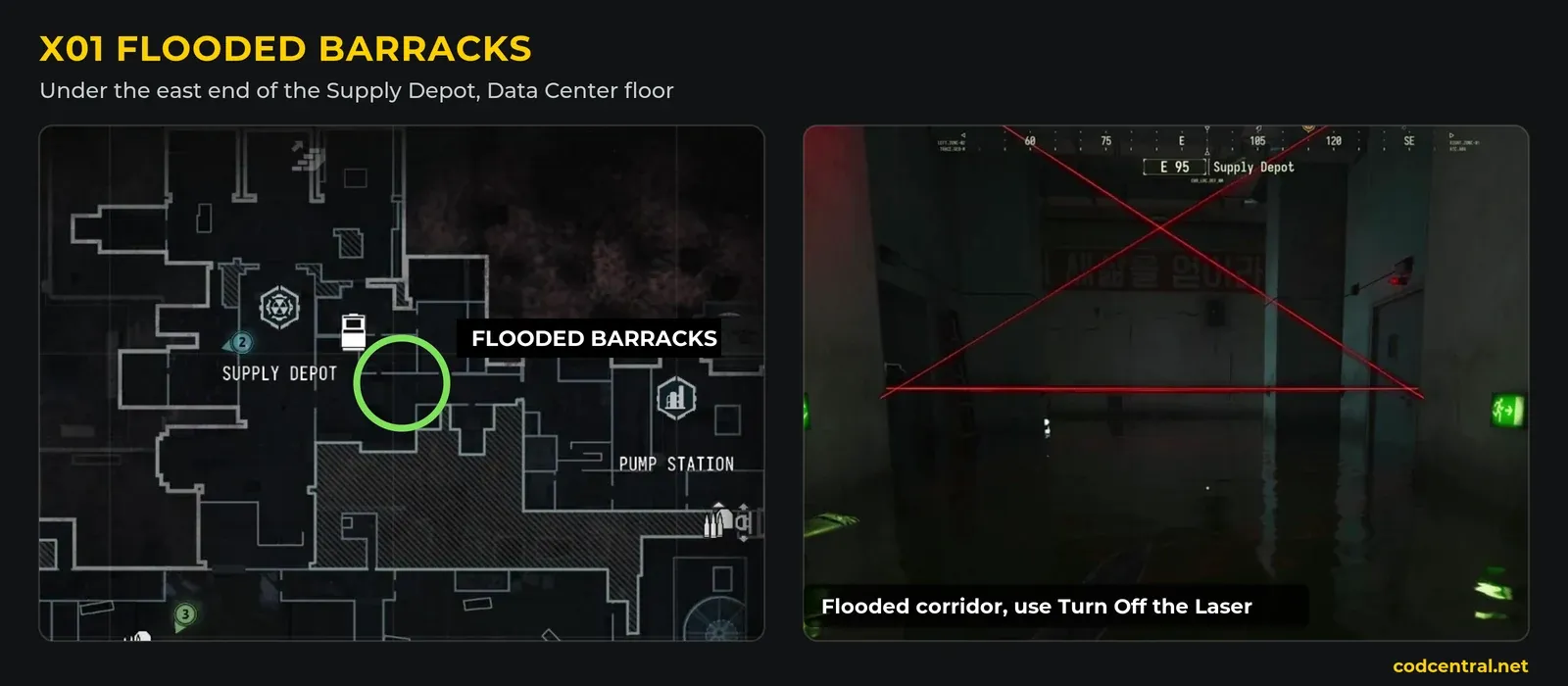
- Travel to Supply Depot after shutdown. Find the green-lit stairs beneath it and descend into the flooded barracks.
- Follow the flooded laser corridor carefully to the wall panel at its far end.
- Use Turn Off The Laser, then backtrack toward the room on the left. Watch your air and route back; an exact universal breathing budget is not established here.
Identify the mission card
Search the loot room, including tables and loose items, while following the current objective marker. Read Super User Data Access Keycard, collect it and check the Backpack for that exact name and Mission Item label. An emergency-exfil card or another room key is not a substitute. A fixed guaranteed table spawn is not established.
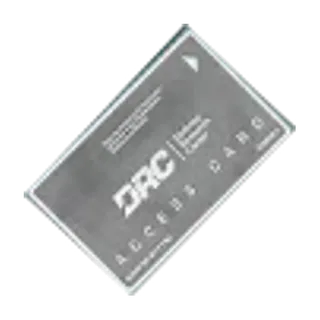
Extract with the card
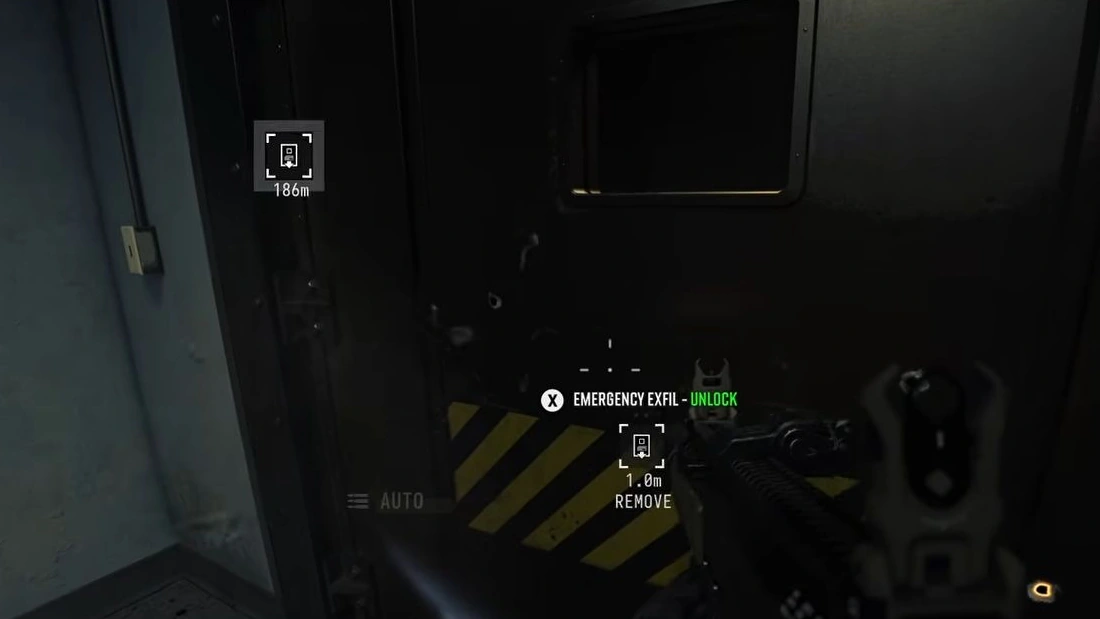
Choose an active exit, complete its controls and remain through departure. Check Water Wading afterward. Entering the barracks, picking up the card and successfully extracting are separate results.
If progress is missing, check the power prerequisite, the exact card in your Backpack and the extraction result. If the room was already looted, do not assume another nearby container holds a replacement. The full Orders guide covers the surrounding tasks; Source Code has its own three-download and same-match requirement.
Mentioned in this guide
Spotted something wrong? Send a correction.