Hajin in Warzone: Ground Ops, new gear and the DMZ differences
Explore the November 2 reveal: how Hajin changes, what Ground Ops reward and how the new equipment works before Season 1 opens.
Hajin joins Warzone on November 6 with different gas, vehicles and loot from DMZ. The reveal also explains Ground Ops, Elite Perks, Weapon Augments and new equipment. It does not establish their availability inside X01.
- Hajin joins Warzone on November 6
- DMZ locations do not establish Warzone loot or vehicle spawns
- Ground Ops appear when approached and can reward Elite Perks and Weapon Augments
- The developer preview shows operator-carrying drones and horizontal or vertical ziplines
Hajin arrives in Warzone on November 6, but learning the DMZ map is only part of the preparation. The November 2 reveal explains a different match loop: discover nearby Ground Ops, improve your equipment after obtaining a loadout and use tools that can move players as well as loot.
The official written briefing and developer preview provide the details below. For DMZ players, the useful starting point is knowing which habits transfer and which need testing again.
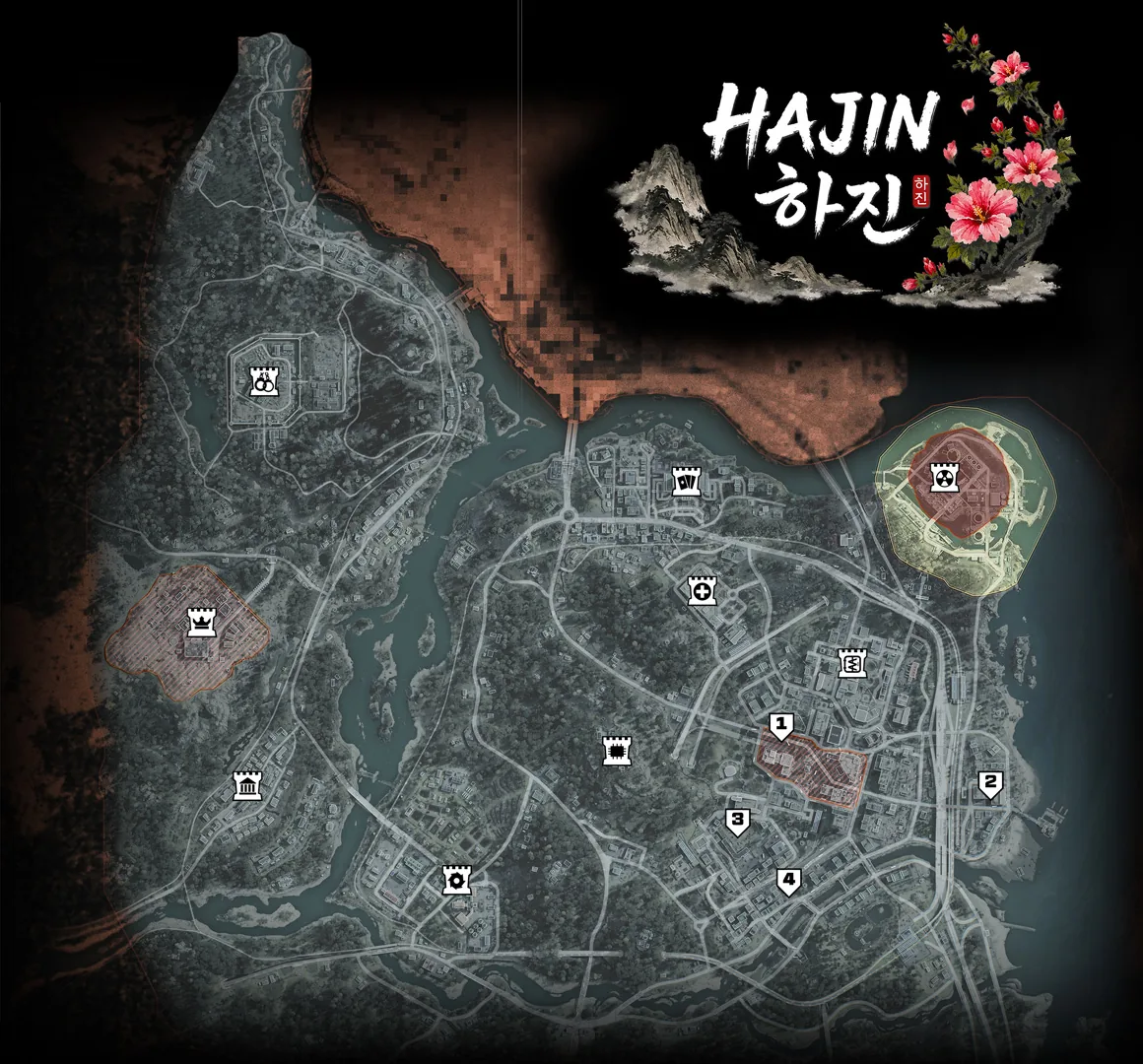
Familiar Hajin landmarks, different match rules
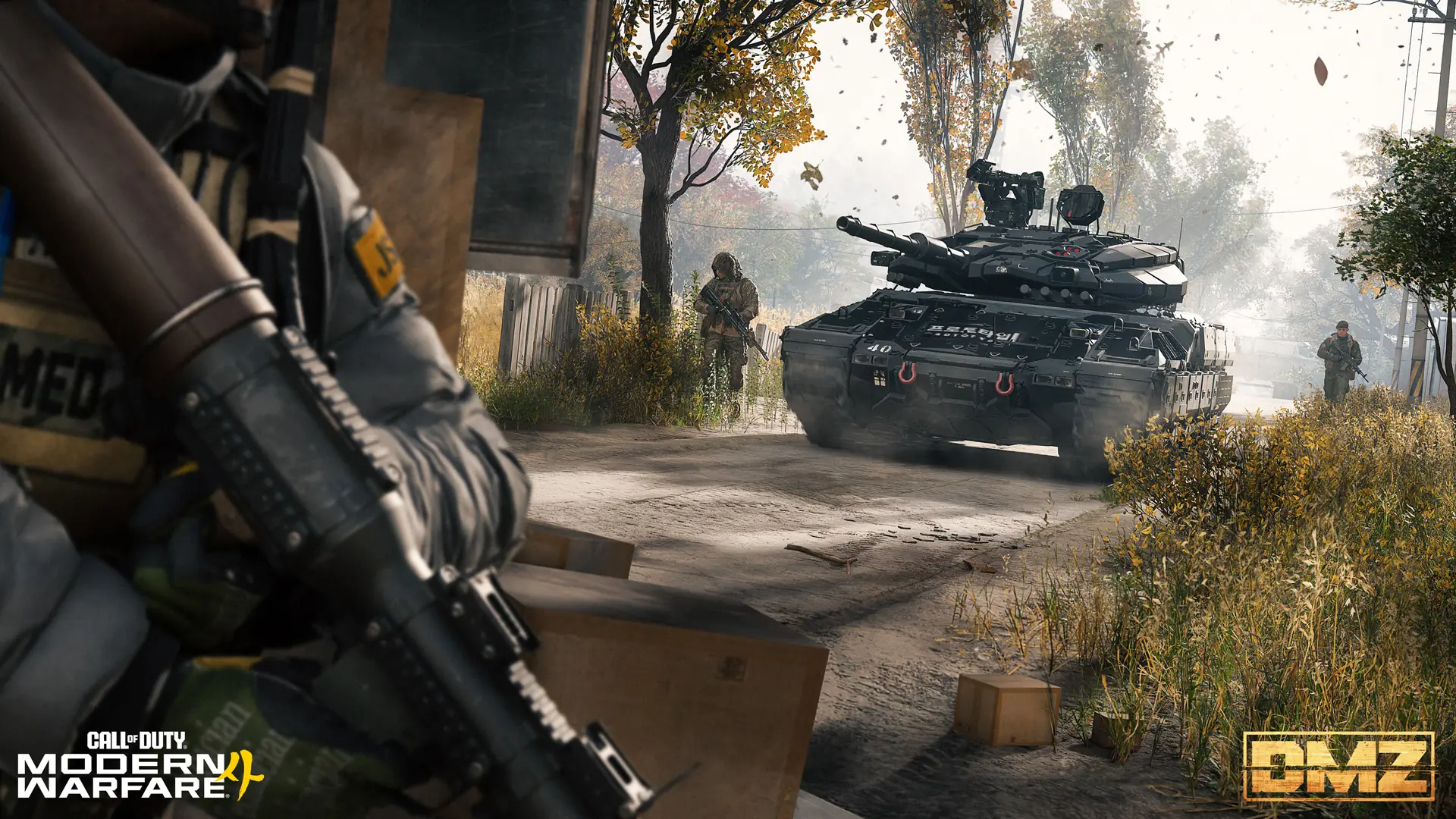
The written briefing distinguishes Warzone’s Battle Royale version of Hajin from DMZ in four areas:
| Feature | Confirmed difference |
|---|---|
| Circle and gas | Match pressure behaves differently between the modes. |
| Nuclear reactor | Warzone does not have the reactor’s radioactive cloud. |
| Vehicles | The available vehicles differ. |
| Loot and interactive objects | Their distribution differs across the map. |
Use familiar roads and buildings to orient yourself, then check the match in front of you. A plan built around a DMZ vehicle or pickup needs a fresh check before your squad commits to it in Warzone. The reactor difference also concerns the Warzone map; it does not announce a change to DMZ radiation.
Our Hajin interactive map and Hajin guide remain useful for DMZ planning. Treat their loot pins as DMZ information when switching modes.
Ground Ops: discover objectives while moving
In the developer segment at 1:50, Ground Ops become visible when players approach. The named examples are Surveillance Tower, Safecracker, Radioactive Caches and Drone Intercept. Developers present them as another way to obtain high-tier loot.
That proximity rule changes how to read a route. Looking at the map from a distance is not enough to establish every opportunity along it. As your squad moves, check for newly revealed objectives before deciding whether to keep travelling or spend time at the current location.
Check whether a newly revealed objective fits your next rotation before stopping.
Elite Perks and Weapon Augments extend the loot loop
Ground Ops can award Elite Perks and Weapon Augments, as described at 2:13. Finding a loadout therefore does not exhaust the announced ways to improve your setup during a match.
The written briefing names three launch Augments, also available from limited Fly Buy stations:
| Augment | Focus |
|---|---|
| CQC | Close-range handling. |
| Marksman | Ranged performance. |
| Handling | Reloading and control penalties. |
An Augment improves a particular weapon. Think about which gun you intend to keep before applying it.
The three Elite Perks are Athleticism for agility, Phantom for avoiding reconnaissance and Fieldcraft for armor/equipment regeneration. They use a fourth perk slot, with only one equipped. Choose around the role you need to fill rather than expecting all three effects together. Exact build recommendations still need the released balance information.
Grabber Drone: operators, loot and remote interactions
The Grabber Drone demonstration at 3:05 describes lifting friendly and enemy operators, collecting loot, selecting contracts and making Buy Station purchases. The footage shows an operator suspended beneath the drone.
Moving a teammate, moving an opponent and interacting with a shop are different uses of the same tool. Communicate the intended action before using it around your squad. The reveal does not establish every range limit or counter, so these capabilities still need released gameplay before they become dependable combat tactics.
Zipline Launcher: check the route at both ends
The Zipline Launcher segment at 3:28 shows horizontal movement and climbing toward a building. It adds another way to think about reaching or leaving a position.
The written briefing adds three practical rules: enemies can use deployed lines, riders can fire pistols, and a line stays in place until retrieved or destroyed. Consider both ends before placing one. The route your squad creates may also give opponents access, so decide whether to leave it available after crossing.
Weather and movable objects affect how a location plays
Developers describe matches with clear skies, wind or light rain at 0:45. Their physical-interaction segment also shows pushable dumpsters and boxes, rolling cylinders and ramps at 1:18.
Recheck sightlines when you arrive, even at a familiar location. Weather and object placement are reasons to inspect the current scene before relying on a remembered angle. The preview gives no fixed weather schedule, so it cannot support a plan that depends on rain appearing at a particular time.
Rally Point gives returning players a place to practise
Rally Point is presented as a lower-pressure learning space with AI enemies and human opponents at 3:41. The written briefing places it on Zodiac with 20 players, no circle and infinite Resurgence. Players can drop in or out, and Neutral Grounds allow alliances of up to four.
Other announced options have different scales and starting conditions:
| Mode | Map and player count | Starting point |
|---|---|---|
| Massive Resurgence | Hajin, 120 players. | Resurgence on the larger map. |
| Loaded Resurgence | Zodiac or Rebirth Island, 44 players. | Chosen loadout, with elimination-driven perks. |
For a returning DMZ squad, Rally Point is worth considering when the immediate goal is learning a drone interaction or a zipline destination. Choose a mode around what you want to practise before attempting a tightly timed route.
Check your legacy weapons before copying an old build
Legacy weapons remain usable, but the briefing limits their Gunsmith editing and newer customization/progression features. Five-attachment versions and existing blueprint configurations remain available.
Check the options on the weapon you intend to use before planning around an older setup. Keeping access to a weapon does not mean every customization option transfers with it. This is a Warzone integration rule; it does not announce a DMZ inventory reset.
What the November 2 reveal adds about X01
The equipment and progression sections above describe Warzone. They do not confirm that those systems are available inside DMZ’s X01 facility.
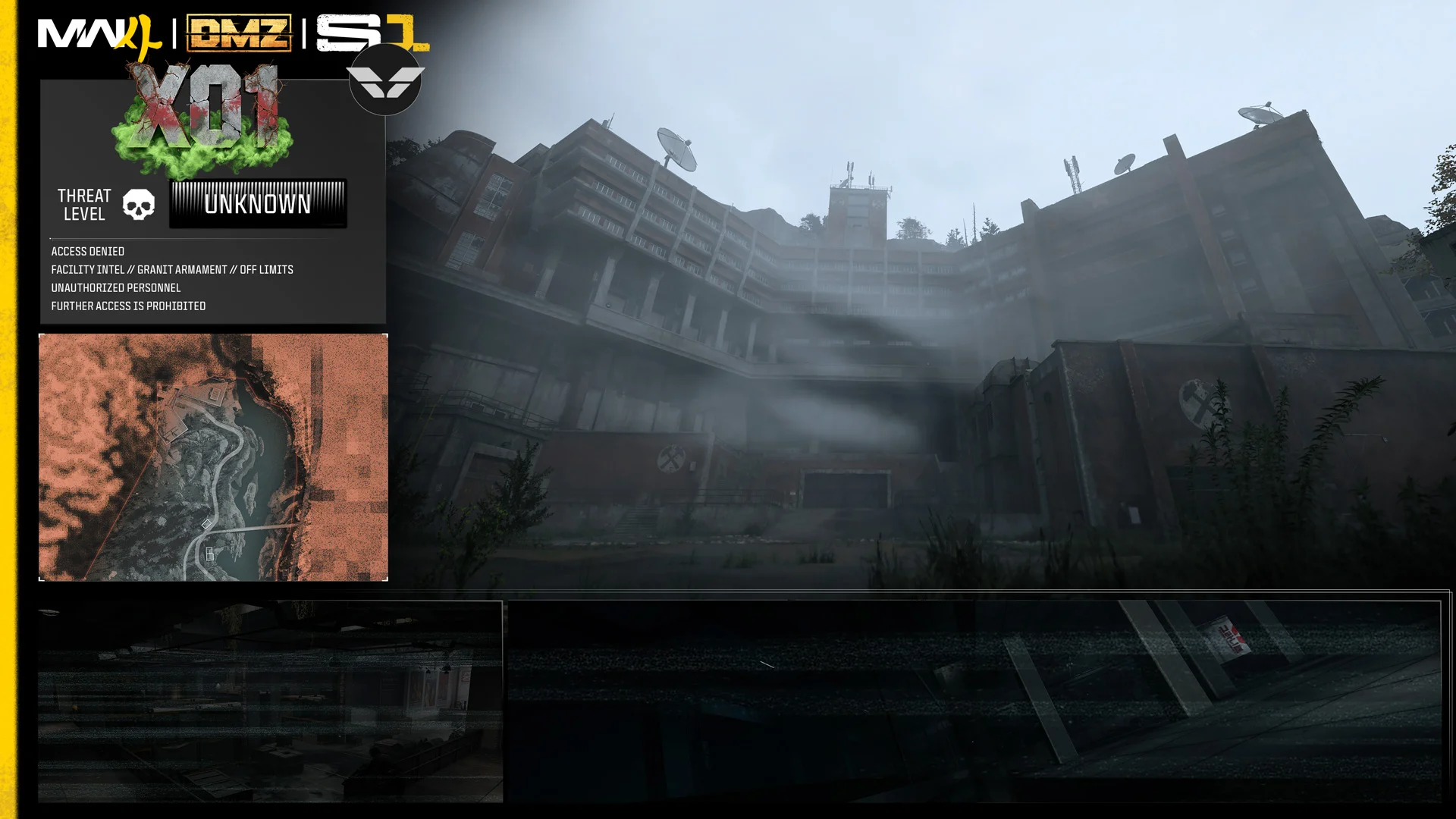
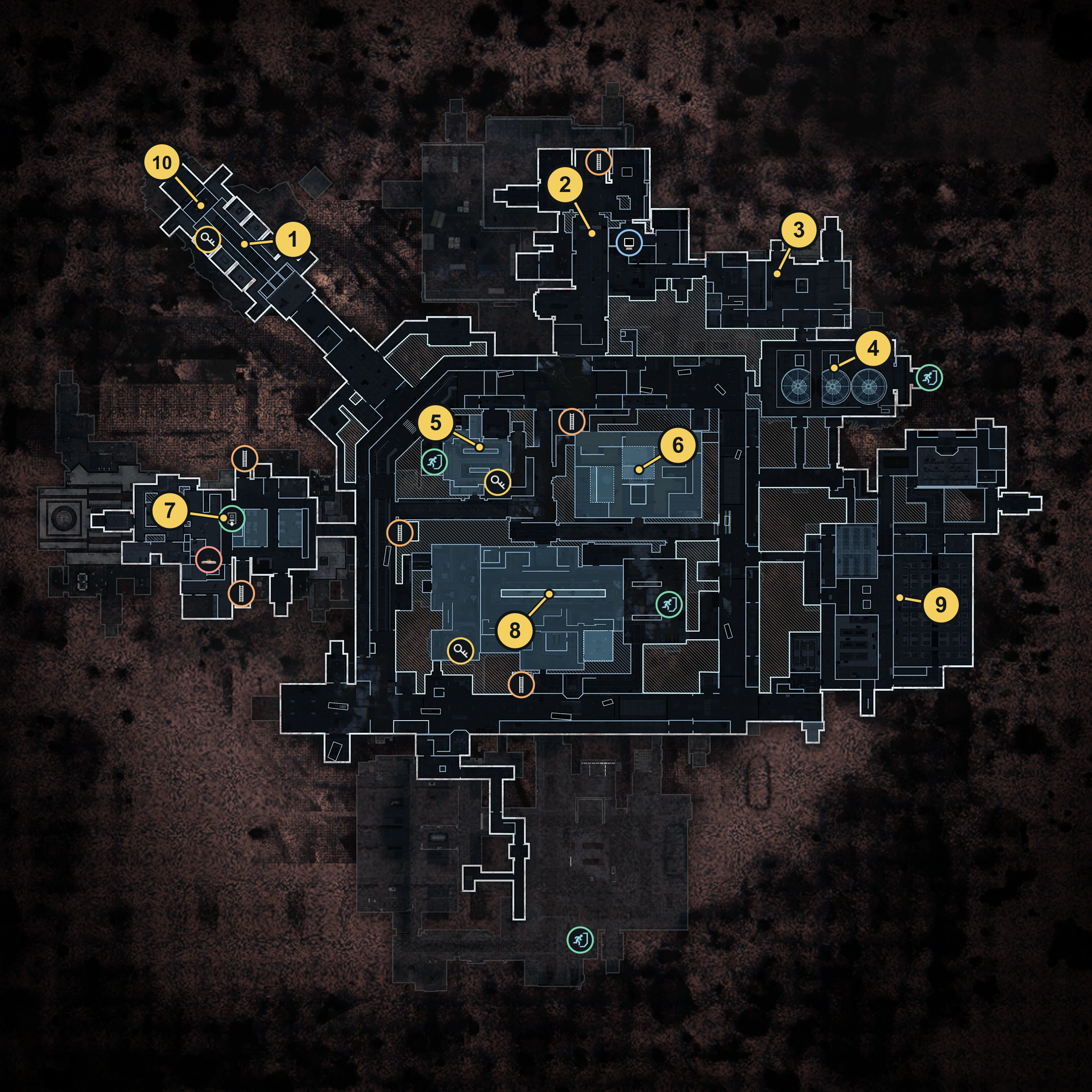
Separate creator footage already shows X01’s Hajin exterior and a locked keypad doorway. It does not demonstrate the working release-day entry procedure. Our expanded X01 guide links the relevant footage and covers the announced areas, threats, Orders and extraction risks.
For the rest of DMZ’s announced additions, use the Season 1 overview.
Your first-session checklist
- Choose whether you want to learn new interactions or go straight into your preferred competitive mode.
- Use Hajin landmarks for orientation, then verify the current loot, transport and gas situation.
- Watch for Ground Ops as you travel and decide whether they fit your next rotation.
- Read the upgrade you obtain and coordinate new movement tools with your squad.
- For X01 preparation, start with its own guide and the confirmed DMZ information.
Quick questions
Can I use my DMZ loot route in Warzone?
Use familiar landmarks for orientation, then verify pickups and vehicles in Warzone. Their distribution differs between the modes.
Are the Grabber Drone and Zipline Launcher confirmed for X01?
The November 2 preview describes them for Warzone. It does not confirm their availability in DMZ or X01.
Is Rally Point a PvE-only mode?
No. The developers describe Rally Point as a practice space with both AI enemies and human opponents.
Spotted something wrong? Send a correction.