X01 no-key supply route: containers, refills and extraction
Plan a short X01 supply run through ordinary container areas, check a nearby refill and leave without spending room keys.
For a no-key X01 supply run, choose ordinary container searches, a nearby ammo/armor cache and an active normal exit. This is a flexible named-stop plan: arrival rooms, access conditions and available loot vary. It is not a guaranteed gear package.
For a no-key X01 supply run, choose ordinary container searches, a nearby ammo/armor cache and an active normal exit. This is a flexible named-stop plan: arrival rooms, access conditions and available loot vary. It is not a guaranteed gear package.
Set a small target before leaving
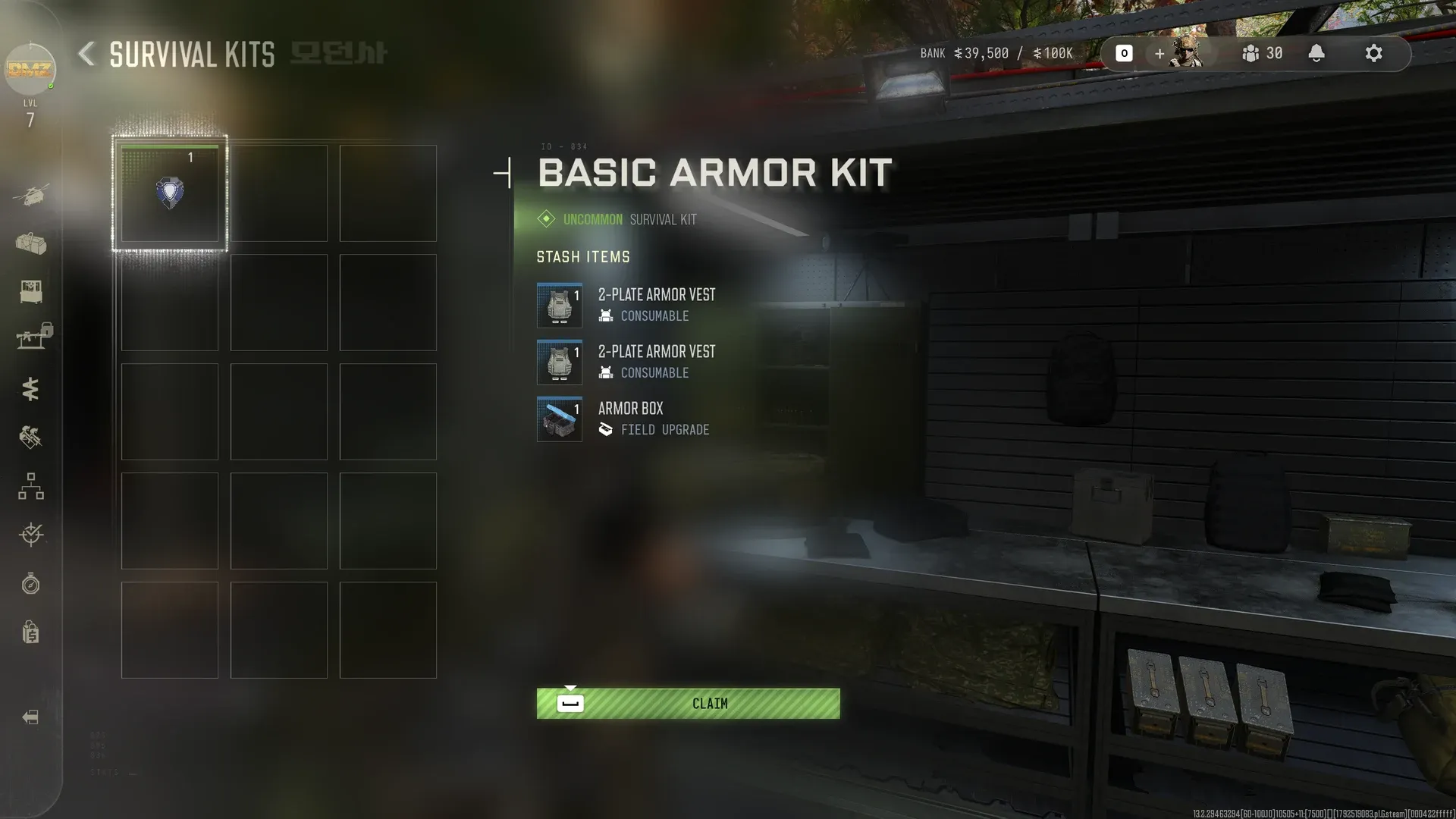
Check your protection, healing and ammunition at the FOB. Choose what would make the next run viable: a replacement supply, a useful weapon or one crafting shortage. Bring enough equipment to survive the trip; entering nearly empty is not a guaranteed free recovery method.
Use the warehouse and control-room loop
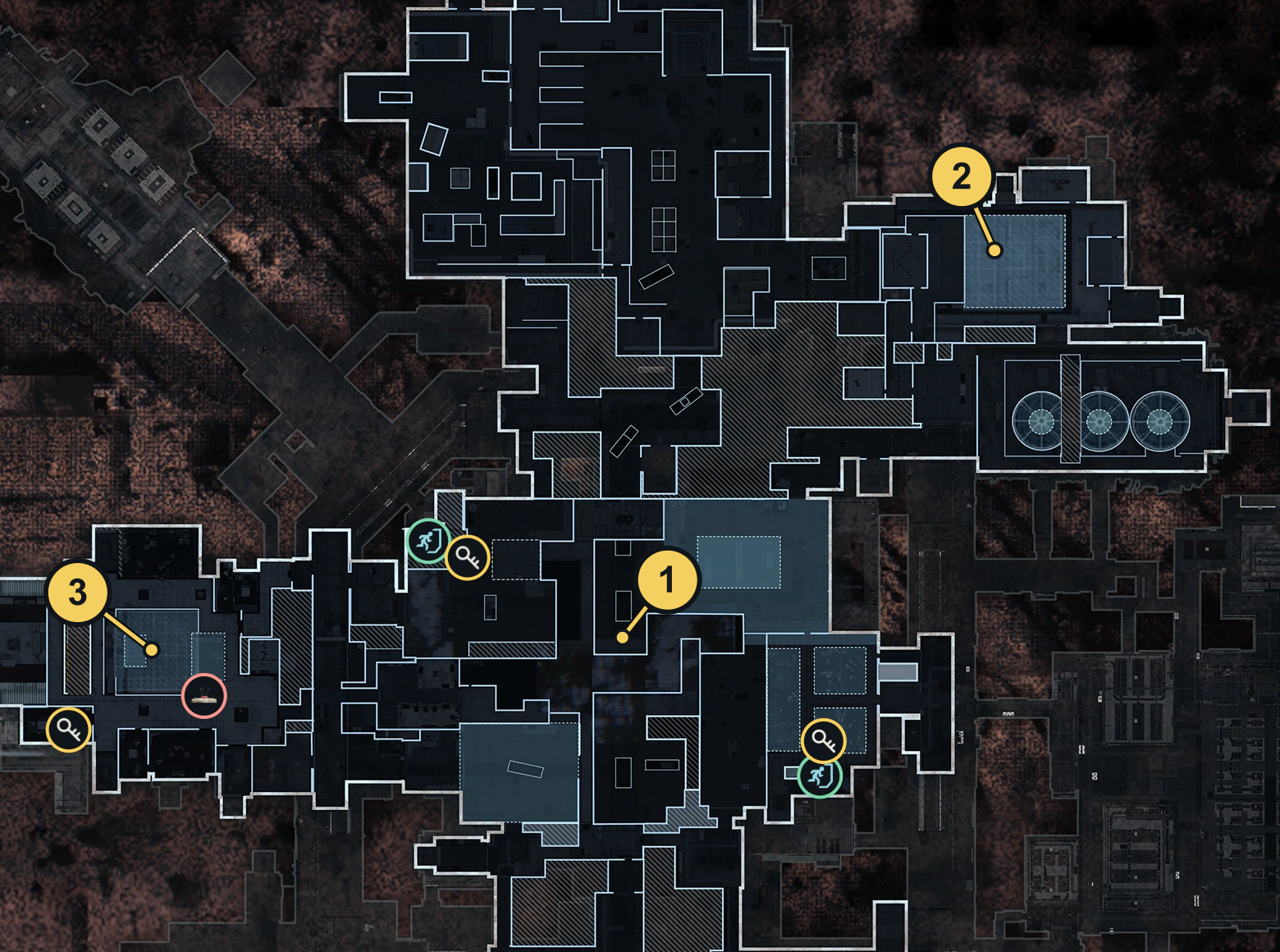
- On arrival, open map view 2. Compare Main Warehouse and Control Room with your position and pick the reachable one first. This does not assume a fixed starting room or shortest corridor.
- Search ordinary unopened containers in that named area. Keep useful supplies and inspect the actual item rather than expecting a guaranteed vest, Manual or recipe. Leave key readers and locked optional rooms out of the route.
- If time and access permit, continue to the other area. If a chosen approach is locked or unsafe, use an open alternative or end the loop; this guide does not promise every corridor is open.
- Check the nearest reachable Ammo & Armor Cache on the same map view and use its available resupply. A marked cache does not guarantee unlimited charges or a fixed contents list.
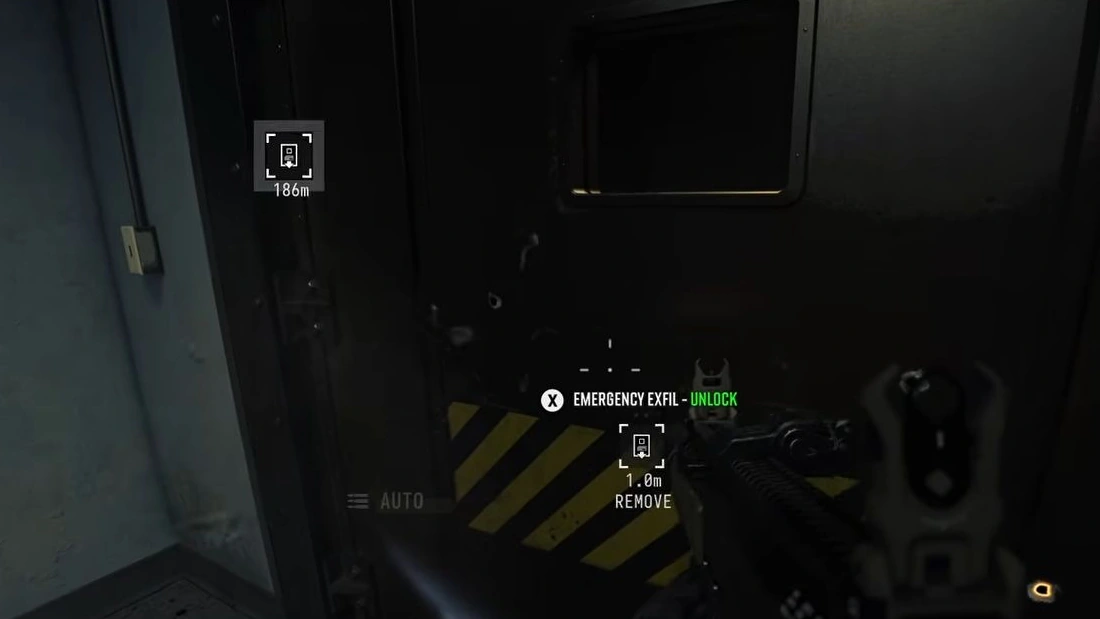
- Head to an active ordinary lift and finish departure. A Staff-card emergency shaft is a different option and is not the basis of this no-key plan.
Know when to stop
Once your chosen shortage is solved, compare the shutdown clock with travel, lift arrival and boarding time. Keep the extraction guide open. Do not add a Captain fight, encoded room or Vault visit just because the bag has space.
Main Warehouse and Control Room searches can also help the corresponding Orders counters when those tasks are active. After extraction, sort items with the regain guide; carrying a finished item home does not automatically unlock its crafting recipe.
Spotted something wrong? Send a correction.