
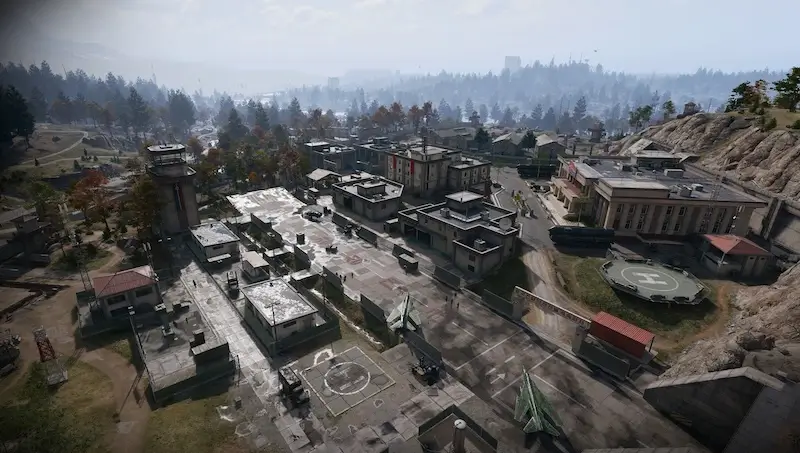
Commandant Office B5: Air Base key-room route and loot
B5: Admin Complex No. 2 at Chang-san Air Base · Second floor: left from the stairs, first door left · Commandant Office key is separate from cards and DRC access
Take the Commandant Office key to the second floor of Admin Complex No. 2 at Chang-san Air Base. Enter the front, reach the stairs at the back, go up, turn left and find the first door on your left. Confirm the named lock before spending the key.
- B5: Admin Complex No. 2 at Chang-san Air Base
- Second floor: left from the stairs, first door left
- Commandant Office key is separate from cards and DRC access
Find your key or locked room
Browse every key in the Key FinderTake the Commandant Office key to the second floor of Admin Complex No. 2 at Chang-san Air Base. Enter the front, reach the stairs at the back, go up, turn left and find the first door on your left. Confirm the named lock before spending the key.
Check the key and prepare for the Air Base
Carry the Commandant Office key from the FOB stash into the deployment. Its B5 reference identifies the search area, not a measured door coordinate. A guaranteed acquisition container or drop source is not established here.
Bring armor, healing, ammunition and space for the items you actually want. The route crosses a heavily defended area. A recorded fast sprint is not proof that guards will miss you or that an unarmed kit is safe. Clear the immediate entrance and stair landing when needed.
Reach Admin Complex No. 2
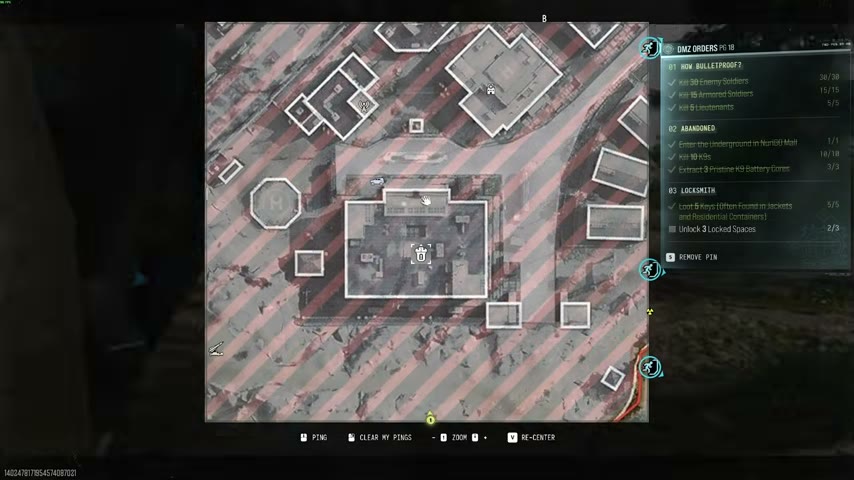
Identify Admin Complex No. 2 inside Chang-san Air Base on your current map. The demonstration selects Iron Citadel for its nearby starting approach, crosses a breach in the outer wall, then travels down toward the administration building.
That deployment choice is an approach option, not an established requirement to use the key. The room opening is not mission completion. Assess the wall crossing and exterior route for live defenders instead of treating the recorded movement as a protected corridor.
Follow the rear stairs to the named door
- Use the building’s northern front entrance.
- Continue through the interior toward the back staircase.
- Go up the first flight to the second-floor landing and clear nearby guards.
- Turn left, follow the passage and take the first door on the left.
- Read COMMANDANT OFFICE — UNLOCK and use the matching key.
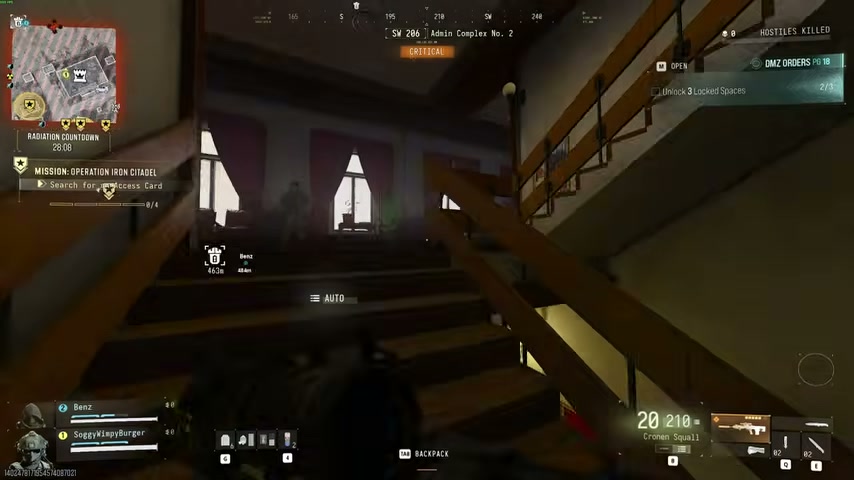
Red curtains, flags and the decorated hallway are useful visual checks. The named interaction is stronger confirmation than counting identical office doors from another entrance.
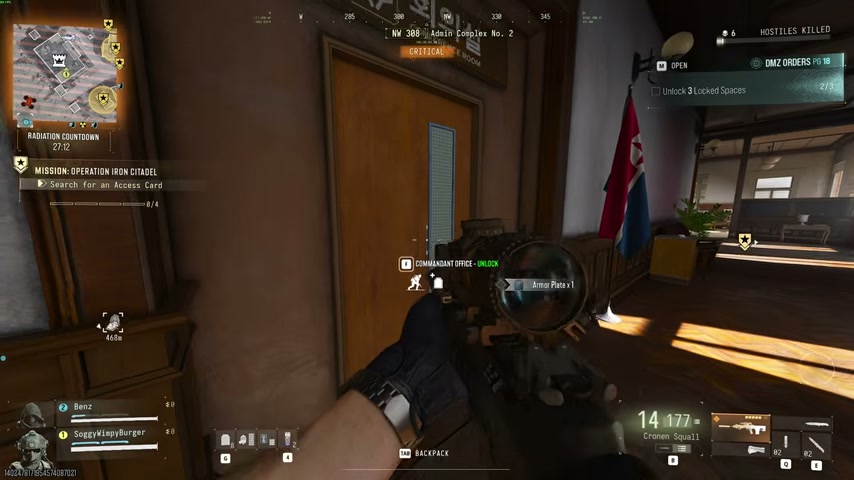
Inspect the room’s actual containers
The opening shows rifle cases around the desk/exit area, weapons lockers behind the desk, an equipment case by the couch and other lockers, a supply crate, a jacket and loose items. Counts and contents can differ; search what is available in your deployment.
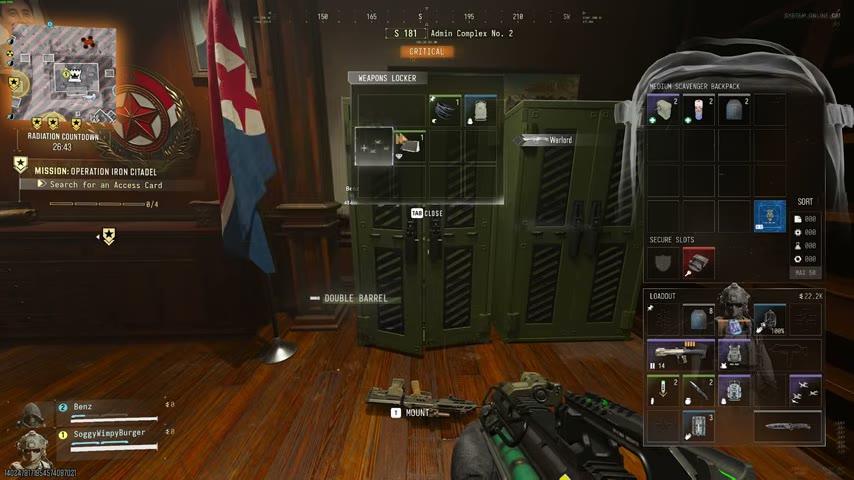
Read the card before replacing a valuable pickup. A finished weapon, its Weapon Manual and a Blueprint are different rewards. No guaranteed Manual, recipe, Ultra weapon or return on the key’s cost is established. Check your ammunition and exit before adding another search.
Keep other Air Base locks and the return trip separate
| Destination | What to keep separate |
|---|---|
| Commandant Office | This key and the named second-floor door |
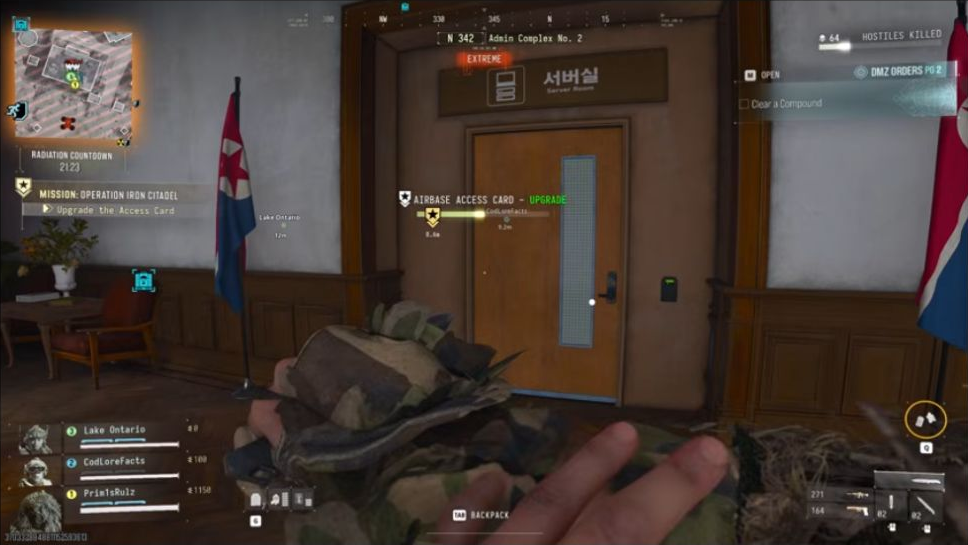
| Server-room card upgrade | Iron Citadel’s mission interaction |
| Supreme Leader room | Its separate access card |
| Air Base DRC Weapons Locker | Its own named key and armory route |
Use the Air Base access guide for the other locks. Retrace the corridor and stairs when leaving, then reassess the exterior and an active exfil. Do not turn a successful office opening into an unplanned bunker attempt with the wrong card.
Quick questions
Where do I use the Commandant Office key?
On the second floor of Admin Complex No. 2 at Chang-san Air Base. The demonstrated approach uses the front entrance, the stairs at the back, then a left turn and the first door on the left.
Do the Air Base access cards replace this key?
No shared access is established. Match COMMANDANT OFFICE on the unlock prompt; mission card upgrading, Supreme Leader access and the Air Base DRC locker are separate destinations.
Is a Weapon Manual or Blueprint guaranteed inside?
No. The opening shows several equipment and weapon containers, but no fixed Manual, Blueprint or Ultra reward is established. Container counts and contents can vary.
Mentioned in this guide
Spotted something wrong? Send a correction.
Keep reading
 Guide · Gear & craftingMW4 DMZ Weapon Manuals: where to look and how unlocks work Guide · Hajin & vehiclesAir Base bunker guide: mission card, Supreme Leader room and DRC
 Guide · Combat & survivalDMZ exfil guide: extraction methods and emergency plans
 Guide · MissionsMW4 DMZ Iron Citadel walkthrough: access card, armory and LTV