DMZ optic reticles: unlocks, ADS challenges and shared progress
Follow the equipped optic's own requirement, then check progress on that same optic before changing your setup.
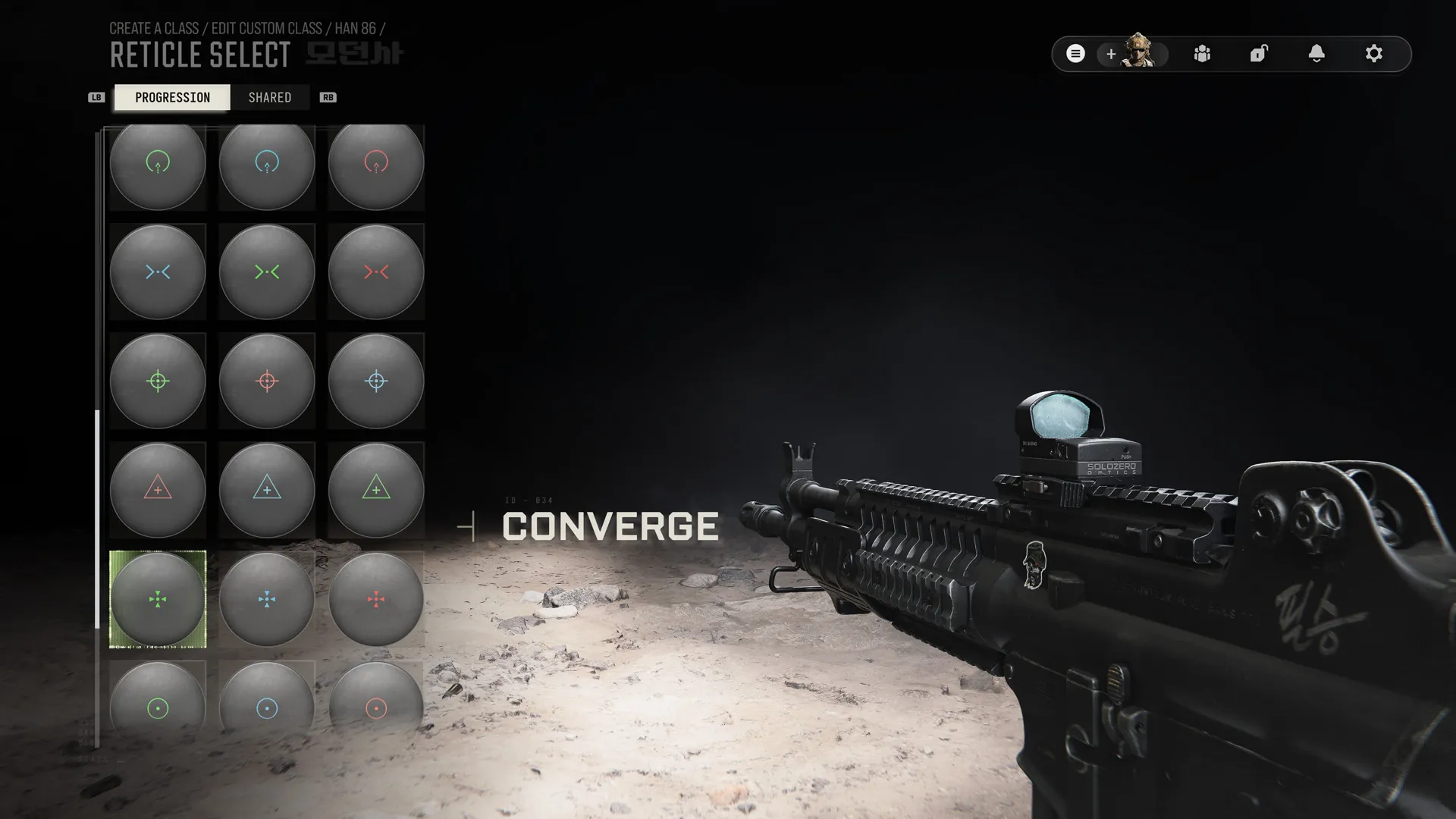
Equip an unlocked optic, open its Appearance and Reticle selection, and read the displayed ADS-elimination requirement. Reticle progress belongs to that individual optic and carries across compatible weapons and available modes. It is separate from weapon camos, the base weapon purchase and other optic models.
- Equip an unlocked optic to access its reticles
- Reticle challenges use ADS eliminations
- Progress belongs to the individual optic
- Associated color variants unlock together
Keep the optic’s full name with your challenge notes. Two sights that look similar can be different attachments. If you swap models halfway through a run, you may be looking at another optic’s reticle progression when you return.
Equip the optic you want to progress
Choose a weapon you can use and fit an unlocked optic. The official progression guide makes an equipped optic the starting point for its reticle challenges. An unlocked weapon alone is not the same as having the optic you want available.
Check the weapon’s Progression view if the sight is still locked. A shared attachment can be used on compatible weapons after its unlock, but compatibility does not make every optic model identical. The Gunsmith guide separates weapon ownership, purchase access, slots and attachment unlocks.
Open the requirement before your next deployment
- Select the weapon with that optic fitted.
- Open the optic’s Reticle selection through the Gunsmith Appearance options.
- Read the next reticle’s complete requirement and current progress.
- Keep the same optic identity with your plan for the run.
- Reopen that optic’s progression afterward and compare the counter.
The official shared-menu path is Gunsmith → Appearance → Reticle Select. Follow the available controls on your platform rather than copying an unverified button binding. Use the elimination count shown by your selected reticle’s own requirement.
Understand what is shared
The documented challenge uses eliminations while aiming down sights. Progress is specific to the individual optic, while that optic’s progress and unlocked reticles carry across compatible weapons and Multiplayer/DMZ.
This lets you continue using the same optic on another compatible gun without turning the two guns into separate reticle grinds. It does not establish that an elimination with a different optic advances the first one’s counter. Keep weapon levels, camo progression and optic reticles as separate checks.
Associated color variants of a design unlock together under the official rules. Inspect the design and its condition before planning a separate run for each color.
Choose a run that fits the wording
Pick an objective you can pursue while using the required optic. Check its current wording before deciding which targets or firing conditions count. Aiming through the sight is part of the documented requirement; a hipfire result is not evidence of ADS progress.
If progress is uncertain, note the starting counter and exact optic, complete a small set of ADS eliminations, then compare the counter. Target eligibility across every AI tier, a measured longshot threshold and a guaranteed completion time remain unverified; follow your selected challenge’s wording.
Check the reticle you actually equipped
After unlocking a design, select it on the intended optic and inspect the equipped weapon. Use the FOB Firing Range to compare visibility at a familiar target, keeping the optic and aiming conditions consistent.
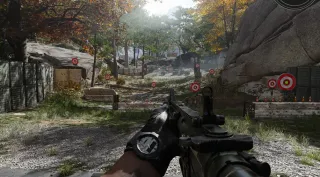
Choose a design you can read clearly. This is an aiming preference check; it does not demonstrate a damage bonus or turn a cosmetic change into a tested build. Do not buy an unrelated weapon merely because a different screenshot uses it to display the reticle.
If the counter or Cash looks wrong
First confirm the same optic, correct challenge and expected ADS condition. Then separate a missing progression increment from an equipment purchase or cosmetic transaction.
The October 24 update fixed unintended DMZ Cash deductions when applying some camos or reticles. That historical issue is not a normal reticle fee. If a new balance change occurs, note the weapon, selected cosmetic and cart separately. The objective troubleshooting guide helps distinguish a missing unlock from an action that did not satisfy its condition.
Quick questions
Do kills with one optic unlock every optic's reticles?
The official rules make progress specific to the individual optic attachment. Shared compatibility across weapons does not mean every different optic shares one counter.
Can I continue the same optic's progress in Multiplayer?
Yes. Official progression is shared across Multiplayer and DMZ, and the unlocked reticle remains available on that optic across those modes.
Do all colors require a separate challenge?
The official guide says associated color variants of a reticle unlock together. Inspect the selected design and its requirement rather than treating every color tile as a separate grind.
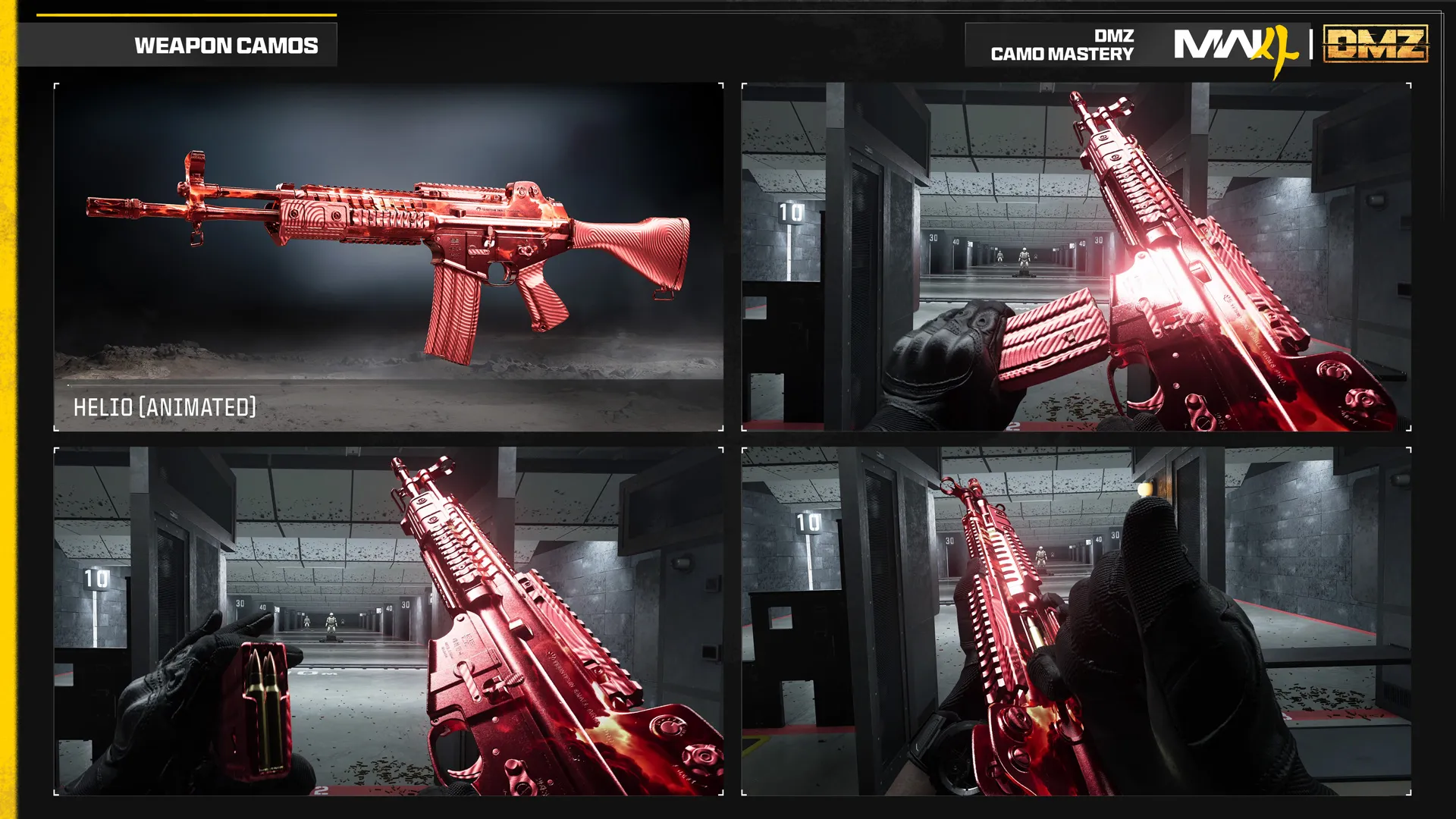
Is a reticle the same unlock as a weapon camo?
No. Reticles belong to optic challenges; camos have their own weapon and mastery requirements. Check the correct Appearance category.
Should changing a reticle deduct DMZ Cash?
Infinity Ward listed unintended Cash deductions from some DMZ camo or reticle changes as fixed on October 24. That bug is not a normal cosmetic purchase fee; inspect any new deduction separately.
Mentioned in this guide
Spotted something wrong? Send a correction.