
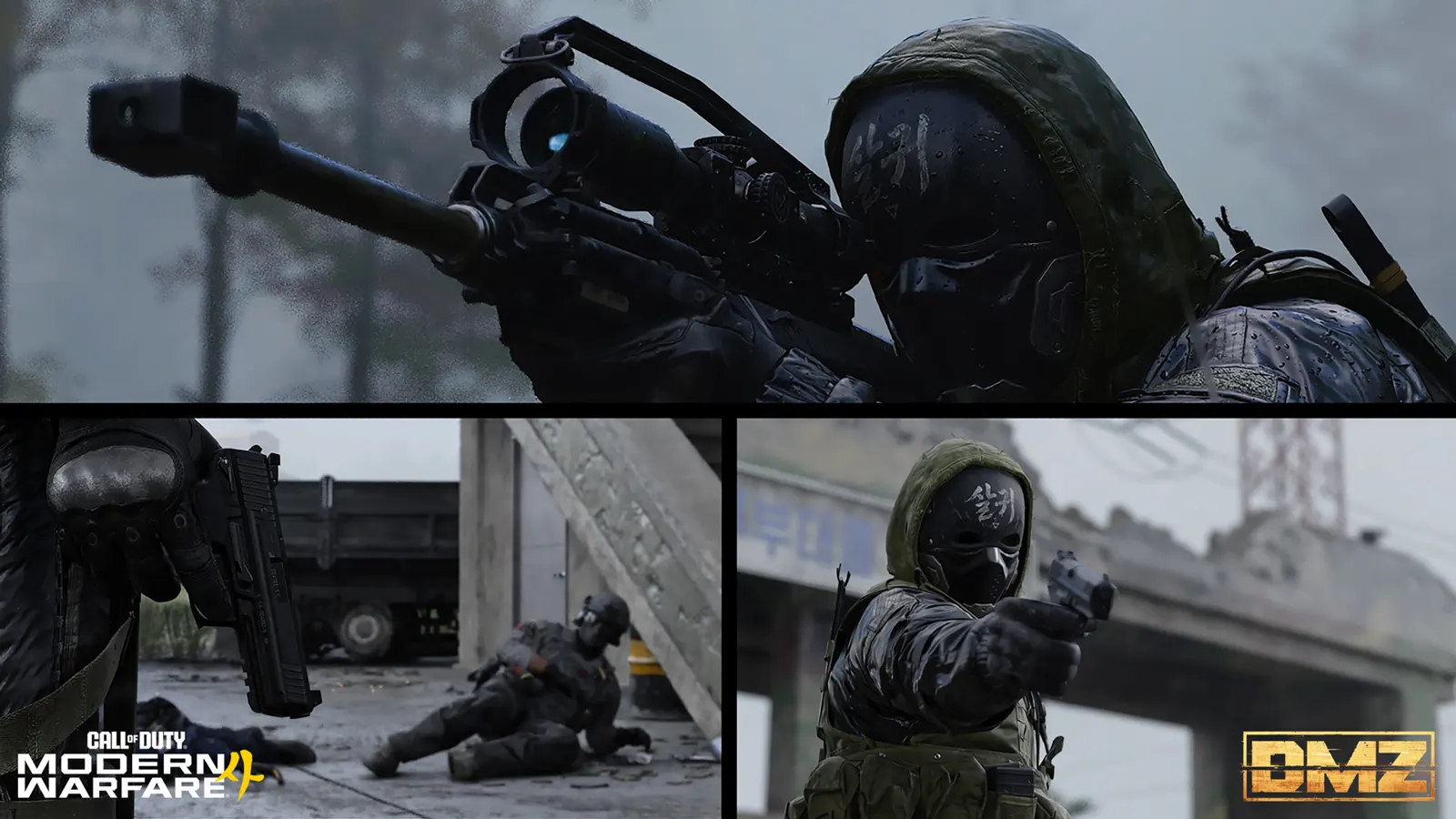
DMZ objective not counting: checks for Orders, recipes and missions
Match the action and location · Read counters separately from page rewards · Official fixes do not cover every similar symptom
Read the unchanged objective line before repeating the whole run. “Print,” “equip,” “loot” and “extract” describe different actions. First identify which counter failed; a mission title or completed combat popup does not establish that every related Order is finished.
- Match the action and location
- Read counters separately from page rewards
- Official fixes do not cover every similar symptom
Read the unchanged objective line before repeating the whole run. “Print,” “equip,” “loot” and “extract” describe different actions. First identify which counter failed; a mission title or completed combat popup does not establish that every related Order is finished.
Check these mismatches first
| Unchanged objective | Check before another run |
|---|---|
| Print / equip | Looting or merely owning the item is a different action |
| Inside a named area | Confirm the building or threat area, not just its surroundings |
| Extract value / extract an item | Read total value versus loose cash, then complete the required extraction |
| Page reward missing | Check every Order on that page and the actual reward panel |
| Story Mission completion | Finish its current sequence and extraction, not only a boss or loot stop |
| Recipe or Manual unlock | Inspect the actual unlock item and post-run menu, not a finished gun or vest |
Read Orders by name, not only page number: listings and accounts can place chapters differently. Check the current page at the FOB and its panel on the in-game Tac-Map. A missing ping can be a marker problem; inspect the written objective before assuming the item or progress was removed.
Worked example: Counterfeit and Robbery
Robbery combines opening a safe with extracting the required Backpack and Loadout value. The reference panel uses 5,000 total value; it does not ask for 5,000 loose cash alone. Completing only the safe interaction leaves another line to check.
Execute Intel links the relevant UAV-marked NK soldiers to their Counterfeit Cash pickup. Unrelated kills or ordinary cash do not demonstrate that sequence. For the Recon Drone recipe, inspect the whole Counterfeit page reward rather than expecting a single Hostile Force task to grant it.
Worked example: a crafted item or missing recipe
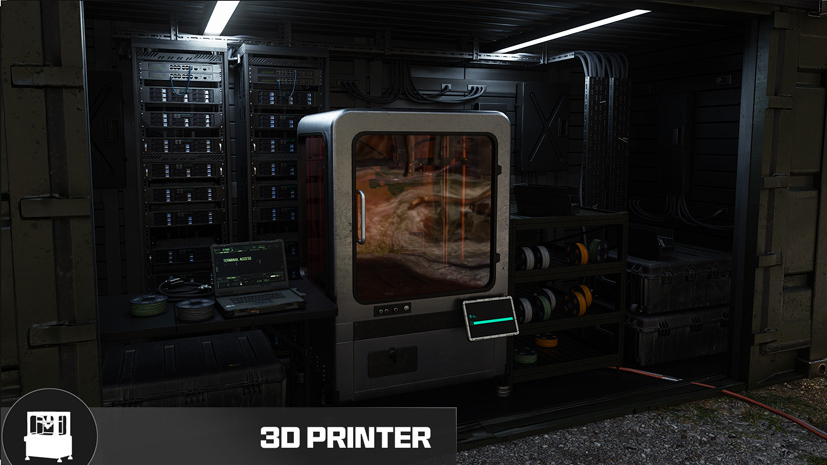
For Healer, read the current instruction to track and print a Medkit. A Medkit looted earlier is not evidence of printing it. Recipe ownership, tracking, printing and equipping are distinct menu states. The recipe roadmap explains why gathering ingredients or extracting finished armor does not itself unlock repeated crafting.
If a Track control is unavailable, record that exact state. Players disagree on a suggested tracking-limit workaround; it is not a confirmed universal fix. Do not discard a valuable recipe, dismiss an Operator or reset progress on the strength of that suggestion.
Separate announced fixes from a remaining failure
As checked on 29 October 2026, official launch notes list fixes for certain purchased Lieutenant-intel Orders, inconsistent FOB upgrade tracking and the Airbase mission card failing to upgrade while in a Secure Slot. They also list a missing Level 37 vest reward fix. These are specific fixes, not proof every progression issue is resolved.
Update the game and retry the affected interaction once while watching the exact line. For Iron Citadel, verify you collected the upgraded card from the server before moving to the next stage. For a weekly-mission requirement stuck despite completion, no universal recovery is verified here; do not keep spending expensive kits merely because another player says theirs eventually cleared.
Two named tracking checks
Philanthropist: the 24 October fix includes Weekly Mission Challenges completed before unlocking the Order. Check the FOB counter before repeating one. Missing Order-item ping: the 28 October fix addresses markers disappearing after a loot-container ping; inspect the written objective separately from the map marker.
Preserve useful evidence when the action still fails
Record the platform, game version/date, Order name and full text, before/after counters, deployment type and the final extraction result. Capture the relevant menu or a short sequence if possible. Note who performed a squad interaction without inventing a universal squad-credit rule. Use the game’s support/report path and compare the known-issues guide. For the distinct first-deployment equipment blocker, use the Gear Up guide.
Quick questions
Does a Secure Slot replace an extraction objective?
No. Protecting an eligible item against loss and completing an instruction to extract are different checks. Finish the required extraction and inspect the result.
Is there one fix for every stalled DMZ Order?
No verified universal fix is available. Identify the objective, compare its actual requirements and document a reproducible failure if the required action still receives no credit.
Spotted something wrong? Send a correction.
Keep reading
 Guide · Combat & survivalMW4 DMZ Bugs: Reported Issues, Fixes and Workarounds
 Guide · Gear & craftingDMZ recipe-unlock roadmap: from a locked item to a usable craft
 Guide · MissionsMW4 DMZ safes: where to search and how to finish Robbery Guide · MissionsMW4 DMZ Execute Intel: Deadtown UAV and Counterfeit Cash