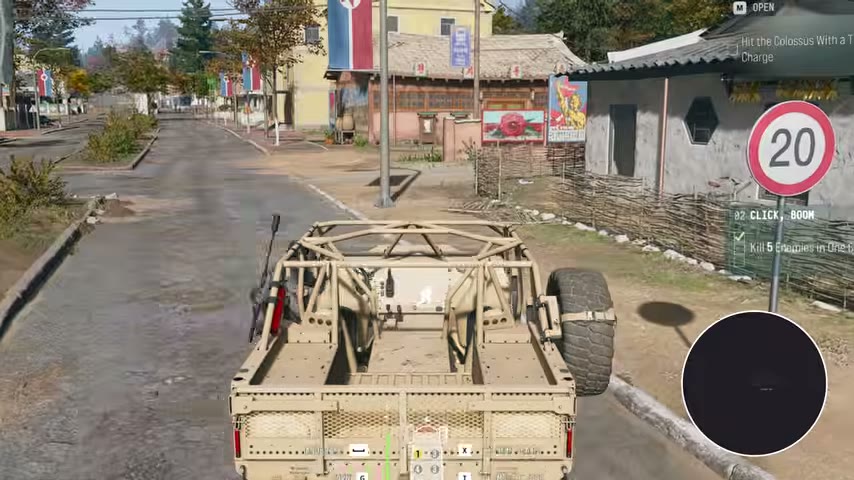
DMZ Navigate With Care: Polaris infil and convoy loot
Pay for the Polaris DAGOR A1 infil · Clear a North Korean Convoy · Loot and extract its Chemical Components
Navigate With Care has three checks: pay for a Polaris DAGOR A1 infil, clear a North Korean Convoy, then loot and extract its Chemical Components. Buying the infil does not complete the convoy task, and destroying vehicles does not put the required item in your Backpack.
- Pay for the Polaris DAGOR A1 infil
- Clear a North Korean Convoy
- Loot and extract its Chemical Components
Navigate With Care has three checks: pay for a Polaris DAGOR A1 infil, clear a North Korean Convoy, then loot and extract its Chemical Components. Buying the infil does not complete the convoy task, and destroying vehicles does not put the required item in your Backpack.
Prepare the infil before deploying
Open the infil selection and read the full vehicle name: Polaris DAGOR A1. If it is locked, check its current unlock requirement. Operation Silent Ledger is the reported unlock route; finish it and inspect the reward before planning a paid vehicle deployment.
Select and pay for the matching infil with Navigate With Care active. Do not assume entering a Polaris found beside a road substitutes for paying for this deployment option. Check the Order line once you arrive.
Prepare to stop the convoy
Bring armor, healing, ammunition and the equipment you intend to use against vehicles. Choose a position with hard cover, a reload position and a retreat route. These are preparation recommendations; the objective does not establish one mandatory weapon or a fixed convoy spawn.
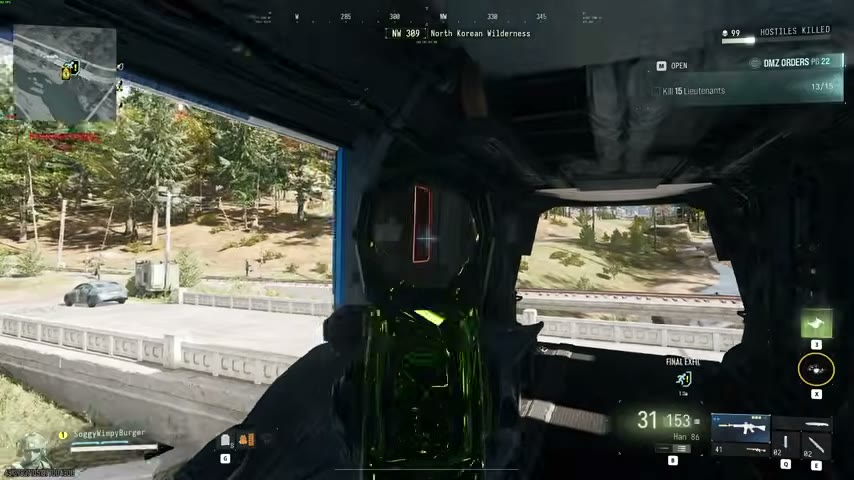
Look for an active North Korean Convoy and follow its current marker/activity. A parked truck, unrelated patrol or the Commander Tank is not proof that this specific clear objective is underway. Convoys move, so a screenshot’s road position is not a permanent destination.
Clear the activity, then search for its item
- Observe the vehicles and escorts before starting the attack.
- Engage from cover and reposition when the convoy changes your firing angle.
- Follow the activity’s remaining requirements until its clear registers.
- Inspect the resulting loot for Chemical Components and collect the objective item.
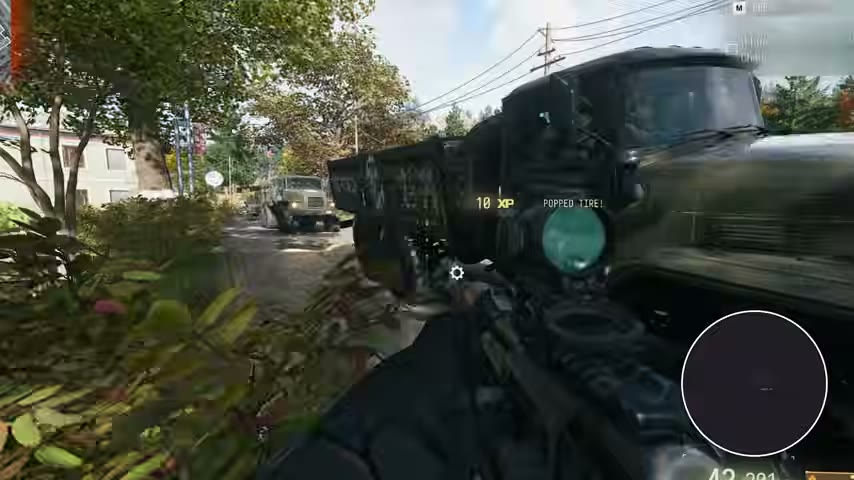
Read the pickup name instead of substituting Common Chemicals used by the Printer. If the convoy clear is checked but the extraction line is not, review whether you actually collected and still carry its objective item.
Extract before adding another fight
Choose an available extraction route after collecting the components. Make that item the main goal of the remainder of the run. A new Commander encounter or optional locked room can consume the supplies needed to bring it home.
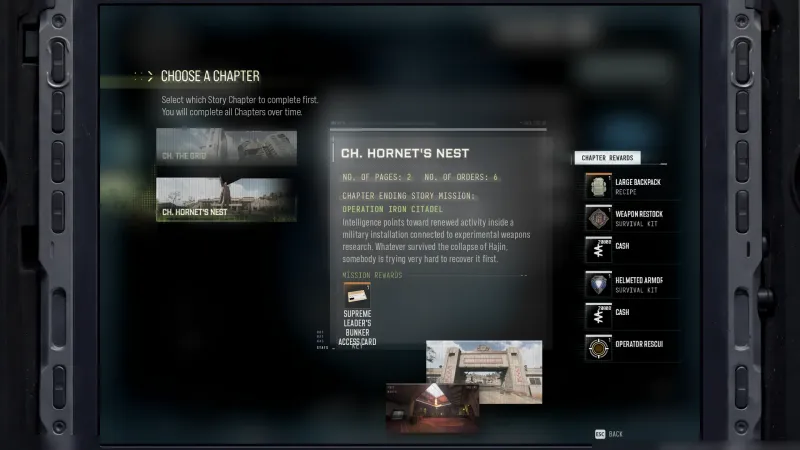
At the FOB, check all three lines. The rest of Hornet’s Nest has separate tasks: Goliath needs equipment hits on Colossus, while Click, Boom has its own C4 objectives. None is automatically completed by the convoy run.
Quick questions
Does finding a Polaris during the raid count as paying for infil?
Do not substitute a field vehicle for the listed paid infil. Select the Polaris DAGOR A1 infil before deploying and check that objective afterward.
Are ordinary Chemicals the convoy objective?
No. Match the Chemical Components objective item from the cleared convoy, then complete the required extraction.
Mentioned in this guide
Spotted something wrong? Send a correction.