Hard Carry: Nylon Laminate, Structural Alloy and the Large Backpack
Two Nylon Laminate · Extract five Structural Alloy · Print the Large Backpack
Hard Carry ends at the 3D Printer, not when you find a Large Backpack. Prepare the required ingredients, complete the extraction counters and print the backpack while the Order is active. A looted or equipped backpack does not replace that final action.
- Two Nylon Laminate
- Extract five Structural Alloy
- Print the Large Backpack
Hard Carry ends at the 3D Printer, not when you find a Large Backpack. Prepare the required ingredients, complete the extraction counters and print the backpack while the Order is active. A looted or equipped backpack does not replace that final action.
Check the three objectives
| Objective | What to keep |
|---|---|
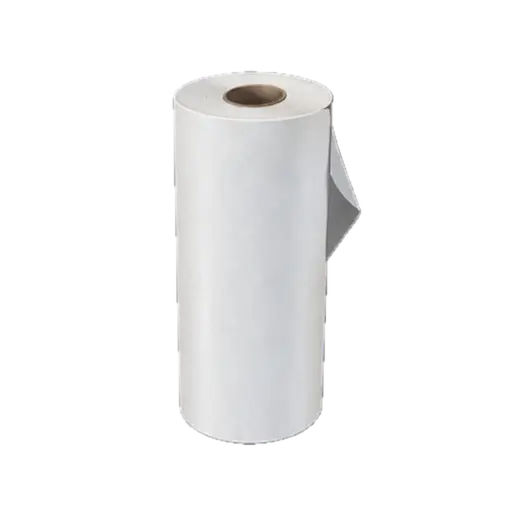
| Print or extract two Nylon Laminate | Keep the two pieces for the backpack recipe. Nylon Cloth is a different item. |
| Extract five Structural Alloy | Bring the required Alloy out of a deployment; stock already sitting at the FOB is not evidence of a fresh extraction. |
| Print a Large Backpack | Check the recipe unlock and the full material bill before spending anything. |
Reserve the complete crafting bill
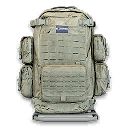
The current Large Backpack recipe lists two Nylon Laminate, five Structural Alloy and ten Rigid Synthetics. The Rigid Synthetics are easy to miss because the Order highlights the other two materials. Completing an ingredient objective does not create the finished bag.
At the FOB, track the recipe and compare its missing quantities with your stash. Keep the ingredients together rather than spending the Laminate on another craft. Check the recipe unlock separately: the reported recipe unlock is the page containing Goliath, Click, Boom and Navigate With Care, not finding a Large Backpack in the field.
Choose a material run or a printing route
Use the Nylon search guide for the Citadel, Deadtown and casino search leads. These are variable loot searches. Read the item card before keeping it; Cloth and Laminate do not fill the same slot.
With Epic Ingredient Printing unlocked, one Nylon Laminate lists 100 Synthetics and three Nylon Cloth. Two prints therefore need 200 Synthetics and six Cloth. Rigid Synthetics have their own printing recipe and unlock. Printing is an alternative only when you can meet the actual recipe requirements.
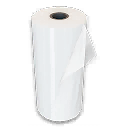
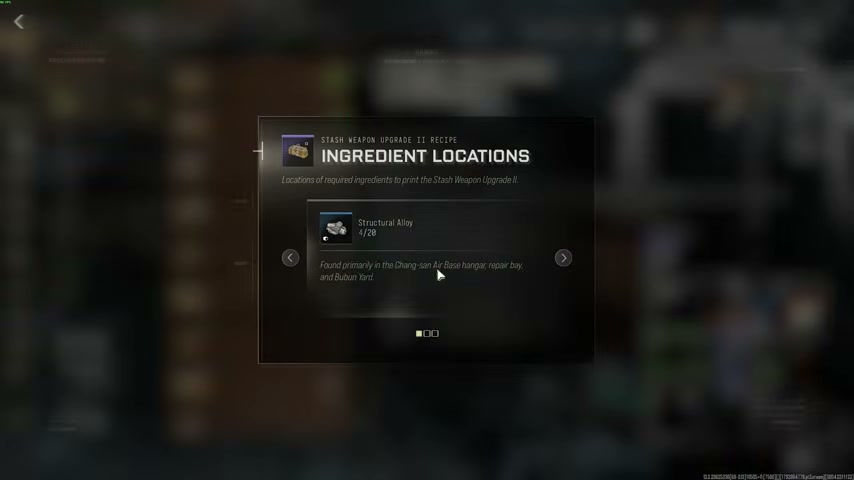
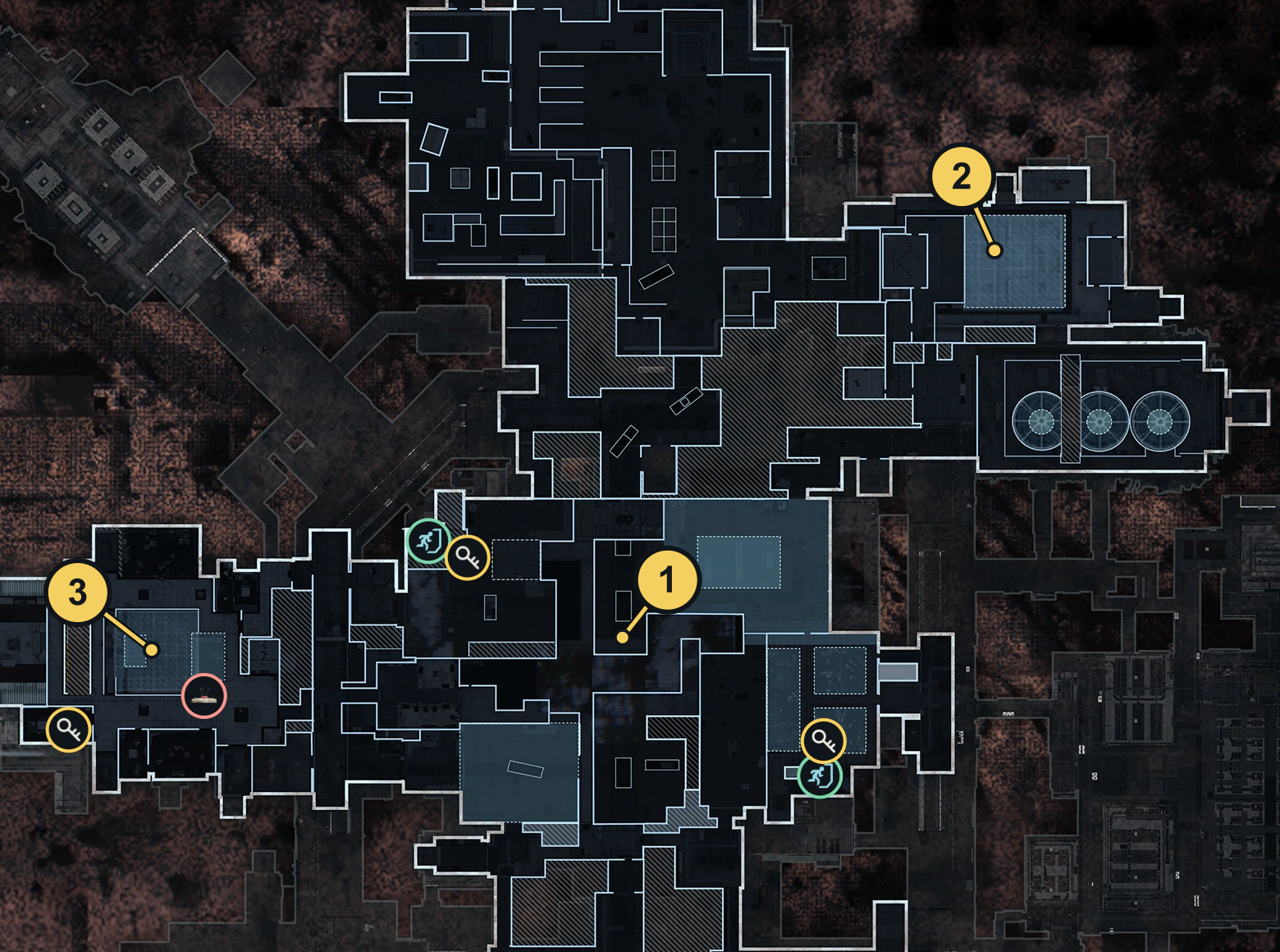
For Alloy, use the material guide and its Air Base hangar/repair-bay search leads. Keep the five required pieces, plan an exit and inspect the Order after extraction. No building guarantees the full quantity.
Print and confirm completion
Return to the FOB, open Backpacks at the 3D Printer and select Large Backpack. Confirm that you are printing the item rather than merely tracking its recipe. Check the Order after the craft.
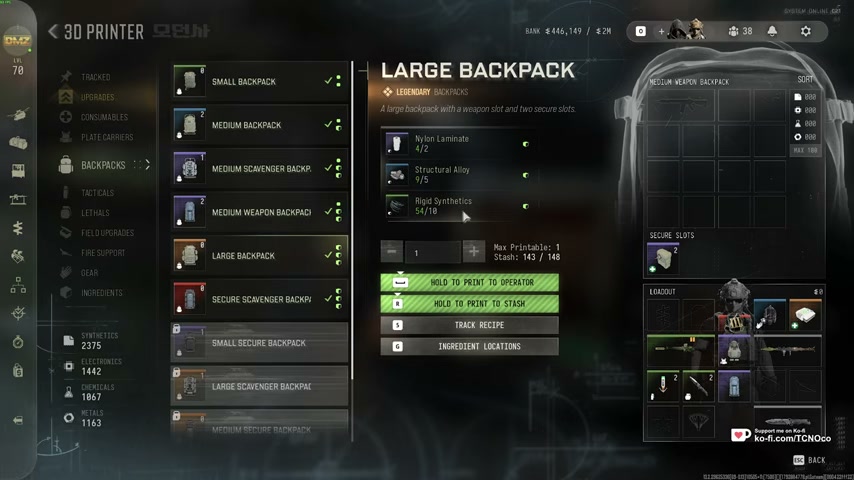
If it stays incomplete, identify which of the three counters is unfinished. An Alloy extraction problem and a missing backpack print need different fixes. For the next aircraft objectives, continue with Stalking the Stalker.
Quick questions
Does looting a Large Backpack complete Hard Carry?
The final objective asks for a print at the FOB. Looting or equipping one does not perform that action.
Why can I not print it after collecting Laminate and Alloy?
Check the recipe unlock and ten Rigid Synthetics as well as two Nylon Laminate and five Structural Alloy.
Mentioned in this guide
Spotted something wrong? Send a correction.