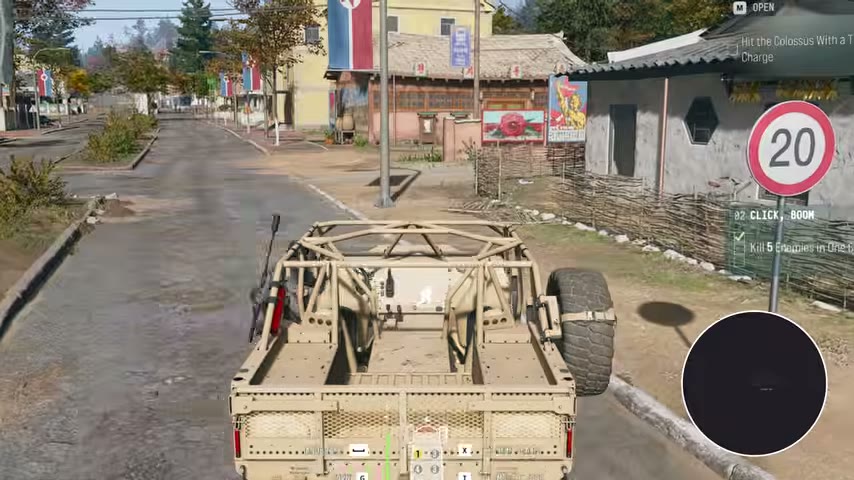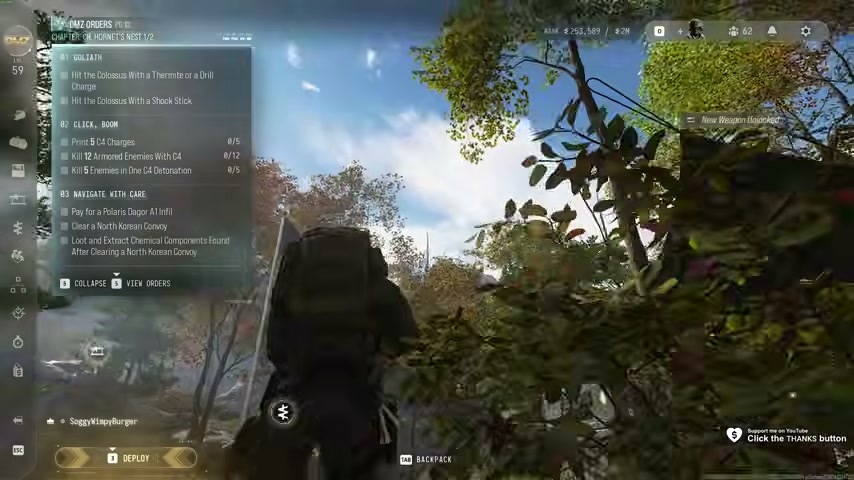
Click, Boom: C4 preparation, armored kills and one-blast kills
Print five C4 charges · 12 armored enemies with C4 · Five enemies in one detonation
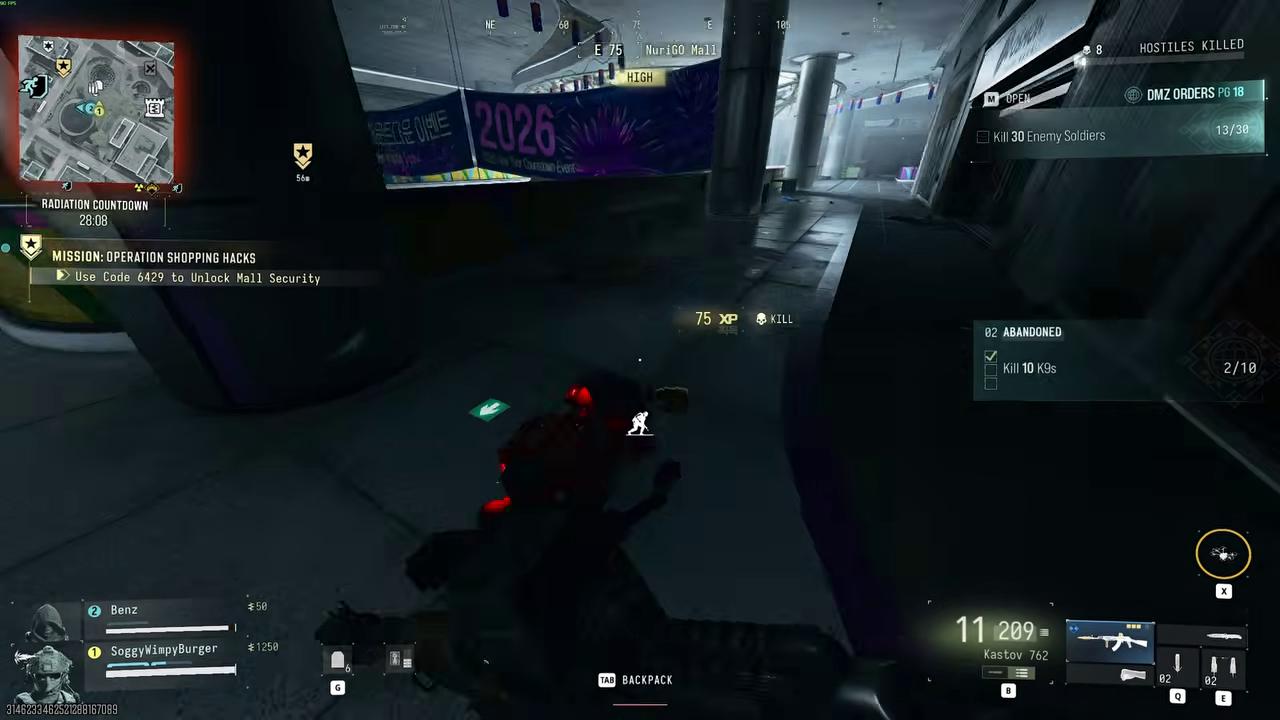
Click, Boom has three separate counters: five C4 prints, 12 armored-enemy kills with C4 and five enemies killed in one detonation. A successful group blast does not automatically prove that all 12 armored kills are complete.
- Print five C4 charges
- 12 armored enemies with C4
- Five enemies in one detonation
Click, Boom has three separate counters: five C4 prints, 12 armored-enemy kills with C4 and five enemies killed in one detonation. A successful group blast does not automatically prove that all 12 armored kills are complete.
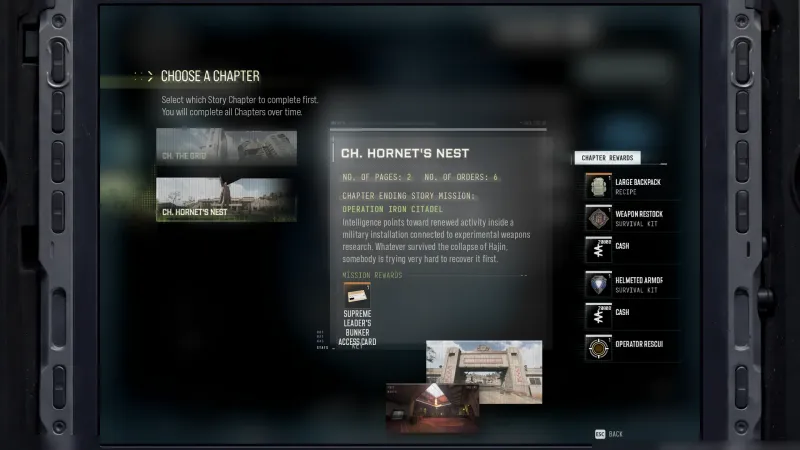
Unlock and print the charges
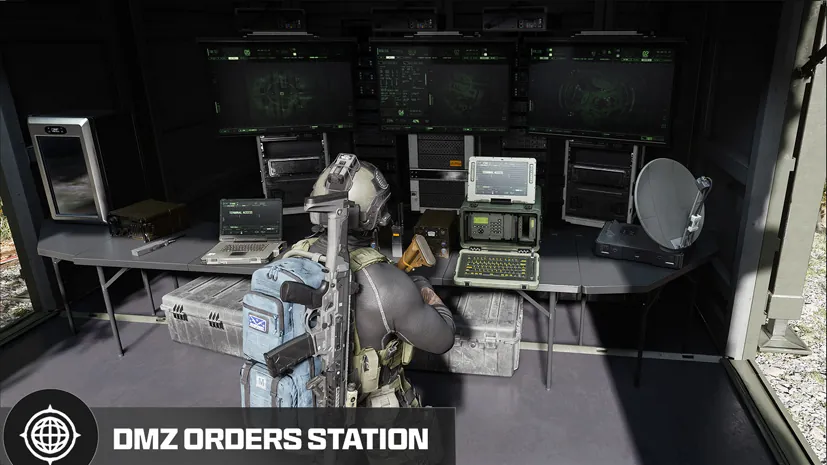
Unlock the C4 recipe by completing the Orders page containing Information Power, Arms Deal and Friendly Face. Check that shared page reward if the recipe is still locked.
The current bill is ten Chemicals and ten Metals per charge: five prints require 50 Chemicals and 50 Metals. Print the five at the FOB while the Order is active, then move the charges into the loadout you will deploy with. Check the print counter before leaving.
Five required prints are not a promise that five charges will finish every combat objective. Keep a resupply plan if an attempt fails, and preserve armor and healing for the approach.
Work on armored kills separately
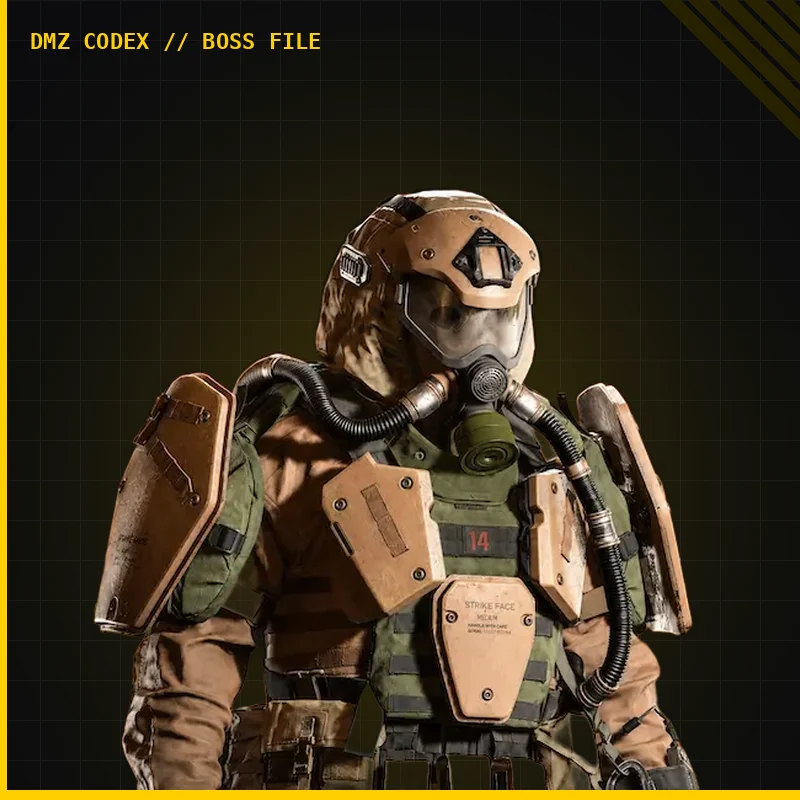
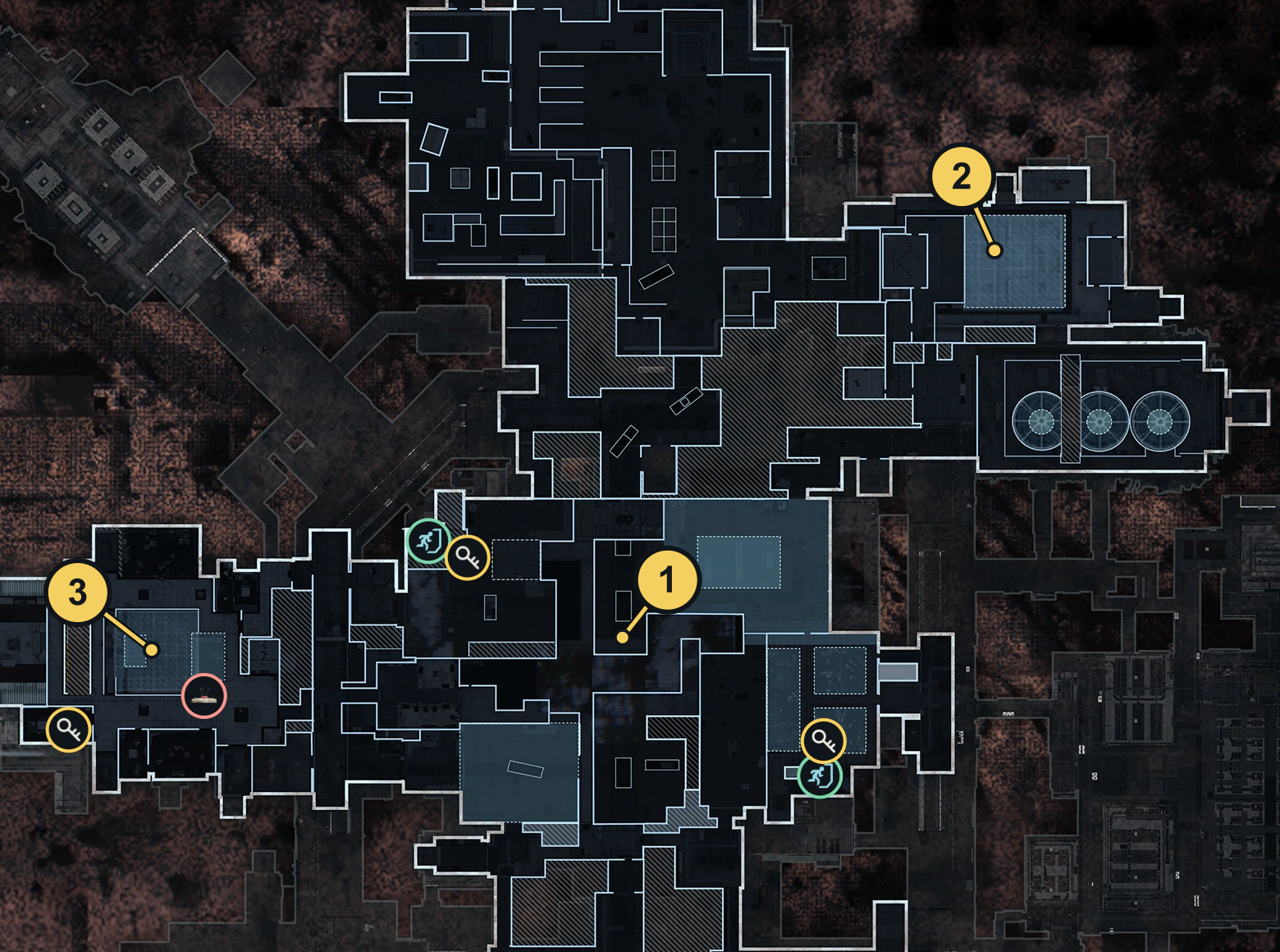
Find armored soldiers and use C4 for the finishing damage. The Air Base is one place to seek armored opposition; it is not a guaranteed safe spawn or a required destination for every attempt.
If one blast fails to kill the target, weaken it before another controlled attempt. Avoid finishing it with your gun when you need C4 kill credit. After the detonation, inspect the armored-enemy counter rather than counting nearby unarmored kills toward the 12.
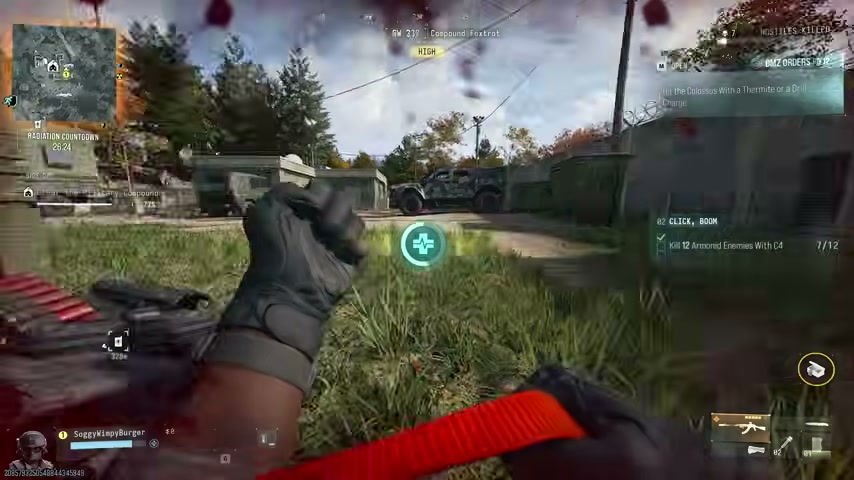
Plan the five-kill detonation
Look for a group you can engage from cover. A loaded enemy transport or enemies gathering around a defended position can create an opportunity, but do not assume every truck holds five qualifying targets.
Place or throw C4, retreat to a protected detonation position and wait for the group to be inside the blast area. Check the surroundings and your escape before committing; sprinting into a crowd to force the attempt can cost the equipment without completing it.
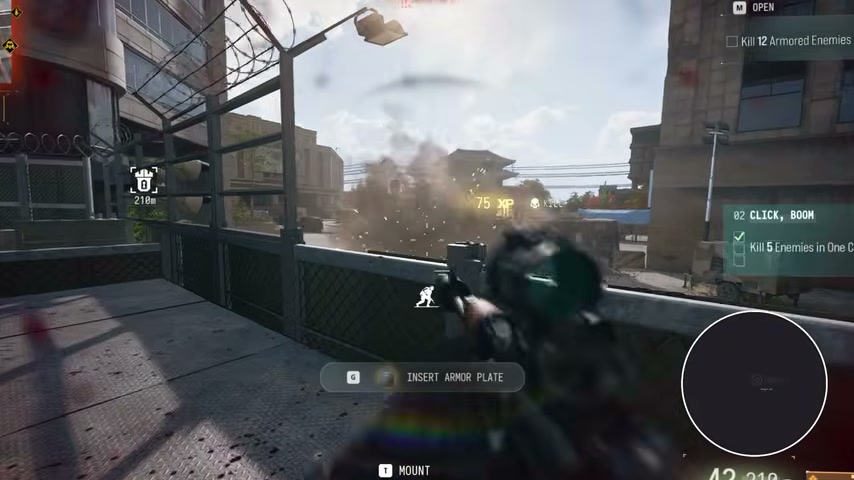
Use one detonation for this task. Five kills accumulated across separate blasts do not satisfy the single-detonation condition. Check for the completed objective before spending another charge on an already-finished task.
Finish the page without confusing its rewards
Return to the unfinished counter: prints, armored kills or the single blast. The page also contains Goliath and Navigate With Care. A page reward requires the other Orders too; it is not a separate payout every time you make a C4 kill.
Lethal Tools is another equipment Order with its own print and kill requirements. Check that active panel before assuming a Click, Boom attempt completes it.
Quick questions
Do five separate C4 kills count as the five-kill task?
That objective specifies five enemies in one detonation. Separate blasts do not meet the same condition.
Why is the armored counter behind my total kills?
It tracks armored-enemy C4 kills. Unarmored enemies and targets finished with another weapon do not establish that credit.
Mentioned in this guide
Spotted something wrong? Send a correction.