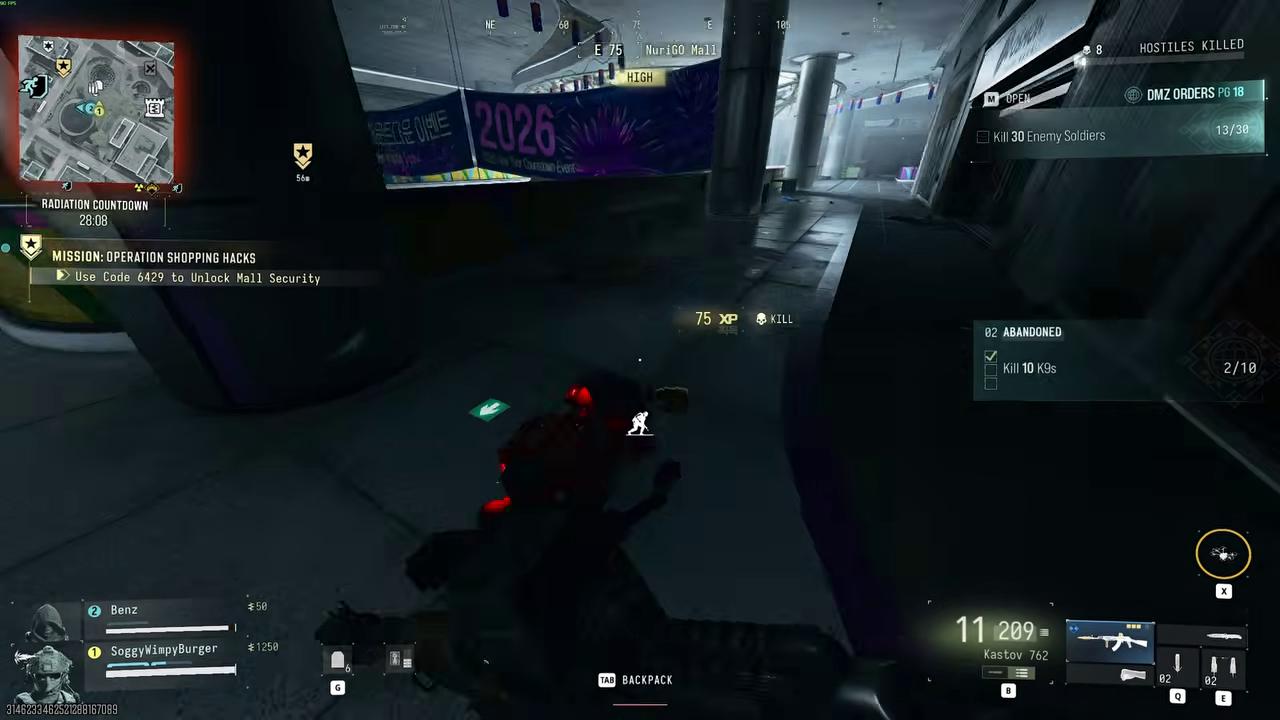
DMZ Abandoned: K9 kills and pristine Battery Cores
NuriGO Mall underground · 10 K9 kills and 3 pristine cores · Mission batteries and extraction reserves are separate
Abandoned requires entering NuriGO Mall underground, killing ten K9s and extracting three pristine K9 Battery Cores. Shoot a robot dog before it reaches you, then collect its working core before the delayed explosion. A destroyed core is not a substitute for the pristine item.
- NuriGO Mall underground
- 10 K9 kills and 3 pristine cores
- Mission batteries and extraction reserves are separate
Abandoned requires entering NuriGO Mall underground, killing ten K9s and extracting three pristine K9 Battery Cores. Shoot a robot dog before it reaches you, then collect its working core before the delayed explosion. A destroyed core is not a substitute for the pristine item.
Prepare for the underground
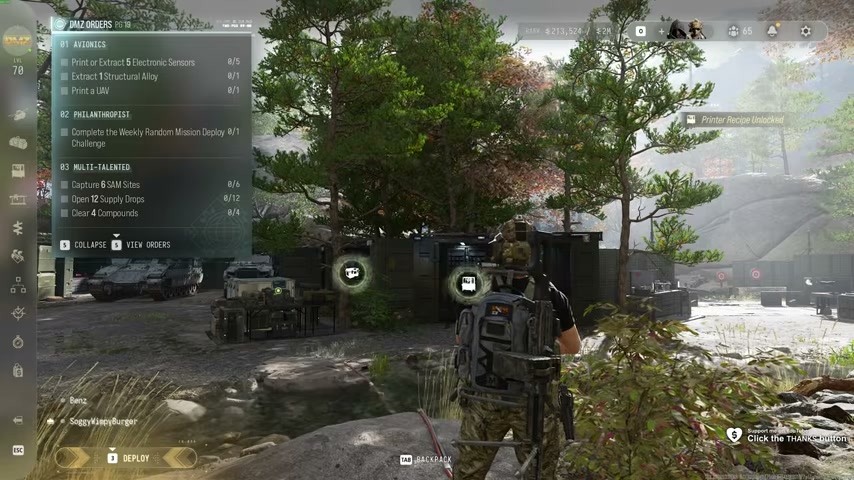
Check Abandoned on your active Orders page. Bring armor, healing, ammunition and enough Backpack space to keep the cores you need. Choose a weapon you can reload behind cover; several moving dogs can turn an exposed reload into a failed run.
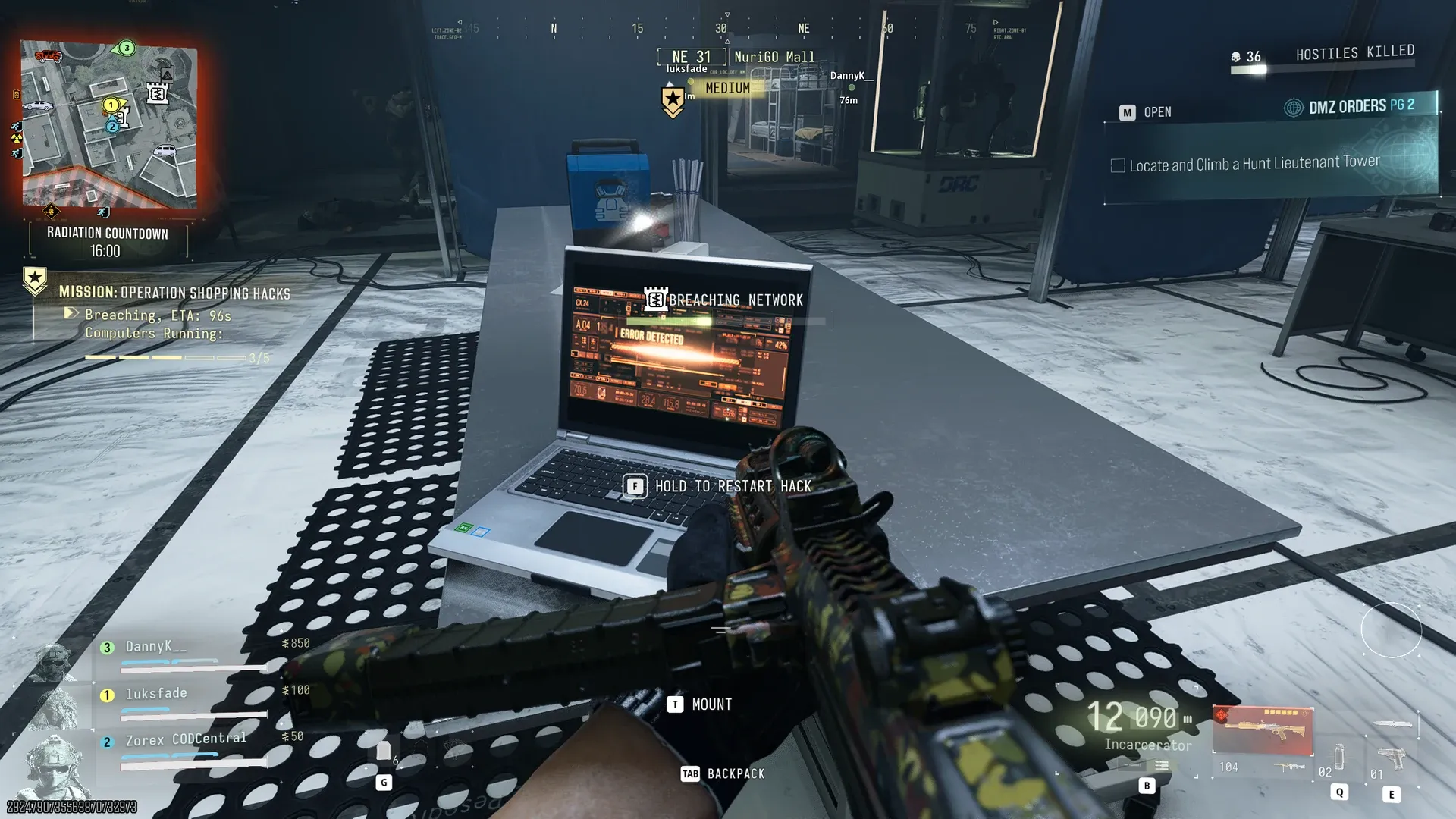
Use Operation Shopping Hacks if you want to combine the Order with its mission below the mall. It is optional: you can also travel to NuriGO during another deployment.
Reach the K9 area
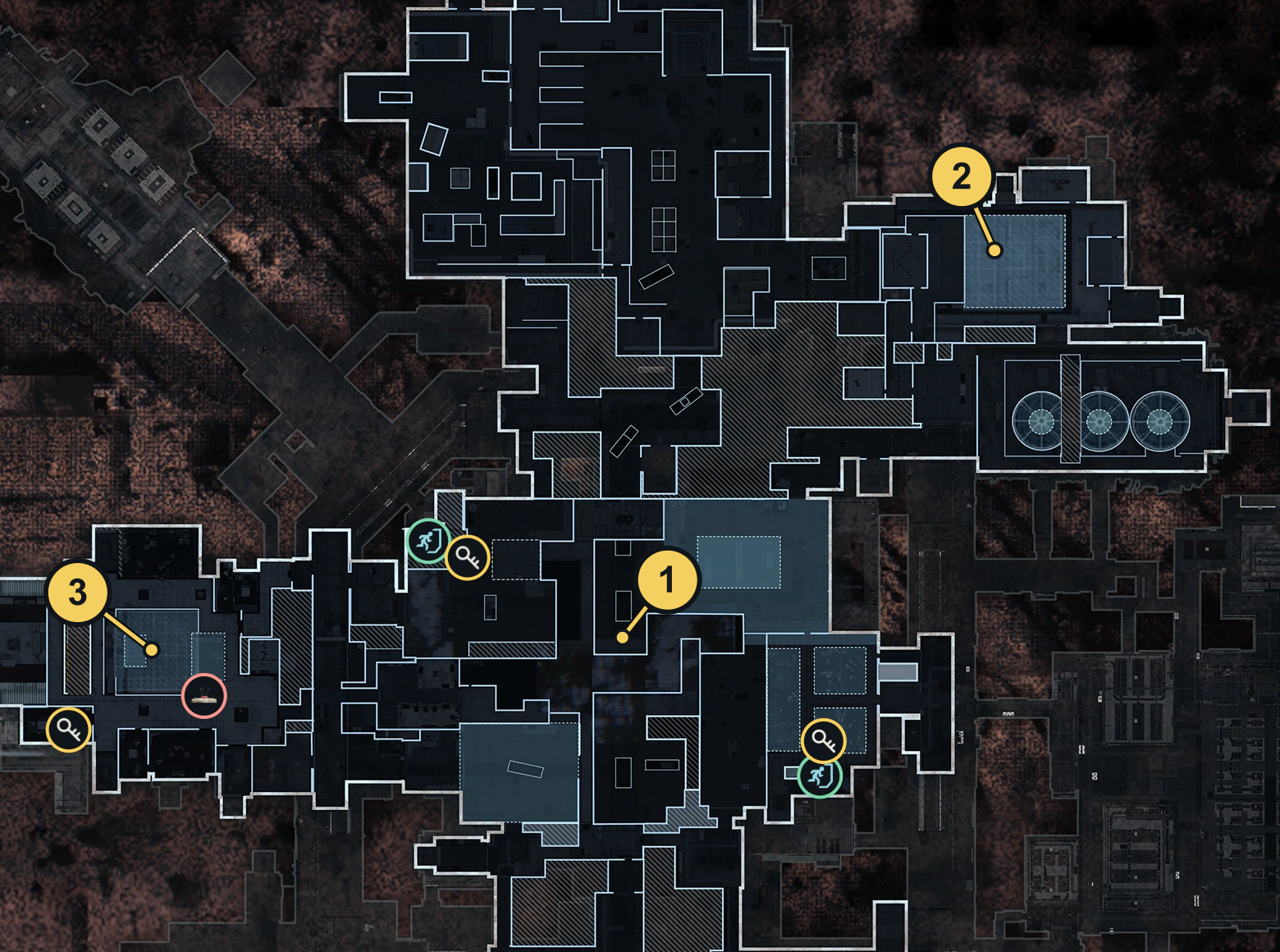
Descend into the mall’s underground parking/security area. During Shopping Hacks, follow its active markers and security-door sequence. Read the code from your current objective before using the keypad.
Check that the underground-entry objective has registered before fighting. Surface kills or dogs elsewhere do not replace this location check.
Disable a dog and collect the working core
- Take a covered position with room to move backward.
- Shoot an approaching K9 before it reaches you. Avoid standing beside another active dog while looking at a pickup.
- Once it is disabled, inspect and collect its working Battery Core promptly, before its delayed explosion breaks the item.
- Read the item card and retain the pristine/working cores. Check the ten-K9 kill counter separately.
Look for K9 deployment boxes, but do not rely on an infinite supply of dogs. Explosions can damage the boxes and a universal respawn timer is unverified. Retreat to restore supplies when collecting another core would expose you to active explosions.
Reserve the extraction cores
Shopping Hacks consumes cores for its own mechanism. If you intend to spend four working cores there and extract three for Abandoned, collect seven before spending them. Count again after every gate interaction. Cores used to power a door are no longer in your extraction reserve; an additional optional gate can require more.
| Check | Required result |
|---|---|
| Underground visit | Entry objective registered |
| K9 fight | Ten kills registered |
| Before leaving | Three pristine cores still carried |
| After extraction | Core objective registered |
Extract and check completion
Leave once the needed kills and working cores are secured. Choose an active exfil on the current Tac Map. At the FOB, check Abandoned’s completion separately from the whole Orders-page reward before repeating the mission.
Quick questions
Why do my cores not count?
Read the core card: Abandoned requires pristine, working K9 Battery Cores and a successful extraction. A broken core or one spent on a mission mechanism does not meet that requirement.
Can I combine this with Shopping Hacks?
Yes. Shopping Hacks takes you to the mall underground. Reserve three working cores for extraction in addition to any cores consumed by mission gates.
Mentioned in this guide
Spotted something wrong? Send a correction.