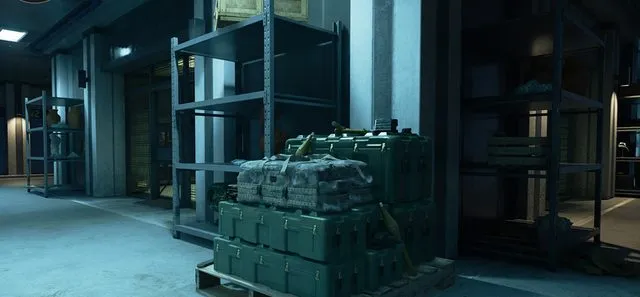
MW4 DMZ ammo and armor resupply: caches, boxes and squad refills
Read your reserves, choose the refill you need and keep a fallback for the return.
Use an Ammo & Armor Cache in Hajin to replenish ammunition and collect plates, or equip the appropriate Ammo Box or Armor Box Field Upgrade. Caches have a cooldown after use; Field Upgrades do not recharge as they do in Multiplayer. Check the resulting ammo and plate counts before starting another fight.
- Loaded rounds and reserve ammunition are separate HUD values
- Ammo & Armor Caches enter a cooldown after use
- Ammo Box and Armor Box are different Field Upgrades
- Spare boxes can be swapped through the Backpack
Refill the supply that is actually running short. A weapon with a full magazine can still have little reserve ammunition, while a well-stocked gun does not solve an empty plate reserve. Check both before choosing between an Ammo & Armor Cache, a carried box and a shorter route to extraction.
Read your ammunition before choosing a stop
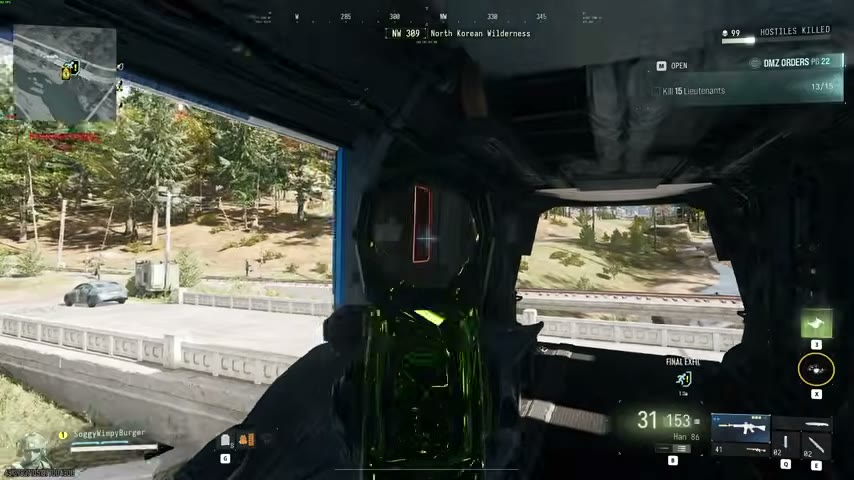
The weapon display separates loaded rounds from reserve ammunition. Check your second weapon too: switching guns can change the immediate problem without replenishing either one. Decide which weapon you intend to keep using before you spend time reaching a refill.
Read your plates separately. Your carrier, current protection and available replacement plates are different parts of the loadout. Use the armor and Backpack guide when the missing piece is the carrier itself. A refill is a supply decision; changing a vest is an equipment decision.
Use a cache on the live Tac-Map
- Open the current Tac-Map and locate an Ammo & Armor Cache that fits your route. A reference-map position does not show its present interaction state.
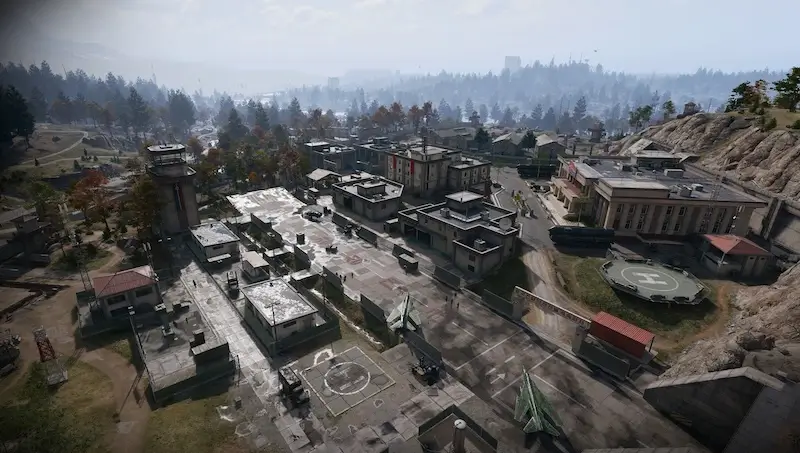
- Check the approach before committing. These caches are often inside enemy-held compounds, so a nearby marker can involve another defended stop.
- Reach the cache and use the interaction offered by your game. Check the ammunition and plates you actually received before moving away.
- Note that the cache enters a cooldown after use. If it is unavailable, compare another reachable cache with a carried box rather than waiting on an assumed timer.
The exact cooldown and refill quantities are not established here. Leave yourself a return option if the cache cannot solve the shortage you brought to it.
Choose Ammo Box or Armor Box
Both are Field Upgrades, but their cards describe different jobs. An Ammo Box restores missing ammunition and equipment for its user and allies. An Armor Box supplies plates to the team. Do not identify them only by rarity or by the generic word “box.”
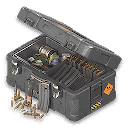
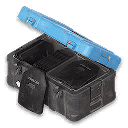
Compare these supply options before deployment:
| Item | Listed recipe | Listed unlock |
|---|---|---|
| Ammo Box | 15 Synthetics and 15 Metals | DMZ Level 12 |
| Armor Box | 30 Metals and 3 Reactive Metals | DMZ Level 14 |
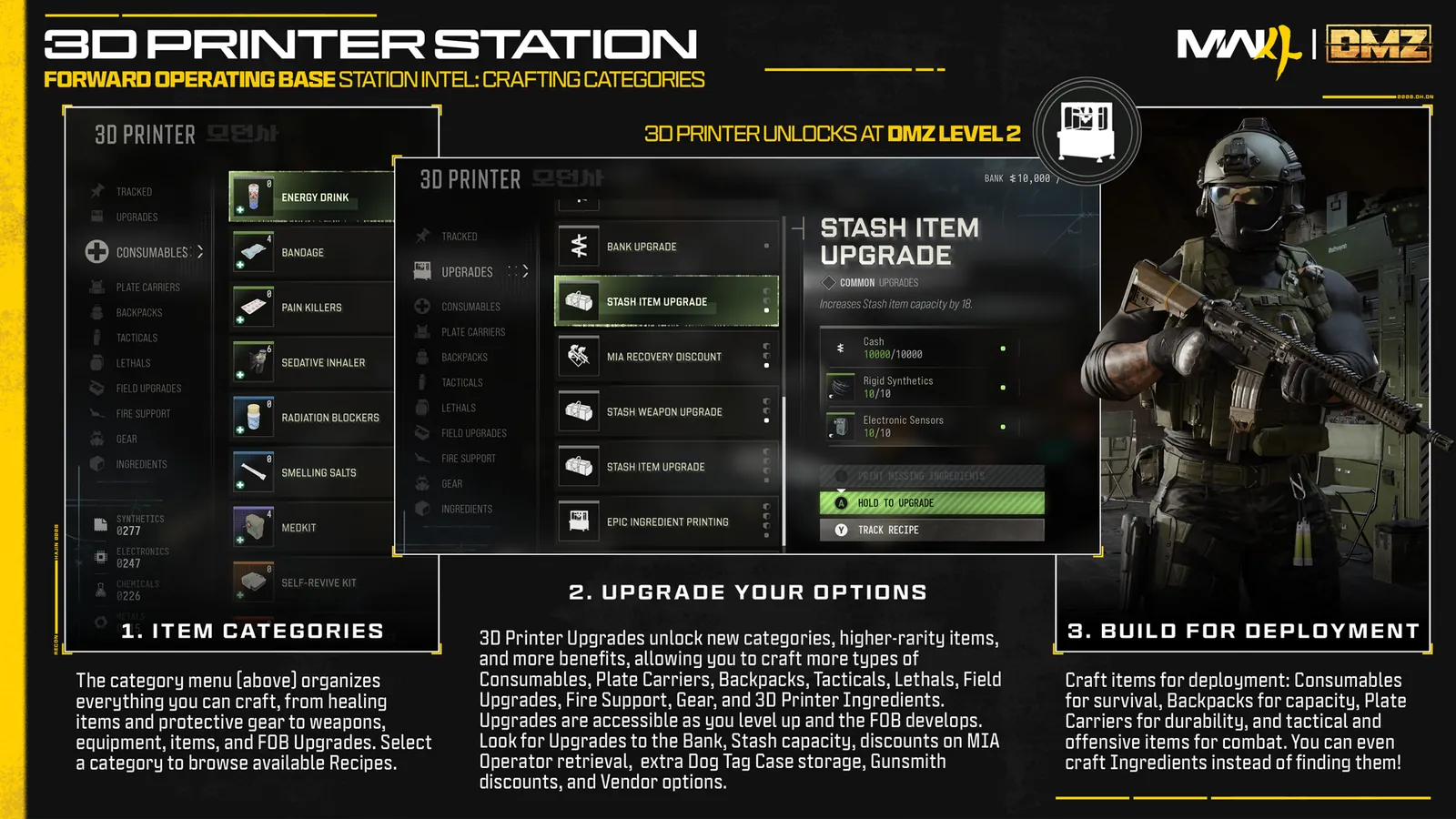
Compare your current card before printing. Category access, an unlocked recipe and owning the ingredients are separate checks in the 3D Printer.
Swap the spare into the equipped slot
Open the Backpack to review what you carried. You can swap Field Upgrade boxes, including changing from Ammo to Armor when both are present. Select the needed type and confirm that the equipped Field Upgrade matches it before activation. Use the control displayed for your own input setup.
Choose a position your squad can reach, deploy the appropriate box and follow its available interaction. Then check each relevant stock again. A teammate needing plates and another needing ammunition may need different supplies; seeing one box deployed is not a reason to assume both shortages are resolved.
Budget for the fight and the return
DMZ Field Upgrades do not refill through the Multiplayer recharge system. Check the items remaining in your Backpack after a use. If another prolonged fight depends on a box you no longer have, change the plan before starting it.
Extra starting plates also require preparation: suitable Traits and the Armor Box let you bring additional plates beyond the automatic infil provision. Carrying spare supplies uses inventory you might otherwise reserve for loot.
Finish the refill by choosing the next action. Continue toward the objective if your stocks support it, take another supply stop if it remains worthwhile, or use your current extraction plan. Reaching a cache is useful only when the resulting loadout supports the rest of the deployment.
Quick questions
Where do I refill ammo and plates in DMZ?
Look for an Ammo & Armor Cache on your current Tac-Map. It replenishes ammunition and supplies plates, but becomes unavailable for a cooldown after use. A carried Ammo Box or Armor Box is an alternative for its corresponding supply.
Does an Ammo Box also replace an Armor Box?
They are separate items. The Ammo Box card lists ammunition and equipment restoration; the Armor Box supplies plates. Choose the actual item you need and check the resulting stocks.
Why can I not use the same cache again?
Caches have a cooldown after use. An exact duration is not established here. Use the current interaction state and consider another reachable cache or a carried box.
Can I carry spare boxes and switch between them?
Yes. You can swap equipped Field Upgrade boxes when you carry both types. A spare item in the Backpack is separate from the currently equipped Field Upgrade.
Do DMZ Field Upgrades recharge automatically?
No. The official DMZ rules distinguish them from Multiplayer recharge. Plan around the items you actually brought or found, and inspect what remains after use.
Mentioned in this guide
Spotted something wrong? Send a correction.