Avionics and Multi-Talented: UAV crafting and Side Ops
Five Electronic Sensors · UAV recipe needs two Alloy · 12 drops, six SAM captures, four compounds
Prepare Avionics at the FOB, then choose which Multi-Talented counter to work on in the field. The UAV print and the supply-drop, SAM and compound objectives are different actions. One aircraft fight does not prove that all of them advanced.
- Five Electronic Sensors
- UAV recipe needs two Alloy
- 12 drops, six SAM captures, four compounds
Prepare Avionics at the FOB, then choose which Multi-Talented counter to work on in the field. The UAV print and the supply-drop, SAM and compound objectives are different actions. One aircraft fight does not prove that all of them advanced.
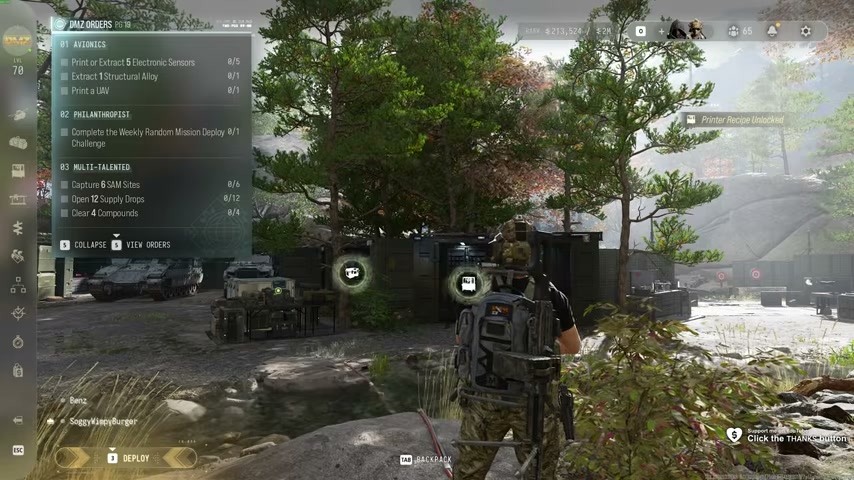
Read your active objectives
| Order | Required actions |
|---|---|
| Avionics | Print or extract five Electronic Sensors, extract one Structural Alloy and print a UAV. |
| Multi-Talented | Open 12 supply drops, capture six SAM Sites and clear four compounds. |
Match these names to your tracker rather than relying on a universal page number. Chapter choices can change the displayed sequence.
Prepare the UAV without spending its ingredients
Keep five Electronic Sensors. Electronics, the Common resource total, is a separate ingredient. Follow the sensor guide if you need a search or printing option.
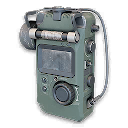
The current UAV recipe lists 30 Electronics, two Structural Alloy and five Electronic Sensors, with a listed Level 31 unlock. Avionics asks you to extract one Alloy, but the craft needs two. Check the entire recipe before deploying so a completed extraction counter does not leave you one Alloy short.
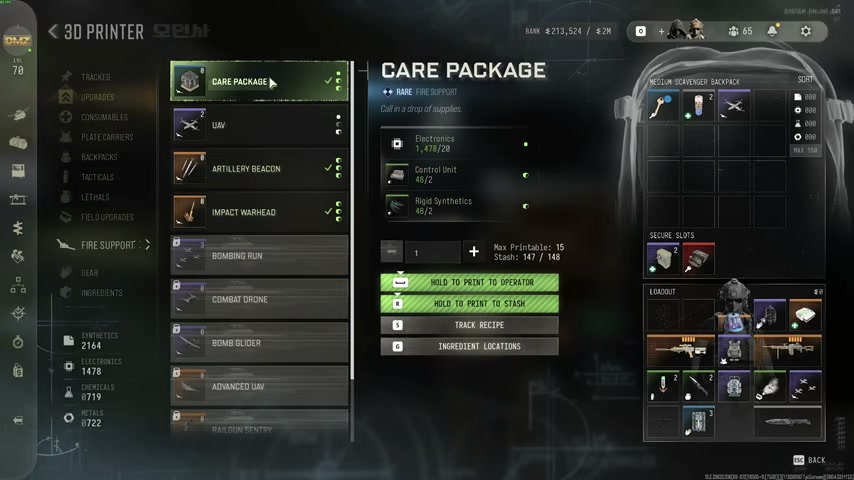
Track the recipe, return with the field ingredients, then print UAV under Fire Support. Finding a UAV or activating a UAV Tower is not the same action. Inspect the printing counter after the craft.
Work through Multi-Talented deliberately
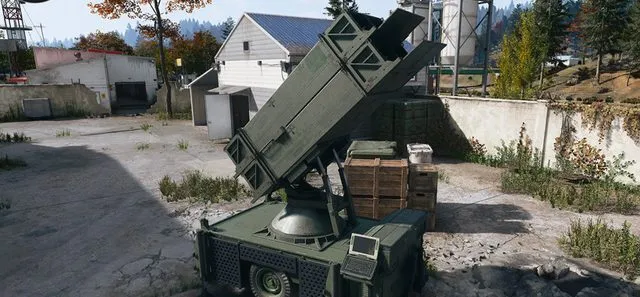
Choose a nearby SAM site, clear its defenders and complete the console capture. Confirm capture credit before treating it as one of the six. Starting the interaction and leaving during the defense is not a completed capture.
For supply drops, open the crate and check the 12-drop counter. If you try a crafted Care Package, check whether the first opened crate advances that counter before spending more ingredients. Its eligibility as a universal shortcut remains unverified. Seeing a crate or destroying an aircraft is not the same as opening a supply drop.
For compounds, follow the compound clearing guide and check the clear notification. Searching a safe or visiting the building is not evidence that the compound-clear requirement finished.
Check progress before repeating a run
Track the three Multi-Talented counters separately and work on the unfinished activity. This avoids repeatedly collecting drops when the actual shortage is SAM captures. Repeat-capture and squad-credit behavior should be checked on your live tracker, not inferred from a teammate’s completion.
Philanthropist is a separate weekly challenge. Use the Story Mission deployment guide for the random/weekly selection and its completion requirement.
Quick questions
Why am I short of Alloy after the Avionics extraction?
The Order asks for one extracted Structural Alloy, while the listed UAV crafting recipe uses two.
Does a UAV Tower finish the UAV printing task?
No. Select and print the UAV item at the FOB 3D Printer; the tower is a field service.
Mentioned in this guide
Spotted something wrong? Send a correction.