News · Game updates
MW4 DMZ October 28 update: Possum and loadout fixes
Possum now has activation restrictions. The update also fixes a printer-related Free Loadout bug, weapon loss and several progression problems.
Possum now has activation restrictions. The update also fixes a printer-related Free Loadout bug, weapon loss and several progression problems.
Possum activation
Possum: Possum cannot be activated while the team that killed you is nearby or until four minutes have passed. The range and duration may change.

Fixes that affect your next run
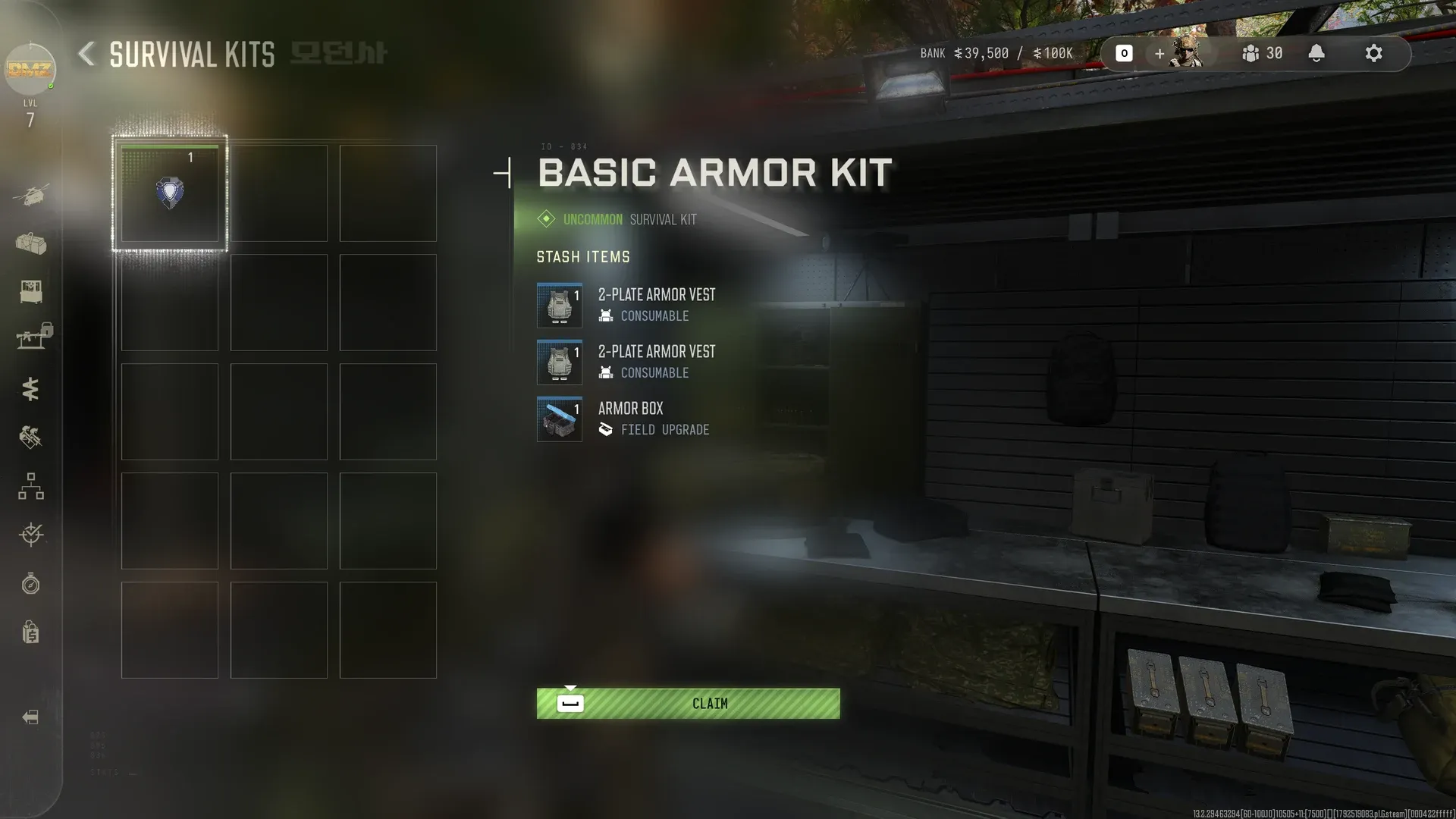
- The printer-triggered empty Free Loadout bug is fixed; this does not establish a universal fix for every missing-kit report.
- Weapon losses when moving a primary weapon to the Backpack or repeatedly swapping weapon slots are addressed.
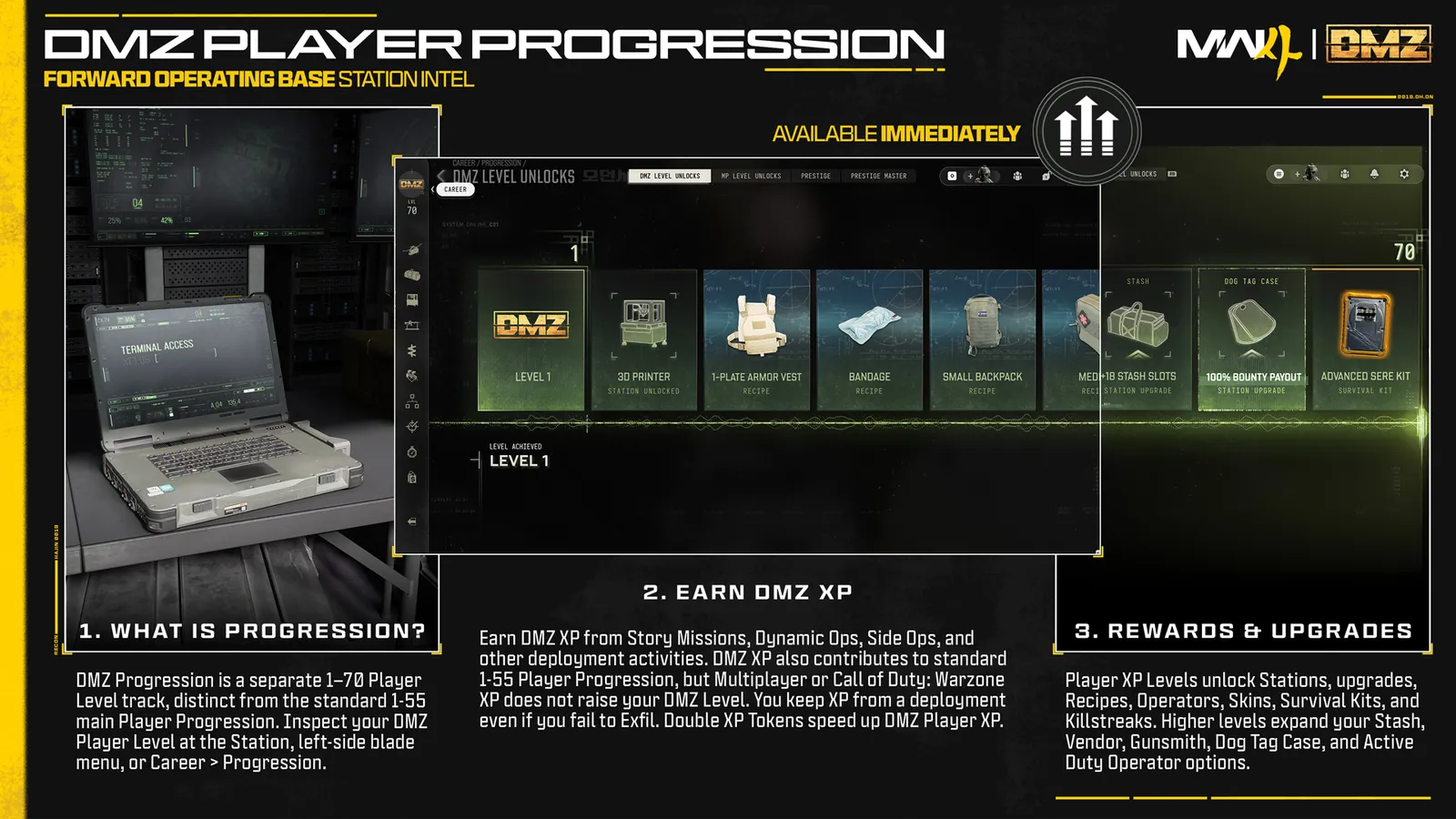
- The DMZ level-37 vest reward, Secure Slot Airbase-card upgrading and disappearing Order pings receive fixes.
- Possum reviving abandoned Operators and squad-elimination black screens receive fixes.
Free Loadout · DMZ 37 · Possum
Check the right mode
The weapon tuning tables in this patch are under Multiplayer. Do not treat those damage and range changes as DMZ values.
Mentioned in this guide
Spotted something wrong? Send a correction.
Keep reading
Guide · ProgressionMW4 DMZ skill trees and traits: how Trait Points work Guide · ProgressionMW4 DMZ level rewards: your roadmap from Level 1 to 70 Guide · Getting startedMW4 DMZ Free Loadout guide: rebuild after losing your gear News · Game updatesMW4 DMZ October 29 update: Cash rewards and objective fixes