Skip to content
DMZ CODEX · HAJIN EXCLUSION ZONE UPDATED 10 NOV 2026

Language

Sign in
Codex / Items / Superintendent’s Office Updated 9 Nov 2026
Key

Superintendent’s Office

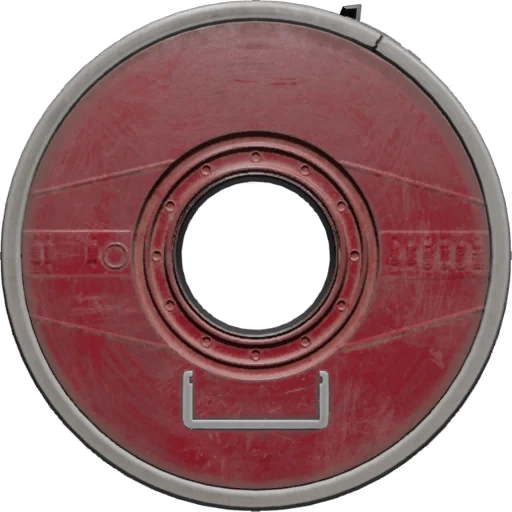
Key for the Superintendent’s Office, across the elevated platform in X01 Main Warehouse.

Superintendent’s Office
Rarity
Epic

Use this key

Key Finder →

What it opens

Opens the office across an elevated platform in X01 Main Warehouse.

How to get it

Superintendent’s Office

A reliable key pickup route is not established.

No fixed pickup location is verified.

Item essentials

Browse all items →
Listed value
100
Max stack
1

Office approach

  1. 01Read the card tooltip for the Superintendent’s Office across an elevated platform in Main Warehouse.
  2. 02Climb the crate and low wall, then follow the elevated railing by the blue barrels toward the office. Watch for the hole along the platform.
  3. 03Confirm the office’s green-reader door before using the card.

Location and loot

  • The key tooltip says F4, while the route reference points near E4 at the E/F boundary. Match the office name and Main Warehouse landmarks instead of relying on the cursor alone.
  • One opening yielded Human Trial Records: R-18 from an office shelf and a Rare Disposable Parachute from a Weapons Locker. These are samples, not guaranteed contents.
  • The displayed key value is 100. A completed sale, key consumption, reuse and reliable acquisition remain unverified.

Related

X01 Black Site
Observed room loot

Guides that cover this

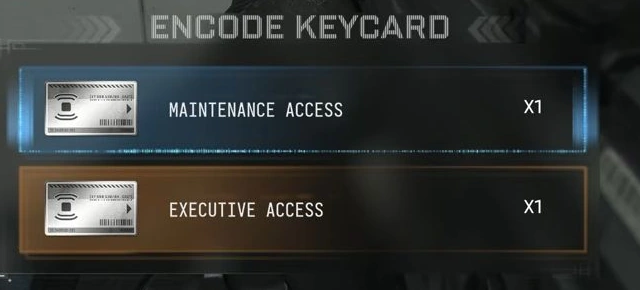
GuideSeason 1 DMZ keys and keyrooms: X01 cards, Encoders and doors GuideX01 Superintendent’s Office: key, route and R-18 loot

Something wrong or missing? Send a correction.

Report a problem on this page

Prepare the next run

My deployment

Check off goals during your run. Saved on this device.

DMZ CODEX · IPHONE & IPAD

Add to your Home Screen

Installation won’t start automatically. Follow these steps in Safari.

  1. 1. Open this site in Safari

    Already in Safari? Continue below. In another app, choose Open in browser, then open Safari.

    dmzcodex.com/install/
  2. 2. Tap Share

    Look for the square with an arrow pointing up. It may be inside Safari’s More (…) menu.

  3. 3. Add to Home Screen → Add

    Scroll through the Share menu; tap View More if needed. Keep Open as Web App on if shown, then tap Add.

Look for the yellow DMZ Codex icon on your Home Screen.