X01 Argonaut Armor: ingredients, Printer and Vault option
Prepare the Argonaut Armor bill, use the X01 Printer and distinguish a reported Vault find from a guaranteed armor reward.
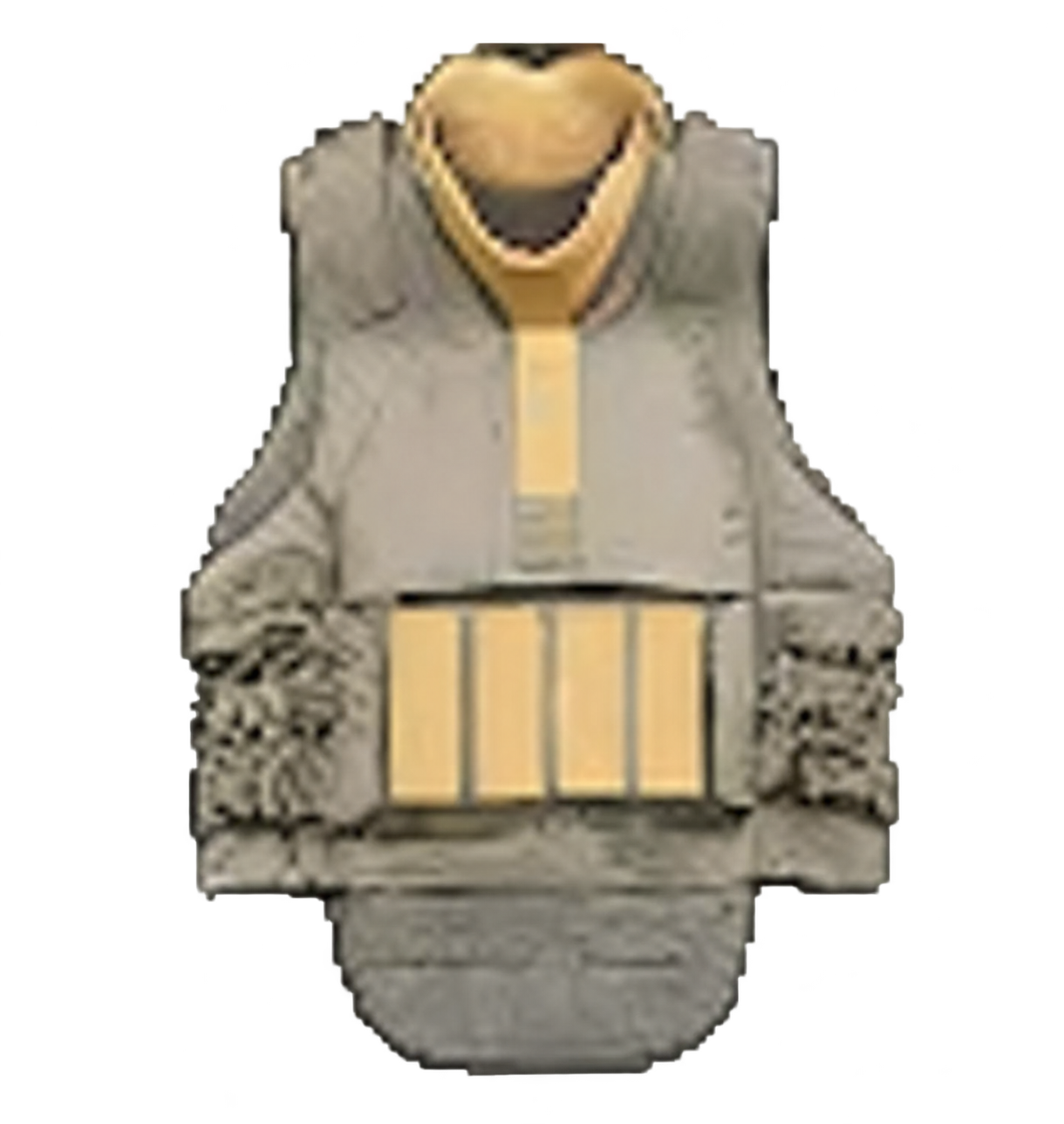
Argonaut Armor is Fire Support with an X01 Printer recipe. Bring the complete ingredient bill, check the selected output and collect it after printing. It is a different item from the 3.5-Plate Armor Vest.
Argonaut Armor is Fire Support with an X01 Printer recipe. Bring the complete ingredient bill, check the selected output and collect it after printing. It is a different item from the 3.5-Plate Armor Vest.
Reserve the ingredient bill
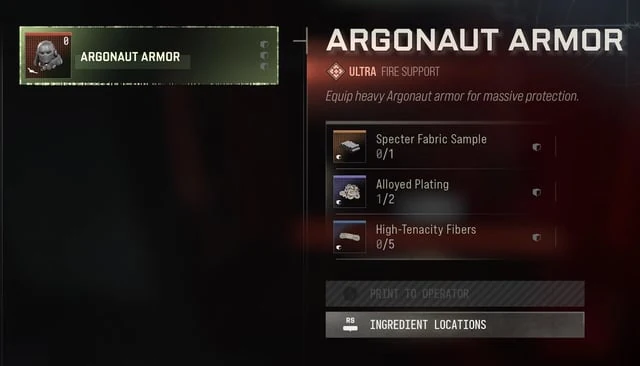
| Ingredient | Required |
|---|---|
| Specter Fabric Sample | 1 |
| Alloyed Plating | 2 |
| High-Tenacity Fibers | 5 |
Check your carried ingredients before entering the X01 Printer in Production Assembly. A Specter Fabric Sample has been observed among Captain loot, but it is not guaranteed. Read the exact pickup name and use the boss preparation guide if that is your chosen search route.
Print and inspect the output
- Reach the in-world Printer and select Argonaut Armor, not the vest or a material conversion.
- Read the owned/required fractions for all three inputs. Subtract what you already carry; a visible recipe does not establish that a fresh account can print it immediately.
- Use Print only when the current menu allows it. Confirm completion and collect the output. Opening the menu is not the craft.
- Inspect the Fire Support item and decide when to use it. Normal weapons have been demonstrated while wearing the armor, but exact DMZ protection, repair, re-equip and extraction behavior remain unverified.
Consider the Vault without assuming a free suit
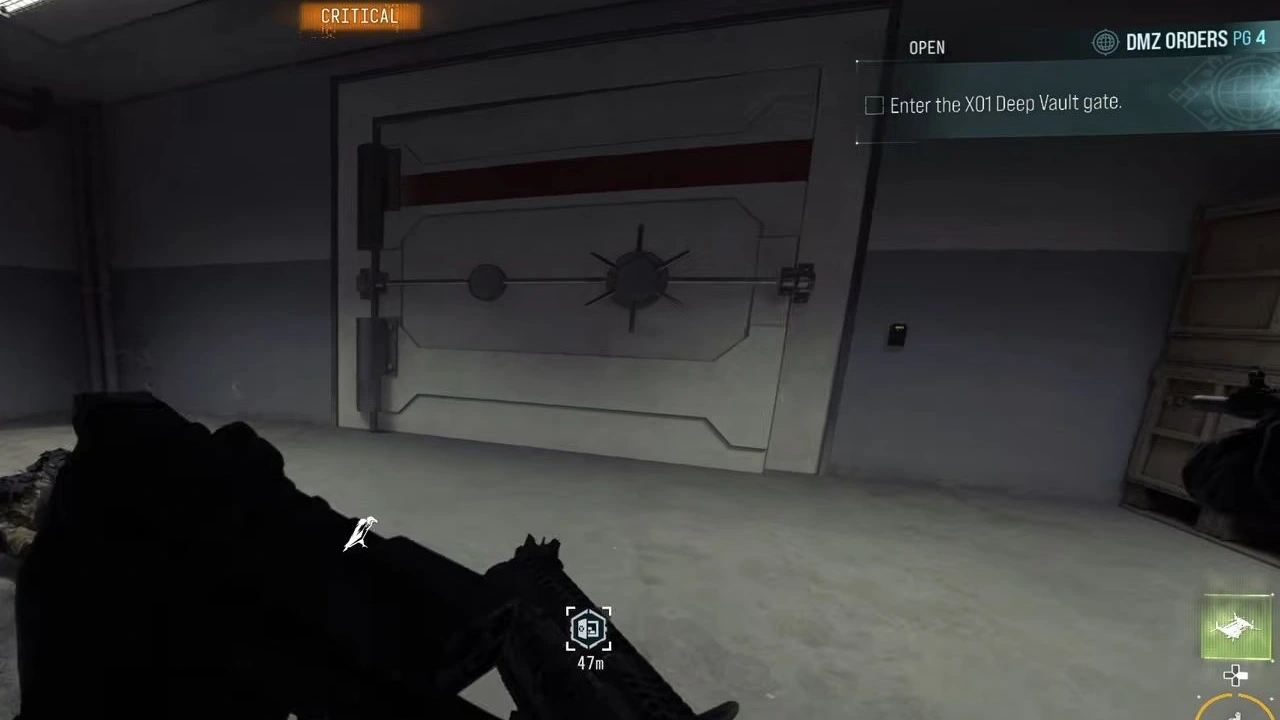
Argonaut Armor is community-reported in the Deep Vault Core Room. Treat that as a possible find rather than guaranteed stock. Use the Vault access and core steps, and keep the defense, bioweapon interaction and extraction separate. Do not enter an unprepared core fight merely because a map marks armor.
For the other armor output, use the 3.5-Plate Vest guide. Crafting both listed outputs needs two Specter Fabric Samples, two Alloyed Plating, five High-Tenacity Fibers, two Power Regulators and five Structural Alloy before subtracting inventory. Preserve time for an active exit.
Spotted something wrong? Send a correction.