X01 advanced materials: four ingredient conversion routes
Plan Military Composites, Nano-Structured Alloy, RF Module and Experimental Compounds crafts from the exact X01 bills.
Choose the finished ingredient first, then gather its complete inputs and convert them at the X01 Printer. These four listed recipes are station-specific bills, not proof of a reusable FOB unlock or a guaranteed loot location.
Choose the finished ingredient first, then gather its complete inputs and convert them at the X01 Printer. These four listed recipes are station-specific bills, not proof of a reusable FOB unlock or a guaranteed loot location.
Choose one conversion
| X01 output | Inputs per listed craft |
|---|---|
| Military Composites | 2× Nylon Laminate + 5× Nylon Cloth |
| Nano-Structured Alloy | 2× Turned Components + 5× Structural Alloy |
| Prototype RF Module | 2× Power Regulator + 5× CPU |
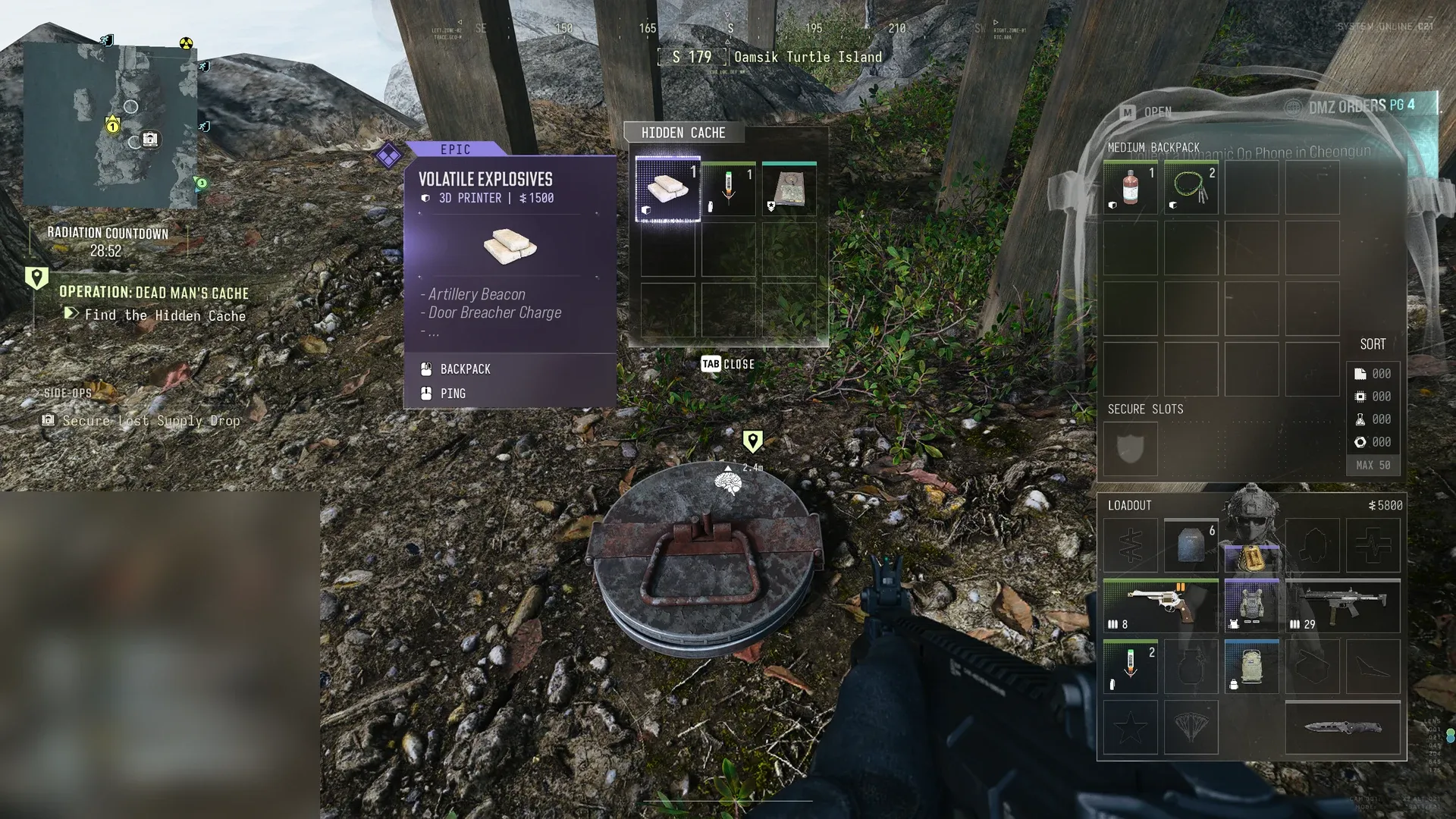
| Experimental Compounds | 2× Volatile Explosives + 5× Binding Catalyst |
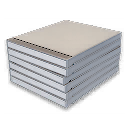
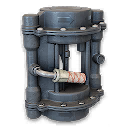
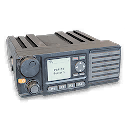
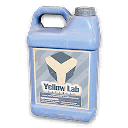
Names remain as displayed in the recipe menu so you can match each input. Check the current output quantity and menu availability before calculating repeated crafts; the table gives the listed input bill, not an assumed batch yield.
Turn the bill into a collection route
- Subtract carried stock from the chosen bill. Reserve those components before buying, selling or printing something else.
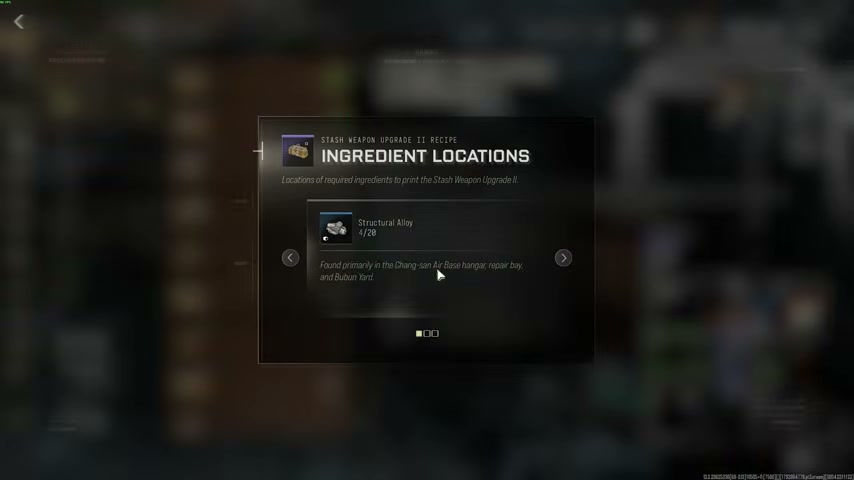
- For a missing ingredient, use the container hints in the materials guide and the X01 map. A marked toolbox or server-area container is a search opportunity, not guaranteed contents.
- Choose a compact search near your arrival and a usable exit. If you need only a small shortage, avoid crossing the facility for a second unrelated conversion.
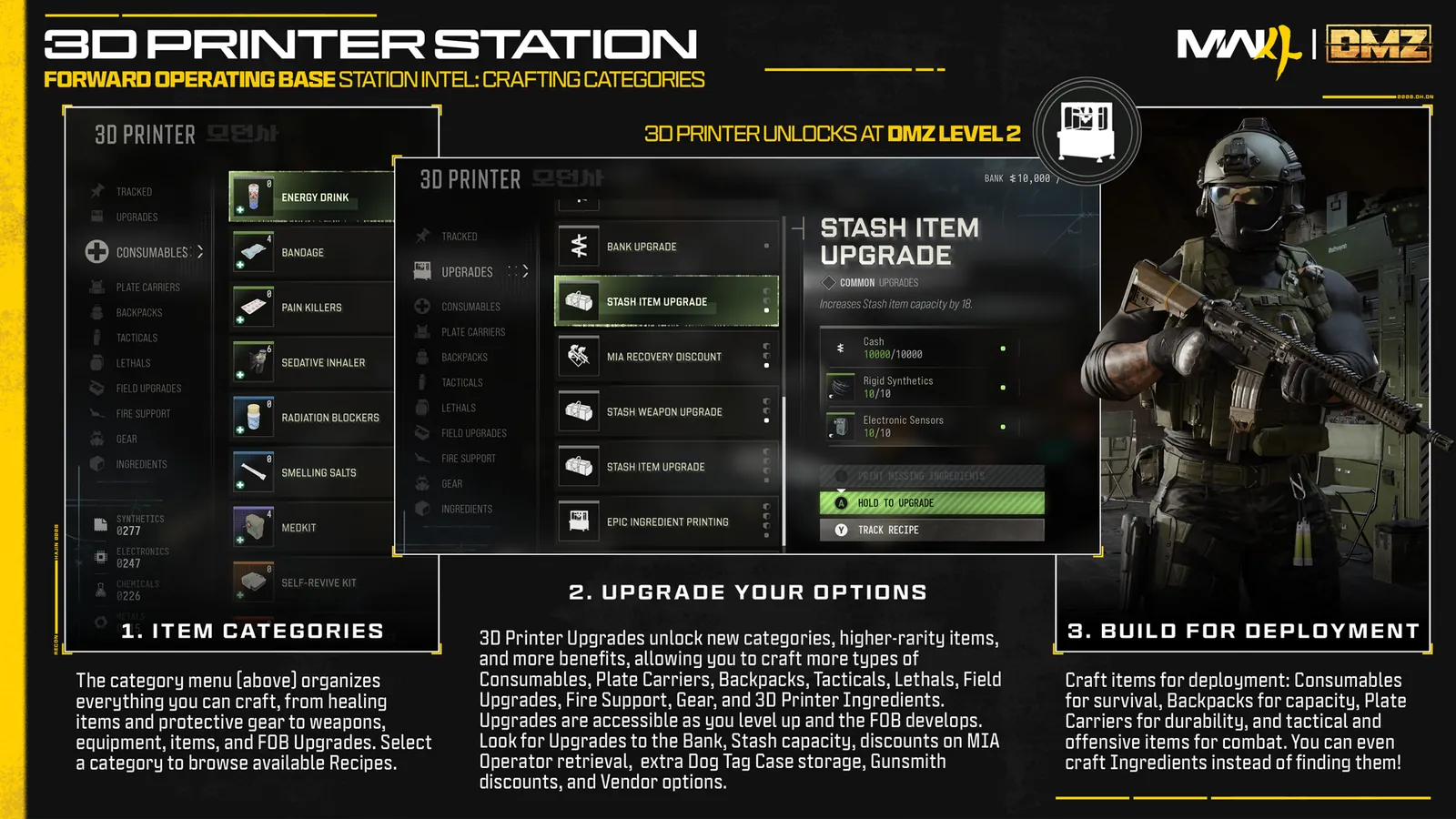
- At the Production Assembly Printer, select the exact output, read all owned/required counts and collect the completed craft.
- Recheck your inventory and continue to the intended recipe or extraction. Do not assume materials left in the FOB Stash are usable by an in-world station.
Keep similar names separate
Prototype RF Module, Prototype K9-Core V2 and the Wheelson Remote Module are different items. Printing the RF Module does not replace the module in the Power Generators exit sequence. Specter Fabric Sample and SR-16 Bio Agent Sample are inputs to other bills; these four conversions do not produce those samples.
Use the crafting planner to compare shortages and the general Printer guide for the other X01 recipes. A cheap-looking input may already be reserved for an upgrade, so check the total plan before consuming it.
Mentioned in this guide
Spotted something wrong? Send a correction.