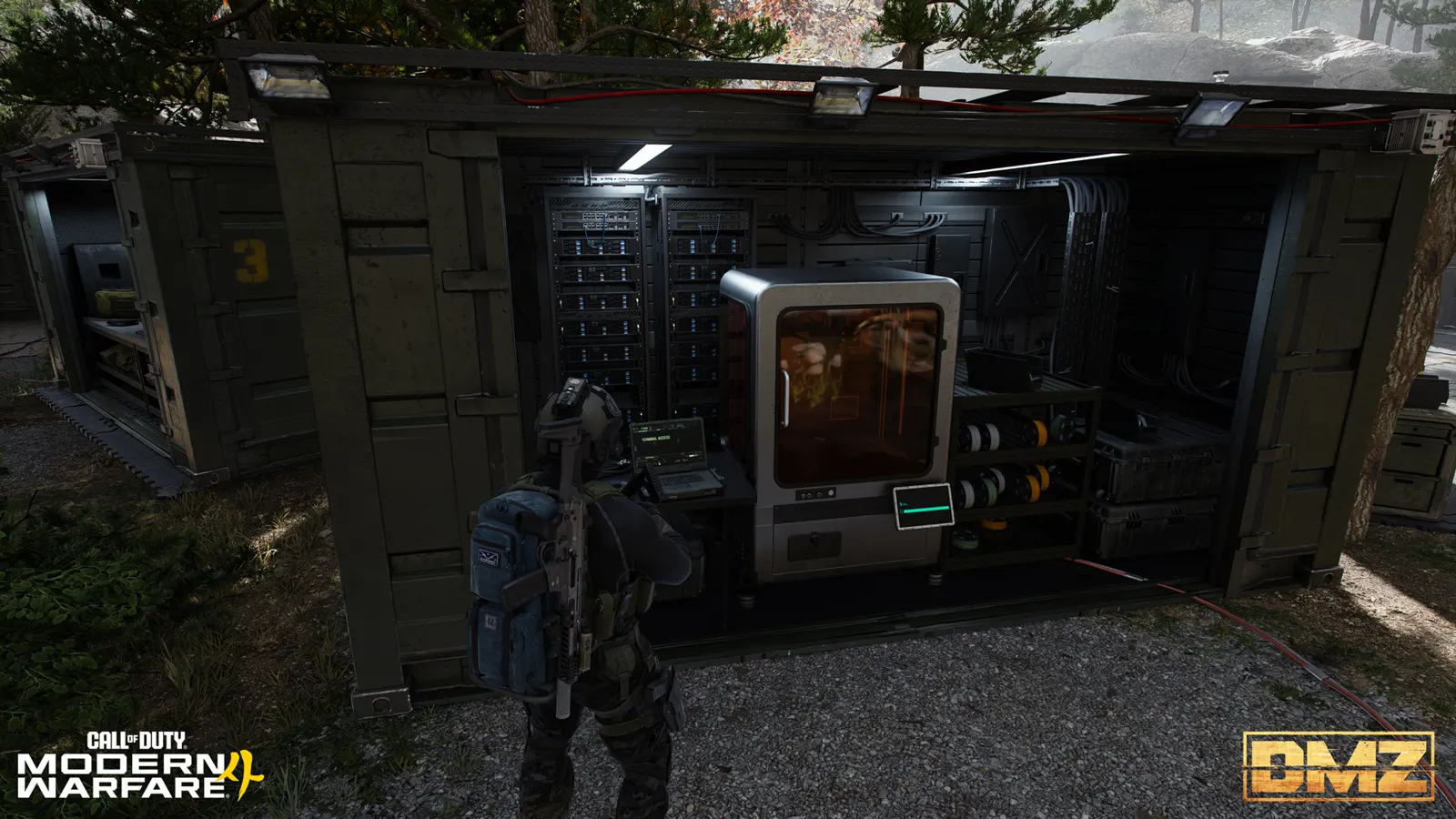
DMZ supply boxes: Utility, Medical, Consumable and Hazmat
Choose supplies for the run, check the recipe lock, then gather the exact materials your FOB menu requires.
Utility Box is listed for ammo, equipment and armor plates; Medical Box for medical supplies; Consumable Box for enhancement items; and Hazmat Box for radiation protection. Their observed FOB menus show four different bills. Utility requires a found recipe, while the other three show an Orders-completion lock; exact Orders pages and deployed contents remain unverified.
- Four Field Upgrades with different supply descriptions
- Utility Box: found-recipe unlock message
- Medical, Consumable and Hazmat: Orders-completion unlock message
- FOB bills stay separate from X01 in-world recipes
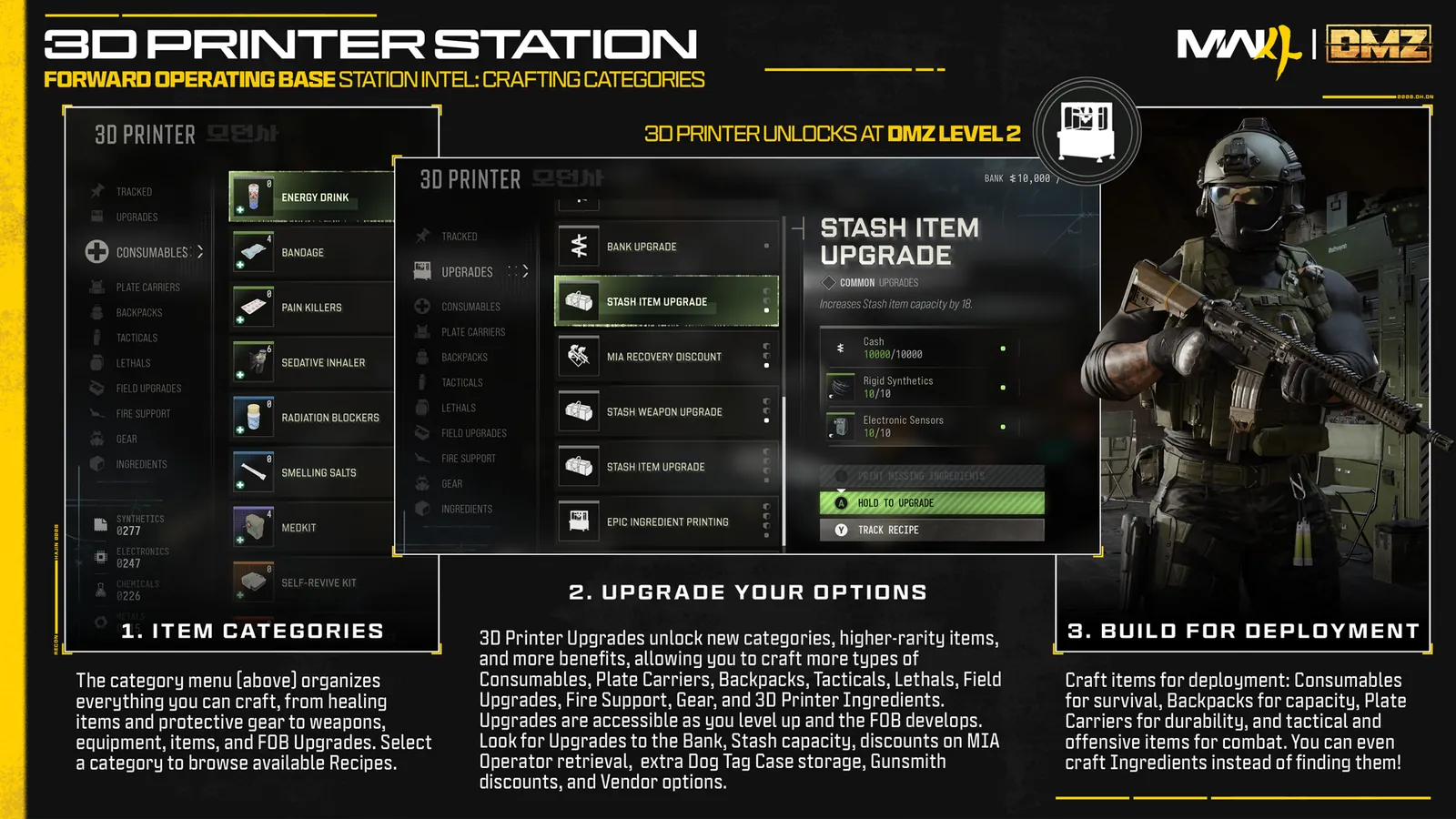
Choose the box for the shortage you expect, then check its lock at the FOB before collecting expensive ingredients. Carrying the bill is not enough to unlock a recipe. Start with the 3D Printer guide if you need the station, resource and output basics.
Choose your supplies
| Box | Listed supply role | Rarity |
|---|---|---|
| Utility Box | Ammo, equipment and armor plates for you and teammates | Ultra |
| Medical Box | Medical supplies for you and teammates | Legendary |
| Consumable Box | Enhancement items for you and teammates | Epic |
| Hazmat Box | Radiation-protection supplies for you and teammates | Legendary |
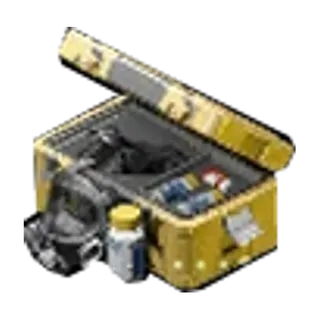
Use those roles to decide what to prepare. A medical-supplies description does not promise a particular number of Medkits or Self-Revives; radiation protection does not establish a duration. Exact contents, refill amounts and use limits are not established for these boxes. Bring the individual supplies your route already requires instead of relying on an assumed box inventory.
Check the FOB recipe bill
These bills were read from named FOB Printer panels. Compare them with your selected recipe before spending materials; costs and access can change with updates.
| Recipe | Observed ingredients |
|---|---|
| Utility Box | 1 Nano-Structured Alloy + 2 Comms Module + 6 Printed Circuit Board |
| Medical Box | 100 Metals + 1 Stabilized Reagents + 4 Binding Catalyst |
| Consumable Box | 120 Synthetics + 2 High-Tenacity Fibers + 4 Biomaterials |
| Hazmat Box | 120 Synthetics + 1 Alloyed Plating + 4 Nylon Cloth |
Read the required amount, not just your stock. A Comms Module counter of 1/2 means you have one of the two required. Check the named panel header as you move between recipes so you do not gather one box’s bill for another.
Clear the correct unlock
The Utility panel says find the recipe in-game to unlock. For found recipes, follow the normal recipe-extraction process and verify the unlock back at the FOB.
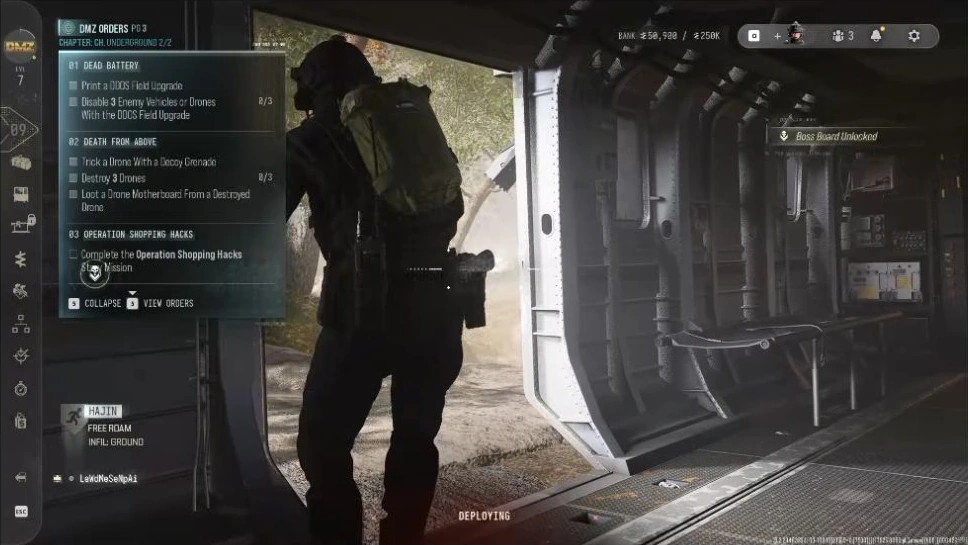
Medical, Consumable and Hazmat instead show complete DMZ Orders to unlock. Follow your active Orders and check the Printer again as you progress. Those messages do not identify a specific X01 page, prove a reward has been claimed, or mean the deployed box itself was awarded. Keep the recipe unlock and the finished item separate.
Prepare one useful craft
- Select the named recipe. Confirm the box and unlock requirement in your own FOB menu.
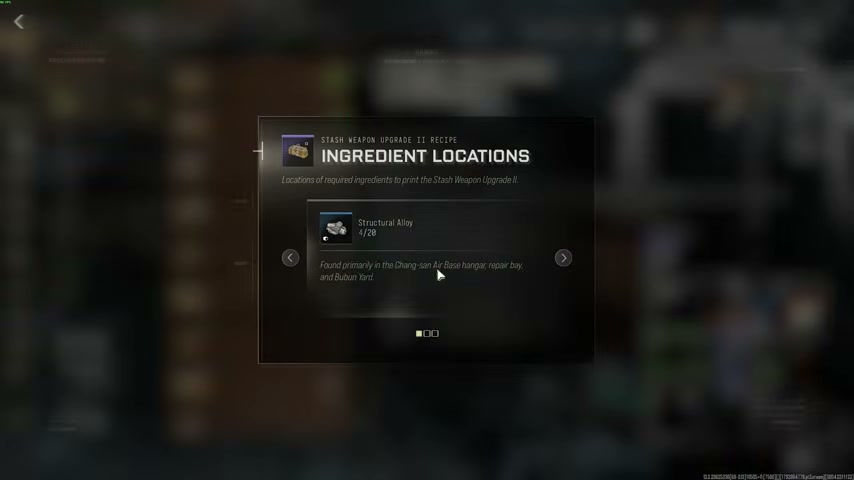
- Subtract what you already own. Track the recipe and use Ingredient Locations for the shortage. The material guide helps plan the collection.
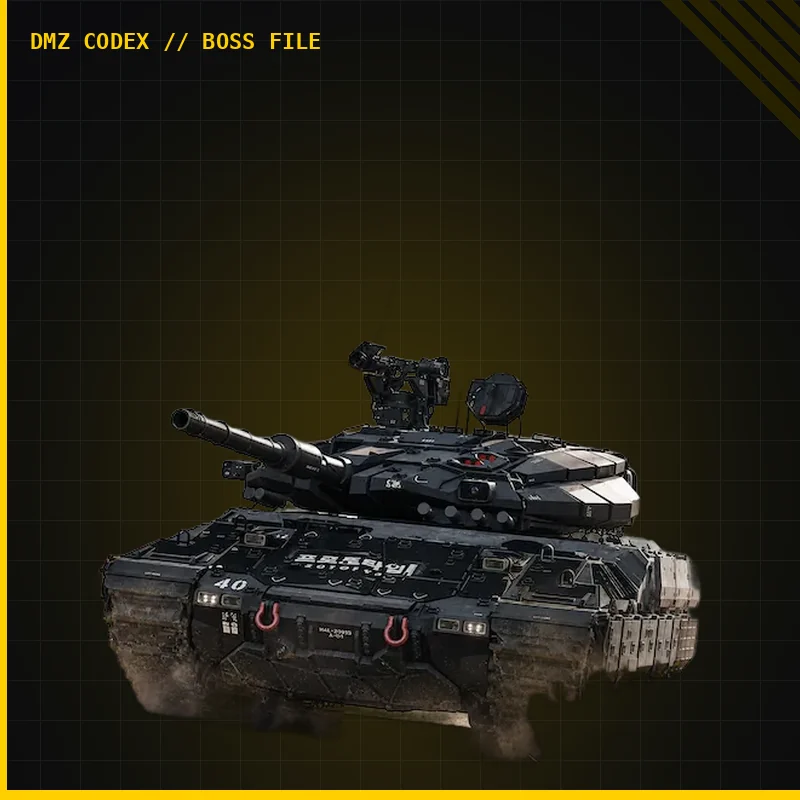
- Choose a run that serves that shortage. For Nano-Structured Alloy, read the Tank guide before taking the fight. An ingredient association is not a guaranteed drop.
- Recheck after extraction. Confirm the recipe is unlocked, the required quantities are available and the chosen output destination is correct.
- Check your inventory before deployment. Count the supplies you actually carry; a menu description is not a tested refill quantity.
Keep the stations and boxes separate
These four bills are not prices for the X01 in-world Printer. Survivor Box is a different item, and an X01 recipe is not evidence that the same bill or unlock applies at the FOB. Match the item name, station and current menu every time.
Sources and scope
Recipe requirements can change; confirm the current FOB menu. Exact contents, refill quantities, sale values and Orders-page prerequisites remain unverified.
Quick questions
Does the Utility Box recipe unlock with the other boxes?
Its observed menu says to find the recipe in-game. Medical, Consumable and Hazmat instead display an Orders-completion requirement. The exact Orders pages are not established here.
Are these the X01 Survivor Box recipes?
No. These are four separate Field Upgrades with observed FOB bills. Survivor Box and recipes at the X01 world Printer must be checked separately.
Mentioned in this guide
Spotted something wrong? Send a correction.