Skip to content
DMZ CODEX · HAJIN EXCLUSION ZONE UPDATED 10 NOV 2026

Language

Sign in
Codex / Items / Hazmat Box Updated 9 Nov 2026
Item

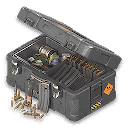
Hazmat Box

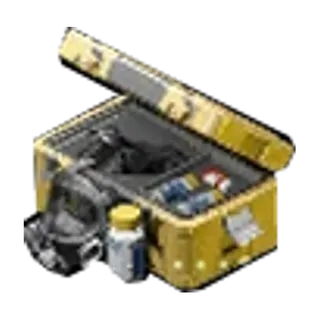
Radiation-protection supplies for you and your teammates; exact contents and refill quantities remain unknown.
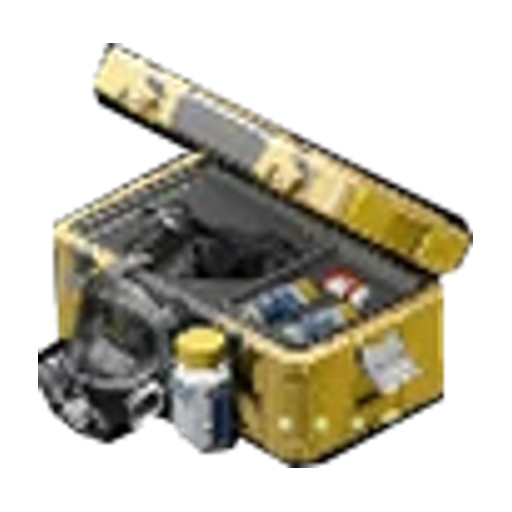
Hazmat Box
Type
Field Upgrades
Rarity
Legendary

Item essentials

Browse all items →

How to get it

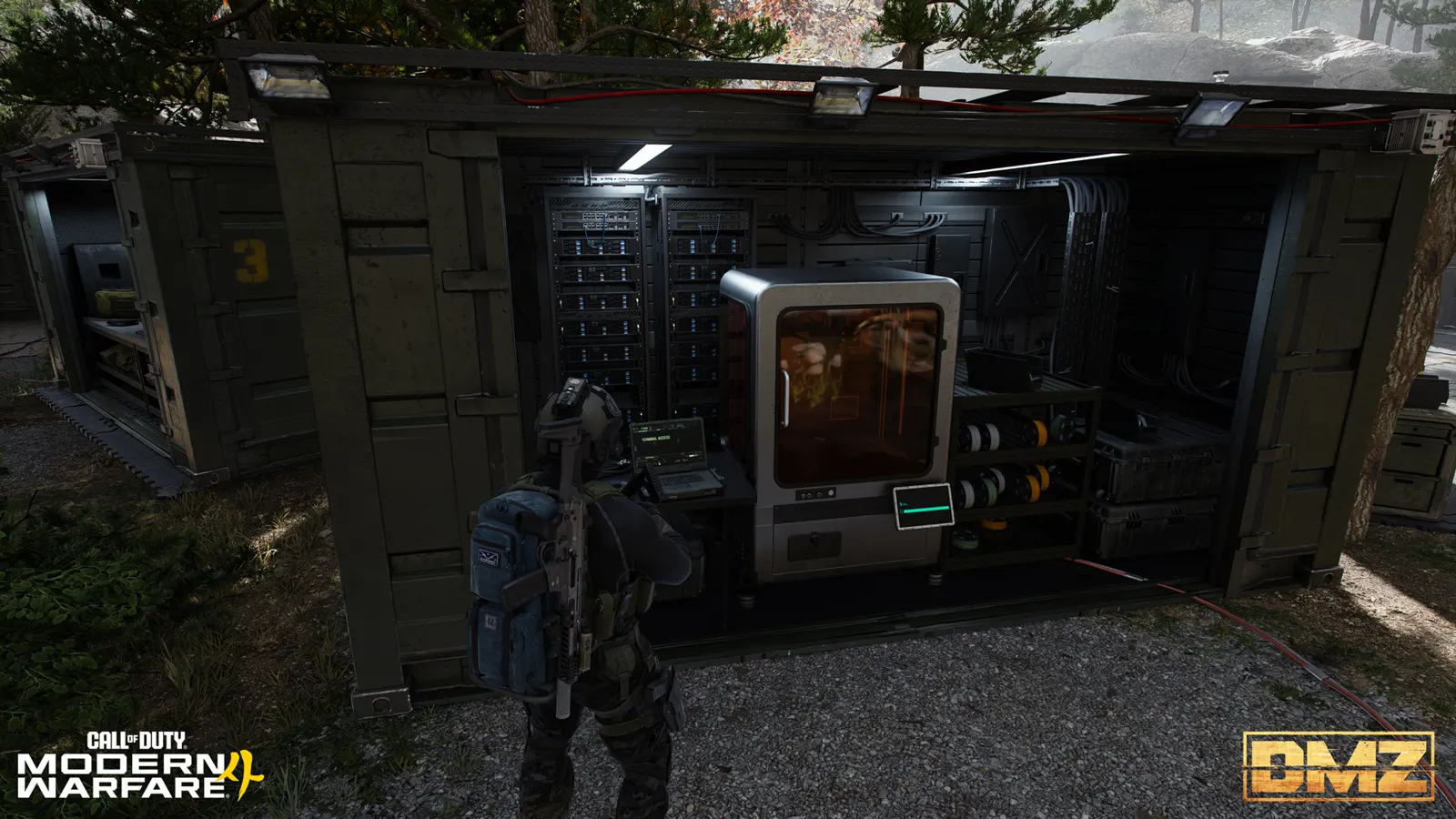
FOB Printer: Check your DMZ Orders progress, then inspect the FOB Printer. The menu requires completing DMZ Orders; the exact reward page is not confirmed.

Craft at the 3D Printer →

FOB menu ingredients; check the current station before spending materials. Successful printing and deployed refill quantities remain unverified.

FOB 3D Printer

Craft Hazmat Box

Browse recipes →
Output
Hazmat Box

Hazmat Box

Recipe unlock: Complete DMZ Orders
Open dedicated recipe page →

Before printing

  • Check the current recipe and available materials. Exact box contents, refill quantities and use limits remain unknown.

Related

FOB recipe

Guides that cover this

GuideDMZ supply boxes: Utility, Medical, Consumable and Hazmat

Something wrong or missing? Send a correction.

Report a problem on this page

Prepare the next run

My deployment

Check off goals during your run. Saved on this device.

DMZ CODEX · IPHONE & IPAD

Add to your Home Screen

Installation won’t start automatically. Follow these steps in Safari.

  1. 1. Open this site in Safari

    Already in Safari? Continue below. In another app, choose Open in browser, then open Safari.

    dmzcodex.com/install/
  2. 2. Tap Share

    Look for the square with an arrow pointing up. It may be inside Safari’s More (…) menu.

  3. 3. Add to Home Screen → Add

    Scroll through the Share menu; tap View More if needed. Keep Open as Web App on if shown, then tap Add.

Look for the yellow DMZ Codex icon on your Home Screen.