
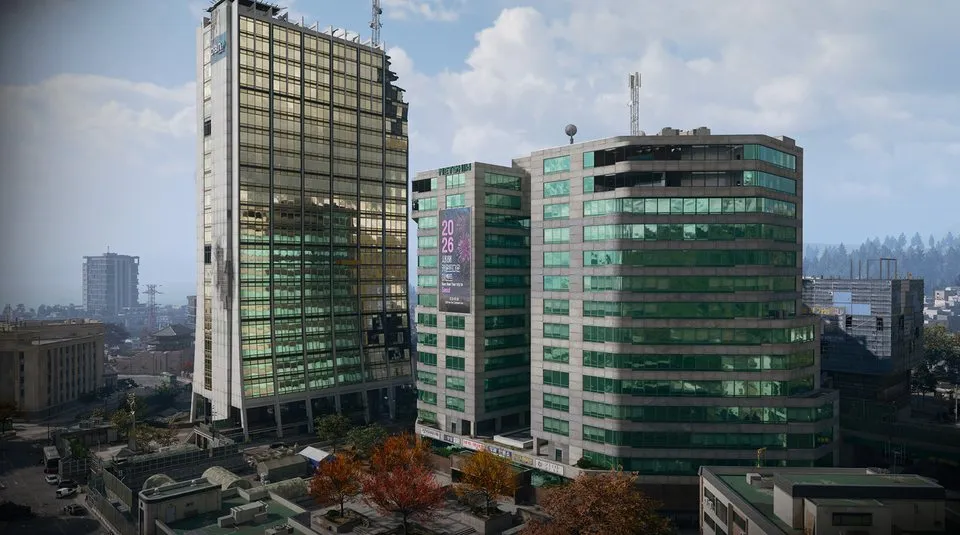
Roze’s High-Rise Armory: Netshin door route
Netshin Tech Complex, The Grid · Elevator shaft → balcony → stairs · DBN rooftop Roze fight is separate
Roze’s High-Rise Armory is in the upper offices of Netshin Tech Complex in The Grid. The reported route starts at the main entrance, uses the ground-floor elevator shaft on the right, then continues by a balcony and stairs. Confirm the named teal-door lock before using the armory key.
- Netshin Tech Complex, The Grid
- Elevator shaft → balcony → stairs
- DBN rooftop Roze fight is separate
Find your key or locked room
Browse every key in the Key FinderRoze’s High-Rise Armory is in the upper offices of Netshin Tech Complex in The Grid. The reported route starts at the main entrance, uses the ground-floor elevator shaft on the right, then continues by a balcony and stairs. Confirm the named teal-door lock before using the armory key.
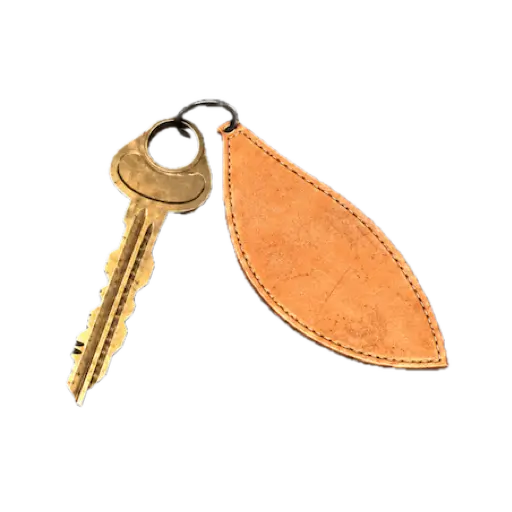
Get ready before entering Netshin
Operation Grid Assault lists the key as a reported mission reward. Check your mission result and stored equipment; do not assume carrying it is automatic on your next deployment. Bring enough armor and ammunition to retreat through the same upper-office route.
Follow the armory approach
- Locate Netshin Tech Complex in The Grid. Do not use Roze’s DBN rooftop encounter as the armory destination.
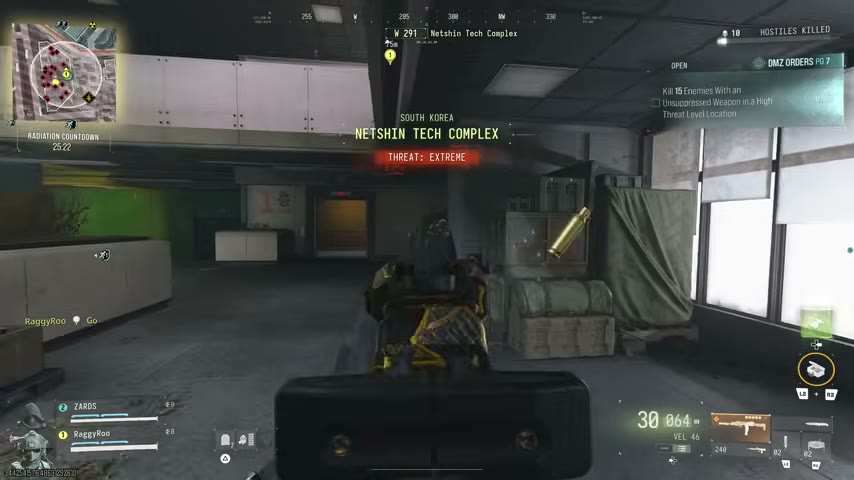
- Enter through the main doors and check the elevator shaft on the right at ground level.
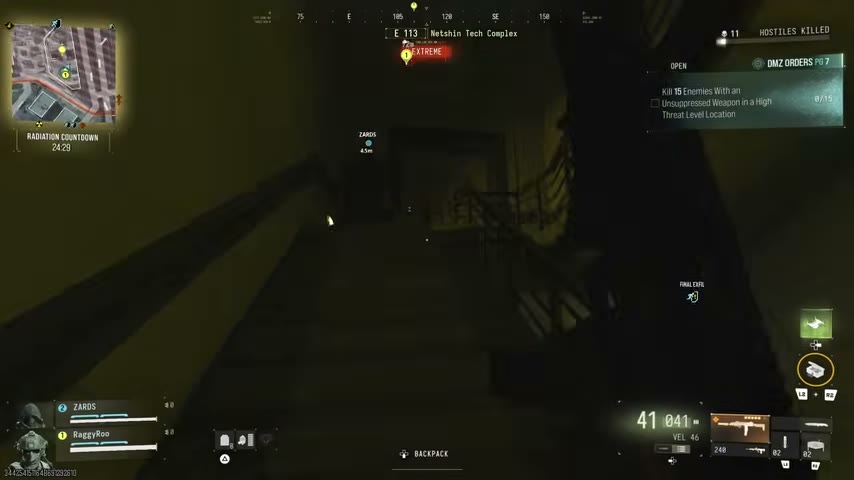
- Follow the shaft route up to the balcony. Check the landing before committing the rest of the squad.
- Continue by the stairs to the upper offices. The walkthrough narrates level 14, but the floor number is not independently confirmed here.
- Look right after that climb and inspect the teal door for Roze’s High-Rise Armory. The named lock is more reliable than counting floors from a different entrance.
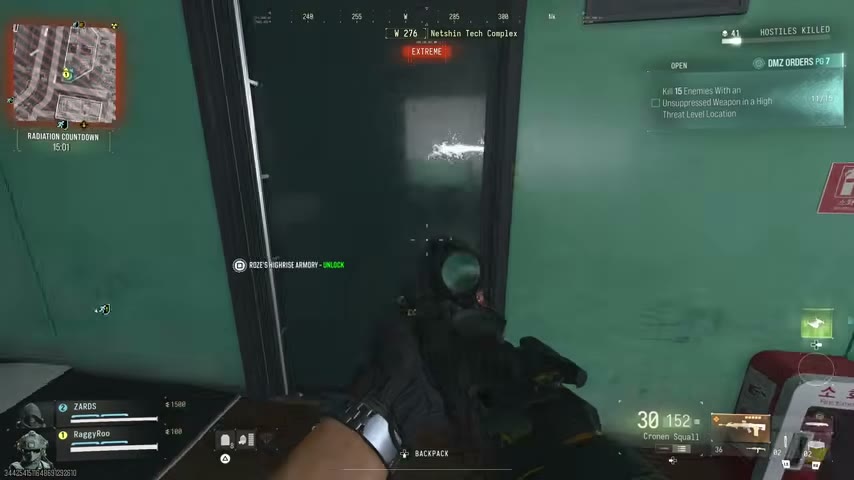
Three destinations that are easy to mix up
| Destination | Why it is different |
|---|---|
| Roze’s High-Rise Armory | This key room in Netshin’s upper offices. |
| Netshin IT Room | A separate Netshin lock and key. |
| Roze’s DBN rooftop encounter | A boss-fight location, not this room’s entrance. |
If the prompt says Netshin IT Room, use the IT Room guide instead of trying the armory key.
Open, loot and return
Read the key requirement before interacting. Cover the corridor while one player searches, then swap roles. No exact repeatable loot list or fixed key-use count is established for this armory.
Keep the balcony and stairs in mind as your return route. A high-floor loot stop is not a reason to jump without checking your parachute equipment. If you are also hunting Roze, plan that as a separate task rather than expecting her beside this lock.
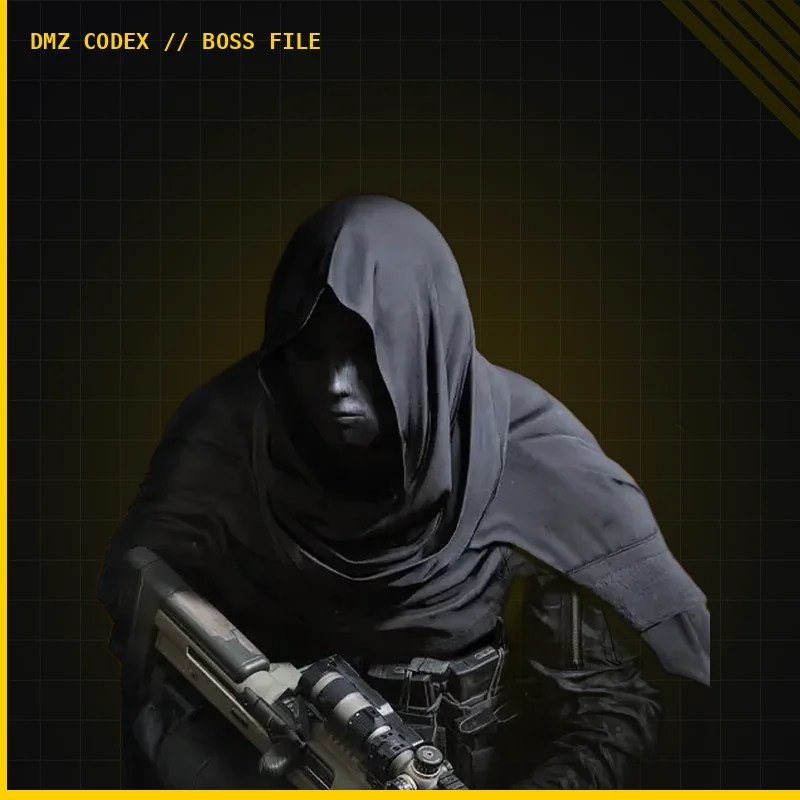
Quick questions
Is the armory at DBN Headquarters?
No. The armory route is at Netshin Tech Complex; Roze's DBN rooftop encounter is separate.
Which floor is the armory on?
The route narration reports level 14. Follow the balcony and stairs, then confirm the named lock; the number is not independently verified.
Mentioned in this guide
Spotted something wrong? Send a correction.
Keep reading
Guide · Gear & craftingMW4 DMZ Netshin IT Room key: location, floor route and exit 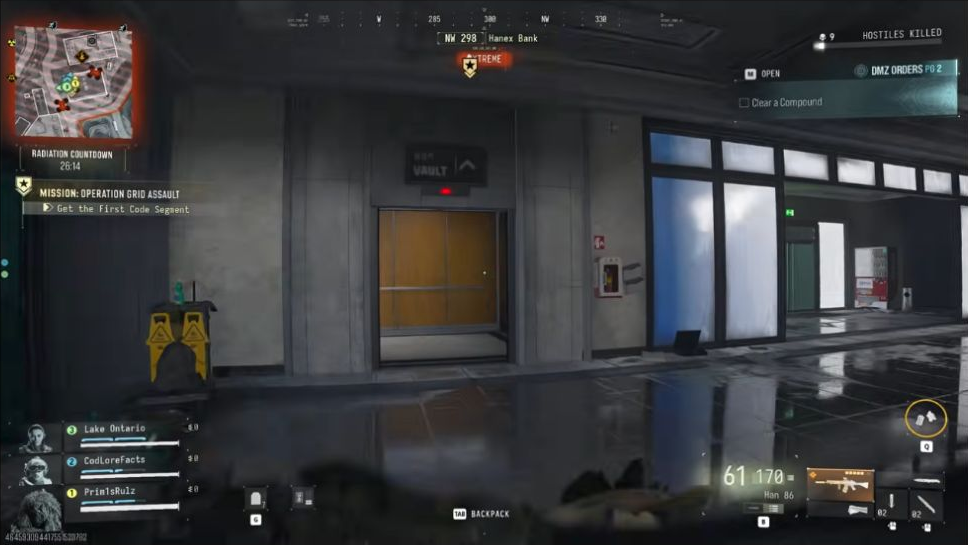 Guide · MissionsMW4 DMZ Grid Assault walkthrough: code segments and Heli unlock
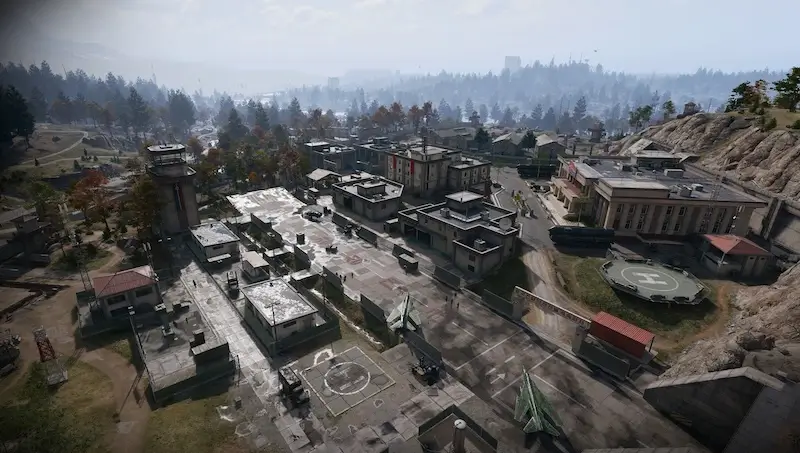 Guide · Bosses & PvPField Depot: air-base warehouse and maintenance-room entrance
 Guide · Bosses & PvPMW4 DMZ bosses: Lieutenants, Commanders and the Boss Board