
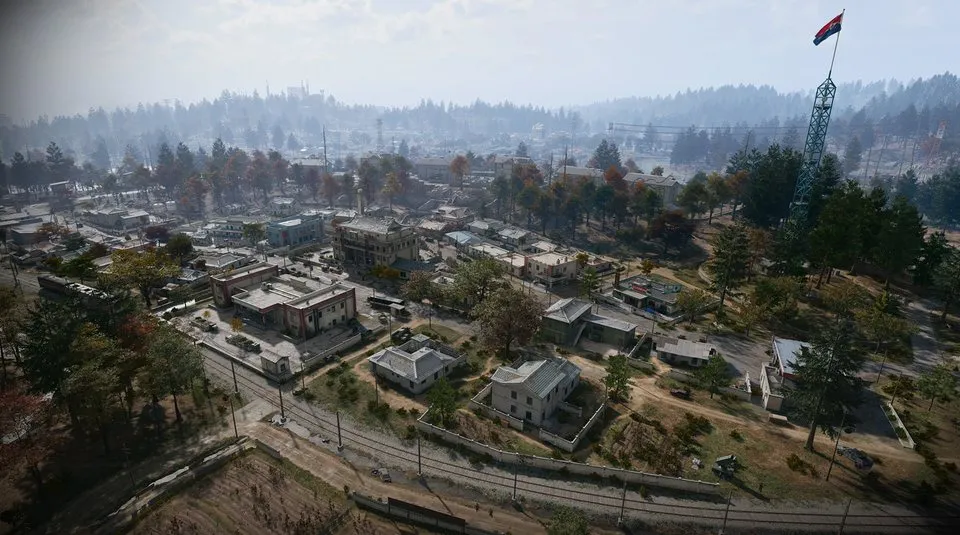
Re-Education Center Annex: ground-floor key room and recipe search
Approach the Re-Education Center in Deadtown and identify the annex alongside the main building.
The Re-Education Center Annex is a ground-floor keyed room at the Re-Education Center in Deadtown. A recorded opening enters the annex side, turns immediately left and reaches the named room; underground equipment and propaganda storage are separate locks.
Find your key or locked room
Browse every key in the Key FinderThe Re-Education Center Annex is a ground-floor keyed room at the Re-Education Center in Deadtown. A recorded opening enters the annex side, turns immediately left and reaches the named room; underground equipment and propaganda storage are separate locks.
Open the map search area · Check the matching key

Find the named entrance
- Approach the Re-Education Center in Deadtown and identify the annex alongside the main building.
- Use the annex-side ground-floor entrance shown in the route and clear the immediate corridor.
- Turn left after entering and check the tan wooden door near the No Public Access marking.
- Confirm Re-Education Center Annex on the lock before opening it with the matching key.
Annex access does not unlock the basement rooms
Underground Propaganda Store Room and Underground Equipment Storage have separate names and approaches. Descending into their corridors is not part of this ground-floor annex route. If you hold a different key, check its dedicated destination before entering.
What the room search establishes
One opening reports an Oden and a 2-Plate Ballistic Gel Vest recipe. That does not establish a permanent recipe spawn or a guaranteed weapon. If you find the recipe, keep the actual unlock item and extract; a finished vest does not replace a Printer recipe.
Mentioned in this guide
Spotted something wrong? Send a correction.
Keep reading
 Guide · Combat & survivalDMZ exfil guide: extraction methods and emergency plans
 Guide · Bosses & PvPField Depot: air-base warehouse and maintenance-room entrance
 Guide · Bosses & PvPMW4 DMZ bosses: Lieutenants, Commanders and the Boss Board
 Guide · Bosses & PvPMW4 DMZ Deathstalker guide: SAM Sites, wreck loot and RF Modules