
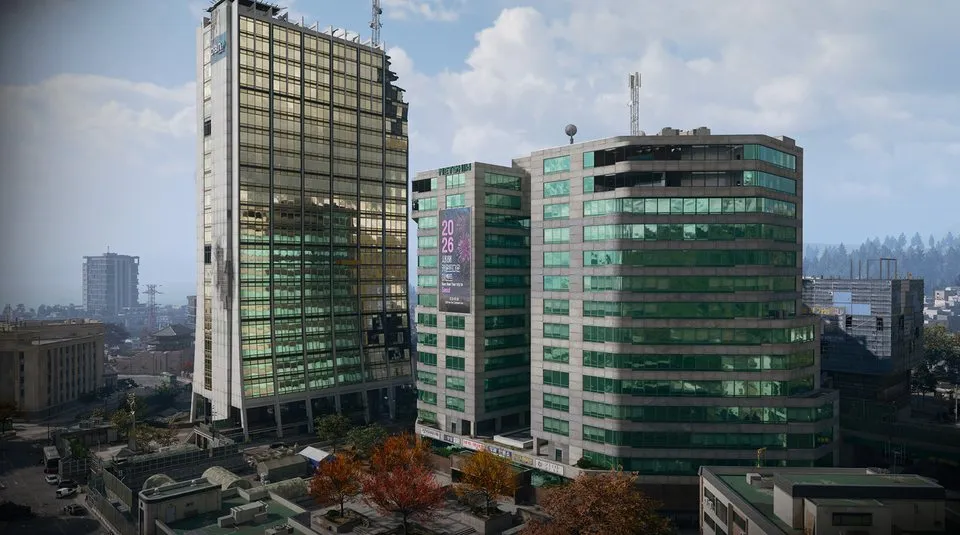
Lucera Suite 703 Bedroom: hotel ascent and inner locked door
Enter Hotel Lucera in The Grid and find the central elevator-shaft zipline in the main lobby.
Use the Lucera Suite 703 Bedroom key inside Suite 703 on Hotel Lucera's upper apartment floors. Reach the high lobby zipline landing, orient by the stairwell's 12 sign and continue upstairs to the suite; 703 is the suite number, not proof of floor seven.
Find your key or locked room
Browse every key in the Key FinderUse the Lucera Suite 703 Bedroom key inside Suite 703 on Hotel Lucera’s upper apartment floors. Reach the high lobby zipline landing, orient by the stairwell’s 12 sign and continue upstairs to the suite; 703 is the suite number, not proof of floor seven.
Open the map search area · Check the matching key

Find the named entrance
- Enter Hotel Lucera in The Grid and find the central elevator-shaft zipline in the main lobby.
- Take it to the high accessible landing, then find the nearby stairwell to orient yourself. The route checks a landing just above the 12 sign and climbs one more level.
- Follow the corridor toward the center of the building and locate the door marked 703.
- Clear Suite 703, then continue to the locked bedroom at its back. Use the matching bedroom key at that inner door.
Suite number and floor number are different clues
The narration varies between 12th, 13th and 14th floor while finding its bearings. Use the visible 12 stair sign, the next upper corridor and Suite 703 rather than promising a single verified floor count. The suite entrance and locked bedroom are separate doors.
What the room search establishes
The recorded room search includes a rifle case, military bag, supply crate, weapon lockers, ammo box and a back-room footlocker. Specific weapons and rare rewards vary. Clear the interior before looting, and plan a return down known stairs unless you prepared another exit.
Mentioned in this guide
Spotted something wrong? Send a correction.
Keep reading
 Guide · Combat & survivalDMZ exfil guide: extraction methods and emergency plans
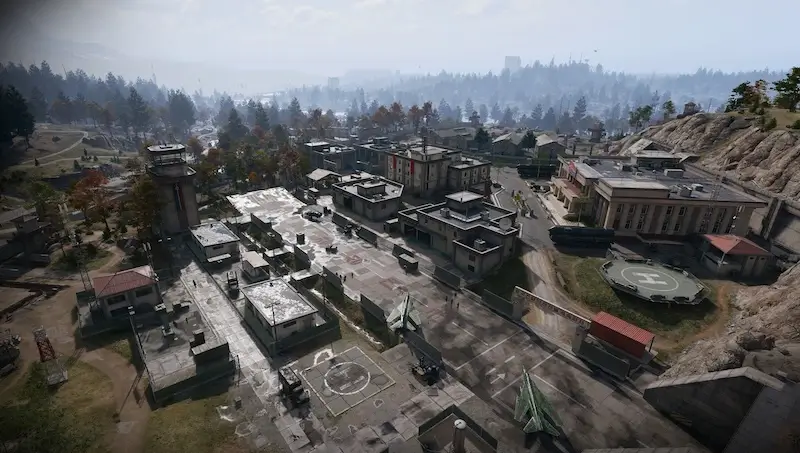 Guide · Bosses & PvPField Depot: air-base warehouse and maintenance-room entrance
 Guide · Bosses & PvPMW4 DMZ bosses: Lieutenants, Commanders and the Boss Board
 Guide · Bosses & PvPMW4 DMZ Deathstalker guide: SAM Sites, wreck loot and RF Modules