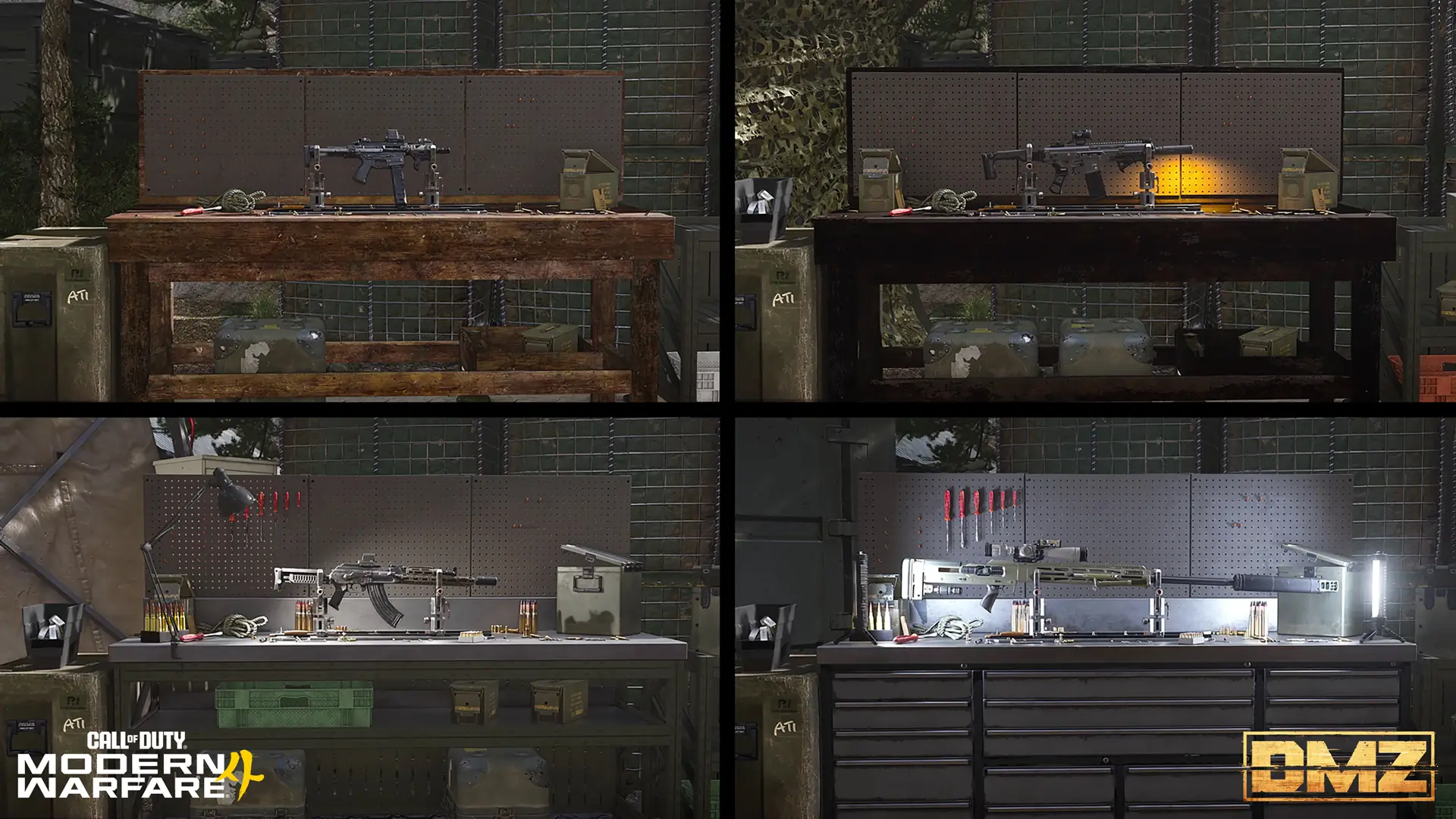
DMZ Gunny and Firing Range: compare a build before deploying
Start with a real weapon copy, inspect the suggested parts and make one comparable range check before committing to a run.
Gunny suggests close-range, balanced and long-range builds from attachments you have unlocked. Inspect the suggested parts and full DMZ cart, then take a ranged weapon in your Loadout to the FOB Firing Range. Its targets and mounting walls support comparisons; they do not prove a universal best build.
- Gunny uses attachments already unlocked
- Suggested builds change as your unlocks grow
- FOB range targets span under 10 to over 100 meters
- Keep range observations separate from DMZ combat results
Choose one problem before asking Gunny for a build. A sight that blocks your target, awkward handling or a weapon that feels uncomfortable at your planned distance is a useful starting point. Cycling through presets without checking the parts can leave you with an expensive configuration you do not understand.
Start with the weapon copy and a spending limit
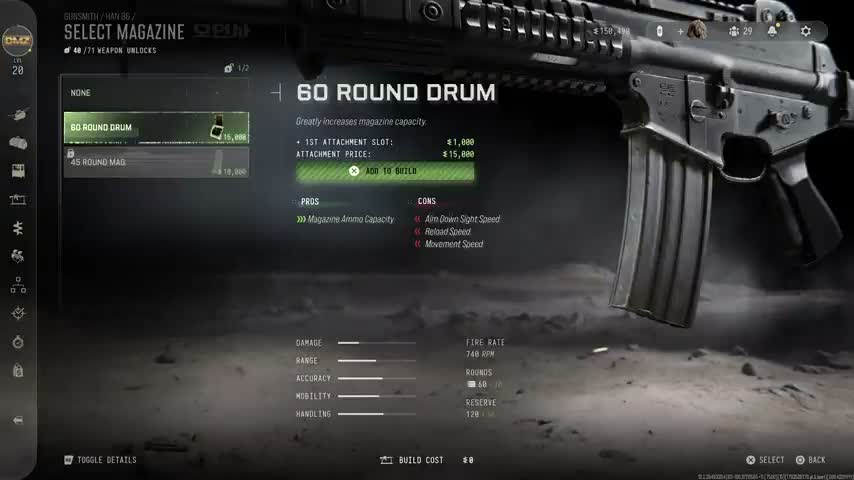
Open the Gunsmith and inspect the exact weapon instance you want to change. An owned gun, a new base purchase and a replacement Blueprint have different purchase scopes. Decide which one you are reviewing before comparing totals.
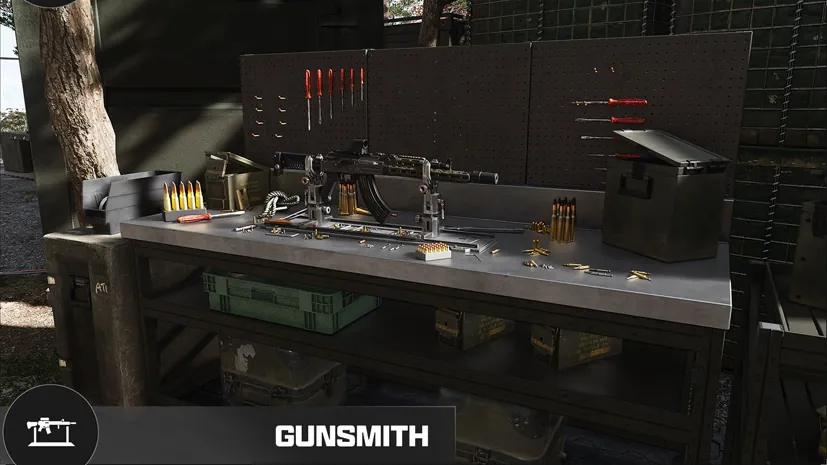
Set a Cash limit that leaves room for the deployment kit. Your build budget should include any new ordinary slots and parts, rather than only the price of one highlighted attachment. Finding a weapon does not automatically establish repeat purchase access; check its Manual requirement if replacing it matters.
Generate a suggestion and inspect it
Gunny is available in the DMZ FOB Gunsmith and uses attachments already unlocked on your account. The official overview describes close-range, balanced and long-range suggestions that evolve as more attachments become available.
- Select the weapon and open its build-suggestion control.
- Cycle to a profile that matches the distance or handling problem you chose.
- Read every selected part instead of accepting the profile name as a recommendation.
- Inspect any changed sight, ammunition, magazine and compatibility restriction.
- Review the complete cart before confirming a purchase.
Keep a note of the previous configuration if you may want to return to it. A suggested part is not proof that another player has unlocked it, owns the same gun or will receive the same price. Use the Gunsmith guide when a total includes charges you did not expect.
Check the result in combat
Gunsmith presents broad weapon statistics and a more detailed view. Use them to identify what a change is intended to affect, then choose something you can check. For example, compare whether your target remains visible during firing or how easily you return the sight to the same point.
Treat the suggestion as a starting configuration. Tested damage rankings, recoil percentages and guaranteed time-to-kill improvements remain unconfirmed.
Make a comparable FOB range check
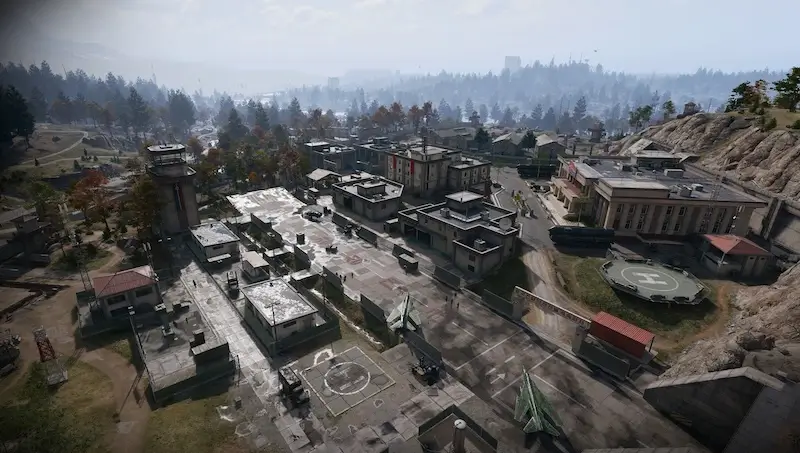
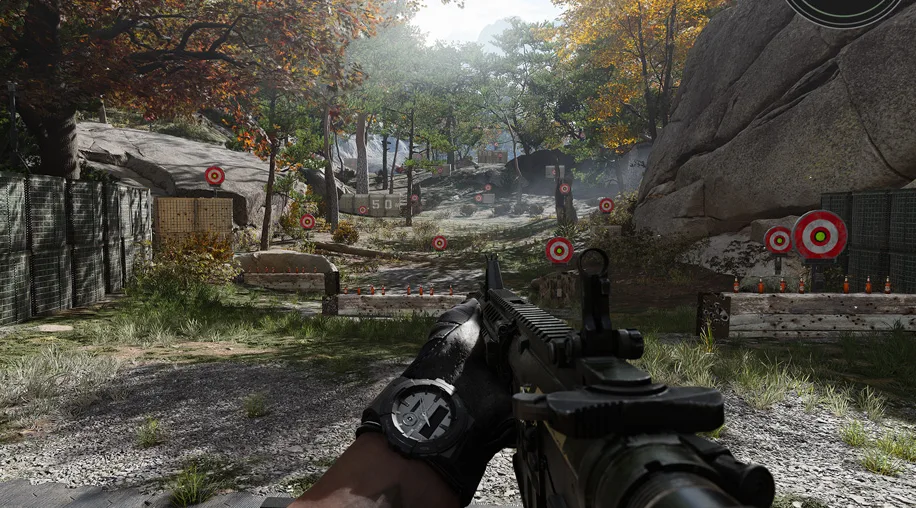
The FOB Firing Range is a wooded area between the Gunsmith and Vendor. Use circular and bottle-shaped targets from less than 10 meters to over 100, plus walls for crouching, going prone and mounting.
Bring a ranged weapon in your Loadout. Choose one target, stance and starting aim point, then compare the configurations under the same conditions. Change one part at a time when you want to understand its effect. If you also change the stance, target and optic, the result no longer isolates the attachment change.
This is a practical comparison method, not a claim that range targets reproduce every armored AI or Operator encounter. The separate Multiplayer range has its own advertised test features; do not assume those controls are present at the FOB.
Check the equipped result before leaving
After a purchase or modification, inspect the actual loadout again. Confirm the intended parts and sight are fitted, and that the remaining Cash still covers protection, healing and the next run. A preview is not the same as a completed transaction.
If the result does not solve the original problem, keep the usable alternative rather than buying more unrelated parts. Take the configuration that suits your current objective, then reassess after actual combat. A comfortable range setup is useful preparation, not a promise that the next fight will follow the same conditions.
Quick questions
Does Gunny unlock attachments for me?
No. Its suggestions use attachments you have already unlocked. A different account or later weapon level can produce a different selection.
Is a Gunny suggestion free in DMZ?
Do not assume so. Inspect the gun, slots, parts and final cart; a suggested configuration is not a promise that those purchases cost nothing.
Where is the DMZ Firing Range?
Find the wooded range between the Gunsmith and Vendor. It is available immediately; bring a ranged weapon in your Loadout.
Are Multiplayer range features confirmed for the FOB range?
Only use the features documented or visible in the FOB. The official articles describe the two ranges separately, so Multiplayer test options should not be assumed to exist in DMZ.
Does a good range result prove the best DMZ build?
No. It helps you compare handling and aiming under the conditions you selected. Enemy armor, movement, distance and combat conditions can change the result.
Mentioned in this guide
Spotted something wrong? Send a correction.