
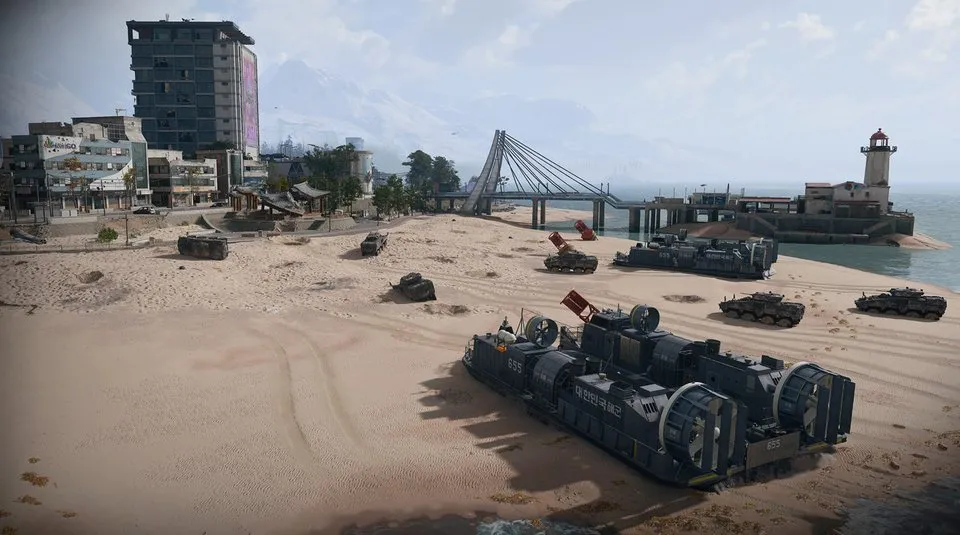
Gas Station Electrical Room: Construction Zone basement route
Find the Construction Zone gas station near Songdo Wharf. An ordinary fuel stop elsewhere is not the key's destination.
Use the Gas Station Electrical Room key in the Construction Zone gas station near Songdo Wharf. Enter the station and descend its interior stairs; the named electrical-room door is around the basement corner.
Find your key or locked room
Browse every key in the Key FinderUse the Gas Station Electrical Room key in the Construction Zone gas station near Songdo Wharf. Enter the station and descend its interior stairs; the named electrical-room door is around the basement corner.
Open the map search area · Check the matching key

Find the named entrance
- Find the Construction Zone gas station near Songdo Wharf. An ordinary fuel stop elsewhere is not the key’s destination.
- Go around to the station’s rear access and enter the building.
- Look for the interior stairs descending into the lower section, then turn around the basement corner.
- Check the grey metal door beside the noticeboard on the blue-striped brick wall. Match Gas Station Electrical Room before unlocking.
Electrical-room access is separate from refueling
You do not need this room key merely to plan a gas-station fuel stop. Carry it when the locked-room search is your objective, and mark the specific station before travelling so that a similar roadside building does not waste the trip.
What the room search establishes
The recorded opening contains valuables, but the creator explicitly describes the contents as random. It does not establish a guaranteed rare ingredient, Manual or repeatable key source. Check your remaining bag space and return route before adding more waterfront stops.
Mentioned in this guide
Spotted something wrong? Send a correction.
Keep reading
 Guide · Combat & survivalDMZ exfil guide: extraction methods and emergency plans
 Guide · Bosses & PvPField Depot: air-base warehouse and maintenance-room entrance
 Guide · Bosses & PvPMW4 DMZ bosses: Lieutenants, Commanders and the Boss Board
 Guide · Bosses & PvPMW4 DMZ Deathstalker guide: SAM Sites, wreck loot and RF Modules