Dead Battery and Death From Above: DDoS, decoys and drones
Print the DDoS field upgrade · Decoy Grenade, not Inflatable Decoy · Collect the named Drone Motherboard
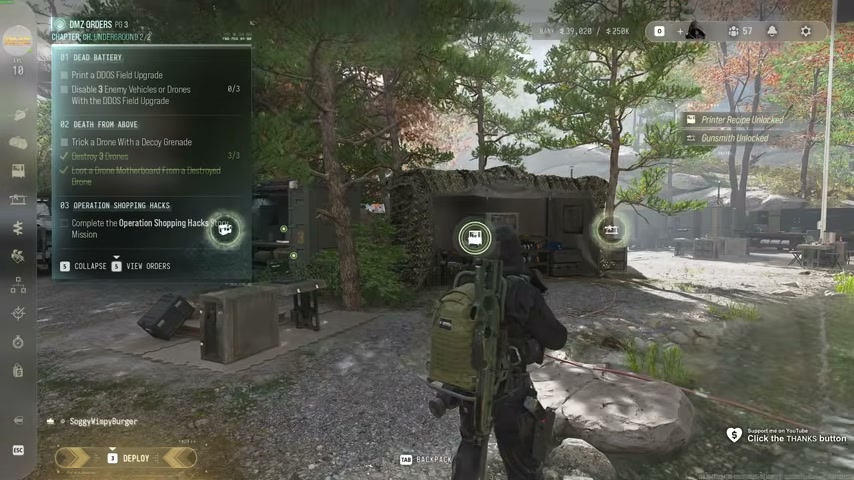
Bring the DDoS field upgrade and Decoy Grenades before hunting drones. Dead Battery needs a print and hostile-target disables. Death From Above needs the decoy interaction, drone kills and a named mission-item pickup. Check each task instead of counting every explosion as progress.
- Print the DDoS field upgrade
- Decoy Grenade, not Inflatable Decoy
- Collect the named Drone Motherboard
Bring the DDoS field upgrade and Decoy Grenades before hunting drones. Dead Battery needs a print and hostile-target disables. Death From Above needs the decoy interaction, drone kills and a named mission-item pickup. Check each task instead of counting every explosion as progress.
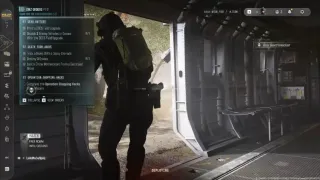
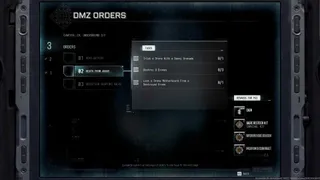
Prepare both recipes at the FOB
| Equipment | Current listed bill per print |
|---|---|
| DDoS | 30 Electronics and three Detonators |
| Decoy Grenade | Ten Synthetics and ten Chemicals |
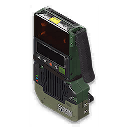
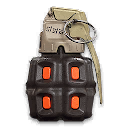
Their reported recipe unlock comes from completing the page with Eye in the Sky, Watch for Bumps and Triangulation. Check the whole page reward if a recipe is locked. A DDoS found as loot does not satisfy a task that specifically asks you to print it.
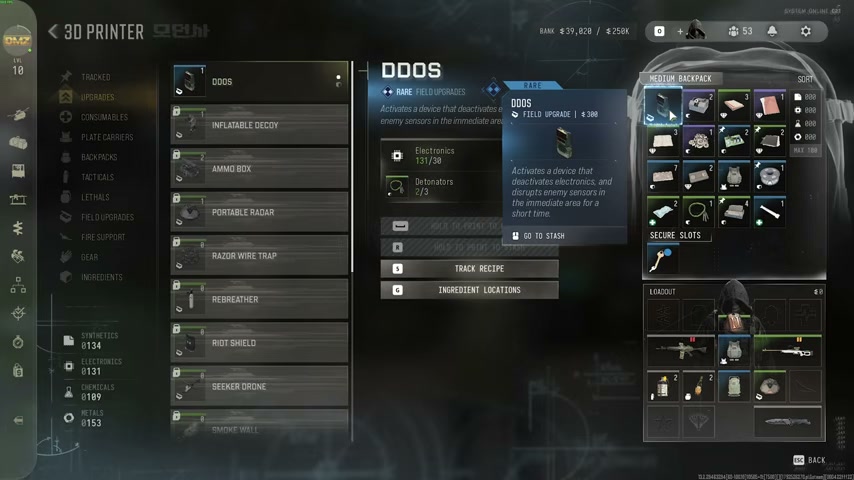
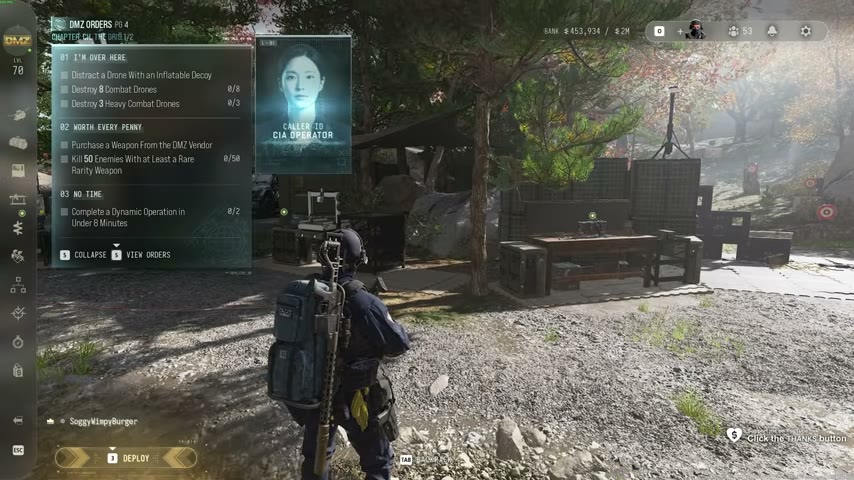
Equip the printed field upgrade and carry the Decoy Grenades. This chapter uses a Decoy Grenade; the later Grid Order uses an Inflatable Decoy. They are different items and interactions.
Disable hostile targets for Dead Battery
Find an enemy vehicle or drone and approach from cover. Read the DDoS display for a target in range before activating it. Being close to scenery, a friendly vehicle or a target outside the field is not enough.
Activate the upgrade and check the disable counter. The task asks for three enemy vehicles or drones. Continue from the remaining count rather than assuming one activation or one cluster completes it. If nothing moves, recheck target ownership, range and the exact active objective before spending more equipment.
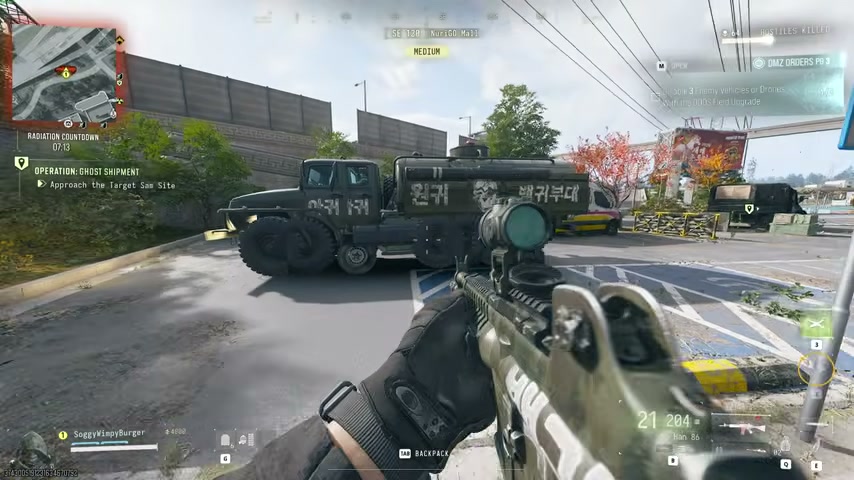
Trick a drone and collect the Motherboard
Use a Decoy Grenade where a drone can react to it. Check that task separately from the destruction count, then defeat the three required drones. Keep cover and ammunition for the fight; carrying the grenade without using it is not the interaction.
After the kills, inspect the wreck loot for Drone Motherboard and collect the named item. Ordinary Electronics, Electronic Sensors and Comms Modules do not replace that mission pickup.
Check both the kill and pickup objectives before leaving. If the kill task is complete but the item task is not, search the defeated targets rather than immediately starting another unrelated drone fight.
Finish the correct chapter
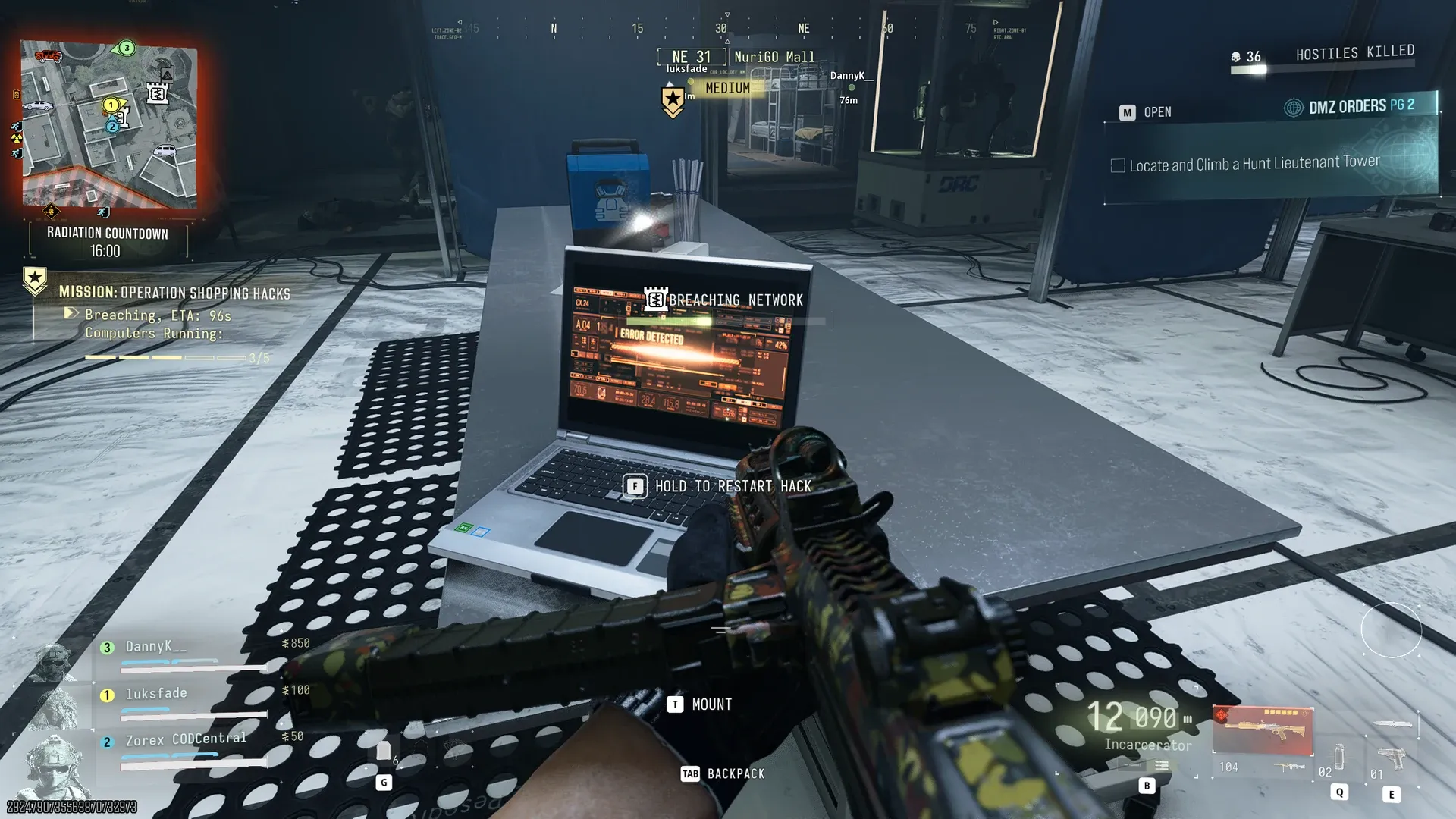
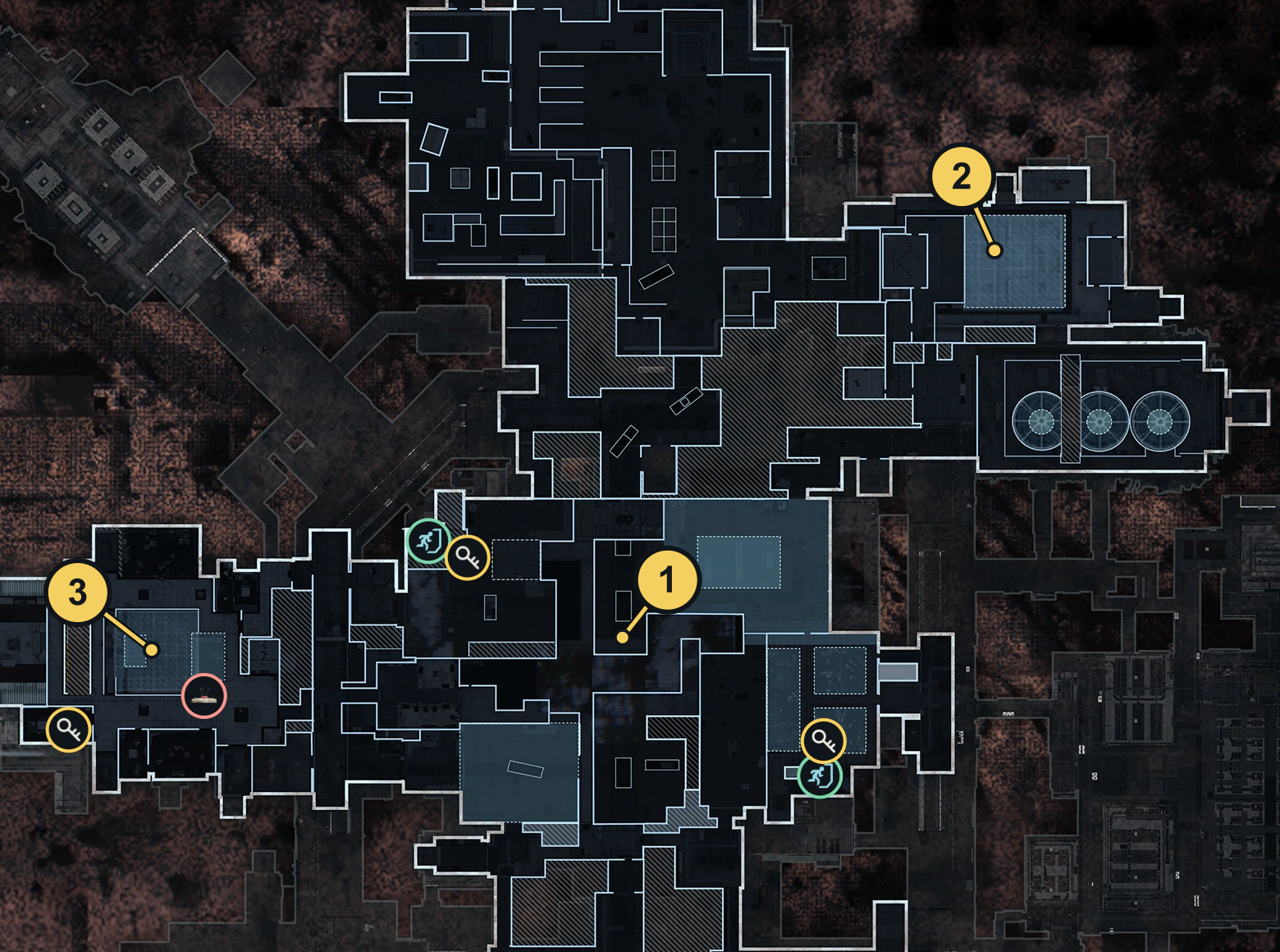
Operation Shopping Hacks has its own Story Mission route. Once the equipment objectives are complete, follow the Shopping Hacks walkthrough. For the later drone page, use The Grid guide; do not substitute its target counts or Inflatable Decoy requirement for this chapter.
Quick questions
Can I use an Inflatable Decoy for this walkthrough?
Death From Above asks for a Decoy Grenade interaction. The later Grid page uses a different item, the Inflatable Decoy.
Why did drone kills not finish the Order?
Check the decoy interaction and Drone Motherboard pickup as separate tasks. Kills alone do not perform either action.
Mentioned in this guide
Spotted something wrong? Send a correction.