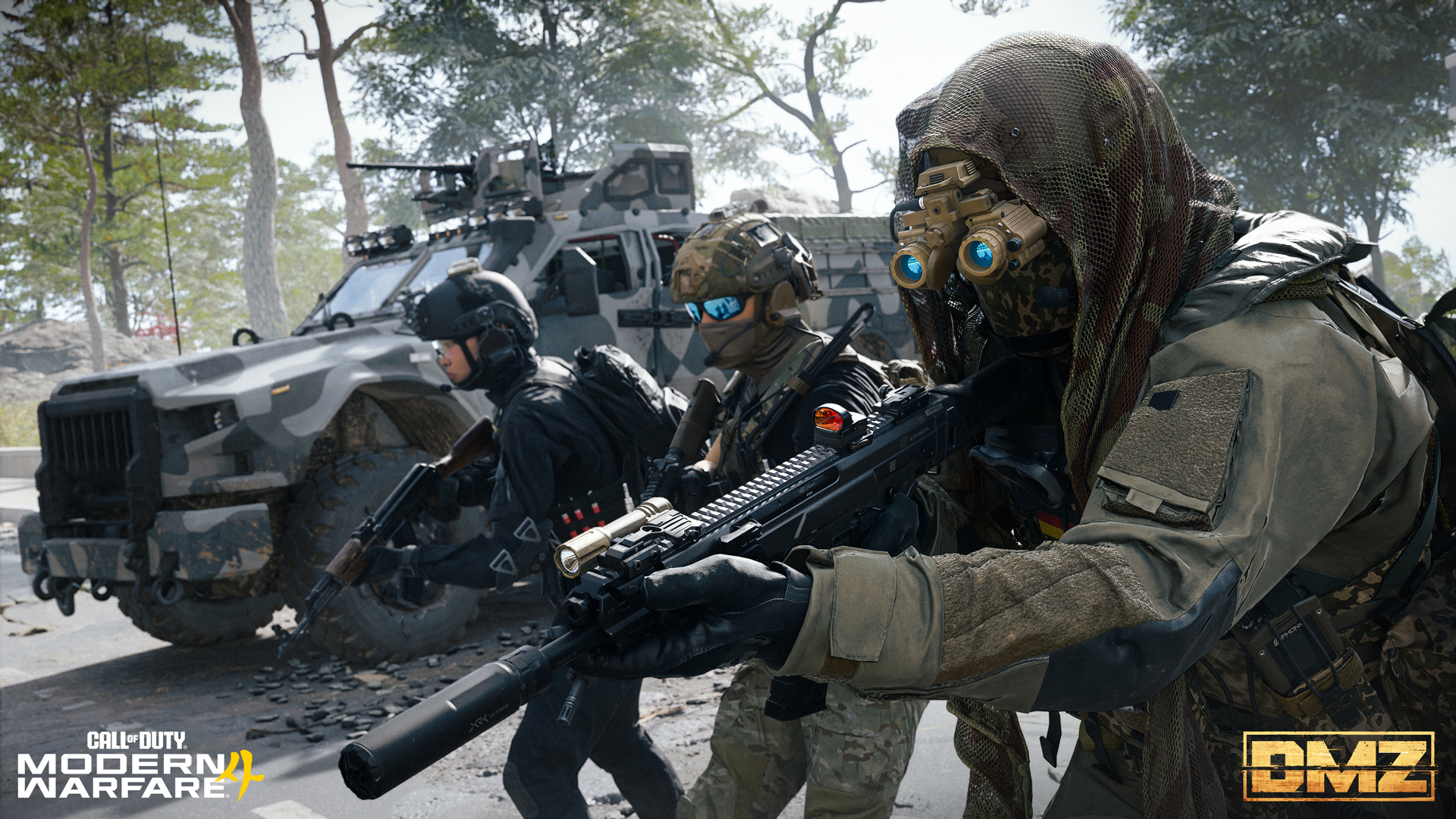
MW4 DMZ crossplay: add friends and check your party
Use the right account identity, confirm the invitation and check the party before queueing.
MW4 online play uses an Activision account. Open Social, use your friend's full Activision ID and confirm the accepted request. Before queueing, check that the intended players appear in the actual party roster.
- Use the Activision ID shown by the account
- Social separates Activision and console friends
- A chat channel is separate from party membership
- Progress belongs to the linked Activision account
Exchange Activision IDs before troubleshooting a missing cross-platform friend. A matching-looking console name does not guarantee that you searched for the intended Activision account.
Use this checklist to separate finding an account, accepting a friend request and joining a party. Confirm each stage before moving to the next.
Confirm the account and identity
MW4 online play requires an Activision account. Check the account summary for your Activision ID and ask your friend to read theirs from the same place. The documented format includes a display name and a number after a hash mark.
Use the complete identity as displayed. Recheck punctuation and numbers if the wrong person appears or no match is found. Do not share a password, verification code or account access to let someone add you.
If you already used an account for the MW4 beta, you can use it again. Creating another account is not required merely to join a friend. Confirm which existing account holds your progress before making account changes.
Find the friend through Social
Open Social. The MW4 support article distinguishes Activision friends from friends on the current console, so inspect the relevant list rather than assuming both are identical.
Use the friend’s Activision ID for the invitation. Have the other person inspect received invitations in Social, then confirm the friend appears on the intended list. The same menu can manage recent players and blocked players.
Treat these as separate outcomes: the account was found, the friend request was accepted, and the player joined the party. Passing the first step does not demonstrate the other two. Follow the party invitation controls shown in your game, then confirm the resulting roster before queueing.
Check the roster before queueing
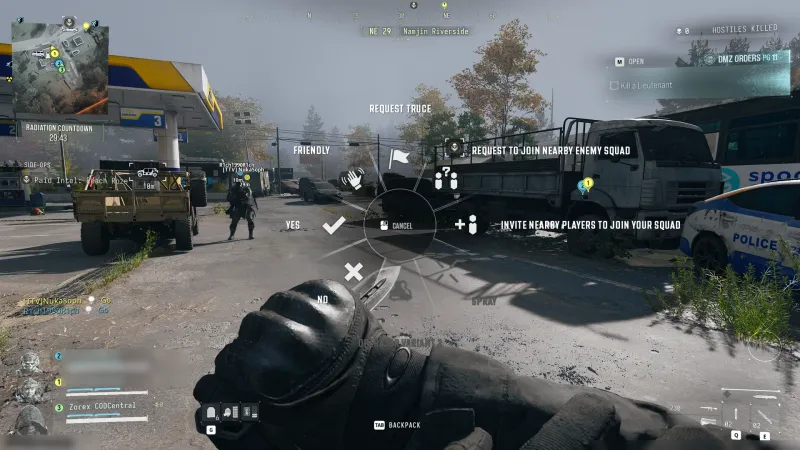
Agree who will lead the party, then use the available invite or join action. Both players should confirm the party roster before selecting the deployment. If a player is absent, return to the invitation state rather than starting a run to see whether they arrive later.
Check the chosen activity and each player’s readiness. The beginner guide explains Squad Fill and the normal deployment flow. In-match assimilation is a different action from forming the party at the FOB.
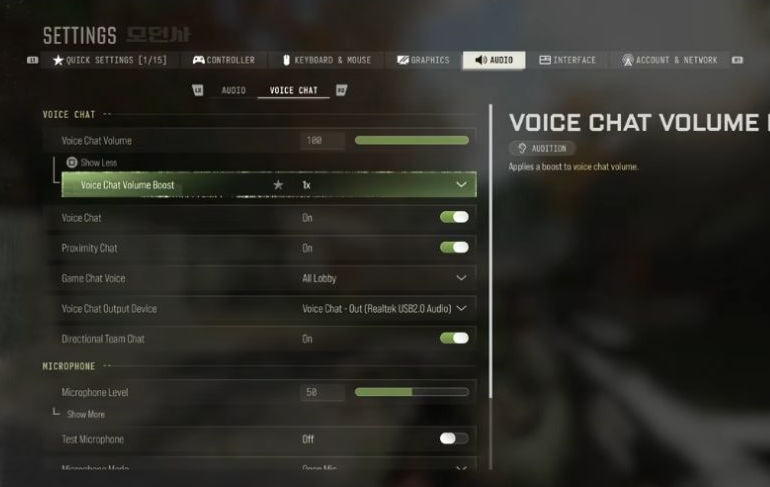
A Chat Channel can let people communicate while outside the same party. Use the voice guide to test that route, then return to the roster check.
Diagnose the failed stage
If the identity cannot be found, compare the actual Activision IDs. If an invitation is missing, inspect the receiving account and blocked-player list. If the friend is present but voice is silent, diagnose communication settings separately.
Activision’s MW4 communication instructions say blocking restricts invitations and communication and can remove a person from the Activision friends list. Check an existing block when that fits the symptom; do not assume every failed invitation has that cause.
For a connection error after the party is formed, record the exact message, platforms and failing stage. Those details are more useful than repeatedly recreating accounts.
Keep progression and ownership separate
The official account guide ties progression to the linked Activision account. It also warns that progress does not transfer when a platform is linked to another Activision account. Relinking is therefore not a routine friend-list test.
Crossplay support does not prove every game purchase, currency balance or bonus moves across platforms. Check access and ownership for the platform where you intend to play, then verify the party before risking a deployment.
Quick questions
Which name should I give a friend on another platform?
Use the Activision ID from your account, including the suffix where shown. A console or launcher display name can identify something different.
Where do I manage friend requests?
The current MW4 account guide directs players to Social for friends, received invitations, recent players and blocked players.
Does crossplay mean I own MW4 on every platform?
Do not assume cross-platform play or linked progression transfers your game entitlement or every purchase.
Should I relink accounts to fix a missing friend?
Do not use relinking as an invitation test. Activision says progress does not carry over when a platform account is linked to another Activision account.
Can a Chat Channel replace a party invitation?
No party membership is established by a channel alone. Check that the intended players actually appear in the party before queueing.
Spotted something wrong? Send a correction.