
 Deep Vault 301 →
Boss
The Captain
An X01 Juggernaut Commander accompanied by elite guards. Its seasonal Threat Briefing is separate from ordinary encounter loot.
- Class
- Commander
Commander
All bosses →Boss Board →Plan the hunt
Equipment & reported drops
Open each entry for its conditions. Linked items are not all guaranteed on every kill.
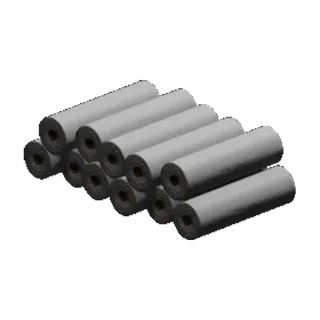
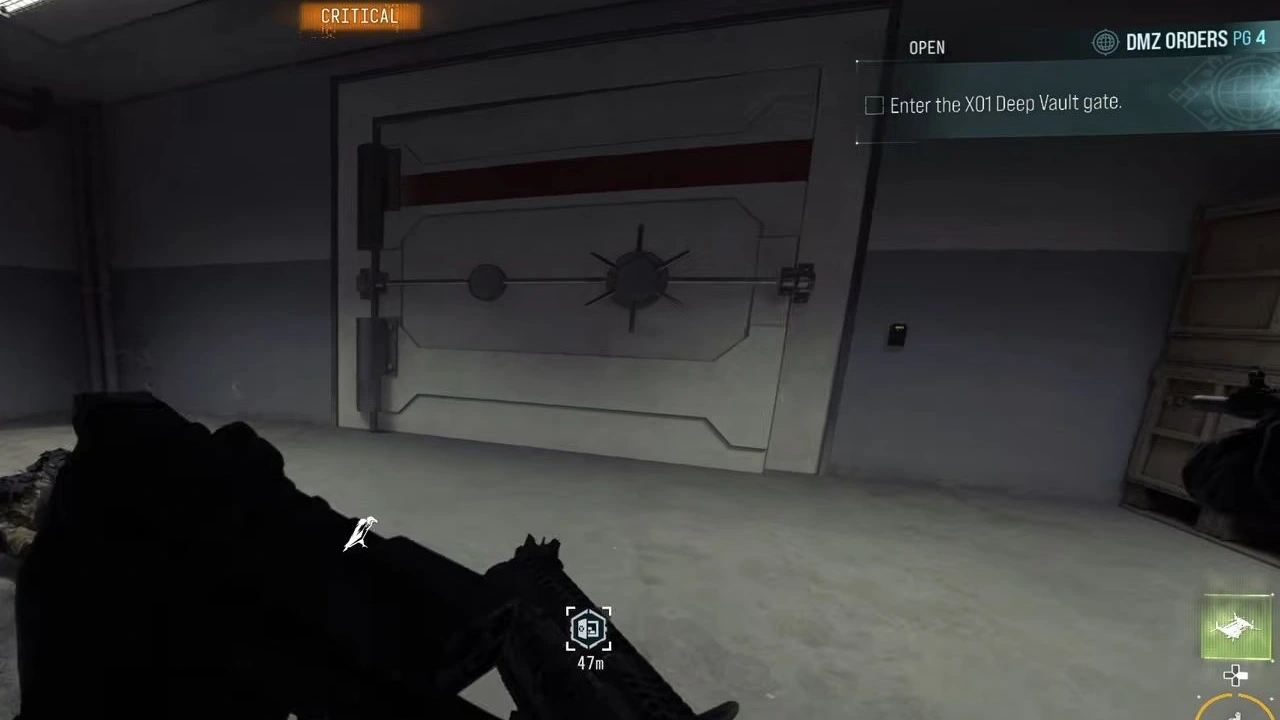
Deep Vault 301 → Specter Fabric Sample →
Location & access
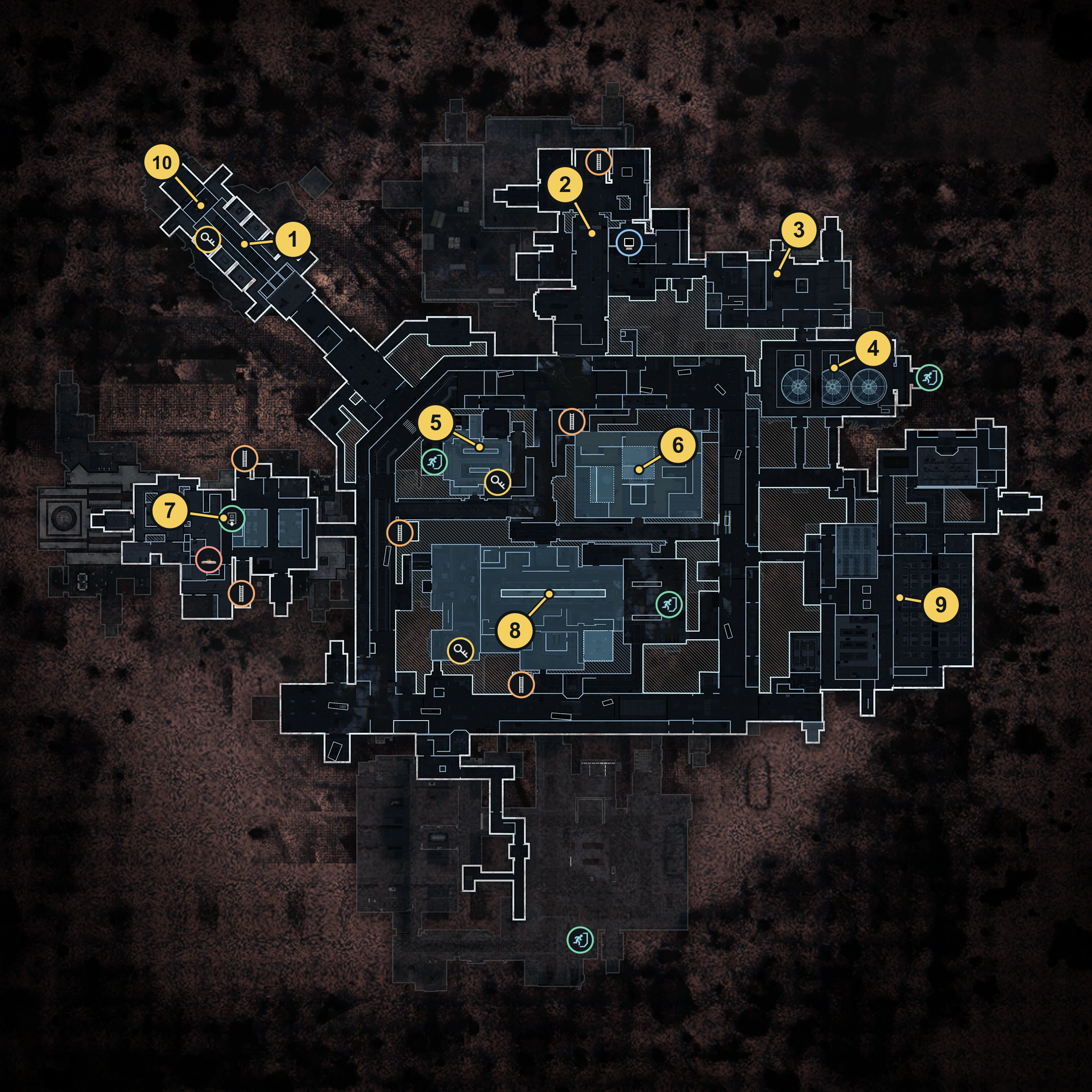
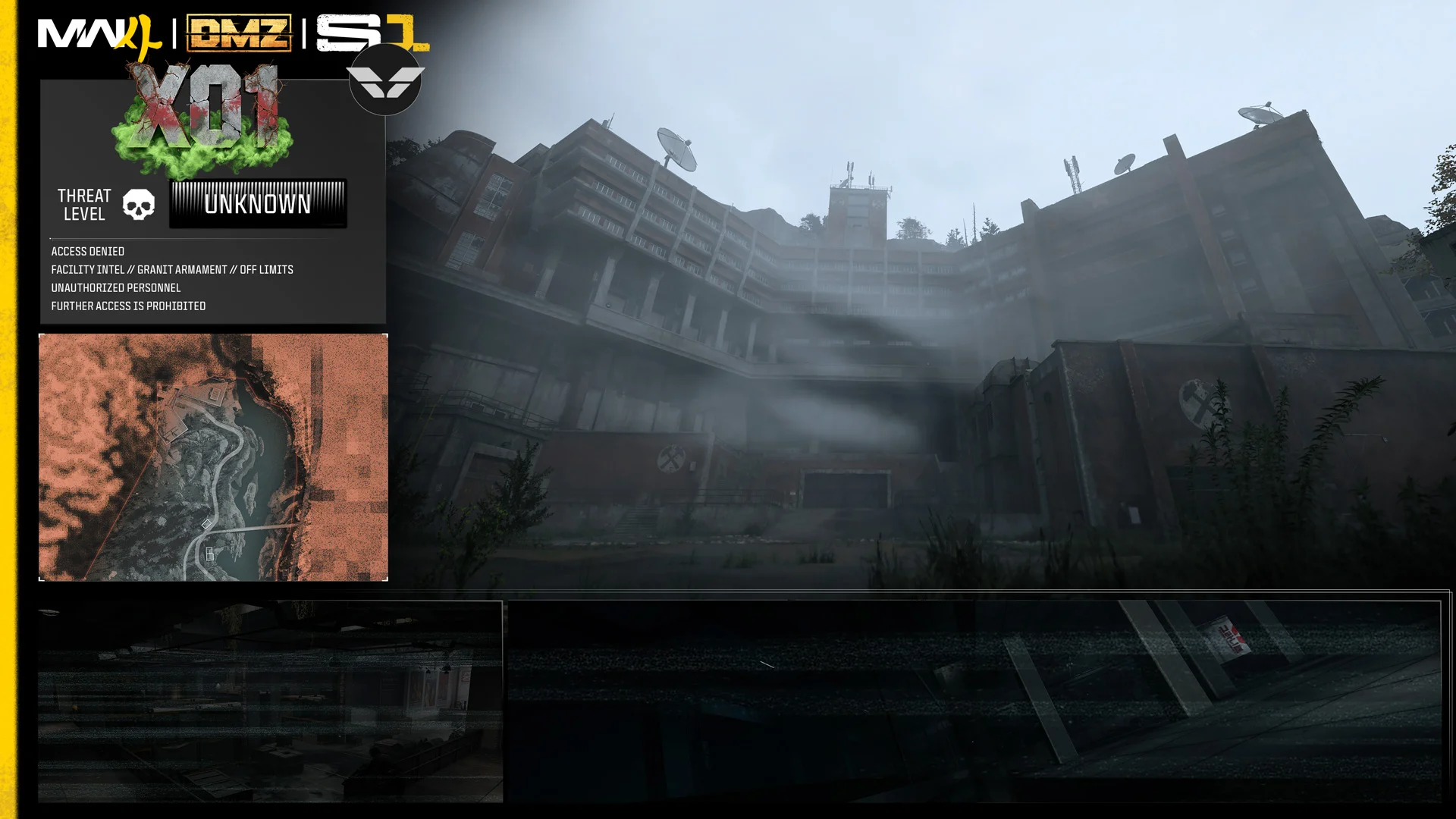
Roams Hajin; look for its marker on the in-game Tac Map.
Combat & identification
The target's weapon and combat statistics have not been specified.
Rewards & drops
Target-specific drops and cash rewards are unknown.
Commander rewards include 3D Printer Ingredients, DMZ XP and Cash. Listed drops are not guaranteed.
Threat Briefing
- The seasonal Captain Threat Briefing is announced around recovering helmet sections and extracting with them. Check the active event panel before planning around rewards; defeating the Commander alone does not complete an extraction objective.
Observed encounter loot
- Check the defeated Captain's loot for Deep Vault 301 and a Specter Fabric Sample.
- Neither item is guaranteed; quantities and personal versus shared allocation remain unverified.
Related
Explore related content

Reported drops
Observed encounter loot
Guides that cover this

More Commander bosses
See all 17 →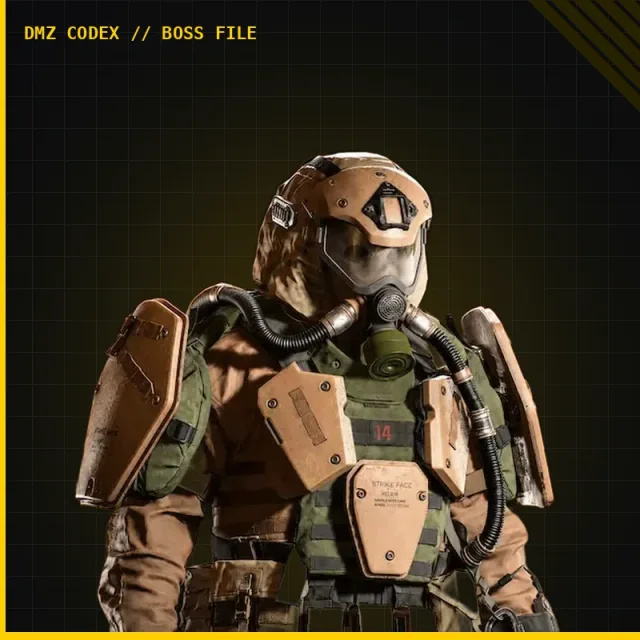
Also in Threats
Something wrong or missing? Send a correction.