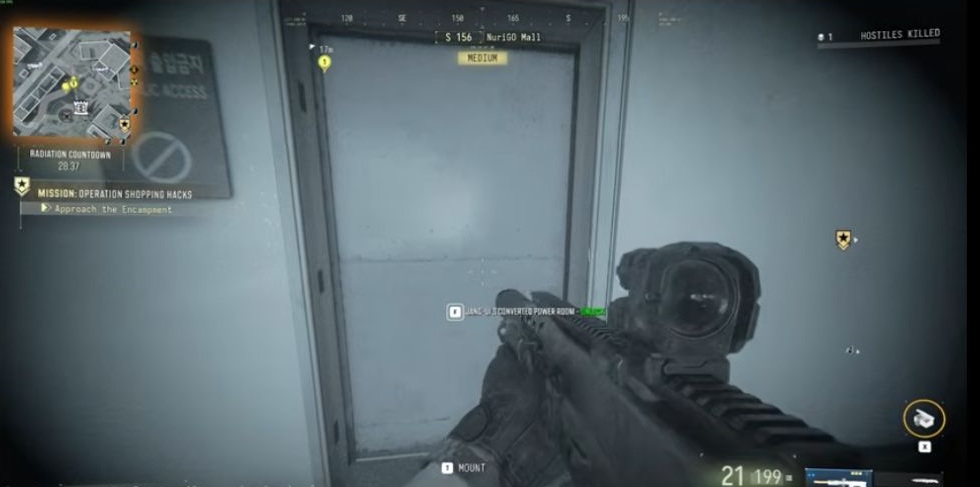
Jang-ui's Converted Power Room: NuriGO Mall entrance
Lower Mall floor, white NO ACCESS door and a separate upper-level search after the keyed entry.
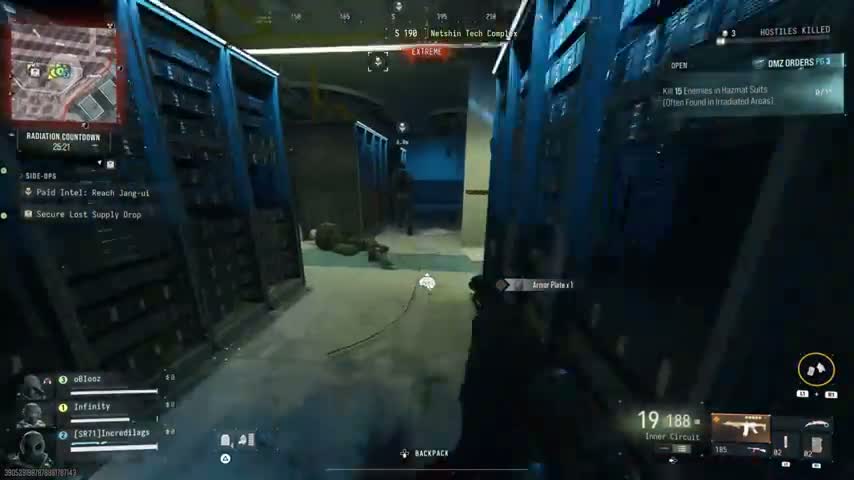
Take Jang-ui’s Converted Power Room key to NuriGO Mall’s dark lower floor. Match the white single door beside NO ACCESS and the full named lock. Search the entry equipment room, then climb to the upper military-case area. The Netshin boss encounter is separate.
- White lower-floor Mall door beside a NO ACCESS sign
- Legendary key card names H6 and the Mall generator room
- Entry equipment room and upper military-case area
Find your key or locked room
Browse every key in the Key FinderBring the Jang-ui’s Converted Power Room key to NuriGO Mall. The Legendary card names H6 and the enclosed generator room on the bottom floor beside the Robo Dog agility course. This is an area clue, not a precise door pin.

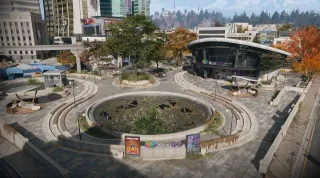
Reach the dark lower Mall floor
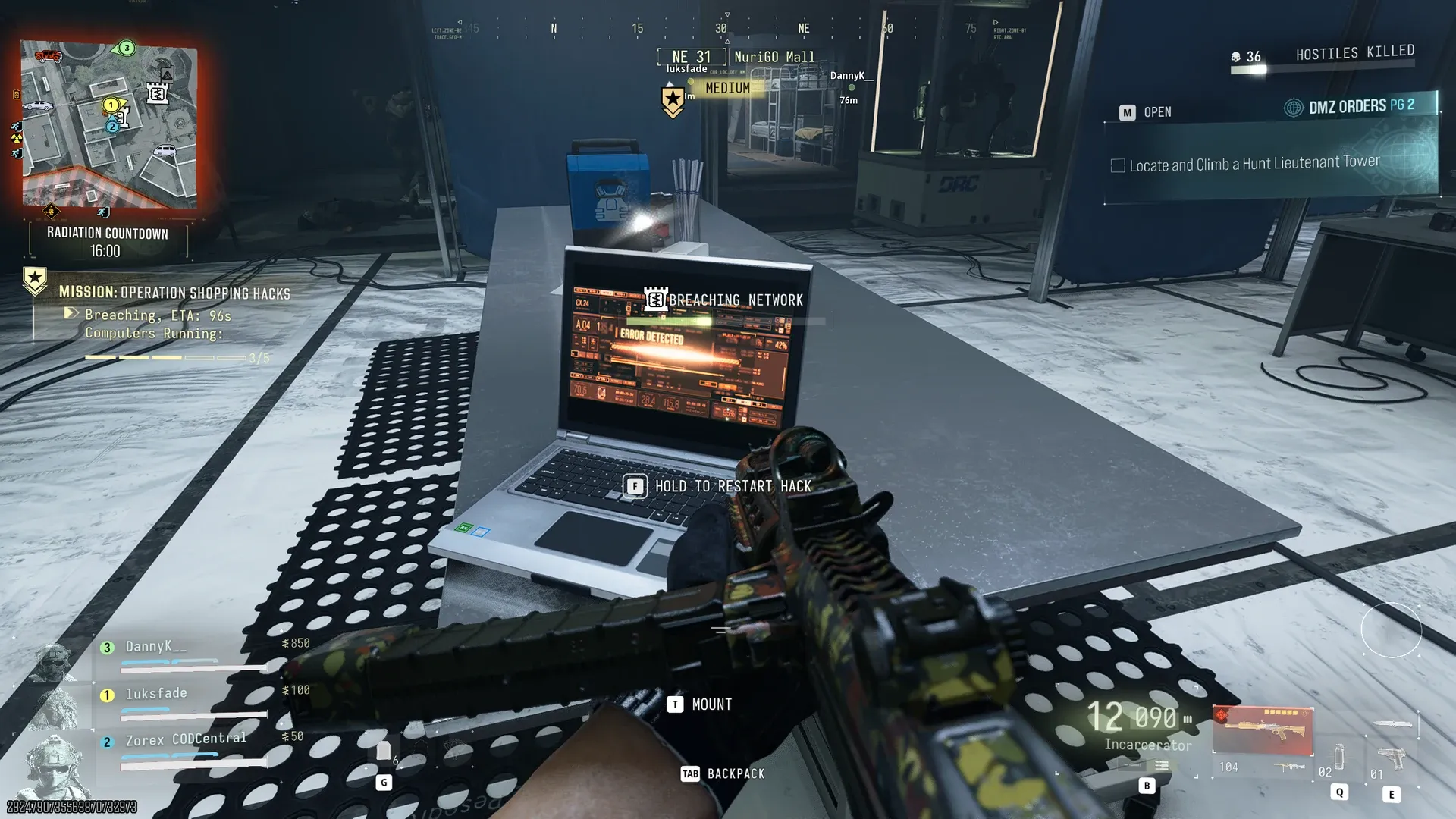
Operation Shopping Hacks offers a nearby mission start, but a mission requirement for this lock is not verified. Keep its objectives separate from this optional keyed-room visit.
For the roof approach, cross to the Mall roof and drop through a skylight. From the northern side, head south toward the dark rear section. These directions start at that roof entry; adjust your approach if you enter elsewhere.
Use night vision for the dark lower floor if available. The Equip NVG prompt helps identify the area; an NVG requirement for unlocking the door is not verified.
Match the white power-room door
Find the white single door in a concrete wall, with a NO ACCESS sign on the left. Check your carried key and read JANG-UI’S CONVERTED POWER ROOM — UNLOCK before using it.
Inside, orient yourself using the tool cabinets on the left, wall hooks near the center and nearby bench or tall locker. This is separate from the Shopping Hacks lab gate and the Shopping DRC Locker.
Key acquisition and remaining uses are not verified. Check your inventory rather than relying on a guaranteed Jang-ui drop.
Search the entry and upper level
Search the entry containers, then take the stairs into the larger upper area. Look for black military cases with star/GRANIT Arms markings, stacked wooden crates, pipes, a red fire cabinet and metal stair rails.
For a wider search, check the reported military footlocker near the cases, two weapon lockers along the right-hand wall and tool chests around the large turbines. Read actual container and item names; no particular gun, plan, ingredient or quantity is guaranteed.
Choose what to keep and plan your extraction before extending the detour. Use the Jang-ui boss guide for the separate hunt, or the Shopping Hacks walkthrough for the mission’s lab objectives.
Quick questions
Where is the named power-room door?
On NuriGO Mall’s dark lower floor, look for a white single door in concrete with NO ACCESS to its left. Match the full room name at the lock.
Is this room at Jang-ui’s Netshin encounter?
No. The key card places the enclosed generator room on the bottom floor of NuriGO Mall beside the Robo Dog agility course. The reported Netshin encounter is a separate trip.
Must Operation Shopping Hacks be active?
Shopping Hacks provides a nearby start, but it is not verified as a lock requirement. Keep the mission’s objectives separate from the keyed-room visit.
Mentioned in this guide
Spotted something wrong? Send a correction.