Iskra's Control Room: Array entrance and named door
Broadcast-building passage, green lobby furniture, blue-walled stairs and the named upstairs lock.
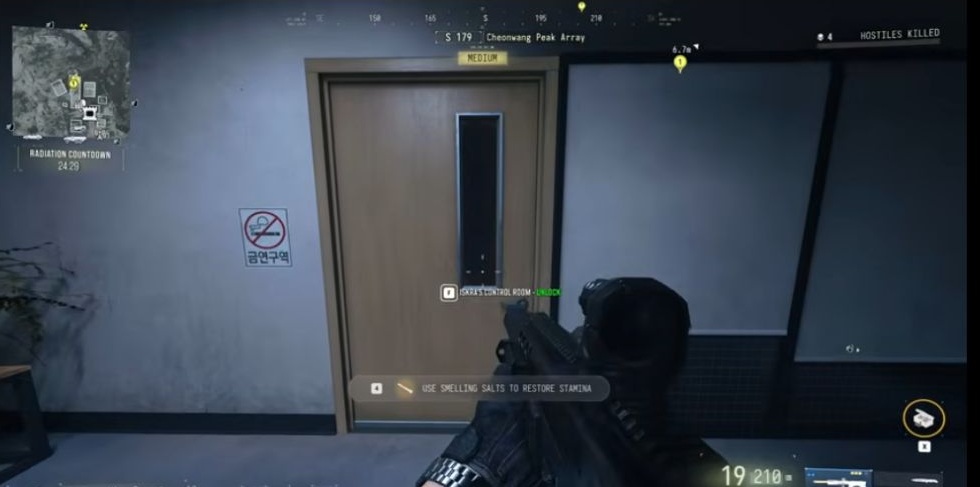
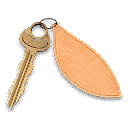
Bring the Iskra’s Control Room key to Cheonwang Peak Array’s broadcast building. Follow the white-building passage into the lobby, continue to the metal-railed stairs and check the upstairs wooden door for ISKRA’S CONTROL ROOM. The opening leads to a room with a central worktable and wall workstations.
- White-building passage leads to a lobby with green seating
- Upstairs wooden door has a narrow vertical window
- Named Control Room door and searchable Server Blade reported
Find your key or locked room
Browse every key in the Key FinderUse the Iskra’s Control Room key for this room, rather than using the boss’s name as a room marker. The destination is the broadcast building at Cheonwang Peak Array. Use the interior route below to reach the named door, separately from the wider safe-and-server loot loop.
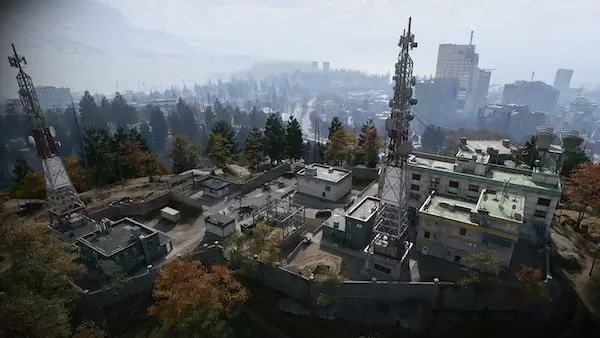
Follow the broadcast-building approach
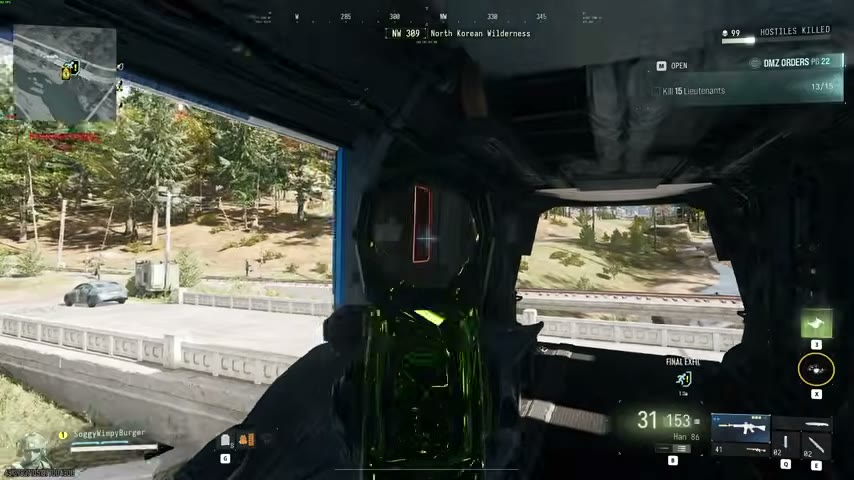
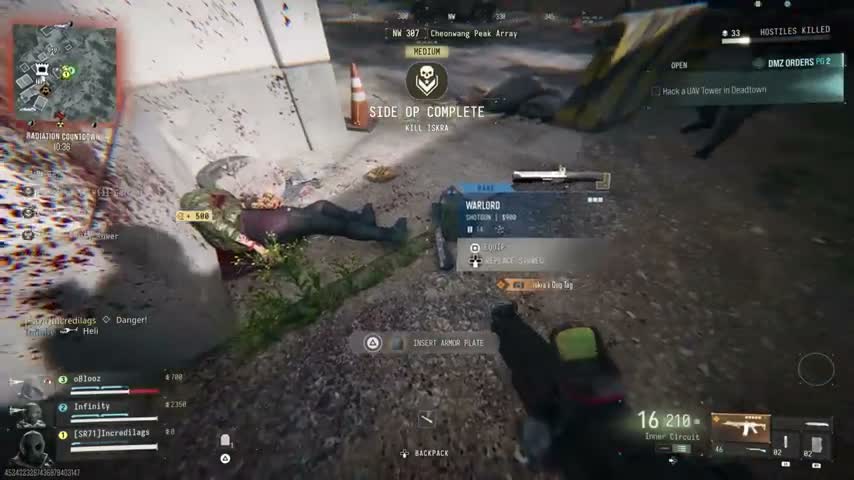
Climb the rocks beside the tall stone wall with a tower above, then follow the narrow paved passage between the white buildings. Check your position using the overhead cables, vents on your right and dumpster on your left.
- Enter the open white door with a square window. Inside, look for green lobby seating and colorful abstract wall art.
- Continue around the lobby corner and follow the hall toward its far end, where a green exit-arrow sign is visible.
- Take the metal-railed stairs upward beside the blue wall. Green seating is another nearby landmark.
- On the upper landing, look for the wooden Control Room door rather than continuing through an unrelated office.
If you arrive through another entrance, use the lobby and stairs to reorient yourself. A particular mission-start requirement and a surveyed door coordinate remain unverified.
Match the wooden Control Room door
Find the wooden door with a narrow vertical window, a No Smoking sign on its left and frosted glass on its right. Confirm ISKRA’S CONTROL ROOM — UNLOCK and the key in your backpack before interacting.
After unlocking, check DOOR UNLOCKED and the open doorway’s CLOSE DOOR prompt. Enter and use the large central desk or worktable to orient yourself. Key acquisition and changes to its remaining uses remain unverified.
Search the workstations and central table
Search the cases and bags on the central table, then the workstations around the walls. The barred window on your right helps identify the room. Check for a SERVER BLADE beside the fire equipment and server rack, and read each container prompt and item card before deciding what to carry.
These are searchable room landmarks, not a fixed reward list. Leave room in your backpack and compare the contents with your current crafting or equipment needs. Then choose whether to continue the Array loot route or plan your extraction.
For locating and fighting the Lieutenant, use the separate Iskra boss guide. Do not assume Iskra is waiting behind the door just because it is named Control Room.
Quick questions
Where is the Control Room entrance?
Inside the broadcast building at Cheonwang Peak Array. The route passes white buildings, a lobby with green seating and blue-walled stairs, then reaches a wooden upstairs door with a narrow vertical window.
Does the room opening establish where the key drops?
No. It establishes a use destination for the matching key. It does not demonstrate a key pickup, guaranteed Iskra drop or a mission requirement.
What can I search after entering?
Look for a central table with cases and bags, workstations around the walls and a server-rack area. A searchable Server Blade has been reported; fixed ingredients and quantities remain unconfirmed.
Mentioned in this guide
Spotted something wrong? Send a correction.