
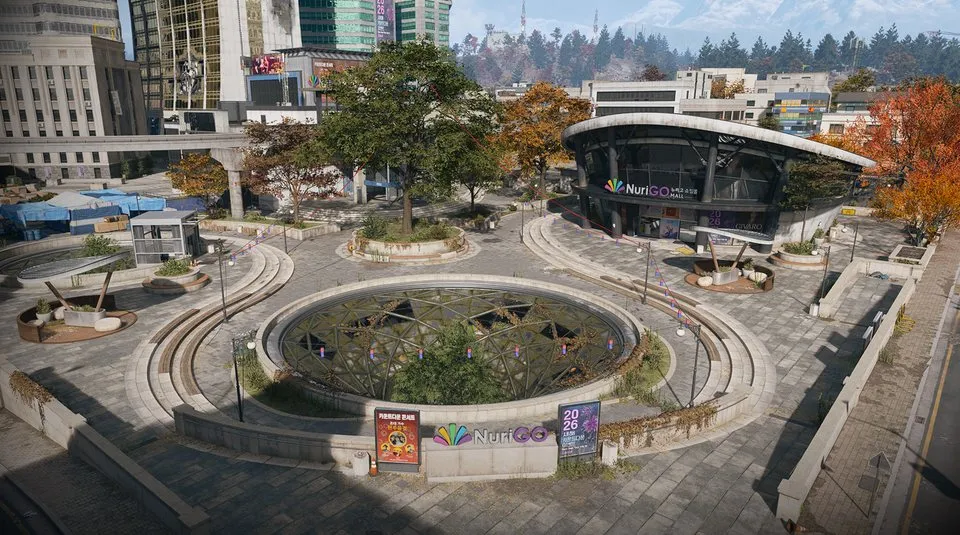
Coin Mining Den: key reward and door route
NuriGO West; reported grid G6 · Shopping Hacks lists the key as a reward · Grey door beside a red fire alarm
The Coin Mining Den is an office-room destination in NuriGO West, separate from the laboratory used during Shopping Hacks. Bring the Coin Mining Den key, then use the stairwell and named grey door shown below.
- NuriGO West; reported grid G6
- Shopping Hacks lists the key as a reward
- Grey door beside a red fire alarm
Find your key or locked room
Browse every key in the Key FinderThe Coin Mining Den is an office-room destination in NuriGO West, separate from the laboratory used during Shopping Hacks. Bring the Coin Mining Den key, then use the stairwell and named grey door shown below.
Get the key before planning the room run
Operation Shopping Hacks lists this key among its rewards. Finish the mission and check the result and your stored equipment before deploying for the den. Visiting its laboratory or reaching NuriGO does not itself unlock the den.
An older link may say Coin Mining Center. Look for Coin Mining Den on the key and door; these names refer to the same destination.
Find the building in NuriGO West
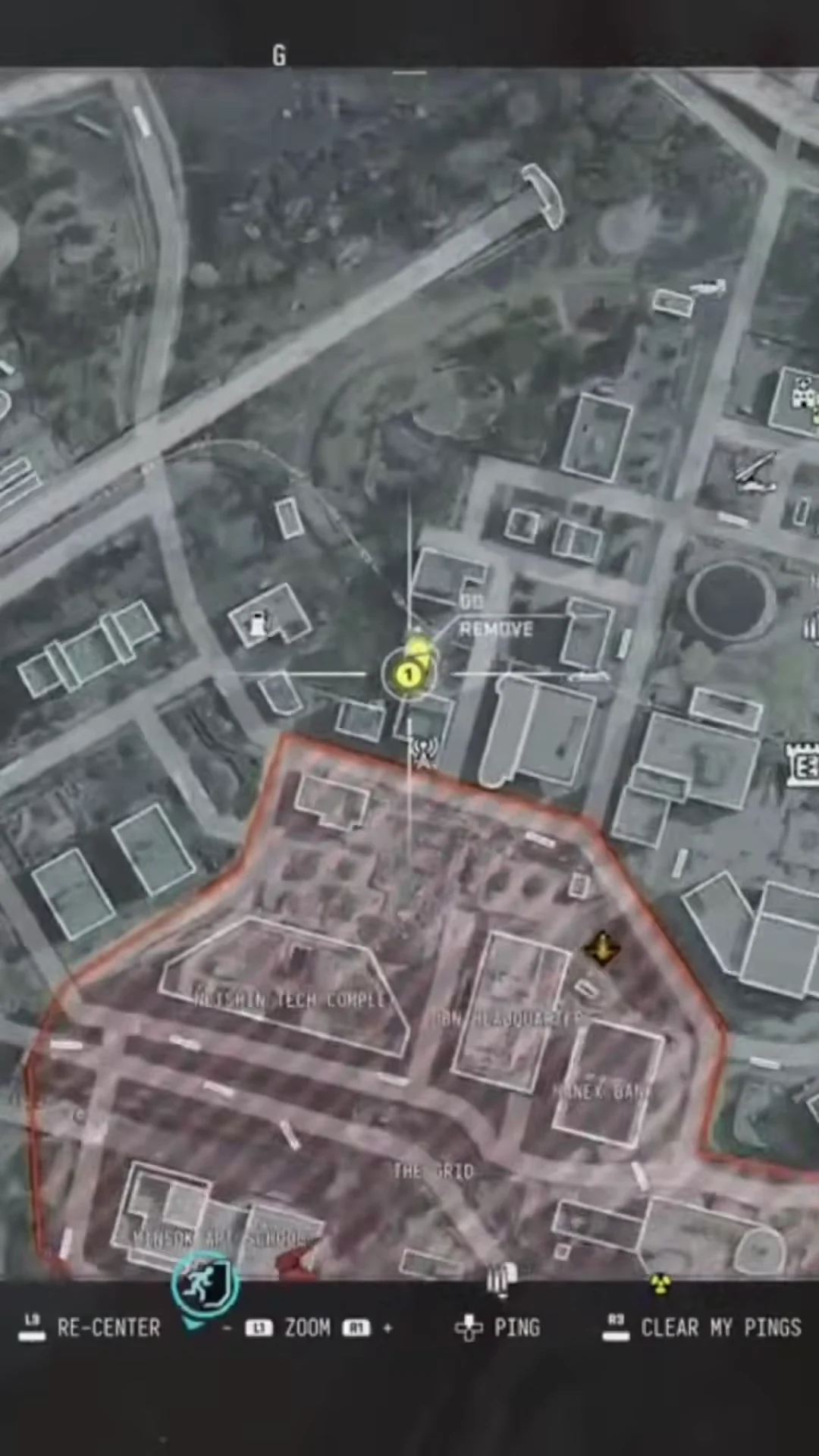
- Open your Tac-Map and locate NuriGO Mall. Search the western office area; the reported approach is east of the westernmost gas station, around G6.
- Compare the building arrangement with the map reference below. The square helps you find the block; it is not an exact entrance coordinate.
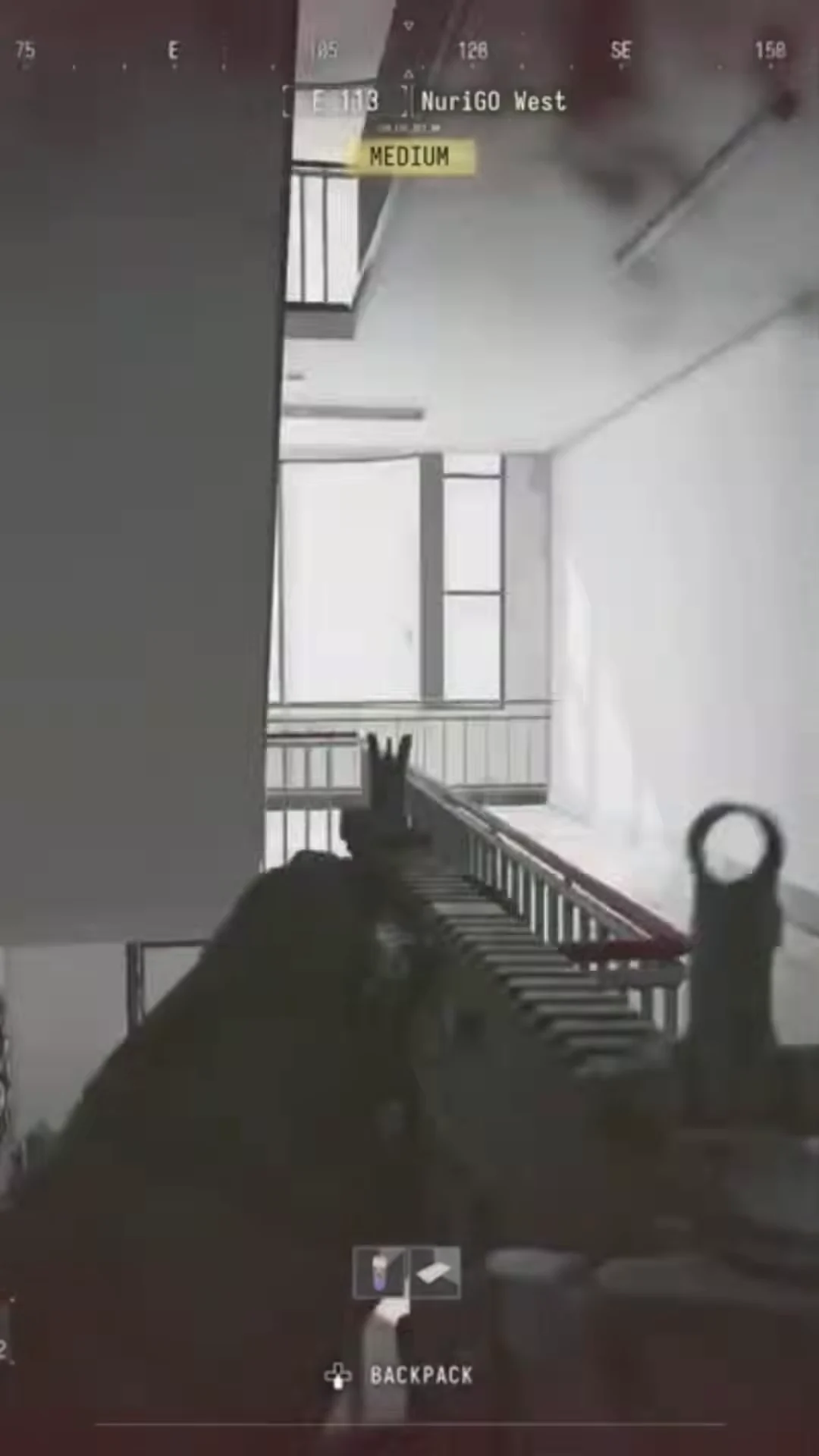
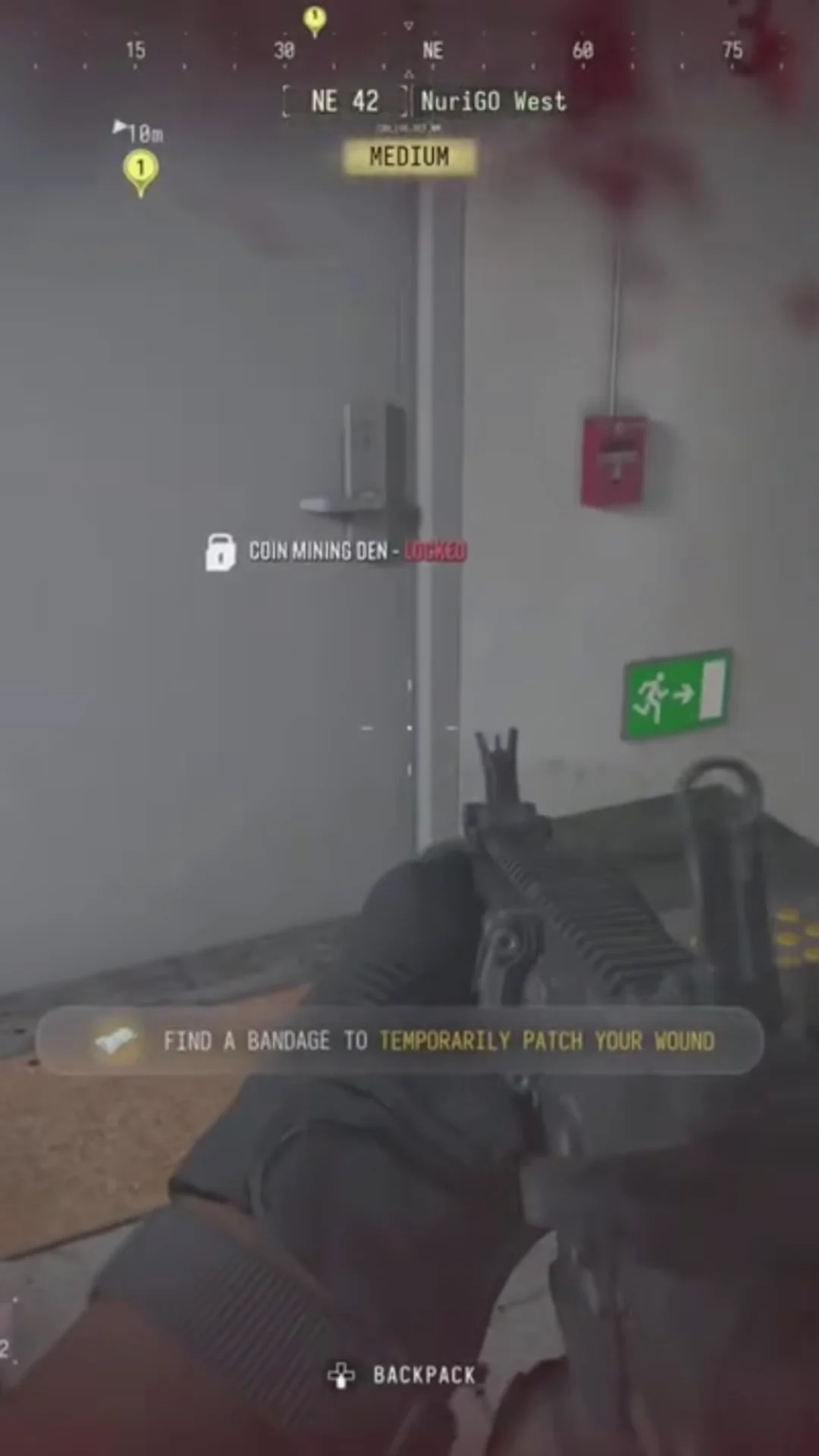
- Enter the office stairwell and climb. A landing marked 3, beneath an OFFICE sign, is the reported final approach.
- Inspect the grey door beside a red fire alarm. Read the full Coin Mining Den lock name before using the key.
If you cannot open it
Check that the key is on the Operator you deployed, rather than still in storage. If the lock names a different room, return to the stairwell and compare the door landmarks. A mission objective marker can lead to the Shopping Hacks laboratory instead; it is not a substitute for the den’s named lock.
Loot and leave
Clear the immediate corridor before opening containers and keep an exit back to the stairs. Check what actually spawned rather than planning around a guaranteed weapon or crate count. Protect a valuable find using an available Secure Slot and choose an extraction route before spending more time in the mall.
For other nearby locks, use the keys and loot rooms guide or the Key Finder.
Quick questions
Is Coin Mining Center a different room?
No. Older links may use that name; this guide covers the Coin Mining Den key and named door.
Does Shopping Hacks open the den during the mission?
The mission lists the key as a reward. Its laboratory objective is a separate destination; take the key to the den on your room run.
Mentioned in this guide
Spotted something wrong? Send a correction.
Keep reading
Guide · Loot & craftingMW4 DMZ keys and loot rooms: how to find and use them 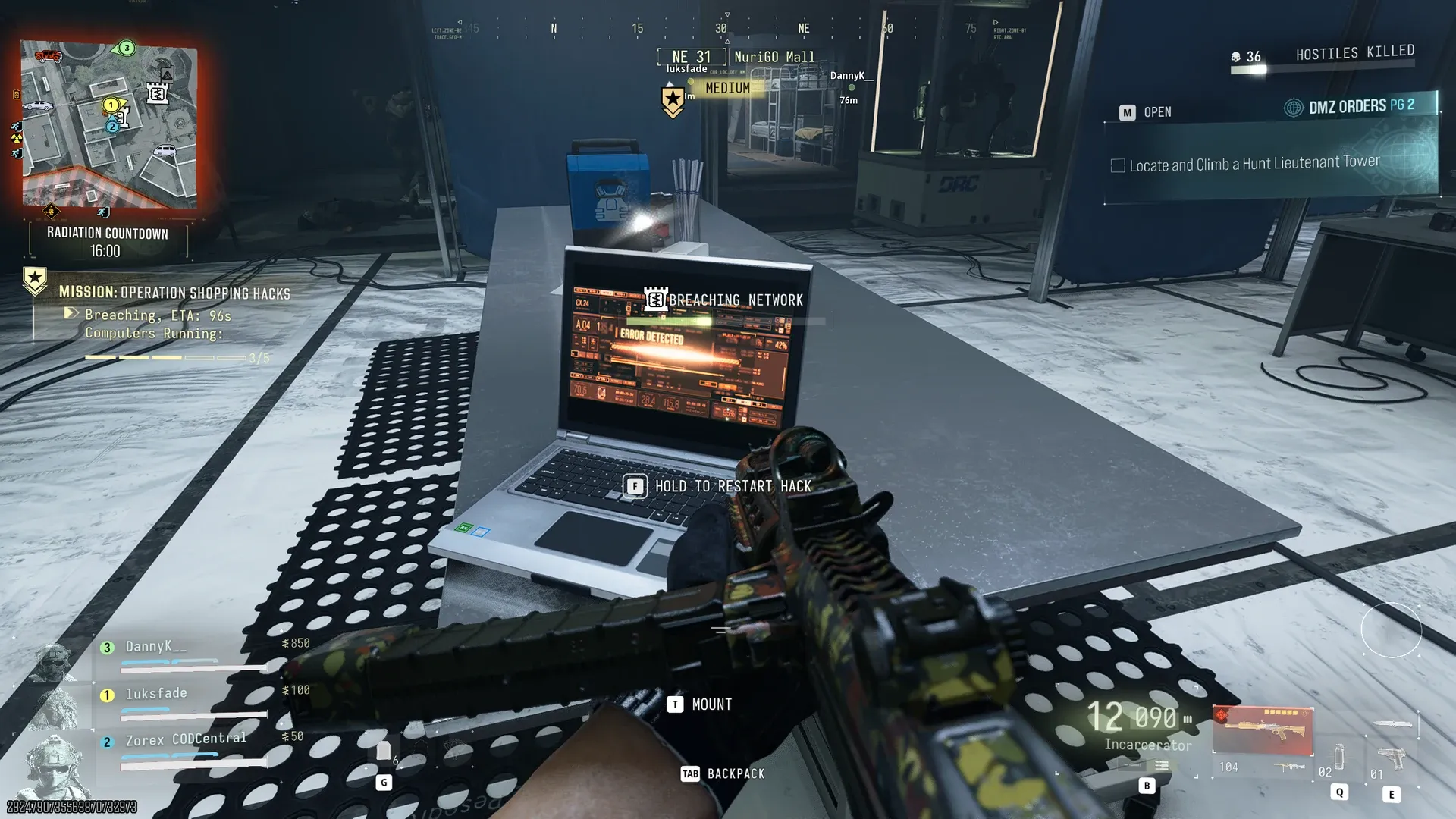 Guide · MissionsMW4 DMZ Shopping Hacks: K9 cores, lab computers and extraction
 Guide · Bosses & PvPField Depot: air-base warehouse and maintenance-room entrance
 Guide · Bosses & PvPMW4 DMZ bosses: Lieutenants, Commanders and the Boss Board