DMZ Apex Attachments: unlocks, blocked slots and build checks
Fully level a supported weapon, read the conversion's restrictions and inspect the resulting build before spending.
Apex Attachments unlock by fully leveling supported weapons and use a separate slot. In DMZ that slot has no Cash charge once its level requirement is met, but the conversion can block ordinary attachment categories. Check the current menu, because some beta event attachments were absent at launch.
- Fully level a supported weapon for its Apex
- Apex uses a separate slot
- Conversions can block ordinary attachment categories
- A free Apex slot does not make the whole cart free
Inspect the Apex’s restrictions before replacing parts on a gun you want to keep. A conversion can change the weapon’s role and remove ordinary customization choices. The separate Apex slot is useful, but it does not promise that every existing part will remain compatible.
Keep the weapon, unlock and slots separate
An extracted weapon is a particular gun you own. Its Weapon Manual concerns repeat purchase access. Weapon levels determine attachment access, while ordinary Gunsmith slots have their own Cash charges. An Apex is a further, weapon-specific conversion with a separate slot.
These checks answer different questions. Finding a fully equipped gun does not establish that your account can buy its replacement, and owning an Apex does not remove the cost of other purchases. Start with the exact copy and requirement shown in your Gunsmith.
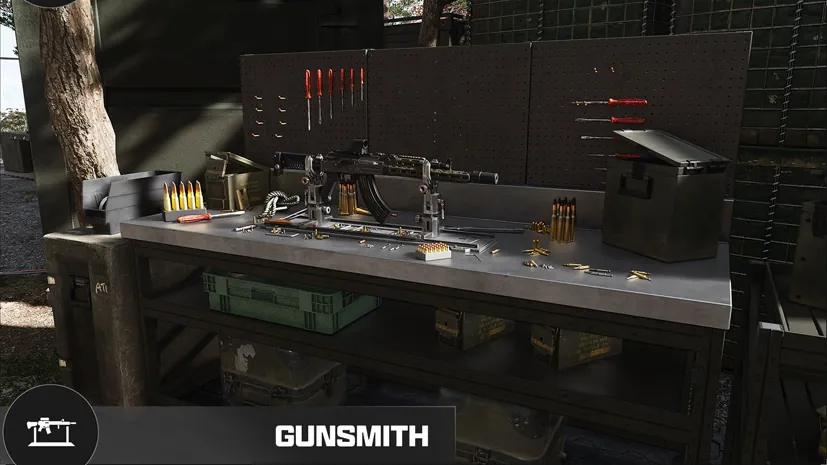
Unlock and inspect the conversion
- Select the supported weapon you intend to use.
- Open its Progression view and inspect the remaining levels and rewards.
- Fully level that weapon to reach its documented Apex reward.
- Open the Apex selection and read its effect and blocked attachment categories.
- Inspect the resulting equipped weapon and full cart before confirming a purchase.
Shared attachments can already be available on compatible weapons. The official progression rules also give a Bonus Level Up when a level would award an attachment you already own. That can affect your progression path; it does not turn another weapon’s Apex into a shared conversion.
Read blocked slots as part of the effect
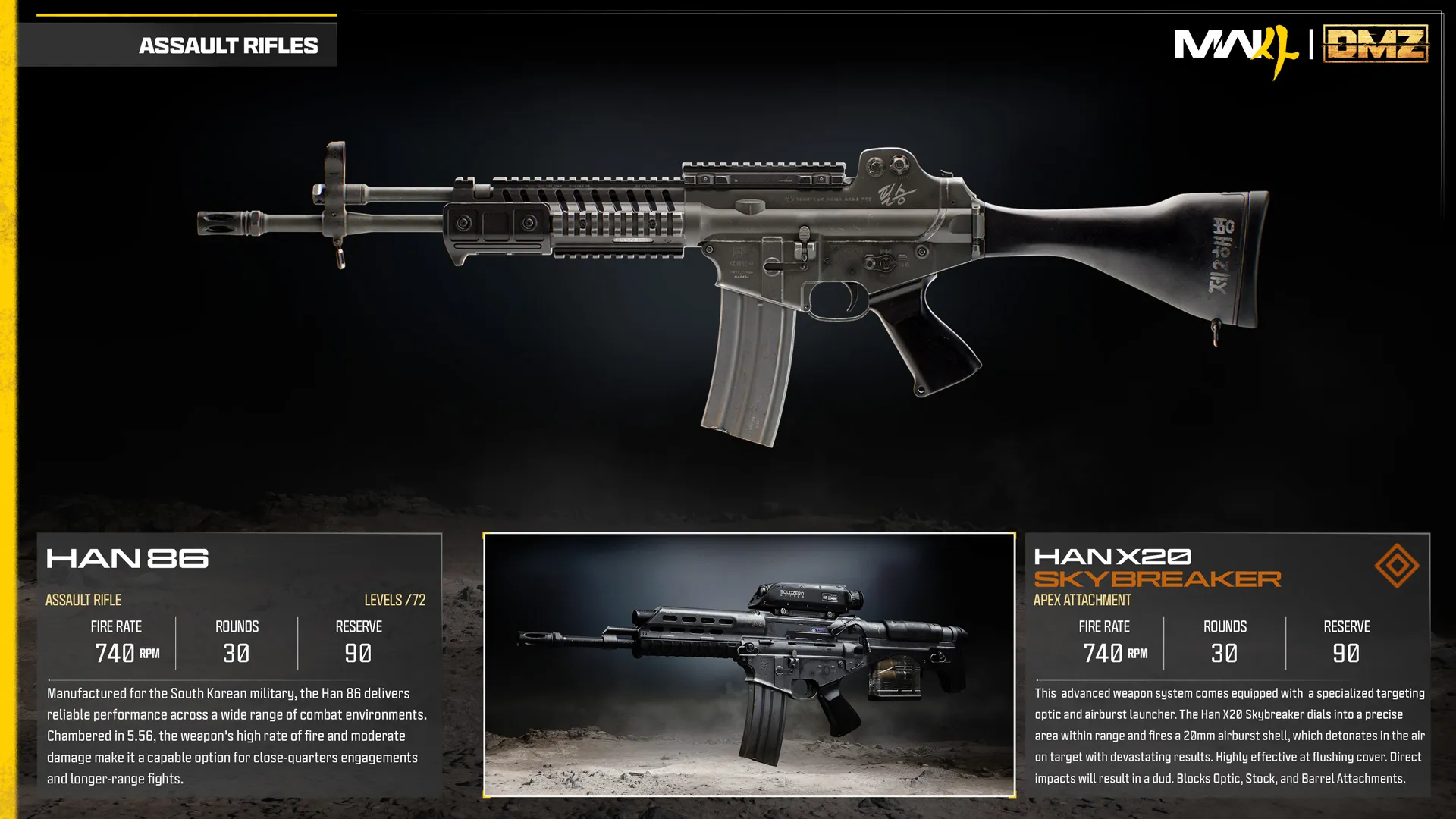
The official launch reference illustrates the Han X20 Skybreaker with restrictions on Optic, Stock and Barrel. Its conversion includes its own targeting equipment. Use that example to understand why an ordinary part may become unavailable, rather than copying the same restrictions to every Apex.
Before accepting a change, compare the current weapon with the proposed version. Check the sight, firing behavior, ammunition and controls that the conversion changes. If an attachment disappears from the proposed build, read the compatibility information before buying a replacement.
The attachment catalog separates named effects and explicitly listed restrictions. An empty restriction list does not guarantee compatibility. Check your proposed build in the current Gunsmith before buying parts.
Review the complete Cash charge
The Apex slot is available without a Cash payment once its weapon-level requirement is met. This is a slot rule. Ordinary slots and purchased attachments still have their own costs.
Use the cart workflow to separate the base gun, new slots and parts. Inspect the final total and any discount. If your budget only covers the conversion plan, leave a reserve for ammunition, protection and your next deployment instead of spending all remaining Cash on optional parts.
If the Apex is missing or appears locked
Availability and progression are separate checks. The October launch notes explain that some attachments shown during the beta were early seasonal-event content and were temporarily absent. They do not identify every affected attachment, so a launch illustration is not a permanent availability guarantee.
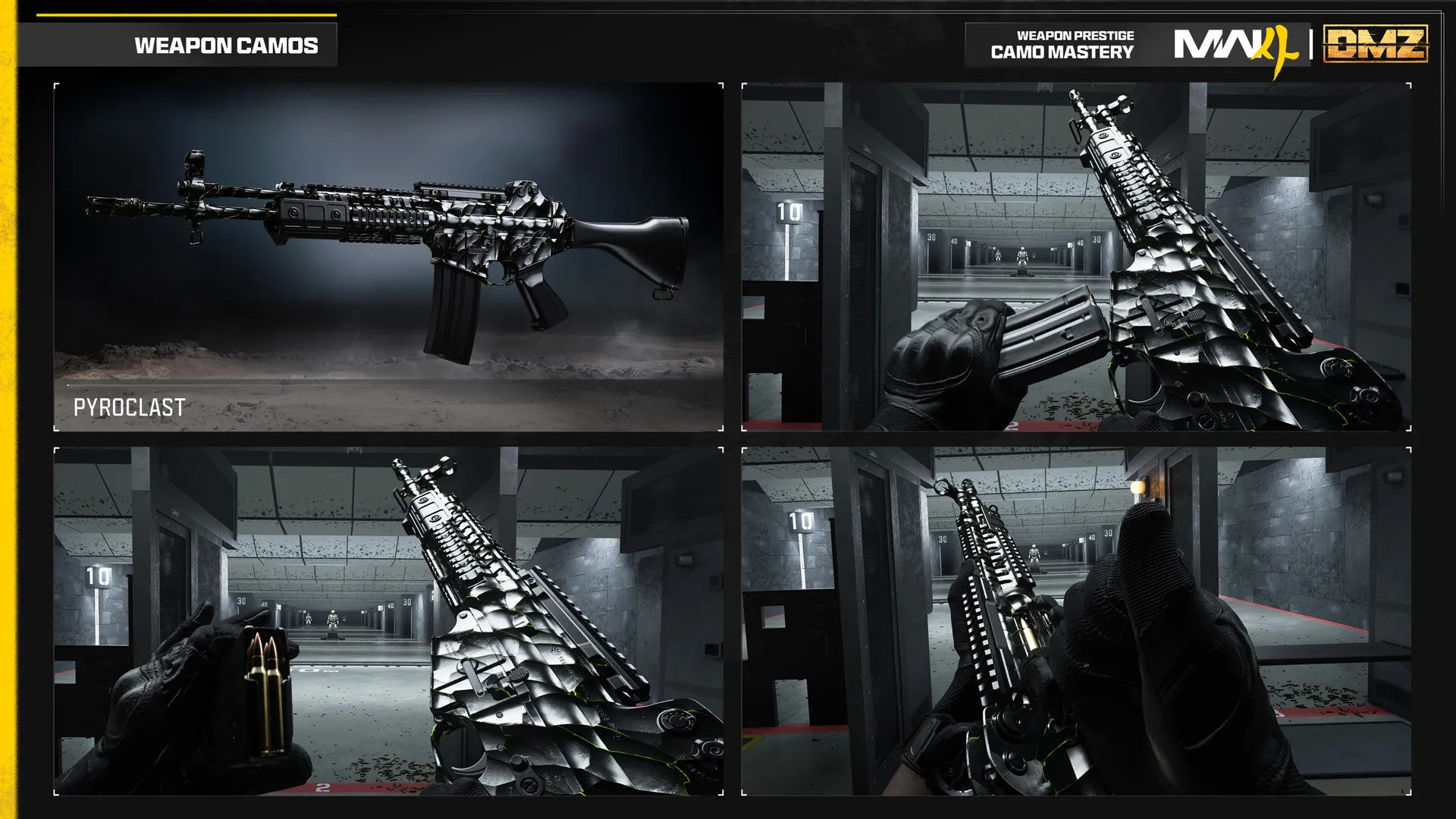
The October 23 update also fixed Military Camos and Apex Attachments incorrectly appearing locked after Weapon Prestige. The documented reset retains Apex and Blueprint Attachments while ordinary attachments relock. Consult the Prestige systems guide before resetting a weapon; the display fix does not eliminate normal progression requirements.
Prepare the next use before entering Hajin
Choose the problem the conversion should solve, then check it at the FOB Firing Range. Compare the converted weapon with a usable alternative at the same target and stance. Record what you can actually observe, such as sight obstruction or a changed firing action.
A short range comparison does not establish damage against every DMZ enemy or a best-build ranking. Keep a dependable second weapon for the planned route, and check the final loadout rather than relying on the name of the conversion.
Quick questions
Do I buy another ordinary slot for an Apex?
No. The Apex slot is separate, and it has no Cash charge once the weapon-level requirement is met. Check any other parts or slot charges in the cart.
Why did an optic or barrel become unavailable?
Read the selected Apex's blocked categories. A conversion can occupy or replace functions that conflict with ordinary parts; restrictions differ by conversion.
Does fully leveling a gun unlock every Apex in the game?
No. The final-level reward belongs to that supported weapon. It does not unlock other weapons' conversions or prove that an event attachment is currently available.
Should Apex stay available after Weapon Prestige?
The documented reset rules retain Apex access. The October 23 update fixed an incorrect locked display after Prestige; check the current menu rather than treating that old bug as a new requirement.
Is there one best Apex for DMZ?
No tested universal ranking is established here. Choose a conversion for a specific task, inspect its restrictions and compare the equipped result before deploying.
Mentioned in this guide
Spotted something wrong? Send a correction.