Skip to content
DMZ CODEX · HAJIN EXCLUSION ZONE UPDATED 10 NOV 2026

Language

Sign in
Codex / Items / Remote Module Updated 7 Nov 2026
Item

Remote Module

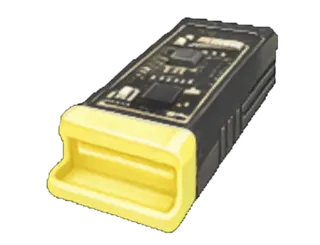
Wheelson mission-item pickup used for the X01 local-console and Power Generators emergency-exit sequence.
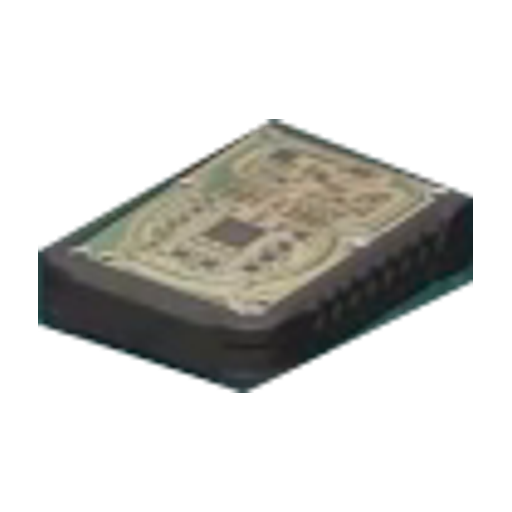
Remote Module
Type
Mission items

Item essentials

Browse all items →

What it does

Use at the local console, then follow the Power Generators controls.

How to get it

Observed pickup: Reported pickup after the Logistics Tunnel Wheelson encounter.

Used in missions & Orders

Power Generators route

  1. 01Collect the named Remote Module after the Wheelson encounter.
  2. 02Use Shut Down The Local Console, then turn off the upper power supply.
  3. 03Return to the lower wheel-operated gate; releasing the wheel quickly closes the door.

Keep the items separate

  • Remote Module is not the Prototype K9 Core V2 or the older Mall battery core. Exact consumption and squad-passage rules are unverified.

Related

X01 Black Site

Something wrong or missing? Send a correction.

Report a problem on this page

Prepare the next run

My deployment

Check off goals during your run. Saved on this device.

DMZ CODEX · IPHONE & IPAD

Add to your Home Screen

Installation won’t start automatically. Follow these steps in Safari.

  1. 1. Open this site in Safari

    Already in Safari? Continue below. In another app, choose Open in browser, then open Safari.

    dmzcodex.com/install/
  2. 2. Tap Share

    Look for the square with an arrow pointing up. It may be inside Safari’s More (…) menu.

  3. 3. Add to Home Screen → Add

    Scroll through the Share menu; tap View More if needed. Keep Open as Web App on if shown, then tap Add.

Look for the yellow DMZ Codex icon on your Home Screen.