Skip to content
DMZ CODEX · HAJIN EXCLUSION ZONE UPDATED 10 NOV 2026

Language

Sign in
Codex / Items / Reactive Armor Fragment Updated 9 Nov 2026
Item

Reactive Armor Fragment

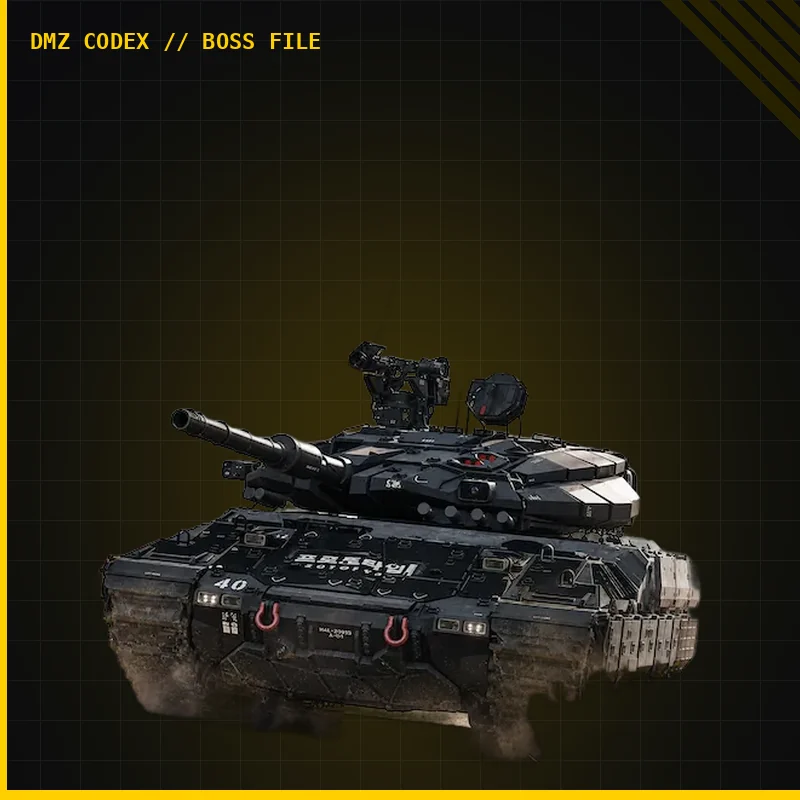
Ultra event part collected from a Tank wreck for Battle Tank Threat Briefing. Extract the requested part and check credited event progress.
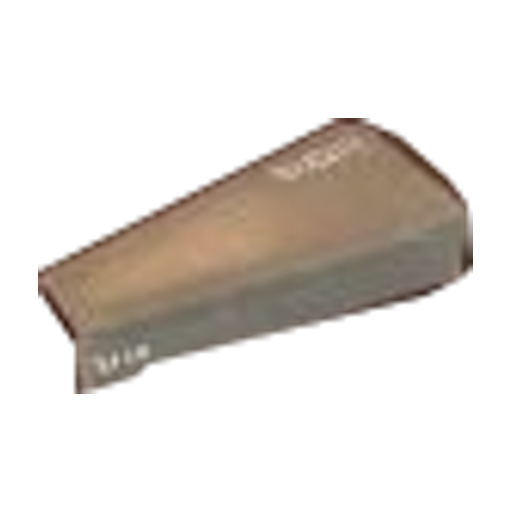
Reactive Armor Fragment
Type
Event item
Rarity
Ultra

Item essentials

Browse all items →

What it does

Battle Tank Threat Briefing event part; distinct from ordinary Tank repair and crafting components.

How to get it

Tank wreck: A named Reactive Armor Fragment was collected from a Vehicle Hatch and carried in a backpack. This is an observed pickup, not a guaranteed-drop table.

Use it for Threat Briefing

  1. 01Check the active Battle Tank Threat Briefing objective in Events before deploying.
  2. 02After destroying the Tank, search its wreck and read the requested item name before collecting it.
  3. 03Keep the part through successful extraction, then check the Events counter. Destruction or pickup alone does not prove credited progress.

Collection limits

  • The published event rule limits Battle Tank parts to one per deployment. Multiple Tank kills do not prove multiple credited parts.
  • Sale value, stack limit and persistence are unknown. Do not substitute repair parts or Nano-Structured Alloy.

Related

Battle Tank Threat Briefing

Guides that cover this

GuideMW4 DMZ Tank Commander: combat, loot and Threat Briefing

Something wrong or missing? Send a correction.

Report a problem on this page

Prepare the next run

My deployment

Check off goals during your run. Saved on this device.

DMZ CODEX · IPHONE & IPAD

Add to your Home Screen

Installation won’t start automatically. Follow these steps in Safari.

  1. 1. Open this site in Safari

    Already in Safari? Continue below. In another app, choose Open in browser, then open Safari.

    dmzcodex.com/install/
  2. 2. Tap Share

    Look for the square with an arrow pointing up. It may be inside Safari’s More (…) menu.

  3. 3. Add to Home Screen → Add

    Scroll through the Share menu; tap View More if needed. Keep Open as Web App on if shown, then tap Add.

Look for the yellow DMZ Codex icon on your Home Screen.